This tag collects the practical, everyday articles on robots.net that deal with DJI hardware, drones, cameras, controllers, and microphones, and the software that connects them. It is written for owners and hobbyists who already have a DJI product and need straightforward help with setup, connectivity, or troubleshooting, rather than for people shopping for their first device or looking for advanced aerial cinematography tips.
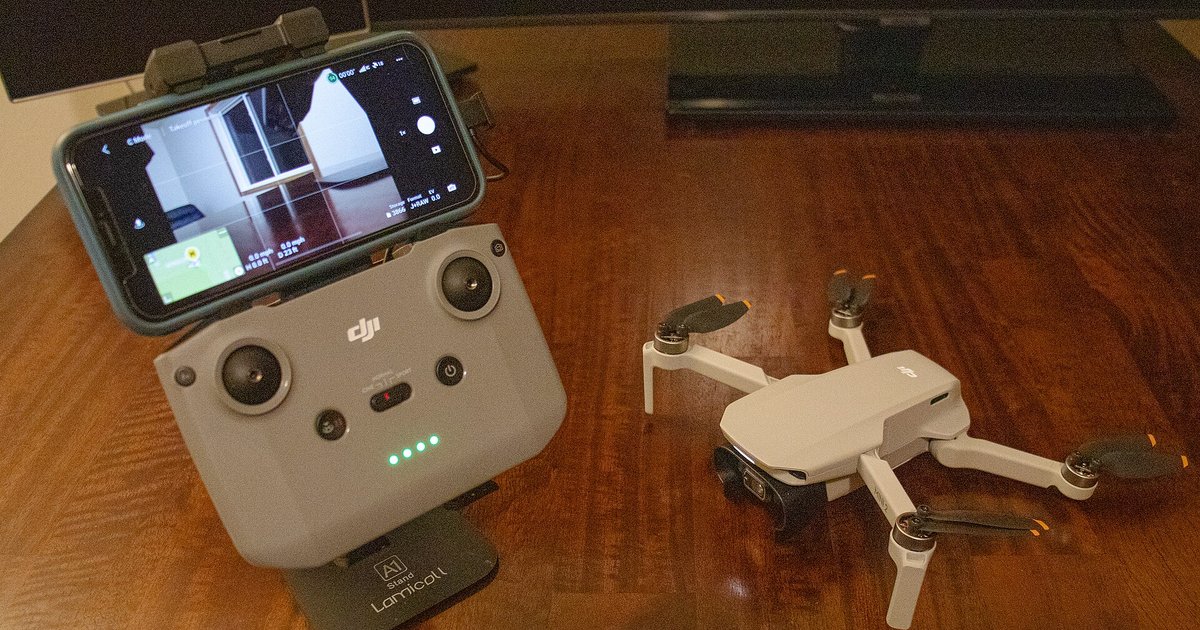
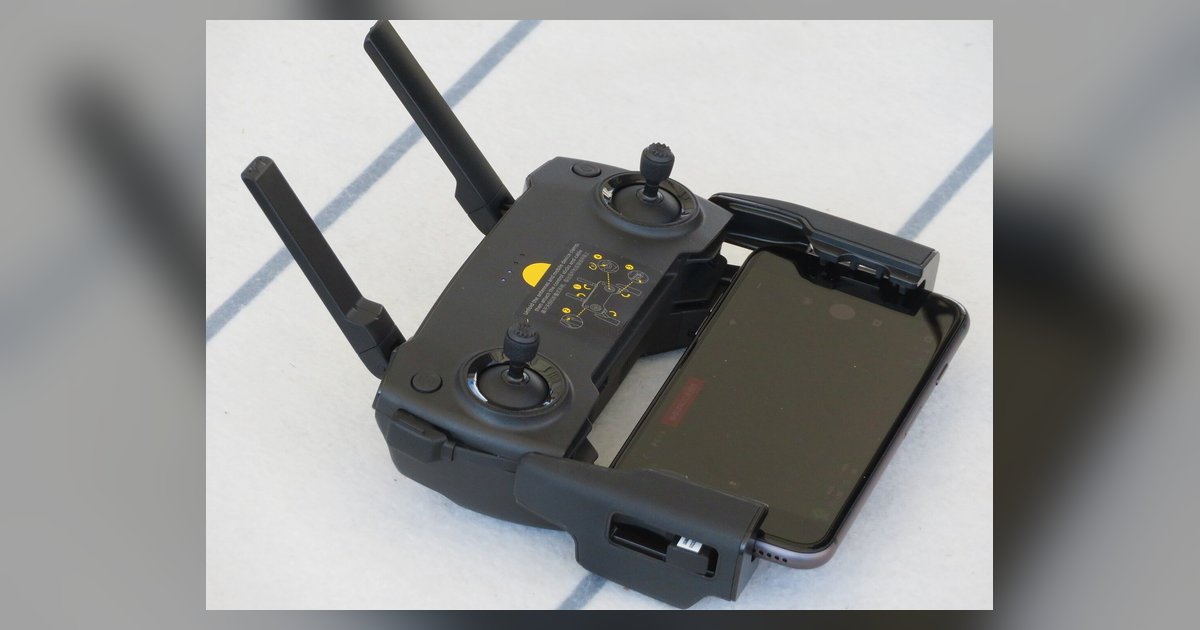
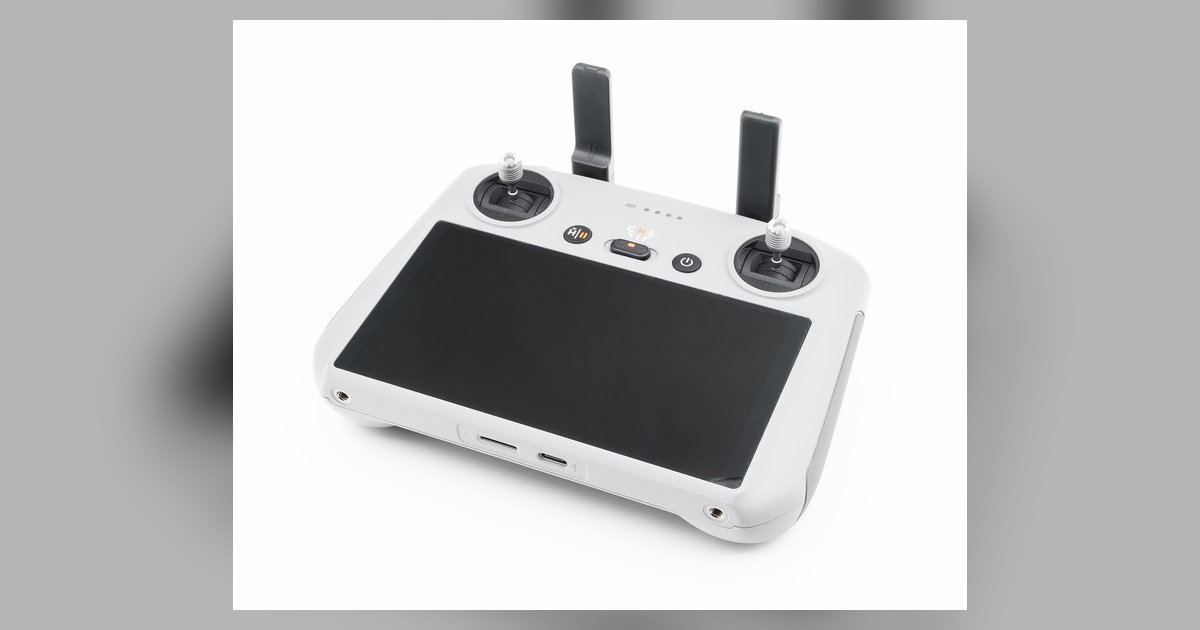
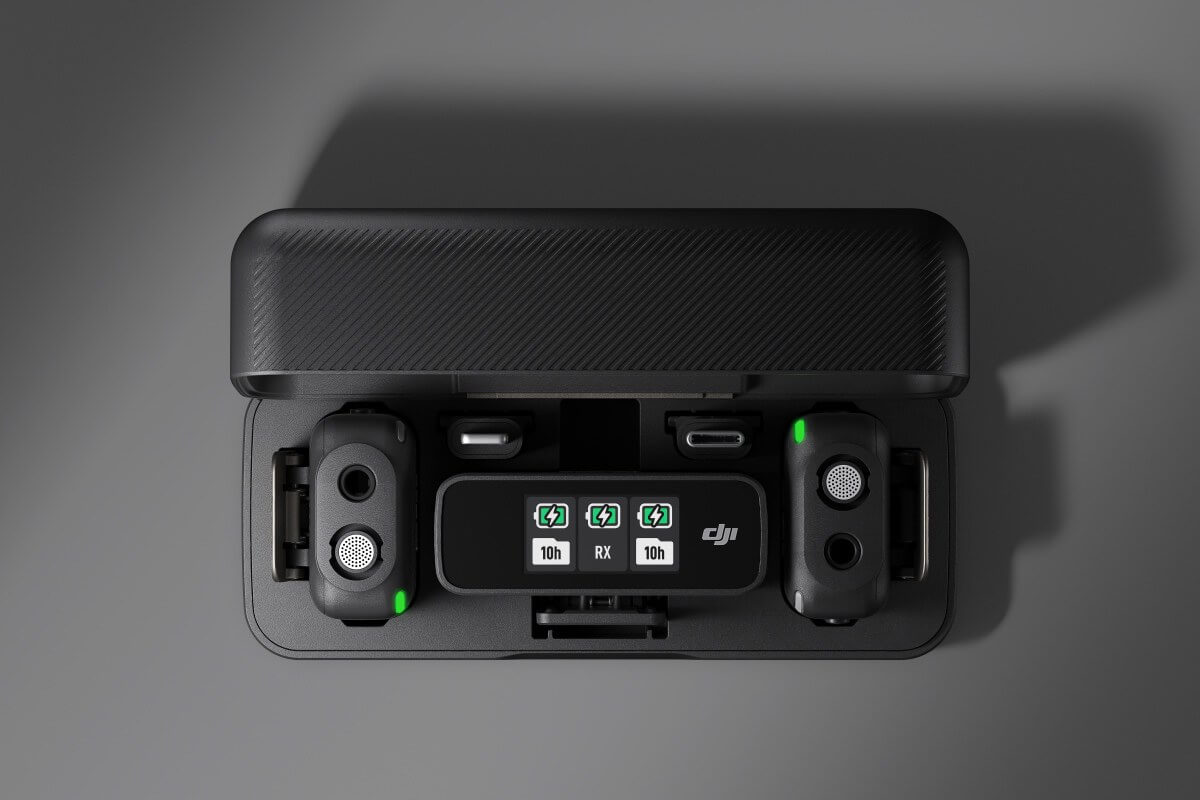
The articles here cluster around two main themes. First, there is a strong focus on wireless and wired connections: several pieces walk you through pairing a DJI controller to Wi‑Fi, linking it to a PC, or fixing an intermittent drop‑out between the controller and your computer. Second, a group of articles covers using DJI gear as a peripheral for other tasks, turning an Osmo Pocket into a webcam, getting the DJI Mic working with your recorder or camera, and finding which controllers work with the DJI simulator for practice flights. A third, smaller thread addresses identification and compliance: one article explains where to locate the Remote ID serial number on your drone, which is a legal requirement in many regions, and another clarifies where to buy a drone from authorized retailers rather than gray‑market sellers.
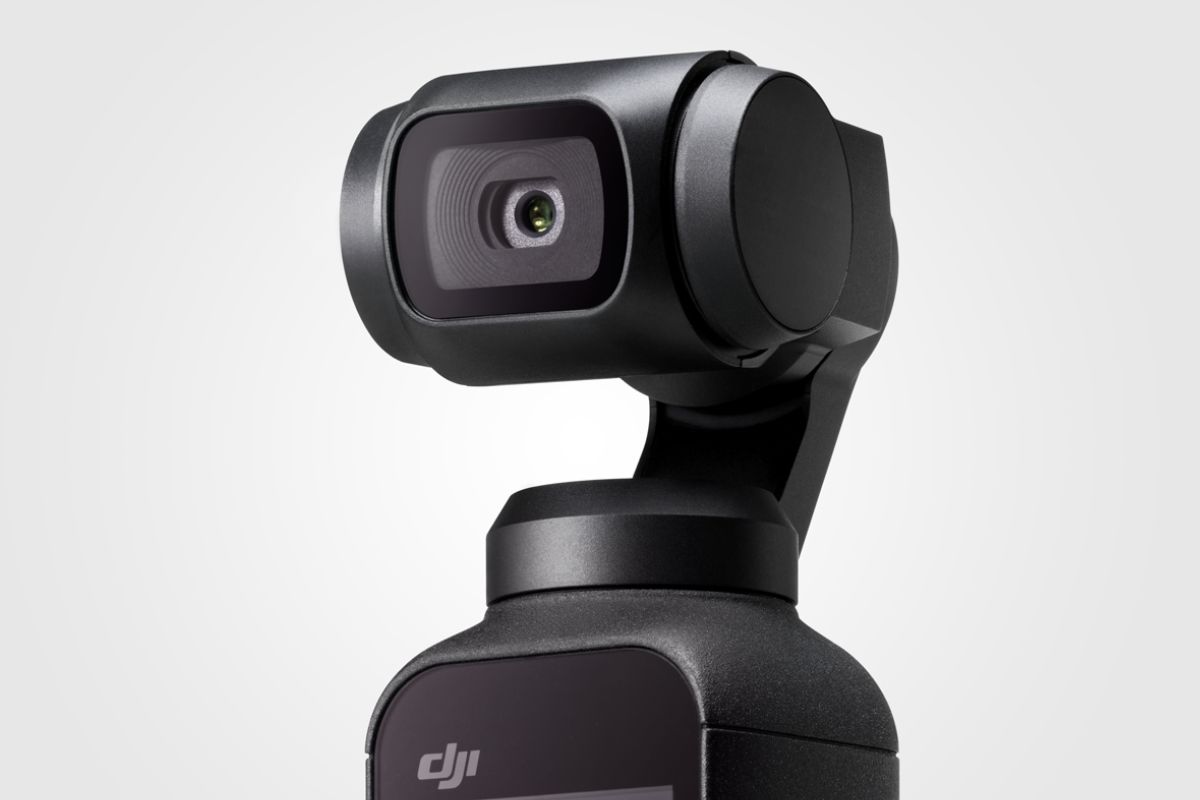
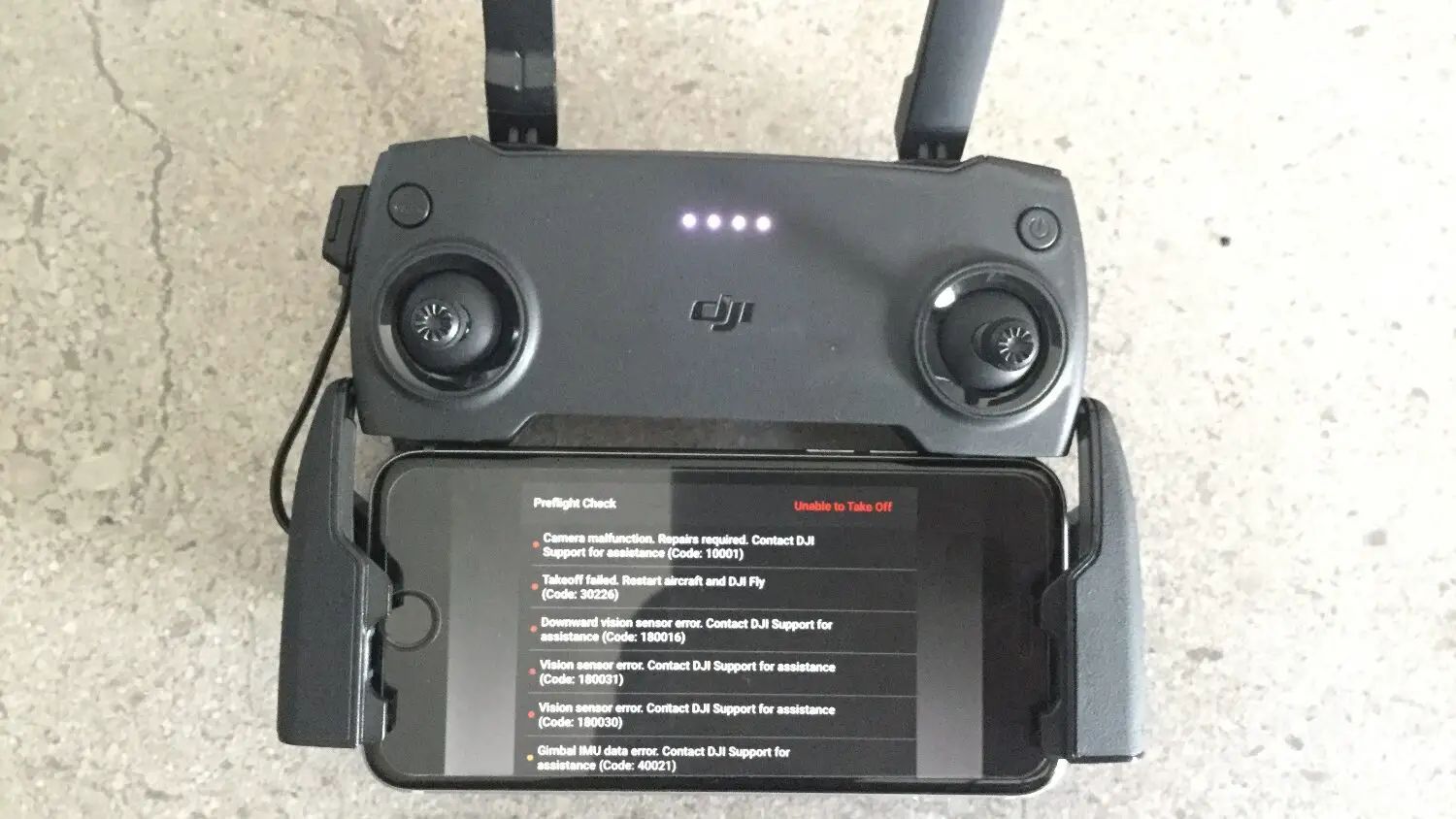
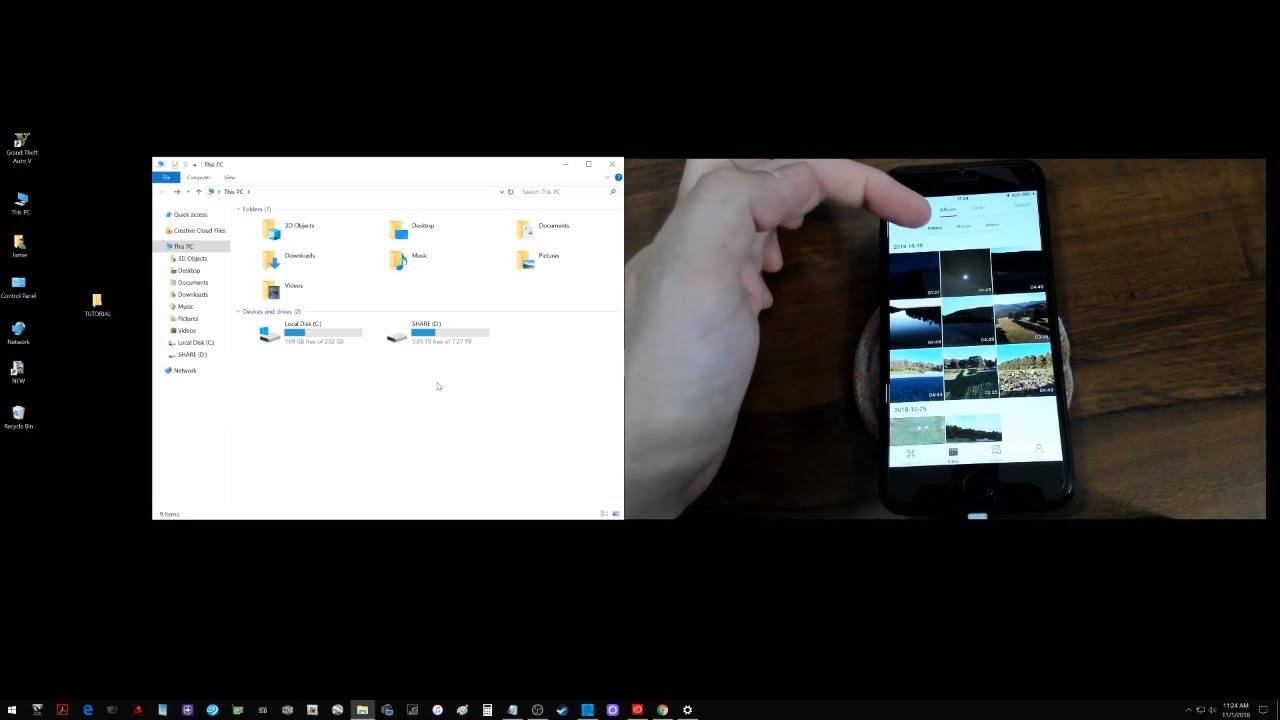
Specifically, you will find help with the DJI RC and its Wi‑Fi settings, the Assistant 2 software failing to recognize a controller, and the process of connecting an Osmo Pocket to a laptop for video calls. The safety‑related pieces are framed as guidance for staying within regulations and purchasing legitimately, not as workarounds for restricted features. All articles aim to get your DJI gear functioning reliably and legally, so you can spend less time on setup and more time flying, filming, or practicing.