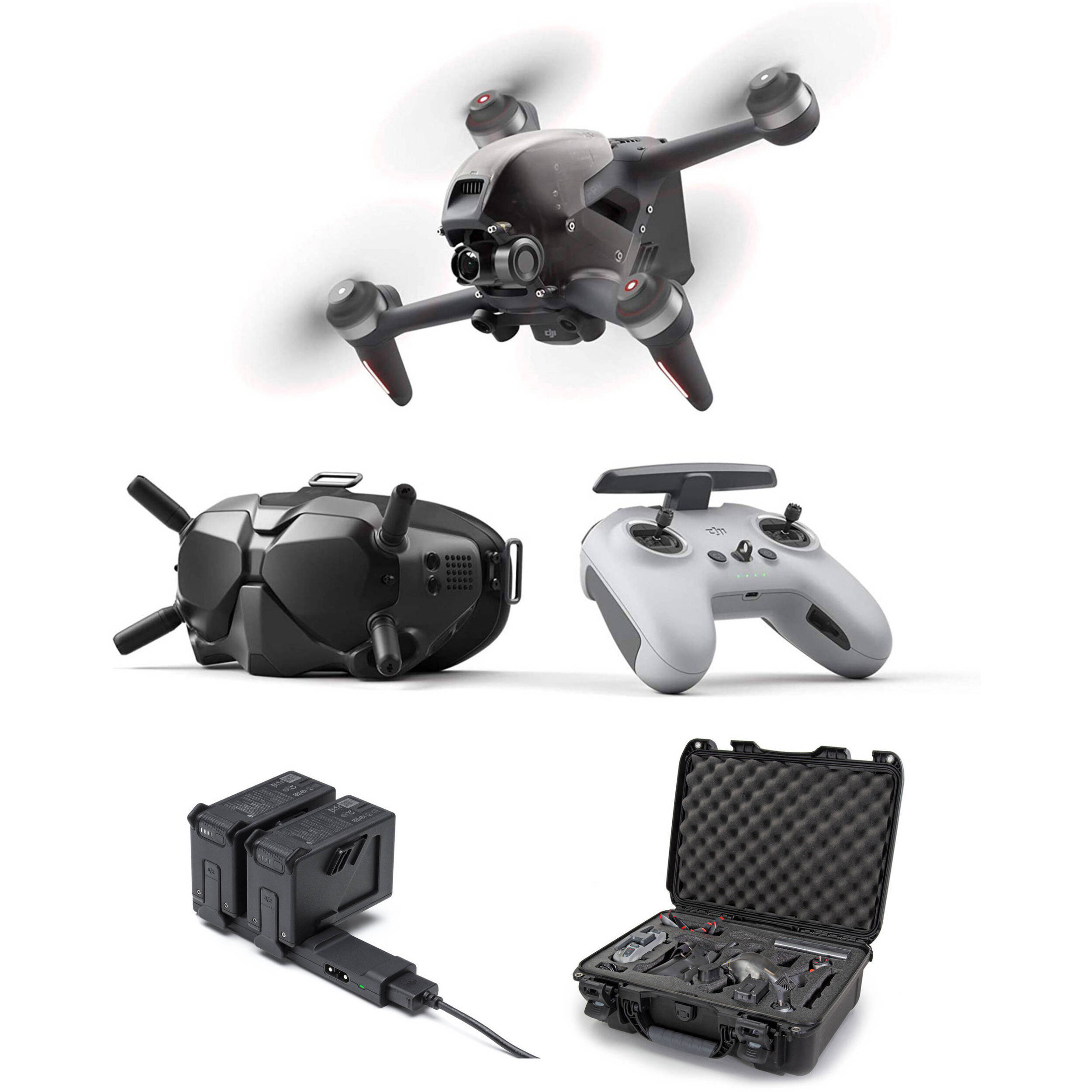
DJI drones automatically handle frequency selection through the OcuSync transmission system, which uses the 2.4 GHz and 5.8 GHz bands for both control and video. The specific dji drone frequency in use at any moment is chosen dynamically by the drone to balance range, penetration, and interference, so you get the most stable connection possible without manual band switching.
DJI drone frequency: OcuSync and dual-band basics
OcuSync is DJI’s proprietary transmission technology that replaced older, single-band systems. It continuously scans the 2.4 GHz and 5.8 GHz bands, then automatically selects the clearest channels for the remote controller link and live video feed. This dual-band approach means you don’t have to choose a fixed band before flight; the drone adapts in real time to changing radio conditions. For most consumer and prosumer models, the system handles everything in the background, which is why you can focus on flying instead of fiddling with frequency settings.
The 2.4 GHz frequency band on DJI drones
The 2.4 GHz band spans 2.400-2.4835 GHz and is the workhorse for DJI drones. Its longer wavelength gives it superior obstacle penetration, allowing the signal to pass through walls, tree branches, and other solid objects far better than higher frequencies. This makes 2.4 GHz the go-to choice when you’re flying in wooded areas, urban canyons, or near structures. However, this band is also crowded: Wi-Fi routers, Bluetooth devices, and even microwave ovens operate in the same range, so you may experience interference in populated areas. When you fly on 2.4 GHz, you trade raw penetration for a higher risk of signal disruption from everyday electronics.
The 5.8 GHz frequency band on DJI drones
The 5.8 GHz band (5.725-5.850 GHz) offers a different trade-off. It provides much higher bandwidth for video transmission, which is why FPV pilots often prefer it for crisp, low-latency feeds. Because fewer consumer devices use this band, it’s typically less congested, resulting in a cleaner signal in urban environments. But the shorter wavelength means weaker penetration through obstacles and a reduced effective range. If you fly in open fields or high above the treeline, 5.8 GHz can give you a more stable link with less interference, just don’t expect it to hold up if you fly behind a hill or a concrete building.
Advanced DJI frequency bands: DFS and channel bandwidth
Beyond the basic 2.4 GHz and 5.8 GHz bands, some professional DJI models (like the Matrice series and the DJI Video Transmitter) support additional 5 GHz sub-bands. These include non-DFS bands at 5.150-5.250 GHz and 5.725-5.850 GHz, plus DFS (Dynamic Frequency Selection) bands at 5.250-5.350 GHz, 5.470-5.600 GHz, and 5.650-5.725 GHz. DFS bands are shared with weather radar and military systems, so the drone must detect radar signals and vacate the channel when required, this happens automatically. OcuSync also supports channel bandwidths of 10 MHz, 20 MHz, and, on systems like the Matrice 300 RTK, up to 40 MHz. Wider bandwidths carry more data (better video quality) but use more spectrum and are more susceptible to interference; narrower bandwidths are more resilient but lower the video bitrate.
Common sources of signal interference for DJI drones
Even with smart frequency selection, real-world interference can degrade your link. The most common culprits are Wi-Fi routers (especially on 2.4 GHz), Bluetooth speakers and earbuds, microwave ovens, high-voltage power lines, telecommunication base stations, and even other drones broadcasting nearby. Dense clusters of smart home devices, smart bulbs, plugs, cameras, also add noise to the 2.4 GHz band. Environmental factors matter too: extreme temperatures, high humidity, and strong winds can weaken signal strength and stability, so your drone may automatically drop to a lower video bitrate or switch frequencies to maintain a connection. When you’re troubleshooting range issues, check for these sources first before blaming the drone.
Regulatory restrictions on 5 GHz drone frequencies
Not every 5 GHz frequency is legal to use everywhere. In some countries and regions, the 5.1/5.2/5.8 GHz frequencies may be prohibited or restricted to indoor use, requiring pilots to check local laws and regulations before flying. For example, the 5.150-5.250 GHz band is often limited to indoor operation in the EU, while the 5.725-5.850 GHz band has different power limits in the US and elsewhere. If you’re traveling with your drone, always verify the local radio regulations for the specific 5 GHz sub-bands your model supports. Ignoring these rules can result in fines or confiscation of your equipment, and it also risks interfering with critical radar and satellite services that share those frequencies.
\nRelated reading: Why Is My DJI Controller Beeping, How To Unbind DJI Drone From Account, and How To Turn DJI Drone Off.