This tag collects articles about connecting and troubleshooting devices that rely on the 2.4 GHz wireless band, a frequency range still used by many smart home gadgets, older peripherals, and dual-band routers. It is written for everyday consumers who are setting up new equipment, changing their home network, or dealing with a device that suddenly will not join the Wi-Fi. The focus is practical: getting your gear online, keeping it connected, and understanding why your network behaves the way it does.
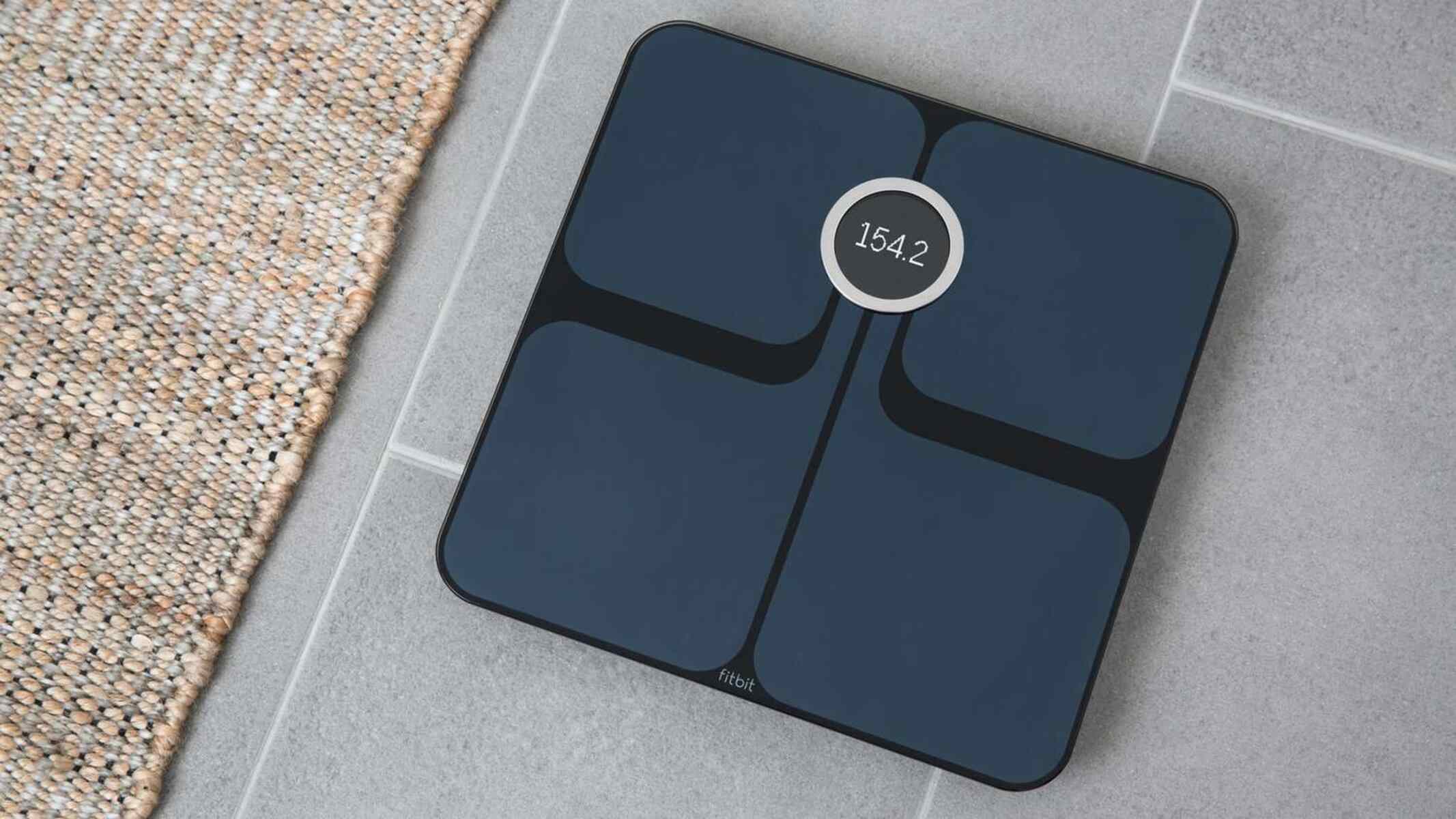
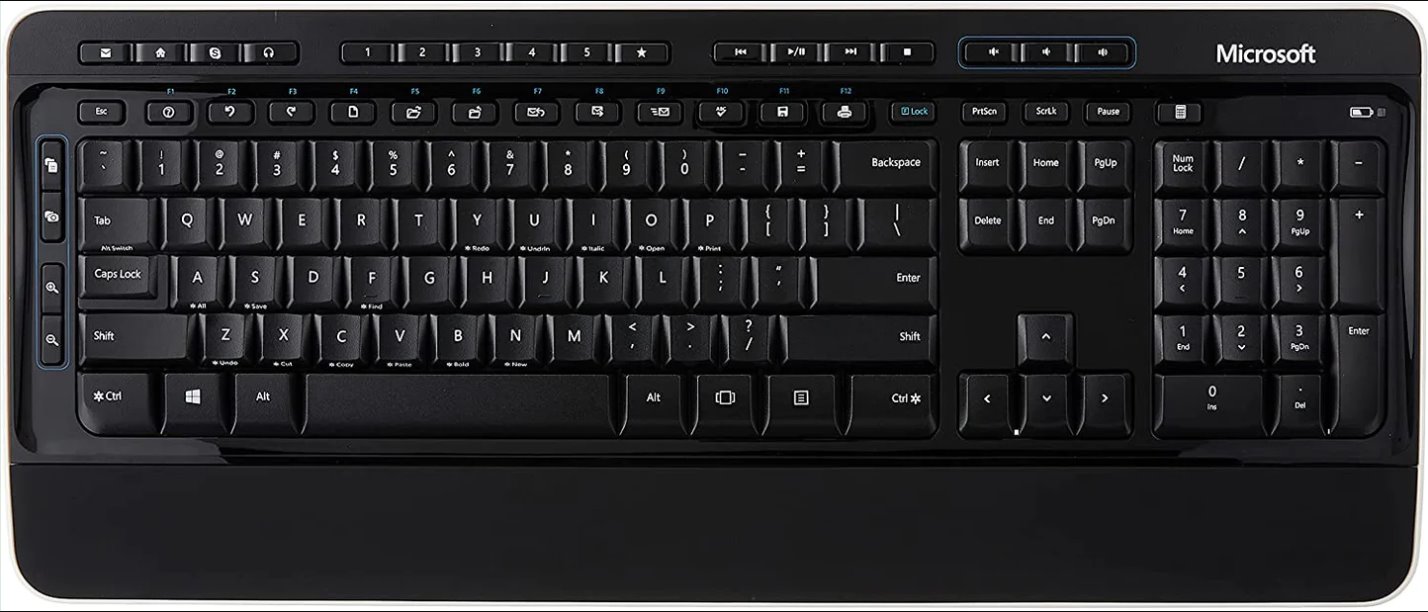
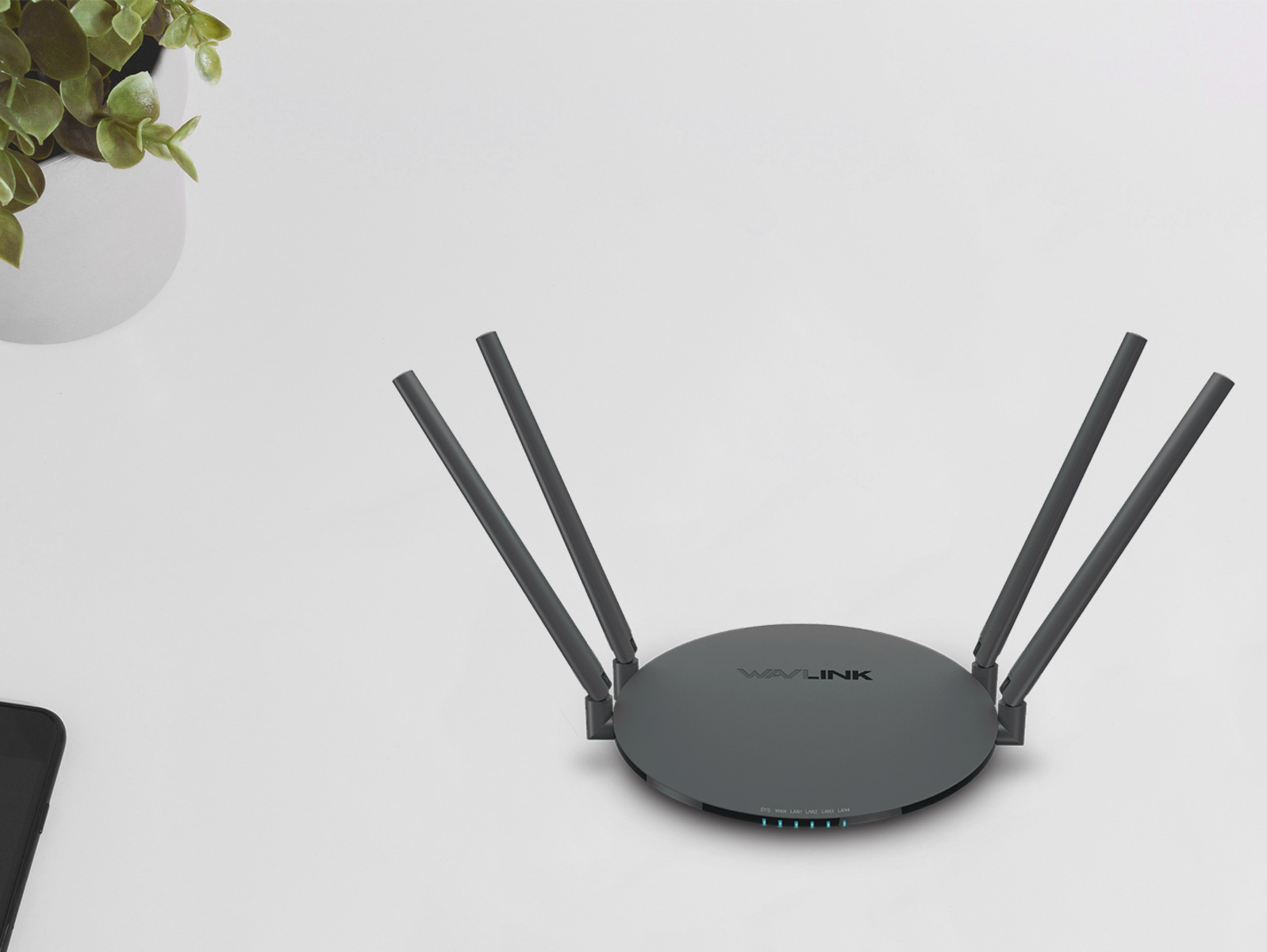
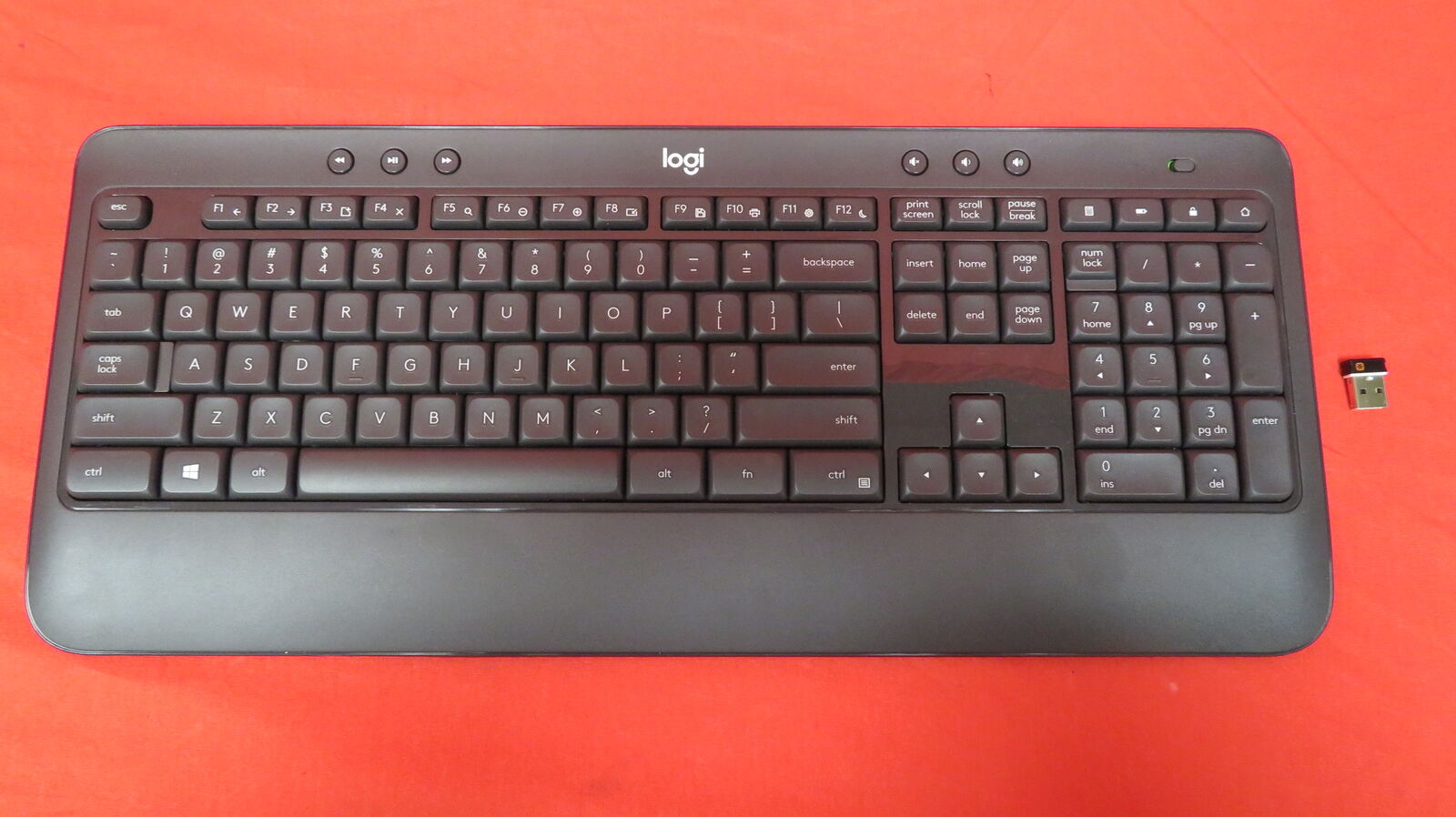
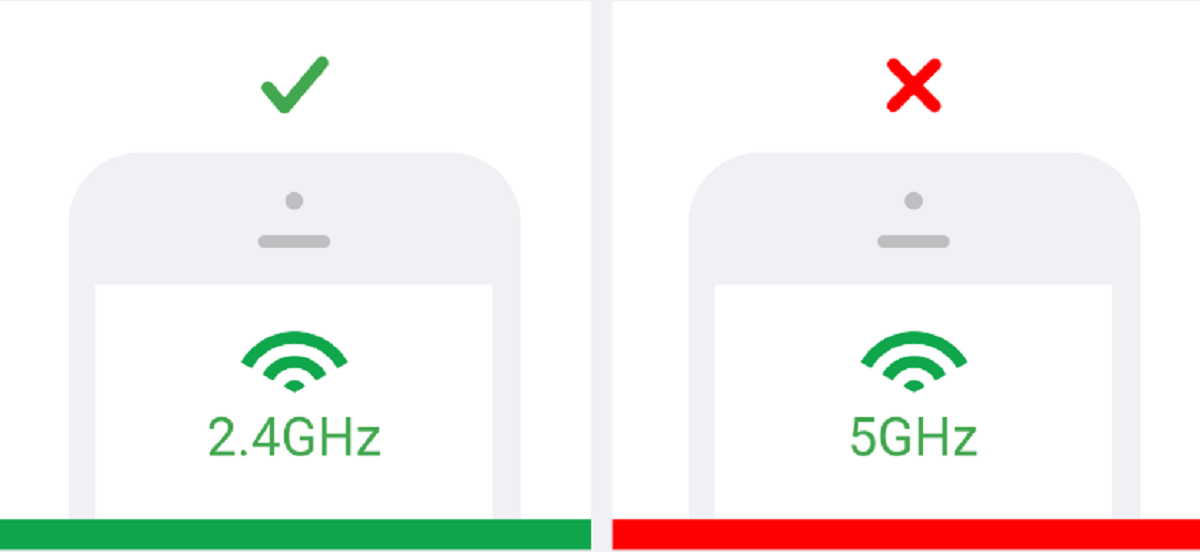
The articles here cluster around two main themes. The first is device-specific connection help, such as pairing a Logitech keyboard or a Microsoft wireless keyboard to a computer, or guiding a Fitbit Aria scale onto a new router’s network. The second theme is network configuration and troubleshooting, including how to force a phone or tablet onto the 2.4 GHz band instead of the 5 GHz band, what a dual-band router actually does, and why a smart plug or bulb might refuse to join a mesh Wi-Fi system even when the signal seems strong.
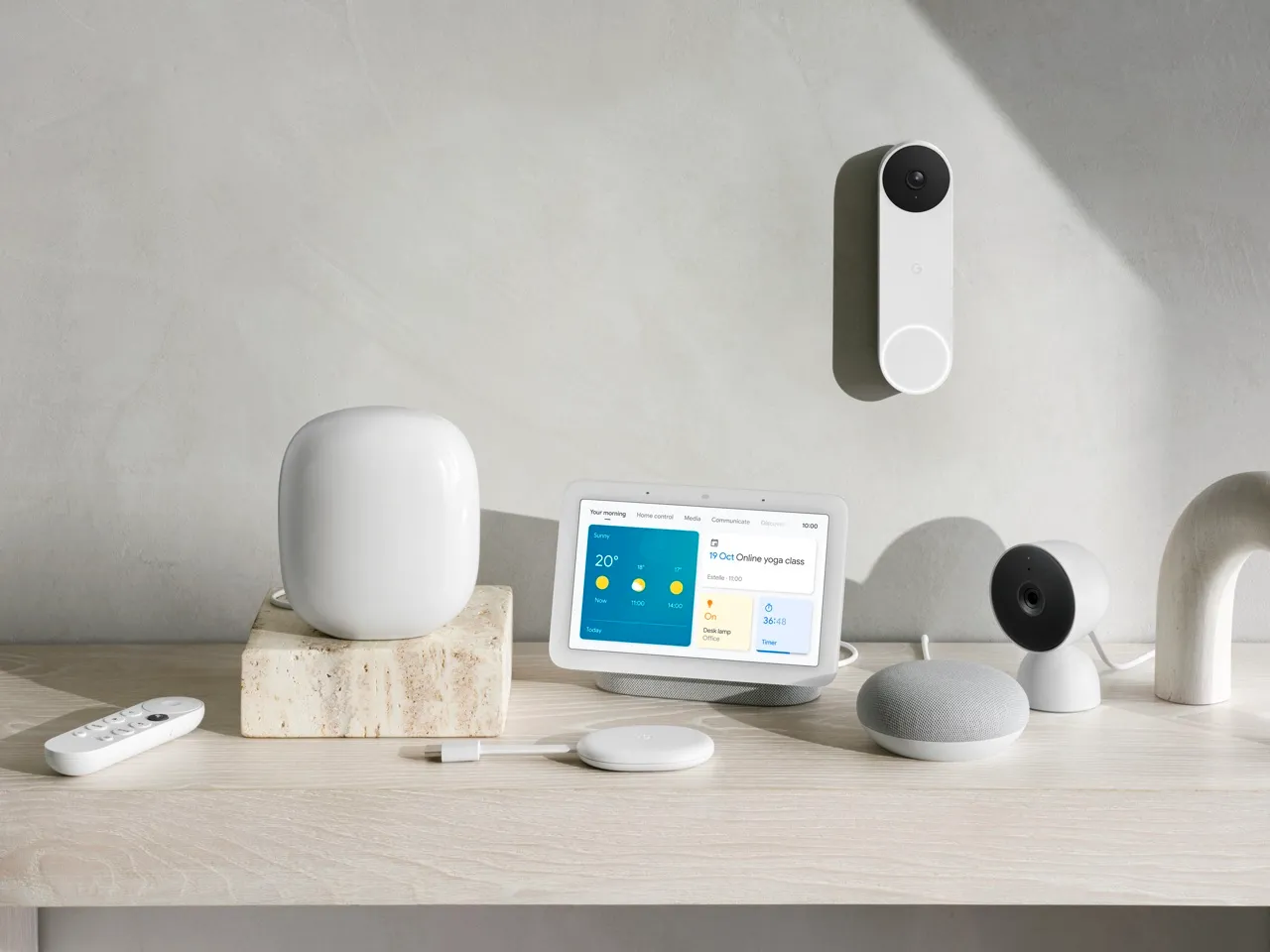
Several pieces also take a practical, security-conscious angle. For example, the guide to connecting a Google Nest to new Wi-Fi walks you through updating your network credentials safely, while the mesh Wi-Fi article explains how to adjust router settings so your smart devices can authenticate properly, without suggesting any risky workarounds. Whether you are setting up a new gadget, moving to a new internet provider, or just trying to keep an older device alive, these articles give clear, step-by-step directions for the 2.4 GHz problems you are most likely to meet.