This tag collects practical, everyday troubleshooting guides for consumer electronics that rely on rechargeable or replaceable power cells. It is written for the average owner who wants to understand and fix common charging, power, and connection issues without specialized tools or technical training. Whether you are dealing with a phone, a smartwatch, a camera, or a game controller, these articles focus on safe, straightforward steps you can take at home.
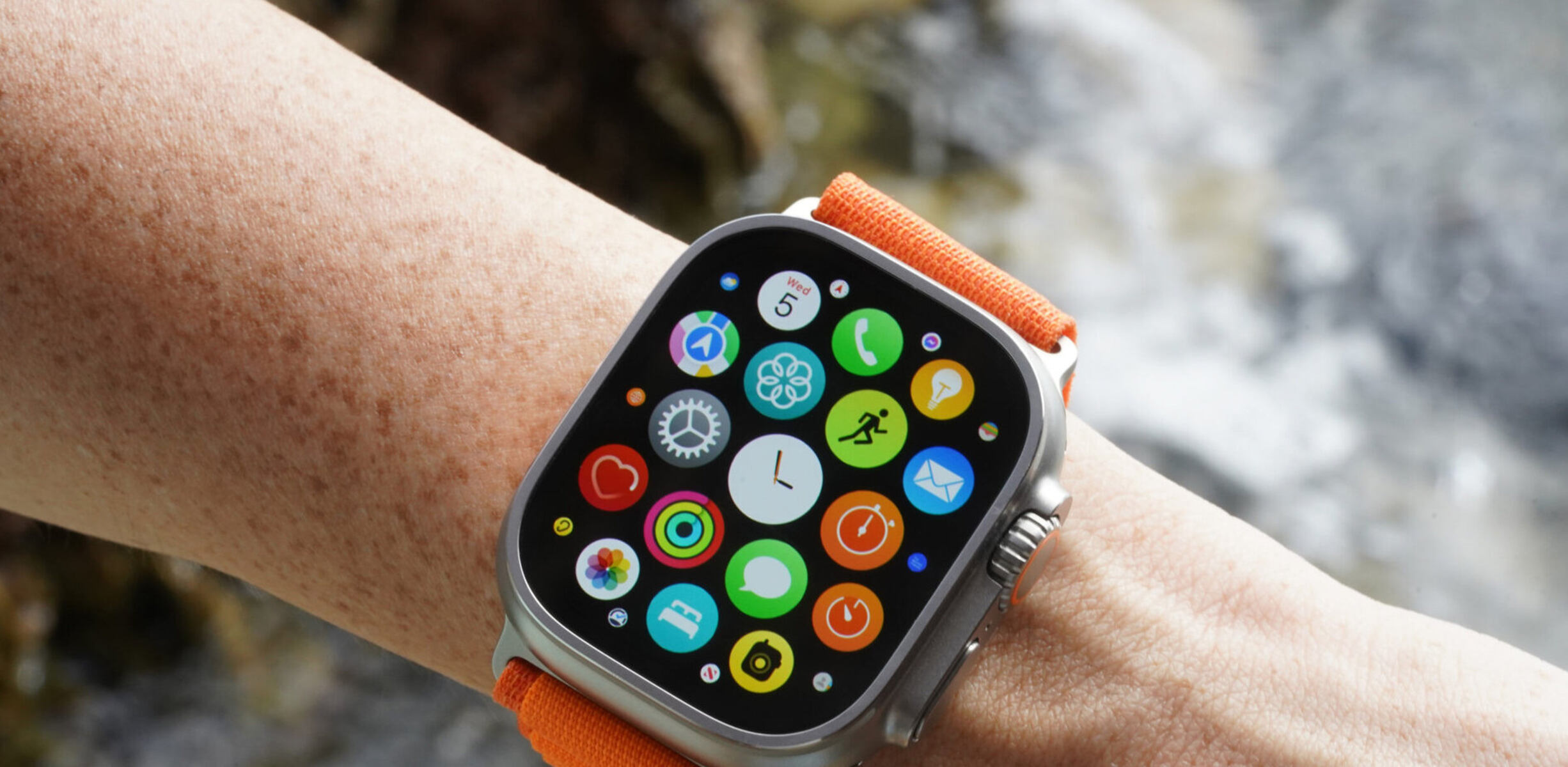
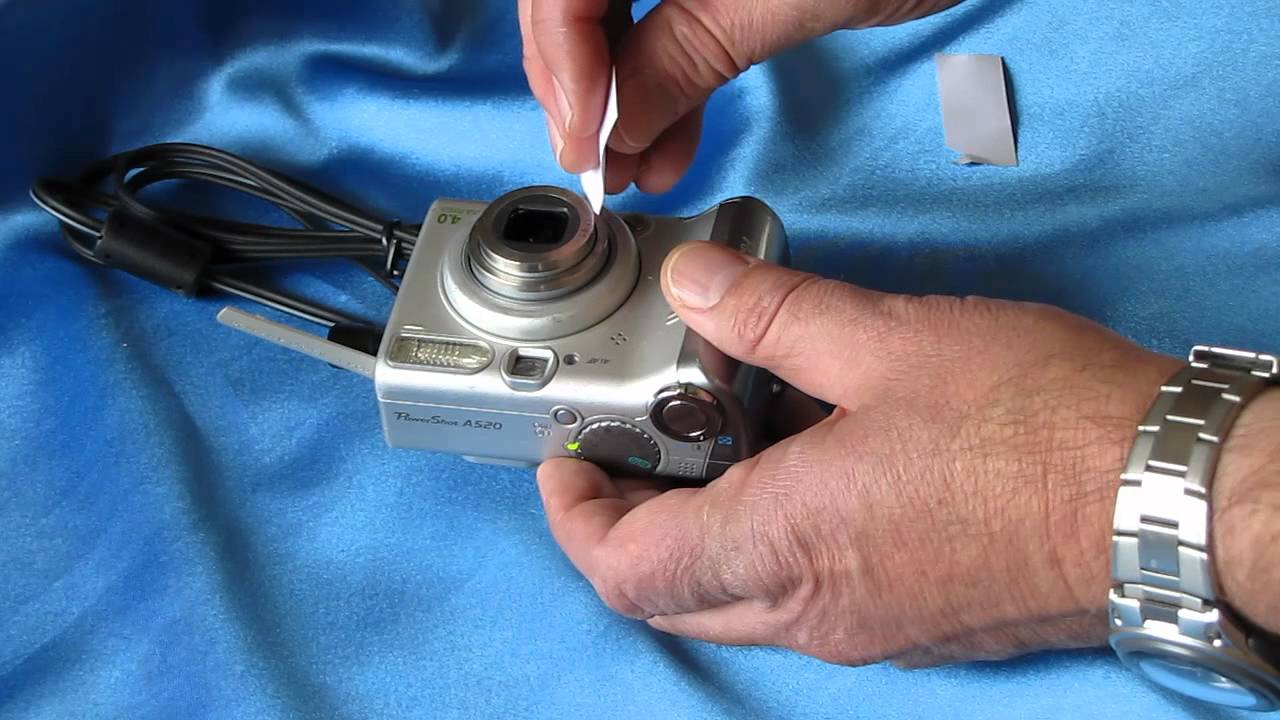
The problems covered here fall into two broad themes. The first is diagnosing why a device is not charging or not holding a charge, for example, a smartphone that refuses to take power, a smartwatch that stops syncing while on the charger, or a digital camera whose lens is stuck, which often relates to a weak battery. The second theme is connection and indicator behavior, such as knowing whether a PS5 controller is actually charging, why a controller disconnects when vibration kicks in, or how to pair a Logitech wireless keyboard that has gone unresponsive. A third, smaller thread involves wearable accessories, like learning the correct way to charge Ray Ban smart glasses without damaging their contacts.
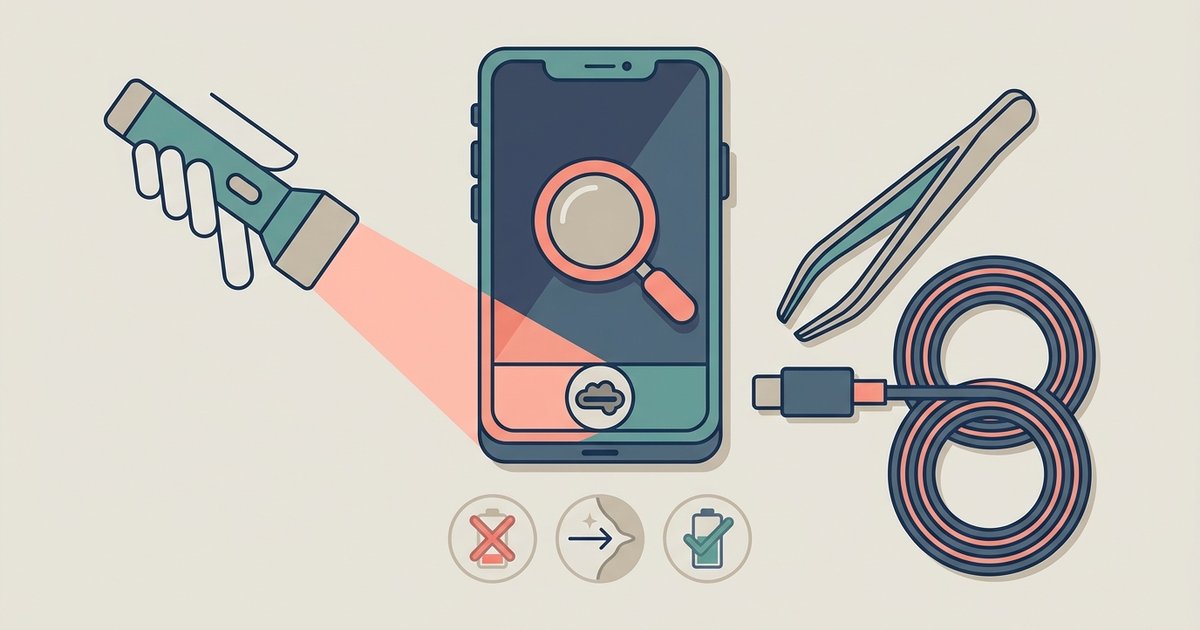
Across all these pieces, the goal is to help you restore normal function safely. For instance, the articles explain how to check charge indicators, clean dirty contacts, or reset a device’s power management, not how to bypass locks or extract hidden features. The smartwatch and keyboard guides also cover what to do when a device is unresponsive but not necessarily broken, steering you toward manufacturer-approved resets rather than risky workarounds. In every case, the advice is about maintenance, diagnosis, and safe repair, never about circumventing security or forcing a device past its intended limits.