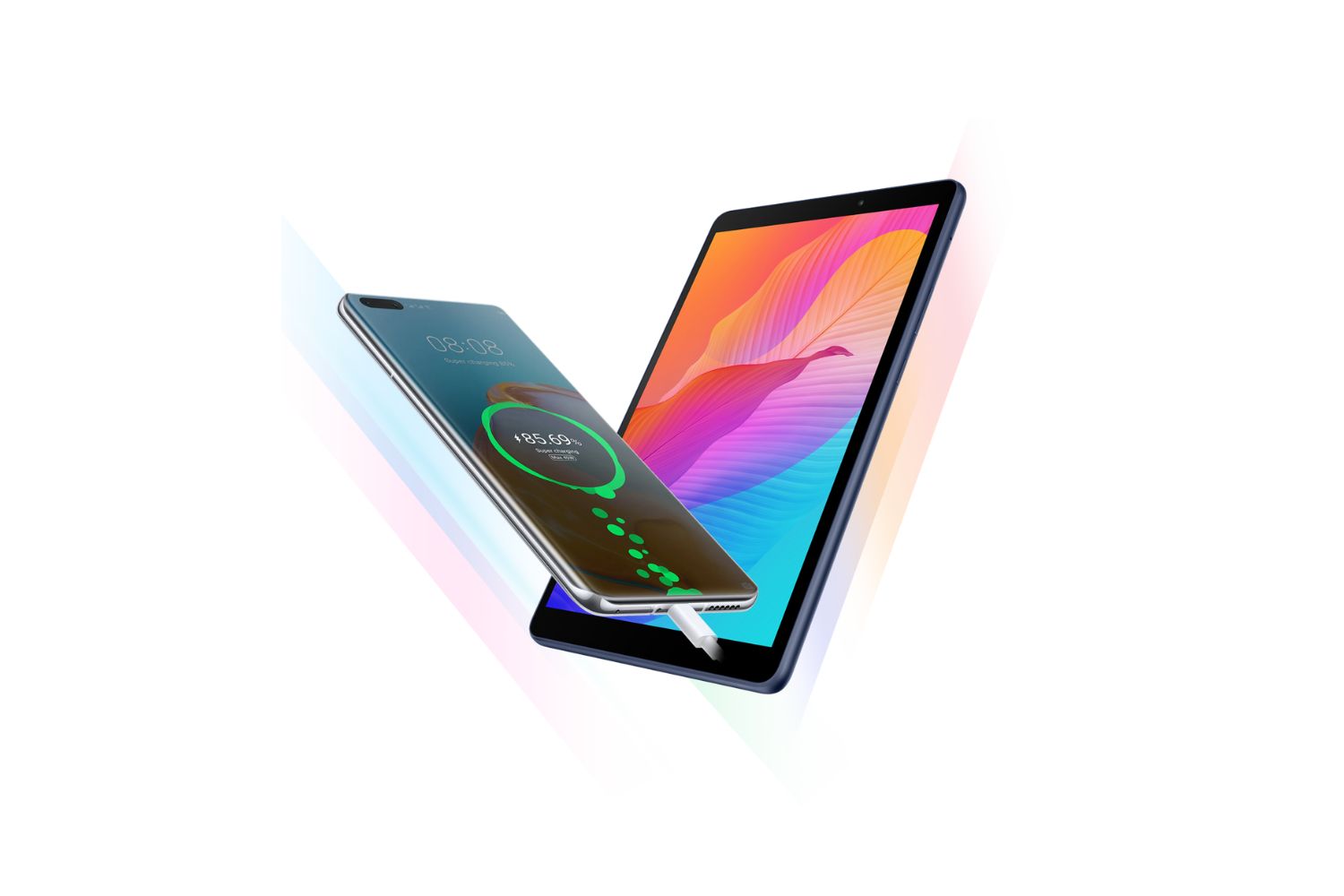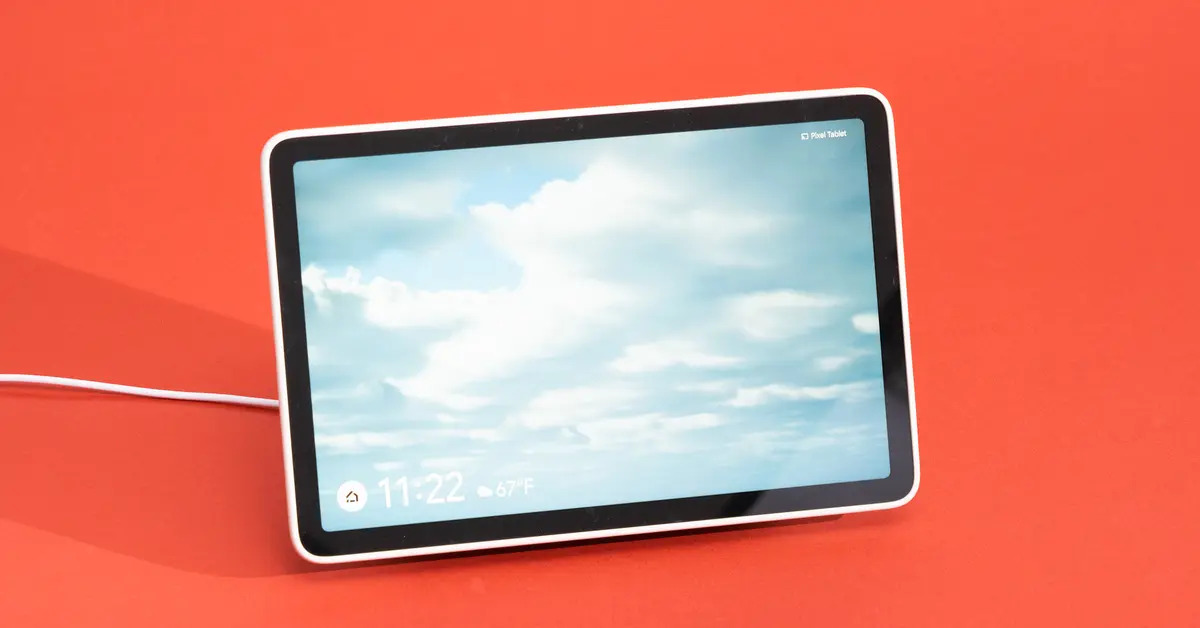
For your first charge, the answer to how long should i charge my Samsung tablet for the first time is simple: plug it in, let it reach 100%, and then unplug it.
The correct way to charge your new Samsung tablet
To get the most reliable and safest charge from day one, follow the exact connection order Samsung recommends. This prevents unnecessary strain on the port and ensures the power flows correctly.
- Connect the USB cable to the original Samsung charging adapter that came in the box.
- Plug that adapter into a wall socket. A wall socket is always more effective and faster than a computer’s USB port, which delivers lower power.
- Finally, connect the USB cable to your tablet’s charging port.
Using the original Samsung adapter and cable is not a suggestion, it’s the surest way to avoid damage and maintain optimal charging speed. Third-party or worn cables may not deliver the right voltage, which can slow charging or harm the battery over time.
How to know when your Samsung tablet is fully charged
Your tablet gives you clear visual cues about its charging status. When you plug it in, a lightning bolt symbol appears on the battery icon to show that power is flowing. Once the battery reaches 100%, that lightning bolt disappears, and the battery icon appears completely full.
One important thing to know: if your tablet’s battery was completely dead, the charging indicator may take up to 10 minutes to appear on the screen. This is normal, the battery needs a few minutes to build up enough power to wake the display. Don’t panic and don’t unplug it repeatedly; just leave it connected and wait for the icon to show.
What to do after the first charge is complete
Once your tablet hits 100%, disconnect the charger from your tablet first, before unplugging the adapter from the wall socket. This order prevents any small electrical arcs or voltage spikes that can occur when you pull the plug while the circuit is still live.
After that first full charge, you can go about your normal usage. But there is one crucial habit to adopt immediately: avoid using or charging your device in extreme temperatures. That means keeping it away from direct sunlight, hot car dashboards, radiators, or freezing outdoor conditions. Specifically, avoid charging when the ambient temperature is above 95°F (35°C) or below 32°F (0°C). Exposing the battery to those extremes accelerates deterioration and permanently reduces its capacity.
That’s all you need to do. Charge it to 100%, unplug it in the right order, and keep it out of extreme heat or cold. Your Samsung tablet’s battery will stay healthy for years with this simple first-charge routine.
\nRelated reading: How To Charge A Tablet Without A Charger Port, Why Is My Tablet Charging So Slowly, and Why Is My DJI Controller Beeping.