No, rest mode downloads will not damage your console or drive. This is a standard, engineered function, and the system actively manages heat and power to prevent harm.
Why rest mode downloads are a safe, low-power state
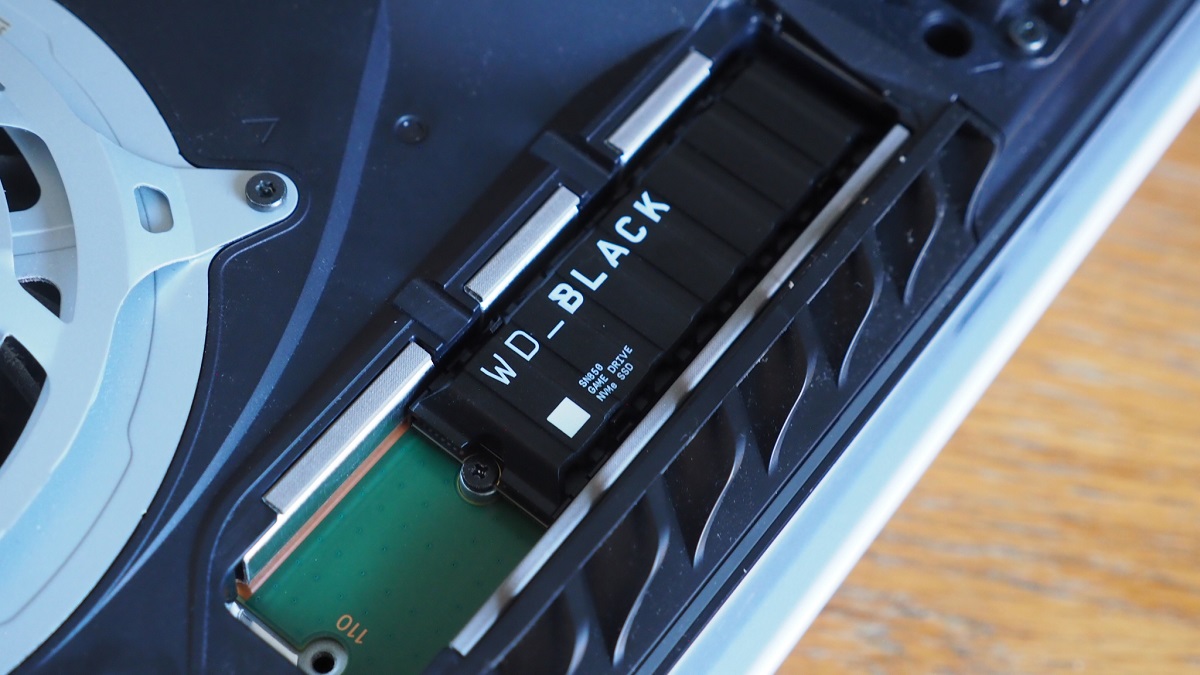
When you put your PS5 into rest mode, the console drastically reduces CPU/GPU activity and enters a controlled trickle-charge state designed specifically for background tasks without generating destructive heat. The main processor clocks down to nearly idle. The cooling fan continues spinning at a low speed to maintain airflow. The system draws significantly less power during a typical data transfer, compared to 200+ watts during heavy gaming. The internal SSD operates well within its thermal limits because the drive controller throttles write speeds if temperatures rise even slightly. You can verify this by checking the console’s power usage in the system settings. The menu explicitly lists “Stay Connected to the Internet” and “Enable Turning On of PS5 from Network” as intended functions, not afterthoughts. If you want to make PlayStation download faster, rest mode is actually the optimal method. The console dedicates its full network bandwidth to the transfer without splitting resources between a game and the user interface. The hardware is built for exactly this workload. The SSD’s NAND flash memory handles sequential writes, like fetching a game file, far more efficiently than the random reads and writes of active gameplay.
The real risk is not hardware wear but interrupted power
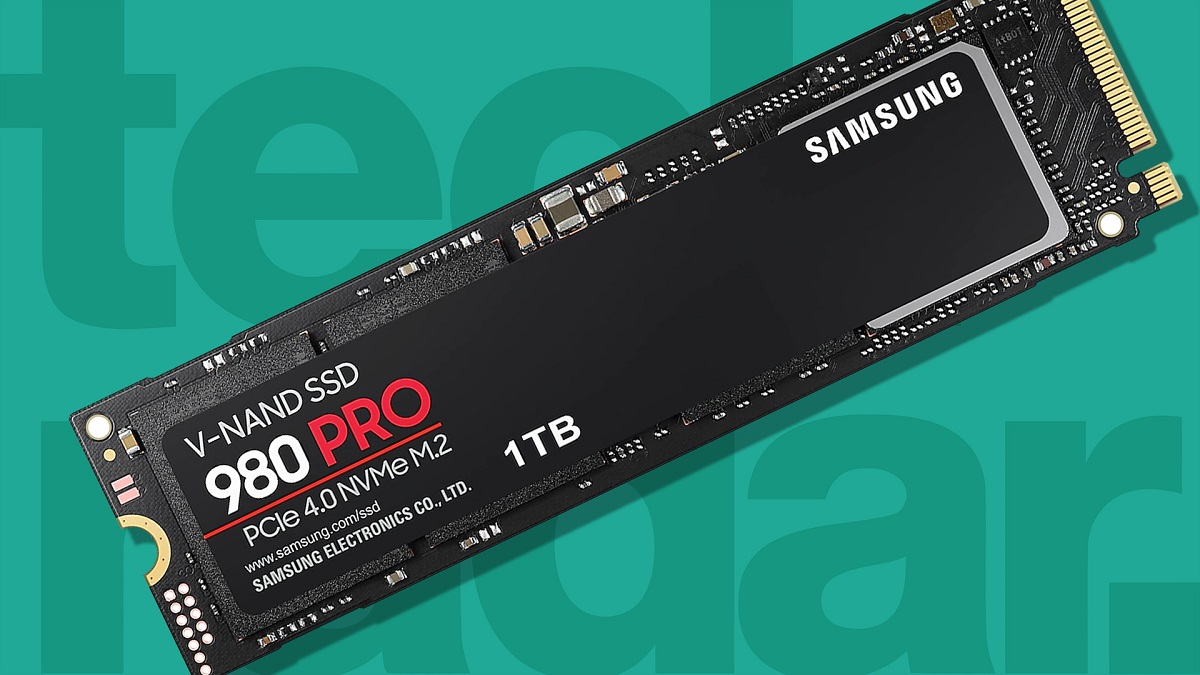
The actual danger is a sudden power outage corrupting data on the SSD, not the retrieval process itself. If the power cuts while the console is writing a game file to the SSD, the file system can become inconsistent. This leaves the content in a partially written state. The PS5’s operating system includes a built-in file system repair routine that runs automatically on the next boot. You’ll see a brief “Checking system storage” message. In most cases the console fixes the corruption and resumes the transfer. However, repeated unexpected power losses can accumulate logical errors. This is especially true if your home has frequent brownouts or you unplug the console while it is in rest mode. These errors may eventually require a database rebuild from the safe mode menu. To access it, hold the power button for seven seconds until you hear two beeps. The SSD itself is not physically damaged by a power loss. The risk is purely to the data integrity of the file being fetched. For context, the PS5’s SSD uses the PCIe 4.0 interface and custom controller. This includes power-loss protection capacitors that give the drive enough time to flush its write cache to non-volatile memory during a sudden shutdown. If you live in an area with unstable electricity, using a surge protector or an uninterruptible power supply (UPS) is a far more practical safeguard than avoiding rest mode retrievals. To ensure your network can handle large transfers efficiently, you need a good internet speed to upload & download files so that downloads finish faster and minimize the window of vulnerability to power interruptions. Typically 50 Mbps or higher is recommended for modern game files. The console’s transfer manager will still queue and retry failed operations automatically, regardless of the cause.
When the worry becomes a self-fulfilling prophecy
The failure case where users trap the console in a hot, unventilated cabinet is often mistaken for rest mode causing overheating damage. This causes ambient heat buildup that triggers a safety shutdown. If you place your PS5 inside an enclosed entertainment center with less than four inches of clearance on all sides, the warm air from the rest mode transfer cannot escape. The console’s internal temperature sensors will detect the rising ambient heat. In a sealed cabinet, the SSD typically reaches a higher temperature than in open air. The system then initiates a thermal shutdown to protect the components. When you come back to find the console off and the fetch incomplete, it is easy to blame rest mode itself rather than the physical environment. The fix is simple. Ensure the PS5 has at least 10 cm of free space behind the rear exhaust vents and that no cables or objects block the front intake grille. Sony’s official support documentation explicitly warns that “placing the console in a confined space may cause it to overheat.” The system logs a “temperature warning” event in the system error history, accessible under the system settings. If you see a code like CE-108255-1 after a rest mode session, it almost always points to airflow issues, not a hardware defect from data transfers. For gamers who also play on PC and want consistent results, you can follow the same principles to make games download faster on PC. Prioritize wired Ethernet, close background applications, and ensure adequate ventilation. The PS5’s rest mode is a tool designed for every kind of task that the console can handle while idle, and you can find step-by-step walkthroughs for every kind of task possible across all your devices. Treating it as a fragile state only creates unnecessary anxiety. Leave your console in a well-ventilated spot, trust the engineering, and let the transfers run overnight without worry.
The PS5’s rest mode is not a fragile workaround but a dedicated, low-power state engineered to safely handle sustained data transfers overnight. For further tips on how to optimize your connection and make PlayStation download faster, explore the broader topic of How To Make PlayStation Download Faster.