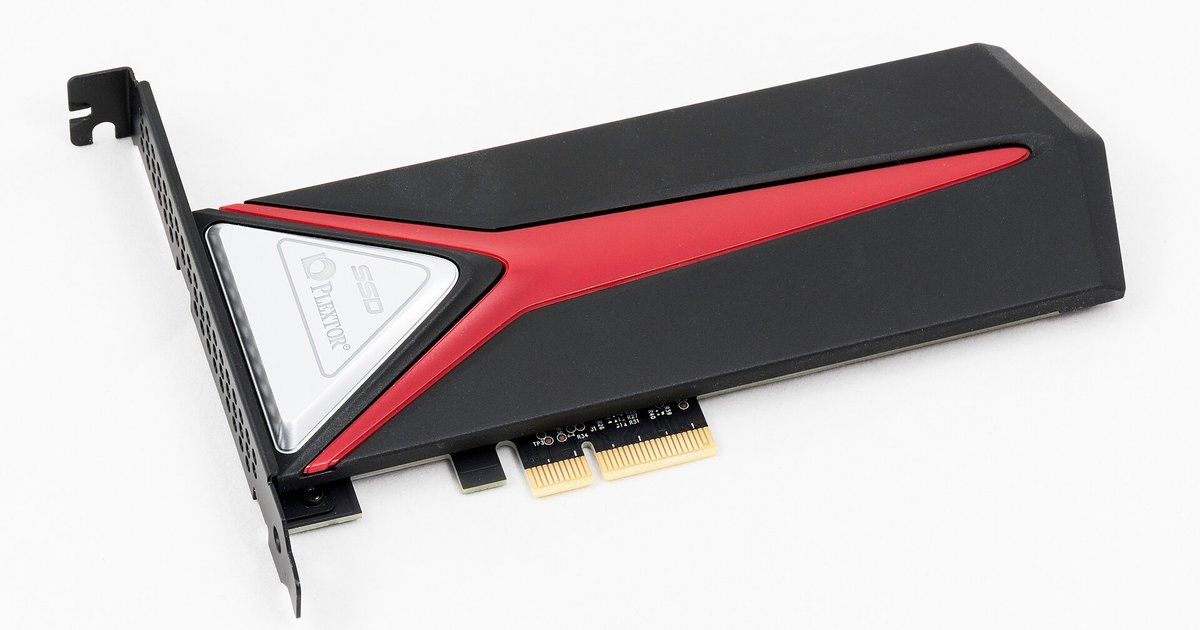

This tag collects articles about solid-state drives, covering both the hardware itself and the practical tasks of installing, configuring, and maintaining one. It is written for everyday consumers and hobbyists who are adding or upgrading storage in a desktop, laptop, or game console, as well as for those who run Linux and need help getting their system to recognize and work well with an SSD.
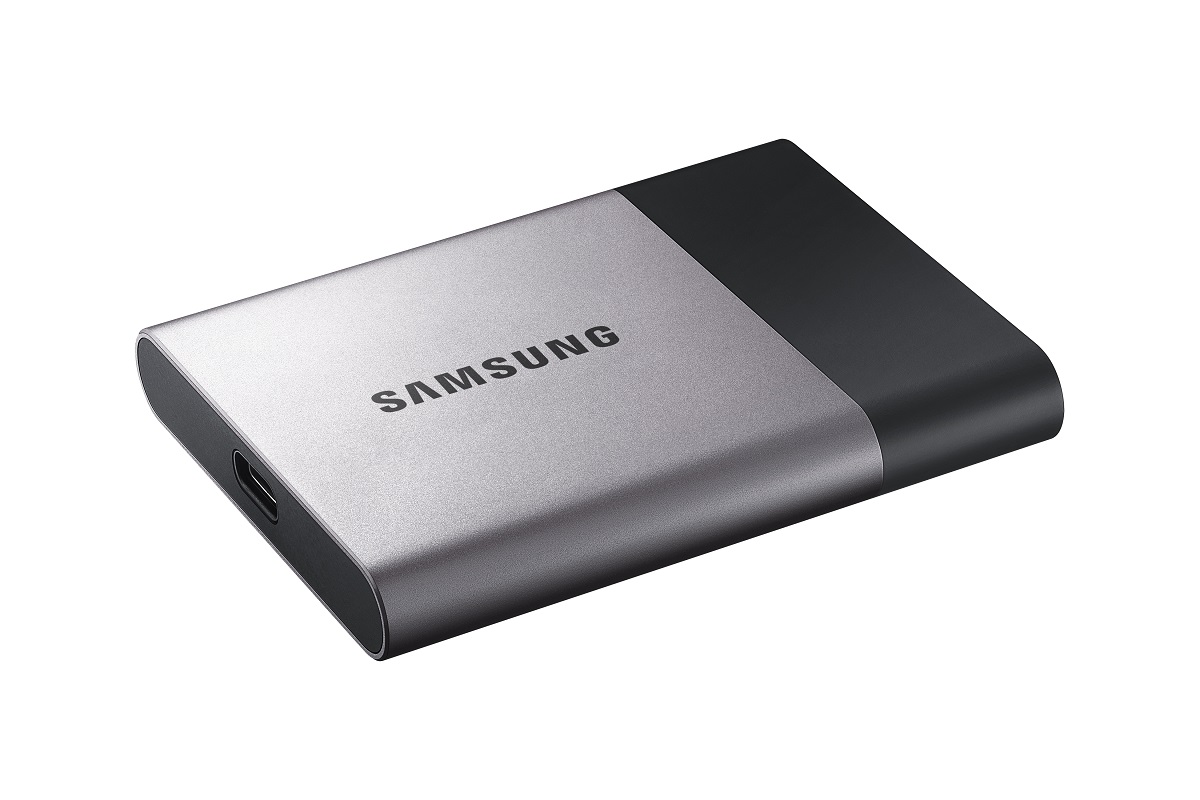
The articles fall into two broad themes. First, many focus on installation and setup: adding a WD Black SSD to a PS5, configuring the drive in the BIOS, formatting a drive for Linux Mint, or installing Ubuntu on an SSD. These pieces walk you through the physical and software steps, including troubleshooting common failures like the Linux installer not seeing the drive or a black screen after GRUB. Second, several articles address storage management and maintenance, such as enabling fstrim to extend an SSD’s lifespan, understanding what a 1TB drive really means, or figuring out how many SSD slots your motherboard has. A few also cover security and access from a legitimate owner’s perspective, for example, removing a forgotten password from a Toshiba laptop or retrieving a password from a Samsung portable SSD, framed as recovery for your own hardware, not as a workaround for someone else’s device.
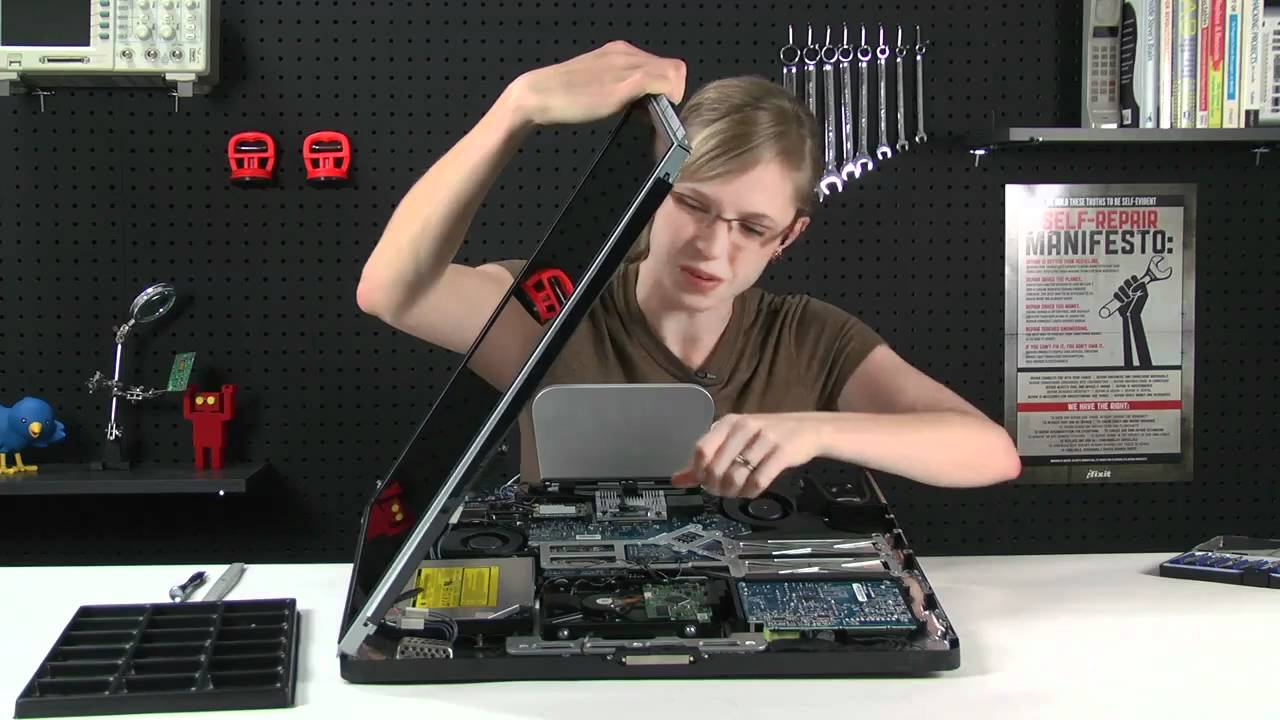
Specific topics mentioned by name include PS5 storage capacity and expansion, copying games from USB back to the console, and whether rest mode downloads could damage your drive. Other articles help you save games when the SSD is full, remove an old hard disk from an iMac, or boot Linux after installation. The tag is a practical resource for anyone who wants to get more out of their SSD, avoid common pitfalls, and keep their system running smoothly.