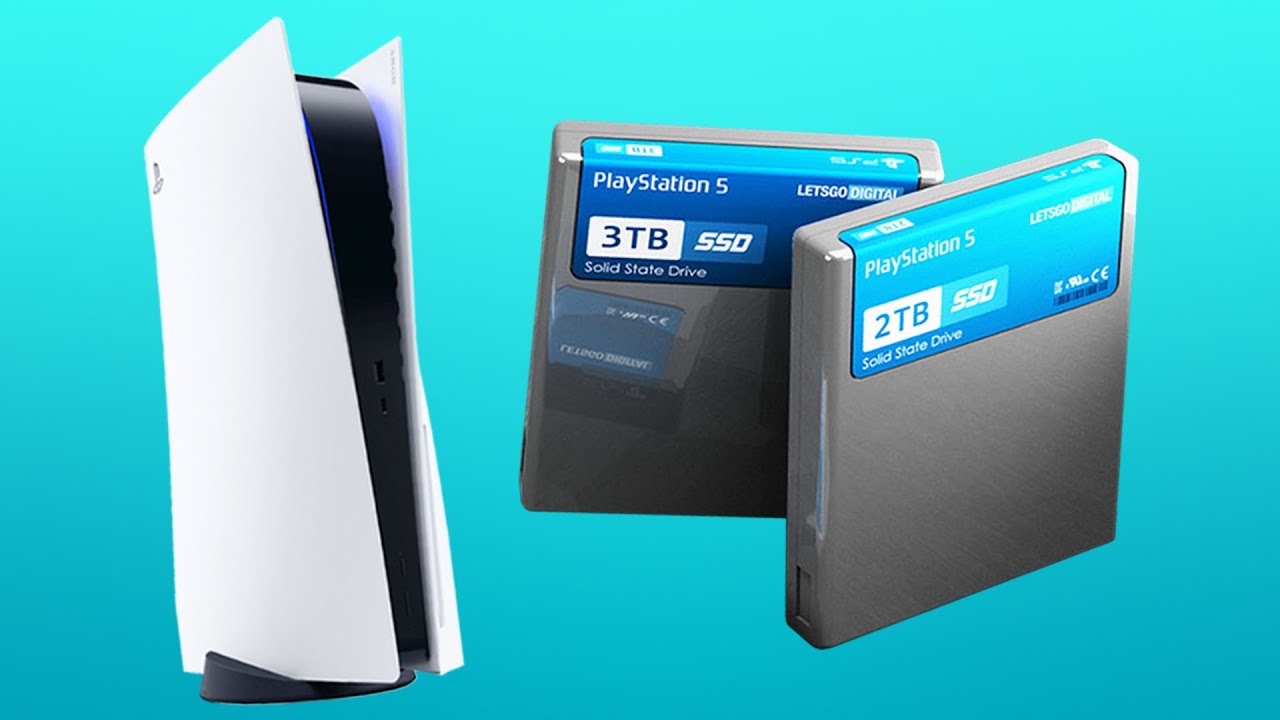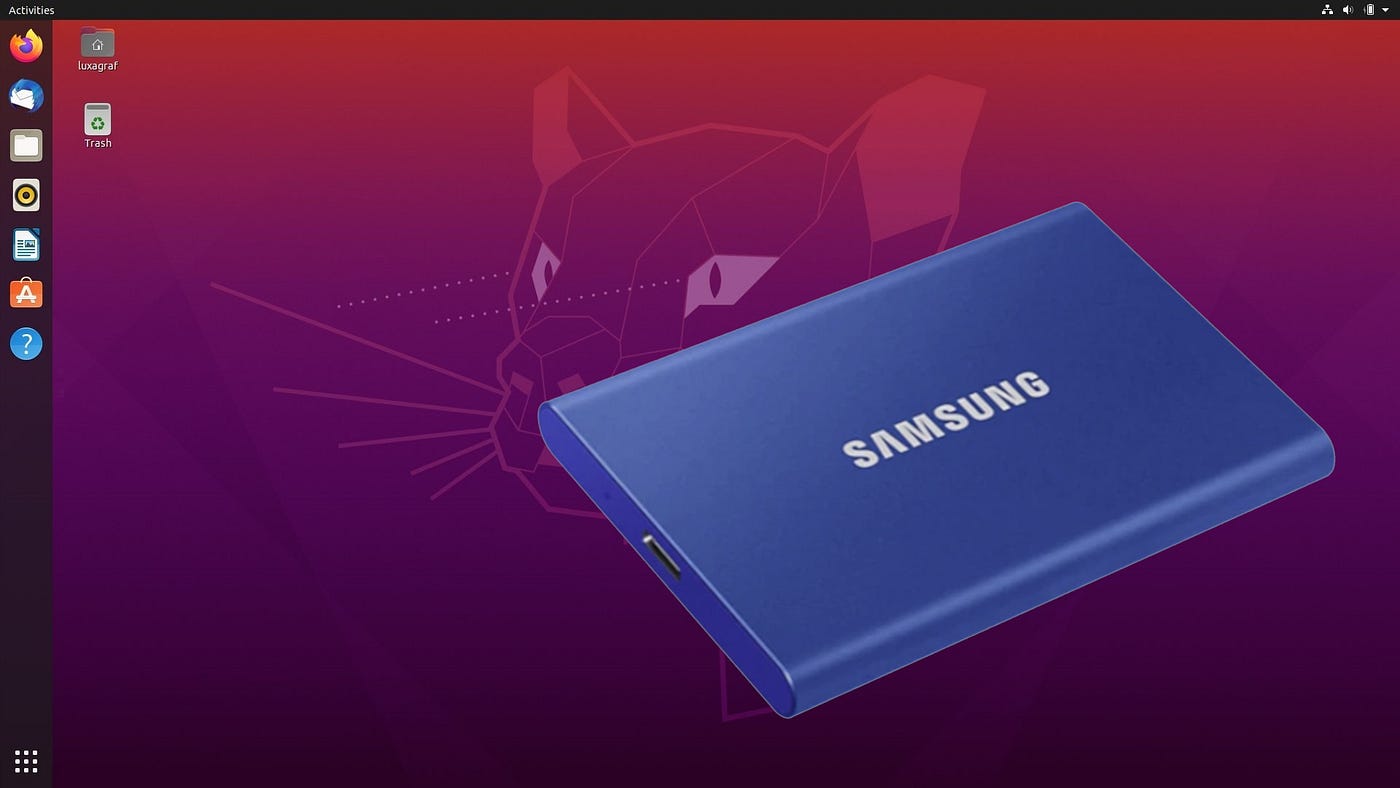
PS5 transfer time from a USB drive back to the console SSD typically takes 15 to 25 minutes for a 100GB game. Switch to a fast portable SSD instead of a traditional hard drive, and the same transfer drops to roughly 5 to 10 minutes. These times assume you use the PS5’s rear USB-A port, which supports SuperSpeed USB 5 Gbps, and that the game is already fully installed on the portable drive.
The USB speed bottleneck affecting PS5 transfer time
Book a portable SSD, not a spinning hard drive. The type of portable drive matters more than the game size. The PS5 requires SuperSpeed USB 5 Gbps or later for extended storage. A standard USB HDD’s mechanical read speed maxes out around 150-160 MB/s. That creates a hard ceiling for copy operations. A portable SSD (SATA or NVMe enclosed) can saturate the port’s 5 Gbps link. It achieves sustained reads of 400-500 MB/s. This is why moving a game back from an HDD is three to four times slower than from an SSD. The gap holds regardless of whether the game is 50 GB or 150 GB. The PS5’s internal SSD reads at roughly 5,500 MB/s. The bottleneck is entirely the USB connection and the portable drive’s speed.
Real-world transfer times by game size
For a 50 GB PS5 game, copying from a portable HDD takes about 8 to 12 minutes. A portable SSD finishes in 3 to 5 minutes. At 100 GB, the HDD copy runs 15 to 25 minutes. The SSD copy drops to 5 to 10 minutes. For a 150 GB game, expect the HDD to require 22 to 35 minutes. The SSD completes in 8 to 14 minutes. Connect your drive directly to the PS5’s rear USB-A port. Make sure no other USB devices are drawing bandwidth. If you need to clear internal space and want to get more storage on PS5, use a portable SSD for cold storage. This minimizes the time penalty when moving games back.
Why you can’t just play it from USB
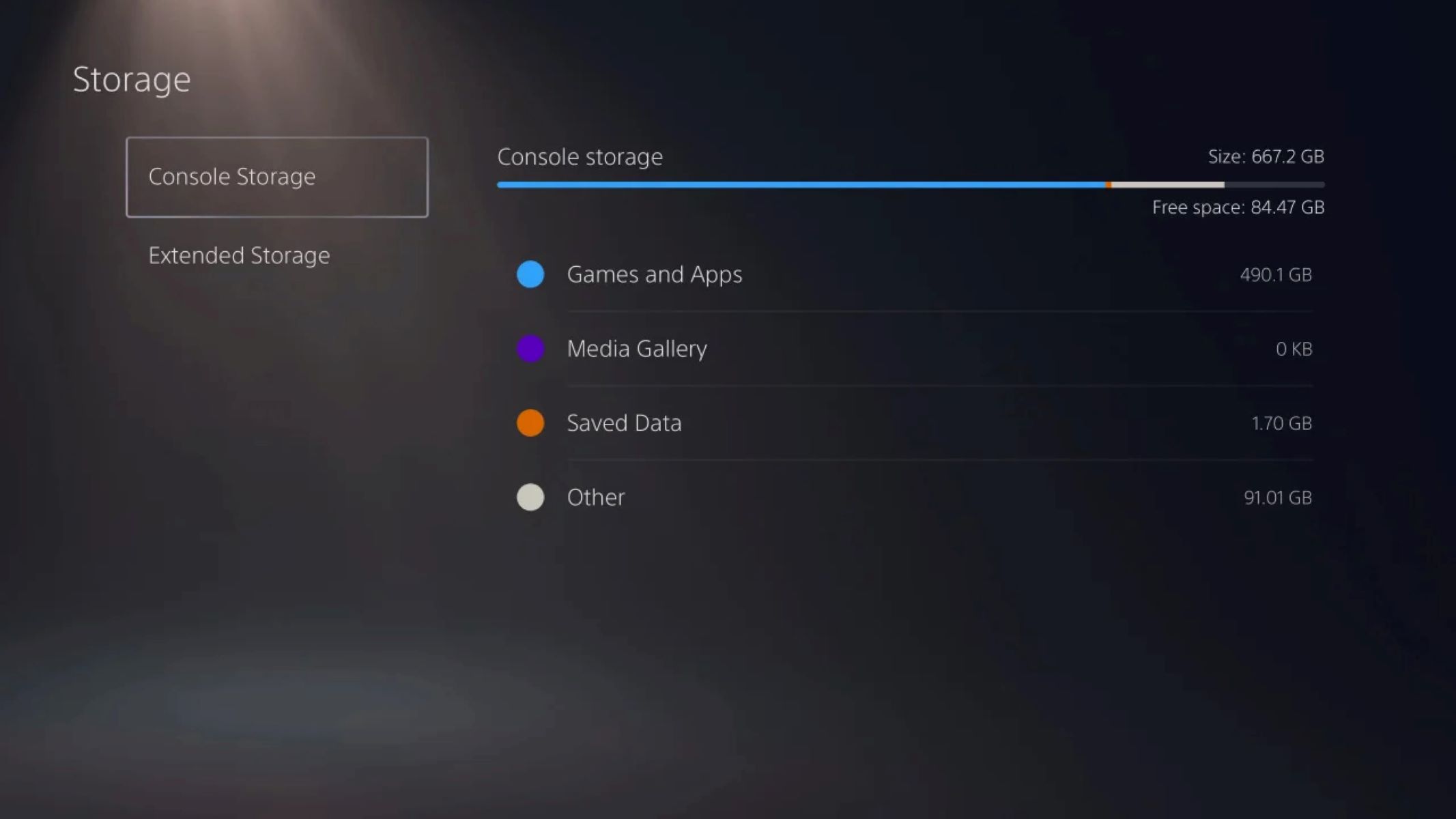
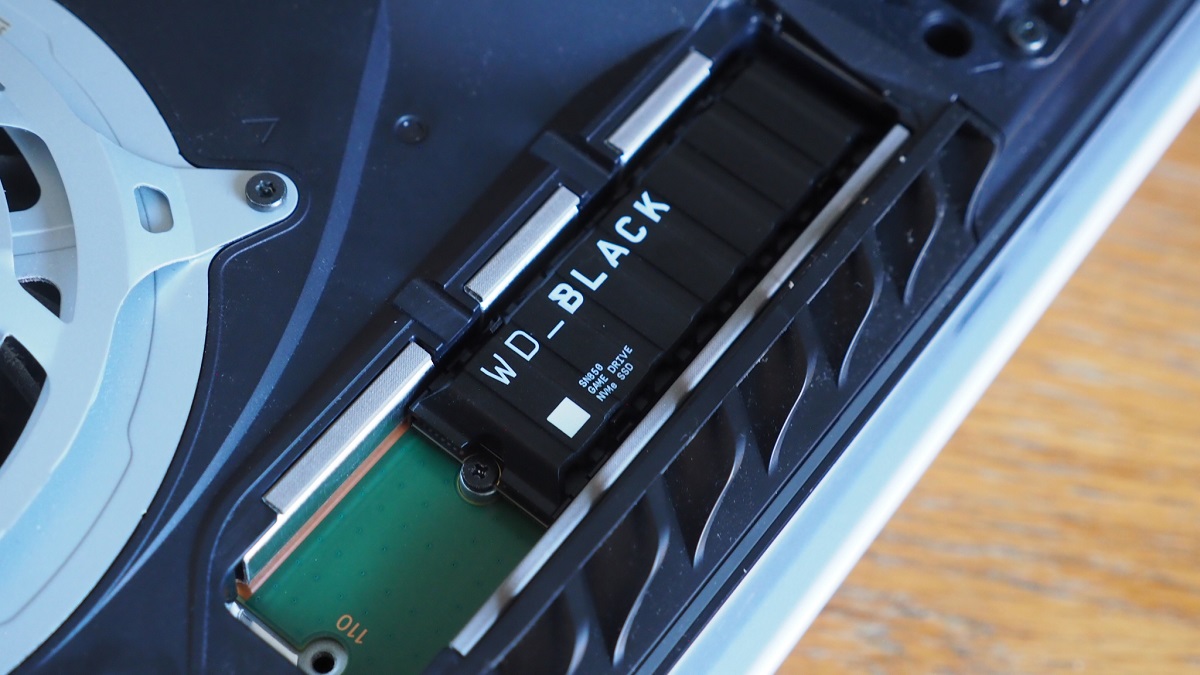
Skip trying to launch PS5 titles directly from a USB drive. Unlike PS4 games, PS5 titles are locked to the internal SSD for gameplay. The PS5’s custom SSD architecture requires its 5,500 MB/s throughput and dedicated decompression hardware. This streams the game’s high-resolution textures and assets without stuttering. A USB drive, even a fast portable SSD, cannot deliver that bandwidth. The console detects a PS5 game on portable storage. It labels it as stored on USB extended storage in the Storage menu. You must manually select “Copy” to move it back to the internal drive before you can launch it. If you try to insert PS5 disc for a game stored only on a portable drive, the console will prompt you to copy it first. For a permanent internal upgrade, arrive with a compatible NVMe drive. You can install wd black SSD in PS5 using the internal expansion bay. This bypasses the USB bottleneck entirely. The PS5 storage capacity of the internal SSD is fixed at 825 GB, with roughly 667 GB usable, so you may want to explore PS5 storage capacity, discs and expansion to keep more games ready to play. Managing cold storage copies is a routine part of owning a PS5.
Unlike PS4 games, which the PS5 can run directly from a portable USB drive, PS5 titles are locked to the internal SSD for gameplay because the console’s custom architecture requires its 5,500 MB/s throughput and dedicated decompression hardware to stream high-resolution textures without stuttering.