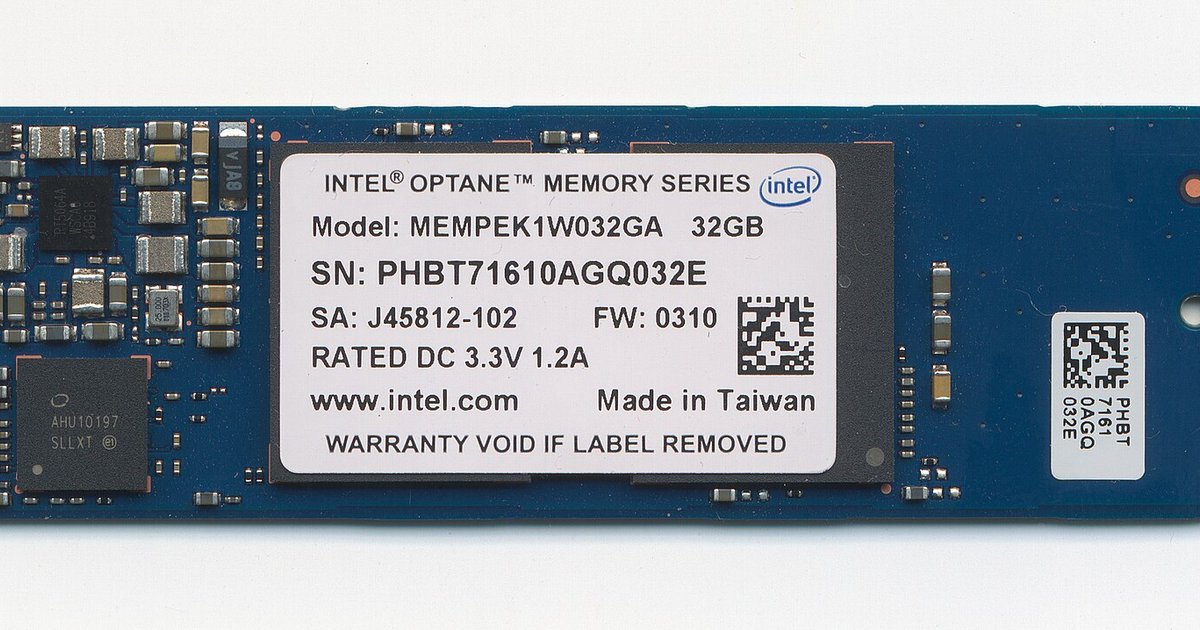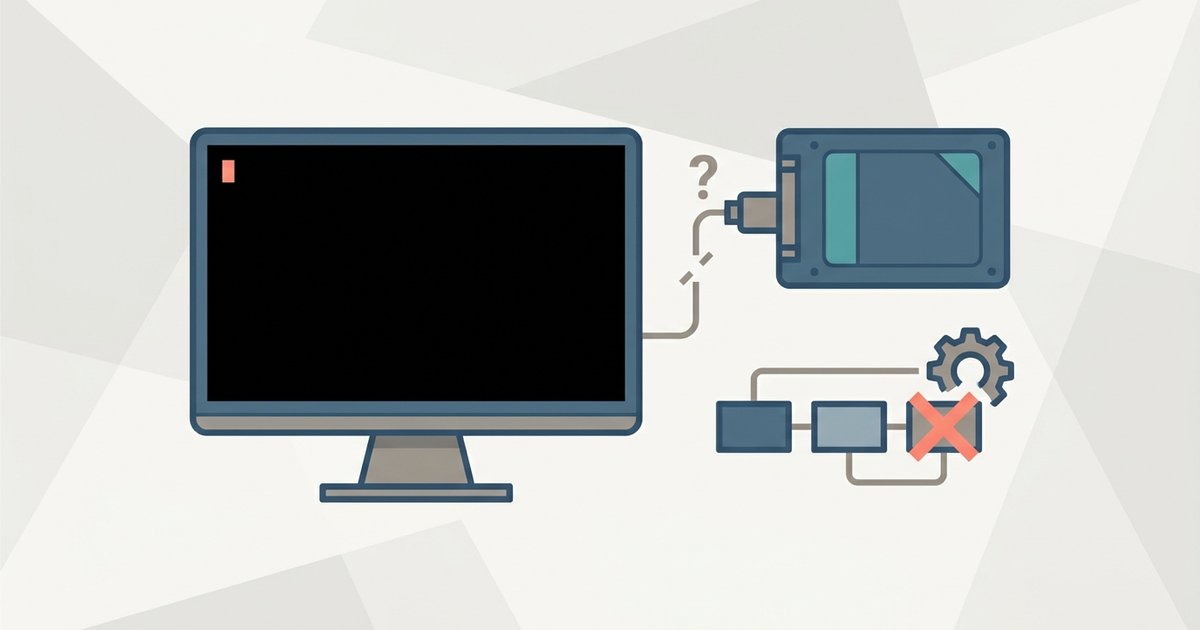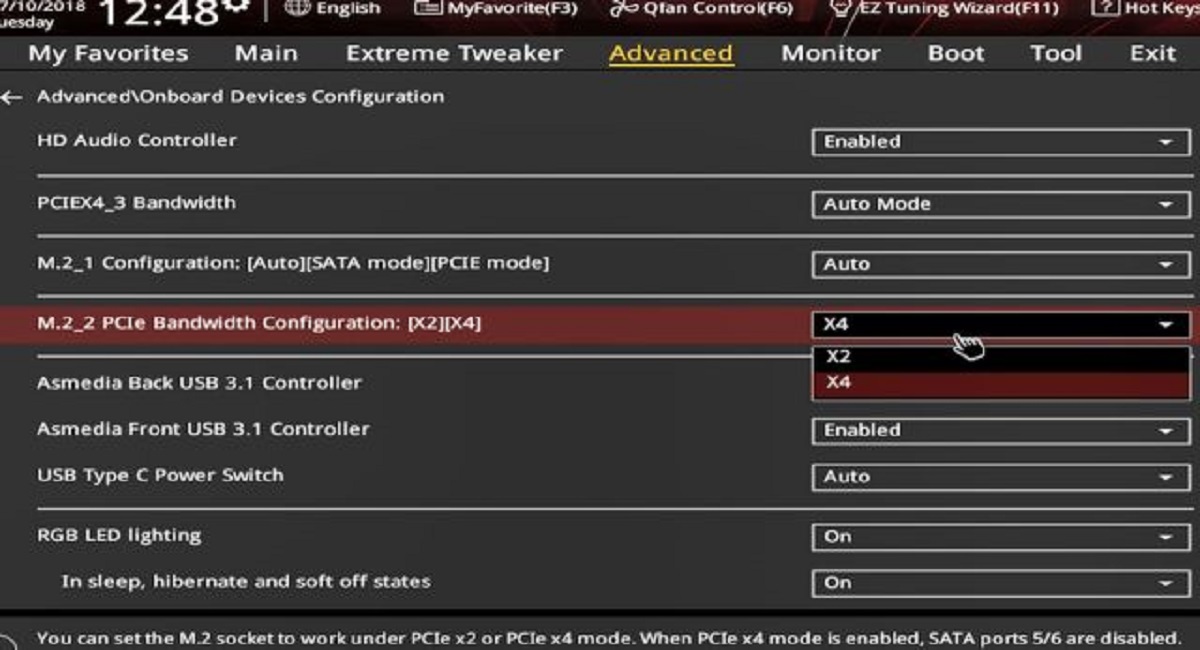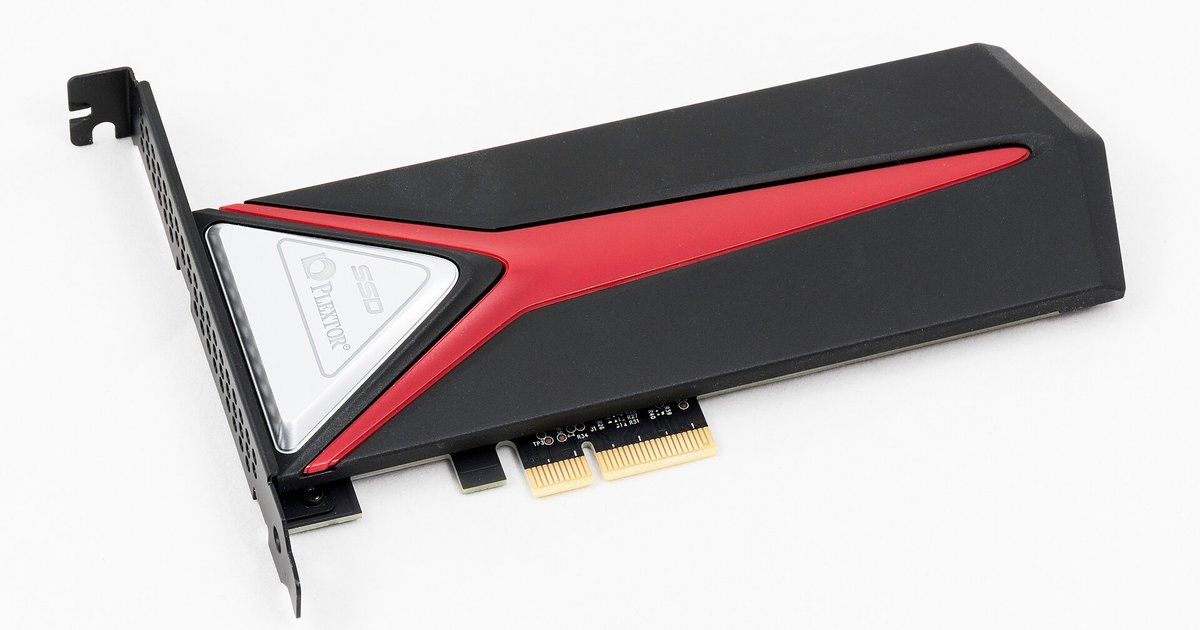
Your SSD is likely set up as an Intel RST (Optane) RAID member or has a stale metadata signature that the kernel refuses to mount. Disable Optane or Intel RST/VMD in the relevant BIOS menu or wipe the RAID metadata from the live environment using dmraid or mdadm.
Why AHCI alone fails to fix SSD not detected Linux
Switching the SATA controller to AHCI mode tells the motherboard to treat the ports as standard AHCI rather than RAID or IDE. This alone does not remove the Intel RST metadata written to the SSD. Intel Rapid Storage Technology writes a RAID superblock to every drive that was ever part of an RST volume, even if the volume is now disabled. When the Linux kernel sees this superblock, it refuses to present the raw drive to the partitioning tool because it assumes the drive is part of a managed array. The installer therefore shows no available block devices, even though the BIOS correctly identifies the SSD. To install Linux on SSD, you must first clear or disable this RST claim.
Identifying the real blocker
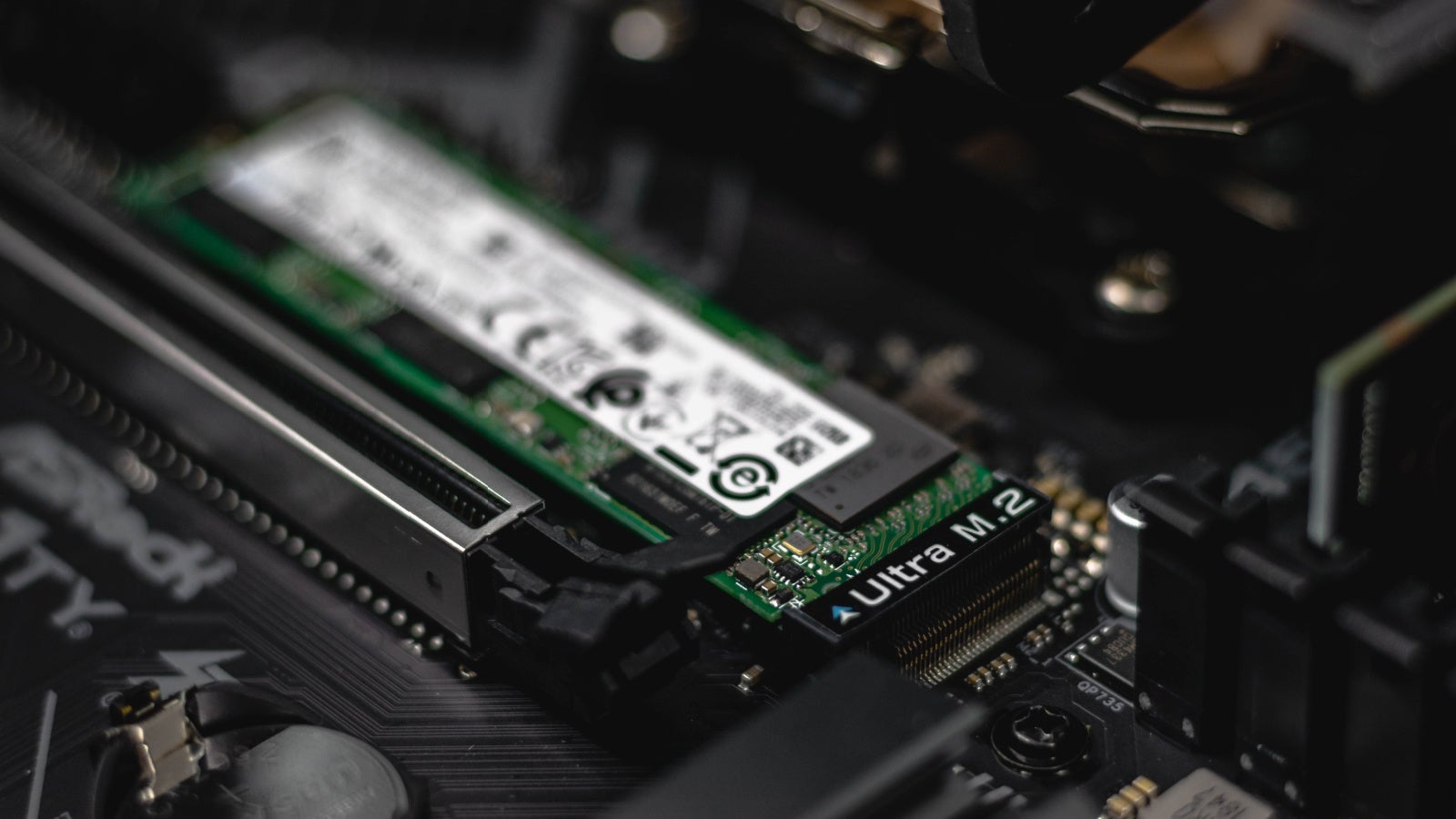
Boot the live USB environment and open a terminal. Run lsblk and blkid to see all block devices. If the SSD does not appear, check dmesg | grep -i "rst\|raid\|md" for messages like “md/raid: mdX” or “dmraid: found Intel(R) RST metadata”. In the BIOS, look for a menu related to Intel Rapid Storage Technology, Intel Optane Memory, Intel VMD, or similar storage configuration options. If you see an Optane volume listed there, the drive is still bound to RST. You must also check number of SSD slots physically, because if the SSD is the only drive, the RST metadata is the sole reason for invisibility. Use dmraid -s to list any detected RAID sets. If one appears, that is the blocker.
Clearing the metadata without data loss
From the live terminal, run sudo dmraid -E -r /dev/sdX (replace sdX with your SSD’s device name, e.g., sda) to erase the Intel RAID superblock. This command removes only the metadata header, leaving the partition table and filesystem intact if the drive was never actually used as a RAID member. If the drive was part of an Optane cache volume, this action will destroy the cache pairing and may corrupt the data on the accelerated HDD, so back up any critical data first. Alternatively, use sudo mdadm --zero-superblock /dev/sdX to wipe the superblock that mdadm sees. After running either command, run sudo partprobe or reboot the live environment. The installer should now list the SSD as available. If you need to format the drive fresh, you can then format a solid state drive for Linux mint using the installer’s partitioning tool or a live terminal with mkfs.ext4. Before returning to the installer, also verify that you correctly configure SSD in BIOS. Ensure the SATA mode remains AHCI and disable any RST, Optane, or VMD feature in the BIOS’s relevant storage configuration submenu to prevent the metadata from reappearing after reboot.
The Linux installer cannot see the drive because the kernel blocks it upon detecting an Intel RST superblock, not because the SATA controller is set to AHCI.