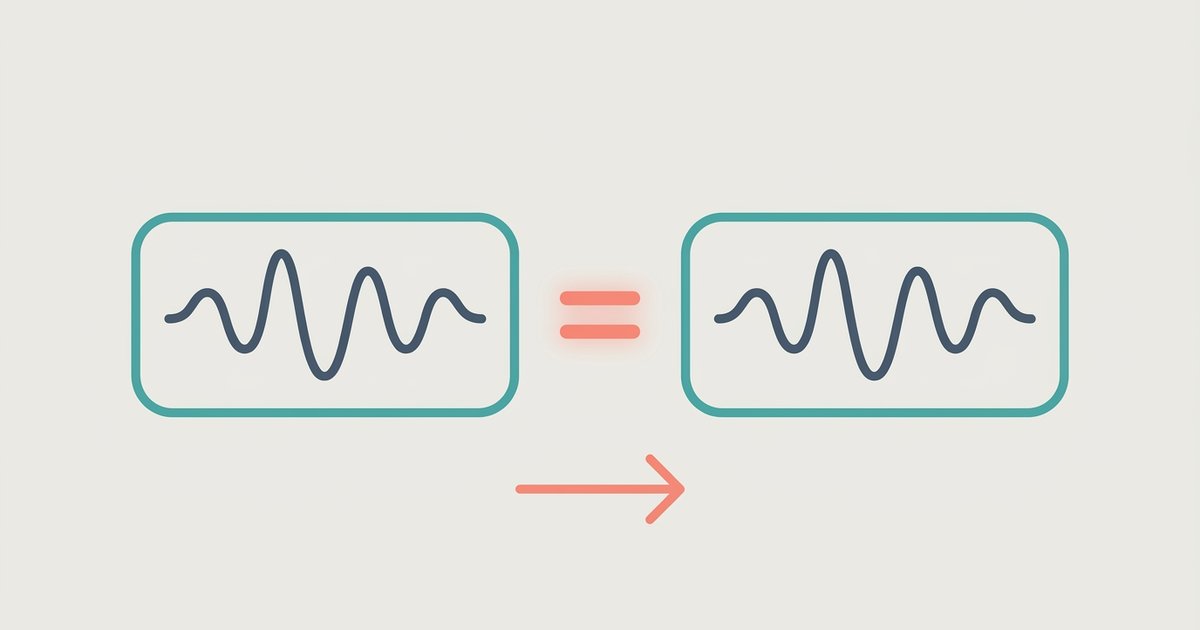
You can't. Converting from one lossy format (AAC) to another (MP3) always discards audio data and degrades quality, even if the file size stays the same or increases.
Why convert AAC to MP3 always loses quality
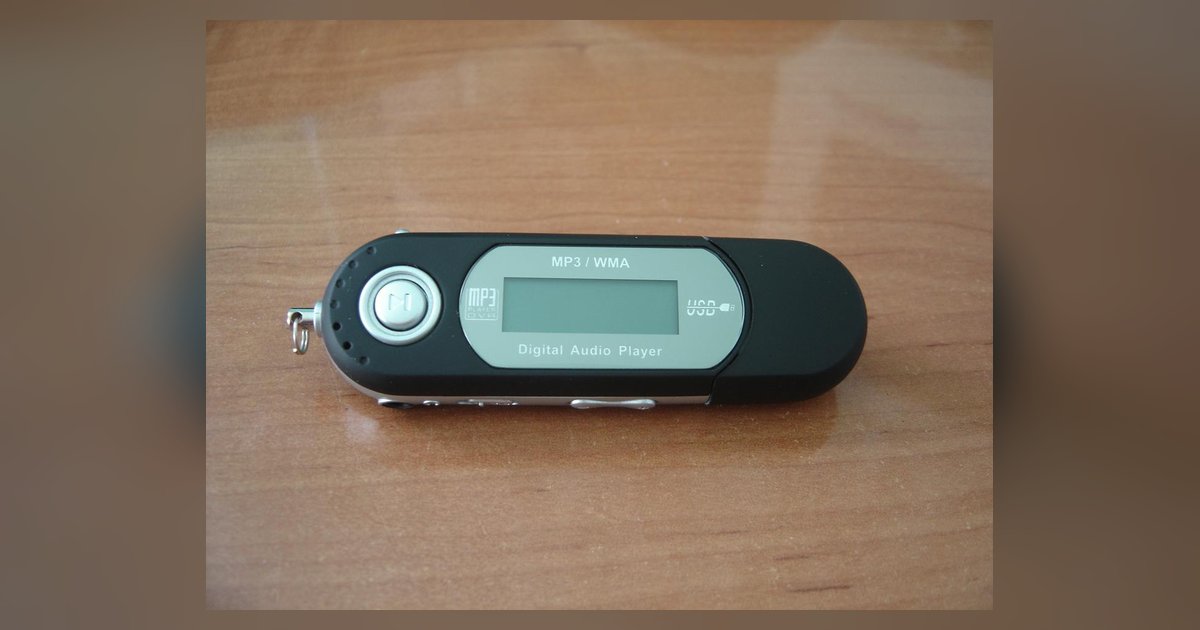
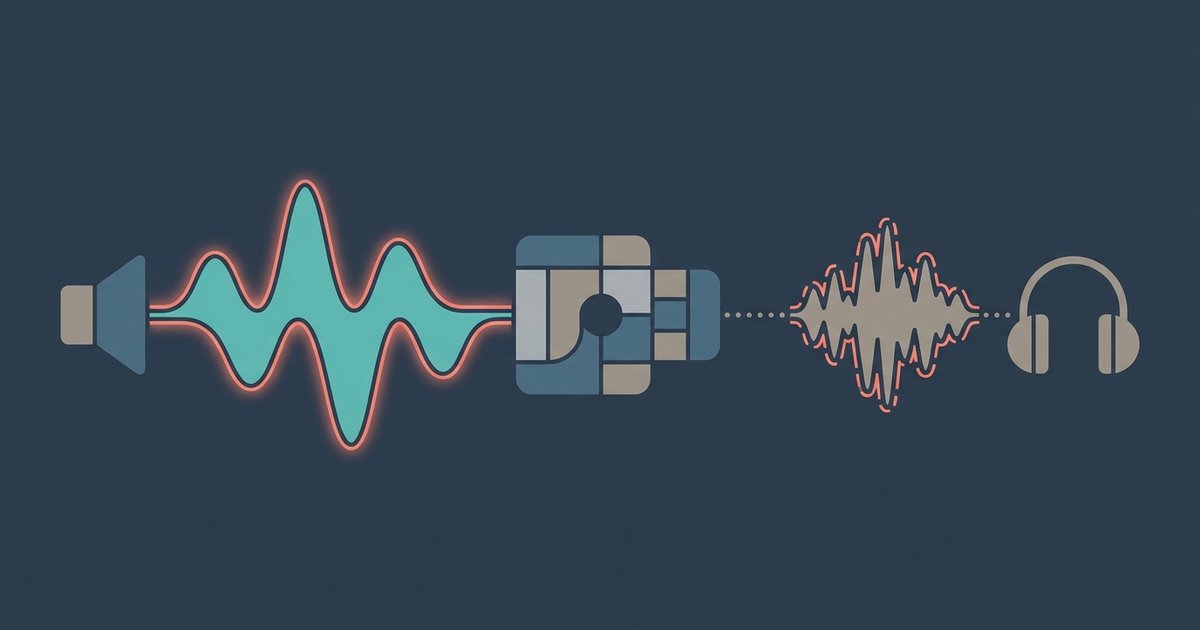
Both AAC and MP3 are lossy codecs. They permanently remove certain frequencies and sonic details that human ears supposedly cannot detect. When you decode an AAC file into a temporary waveform and then re-encode it into MP3, the second encoder sees a signal that already has holes and artifacts from the first encoding. The MP3 codec then applies its own different set of discarded data. This often amplifies pre‑existing imperfections like pre‑echo, ringing, or high‑frequency roll‑off. The result is a file that contains the combined damage of both codecs, a phenomenon known as generation loss. Even if you set the MP3 bitrate to 320 kbps, the data that was already thrown away by AAC is gone forever. The encoder cannot "guess" it back. This is why audiophiles call any AAC‑to‑MP3 conversion a double loss. Your ears will likely hear a slight muddiness or sibilance in the converted track that wasn't present in the original. If you are converting files specifically to download music to MP3 player devices, this quality loss becomes even more noticeable on basic earbuds.
The placebo fix people try
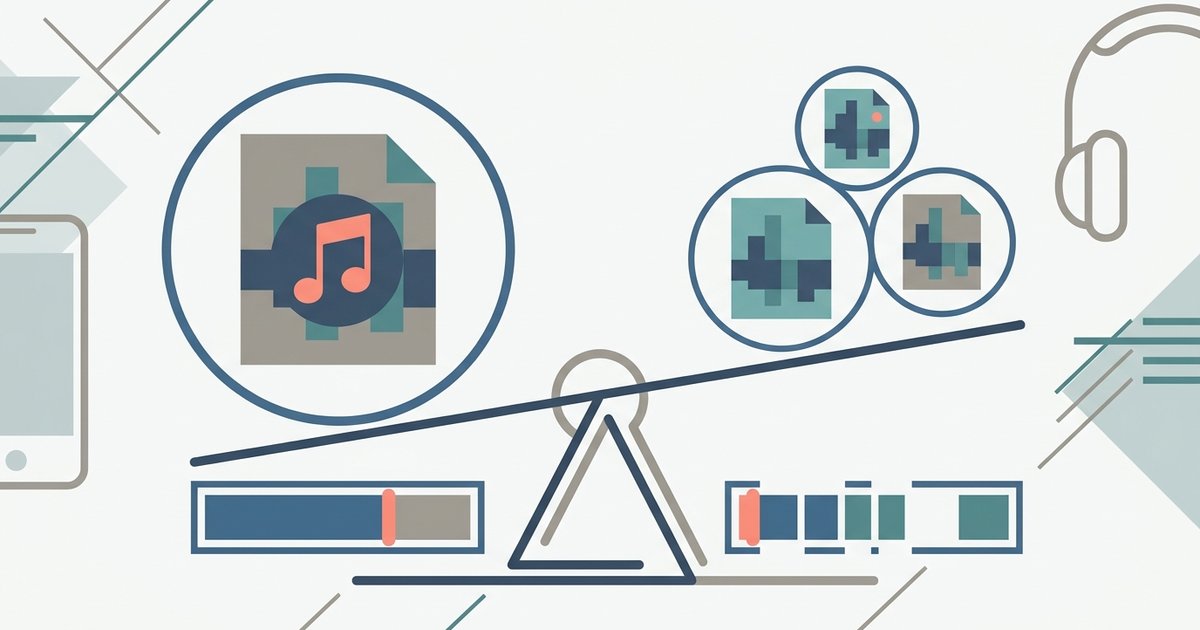
A common mistake is converting to a high‑bitrate MP3 like 320 kbps to "preserve quality." That only creates a larger file with the same damage already baked in. Many users open a converter, see the option for "320 kbps" or "Insane quality," and assume that a bigger number means better sound. In reality, the MP3 encoder simply fills the extra bitrate with redundant or padded data. It cannot restore the spectral information that the AAC encoder removed. You end up with a 320 kbps MP3 that still contains the same generation loss from the AAC source, except it takes up more space. This placebo fix also fools casual listeners who compare file sizes and think "bigger must be better." A proper ABX blind test will reveal the degradation. The only way to genuinely avoid this trap is to accept that no setting in any converter can recover lost audio data.
What to do instead
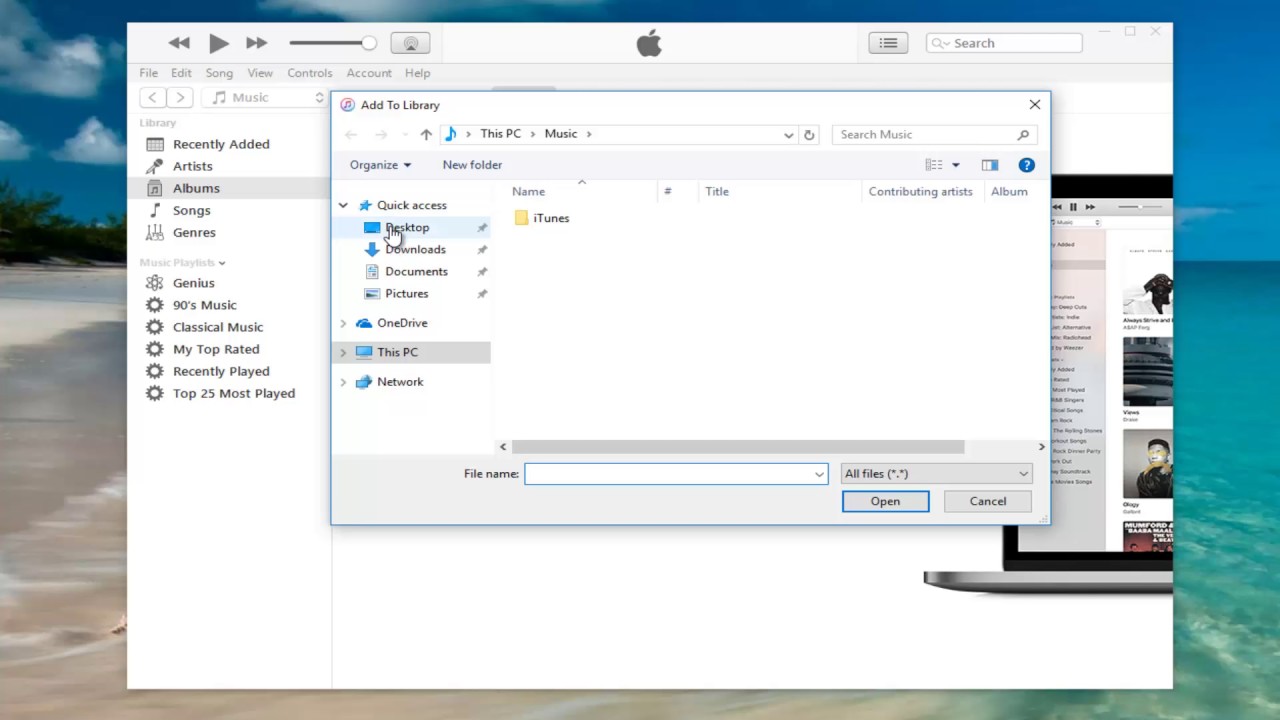
If you truly need MP3 files, the safest approach is to keep your original AAC files and use them as‑is on devices that support AAC. That includes virtually every modern smartphone, tablet, and computer. If you must have MP3 for a legacy device that cannot play AAC, the only quality‑preserving solution is to re‑rip the music from the original lossless source, such as a CD or a FLAC download, directly to MP3. That way you compress once, from a perfect master, instead of compressing a compressed file. If you bought the track from iTunes and cannot obtain a lossless version, your best practical option is to simply keep the AAC file and use a separate audio player app that supports it. For example, when you want to download music as MP3 from a streaming service, you should first check whether that service offers a lossless tier. Otherwise you're repeating the same quality trap, much like when you download music as MP3 from Spotify without a lossless source. If you need to transfer files to an older portable device, you can use a dedicated tool to download music to MP3 player without re‑encoding. Many devices now accept AAC after a firmware update. Should you ever need to download an Apple music song to files for offline listening inside the Apple ecosystem, the file stays in AAC, which is fine. And if you want to download videos to your MP3 player, extract the audio as a single lossy stream and keep it in its native format rather than double‑converting. In short: avoid the AAC‑to‑MP3 pipeline entirely, and your ears, and your music, will thank you.