
This tag collects articles about converting, exporting, and moving digital files between different formats and platforms, from cloud documents and presentations to audio files and e-reader content. It is written for everyday consumers who use Google Workspace, Canva, Microsoft Office, or common media players and need practical, step-by-step guidance when a file doesn’t behave the way they expect. Whether you are a student, a small-business owner, or someone tidying up a personal media library, these pieces focus on getting your content into the right shape for the device or app you actually use.
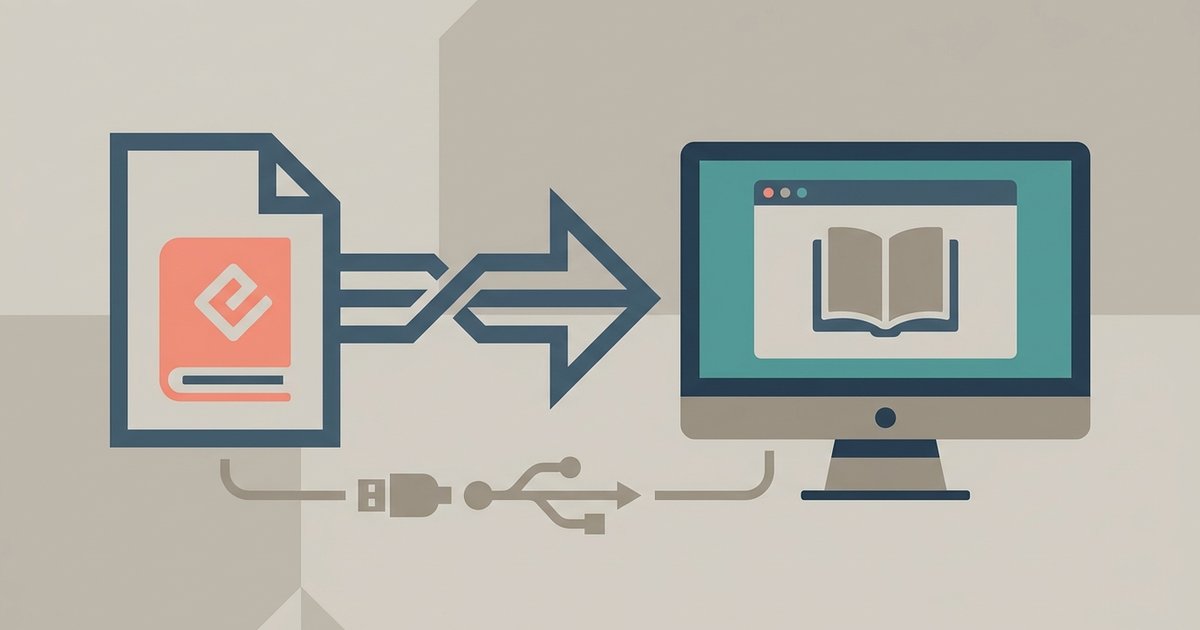
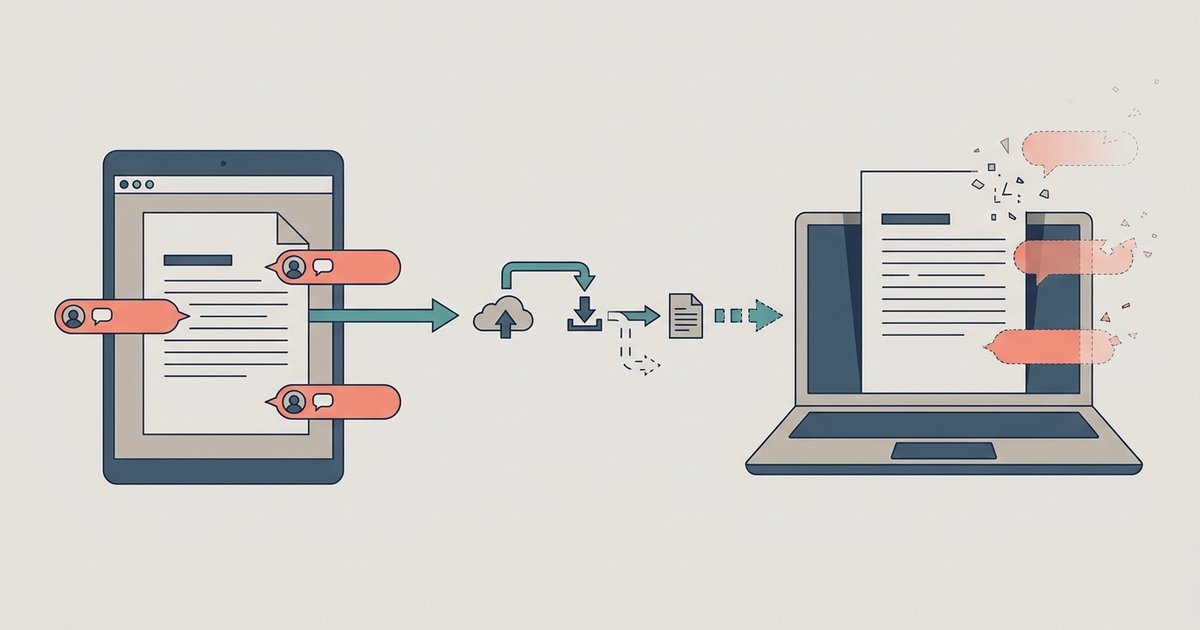
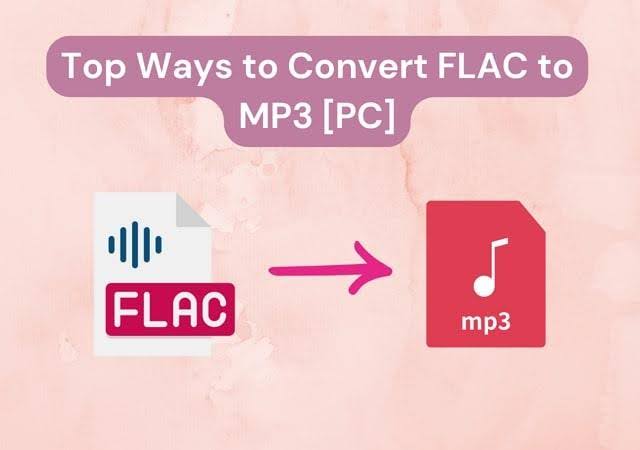
The articles cluster around two main themes. The first is moving work out of one ecosystem and into another, for example, attaching a Google Doc to an email, downloading a Google Form as a Word document, pulling images out of a PowerPoint, or saving a Canva presentation as a PowerPoint file. The second theme is audio and e-book portability, such as converting AAC to MP3 without losing quality, transferring EPUB files to the Kindle app on a PC, or understanding why an MP3 player says “format not supported.” A few pieces also address troubleshooting and safe alternatives, like fixing Google Docs comments that vanish after exporting to Word, or explaining how to download videos to an MP3 player within the bounds of personal-use files you already own, never as a guide to pirating or bypassing protections.