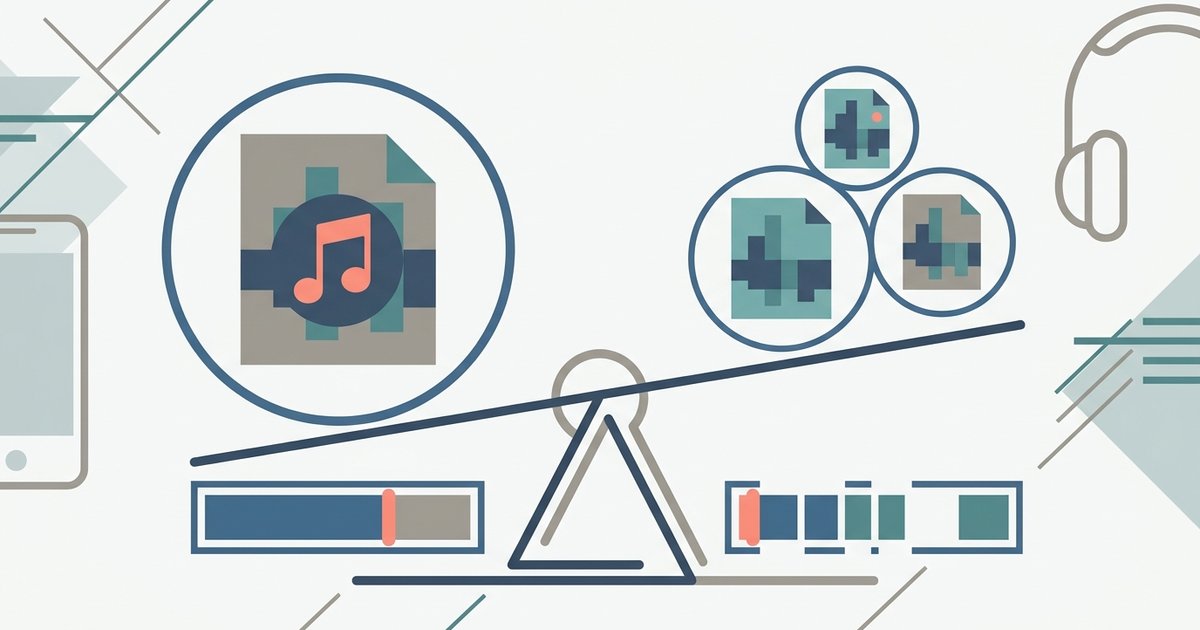
Use AAC at 256 kbps. It's Apple's native format that delivers better sound quality than MP3 at the same file size, making it the ideal balance for iPhone storage and listening.
Why AAC beats MP3 for iPhone audio format
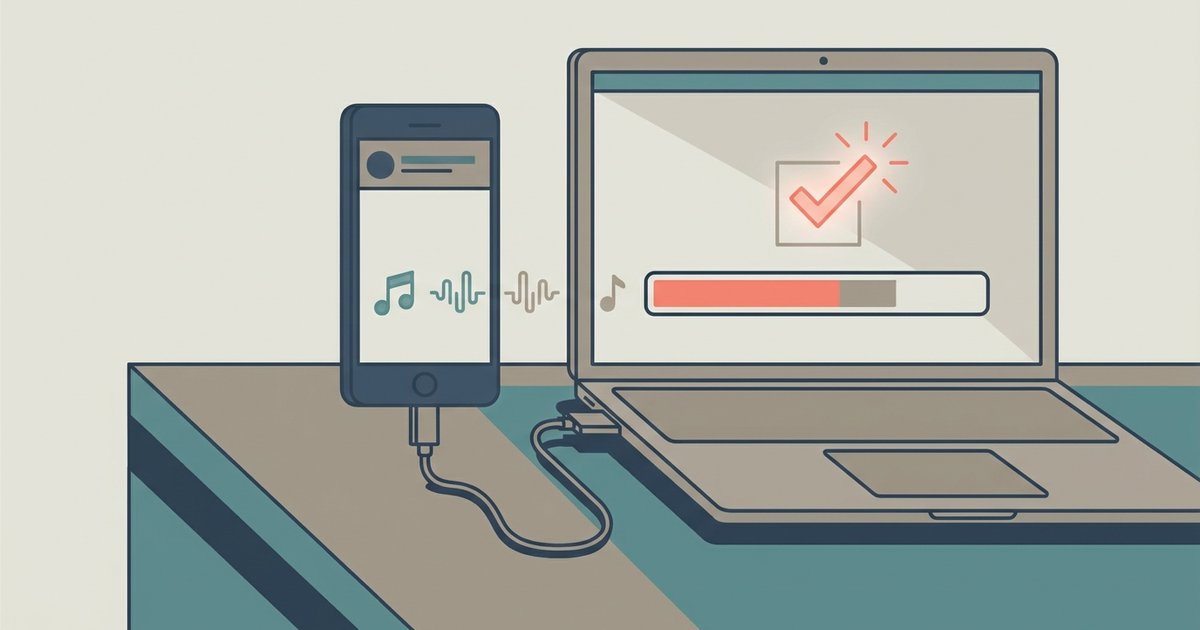
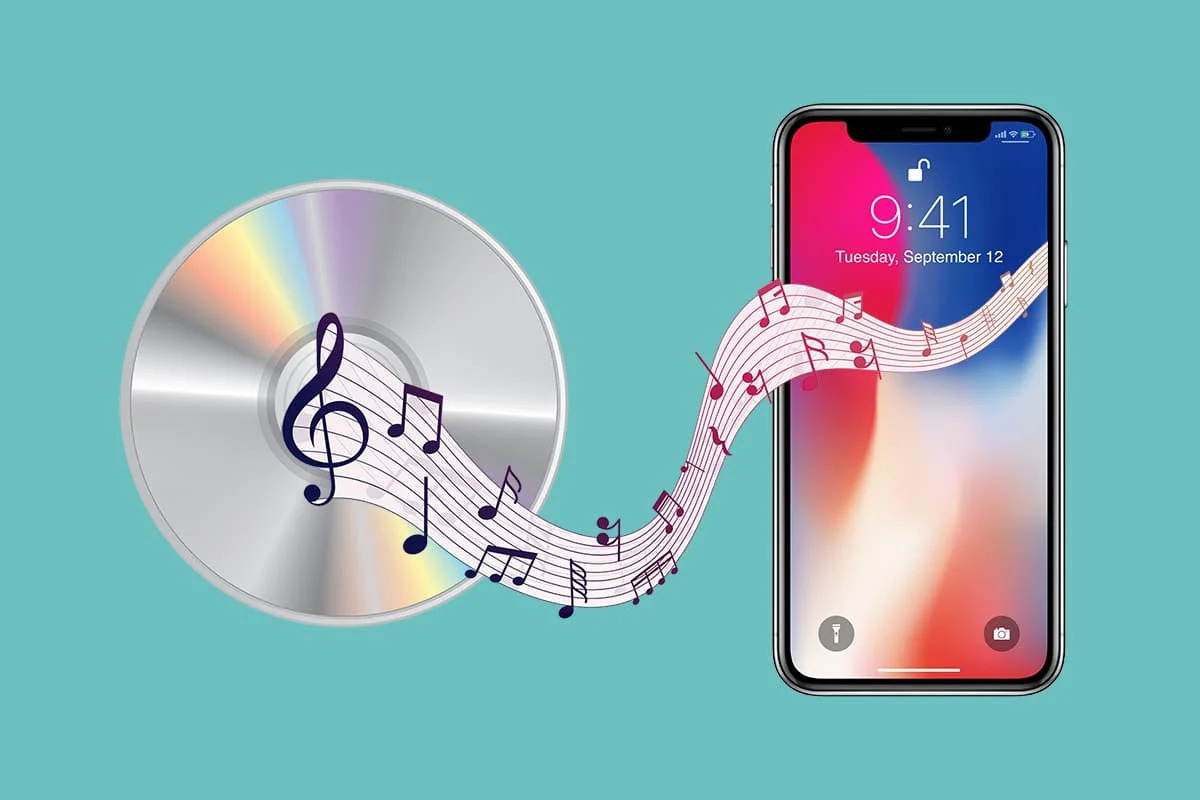
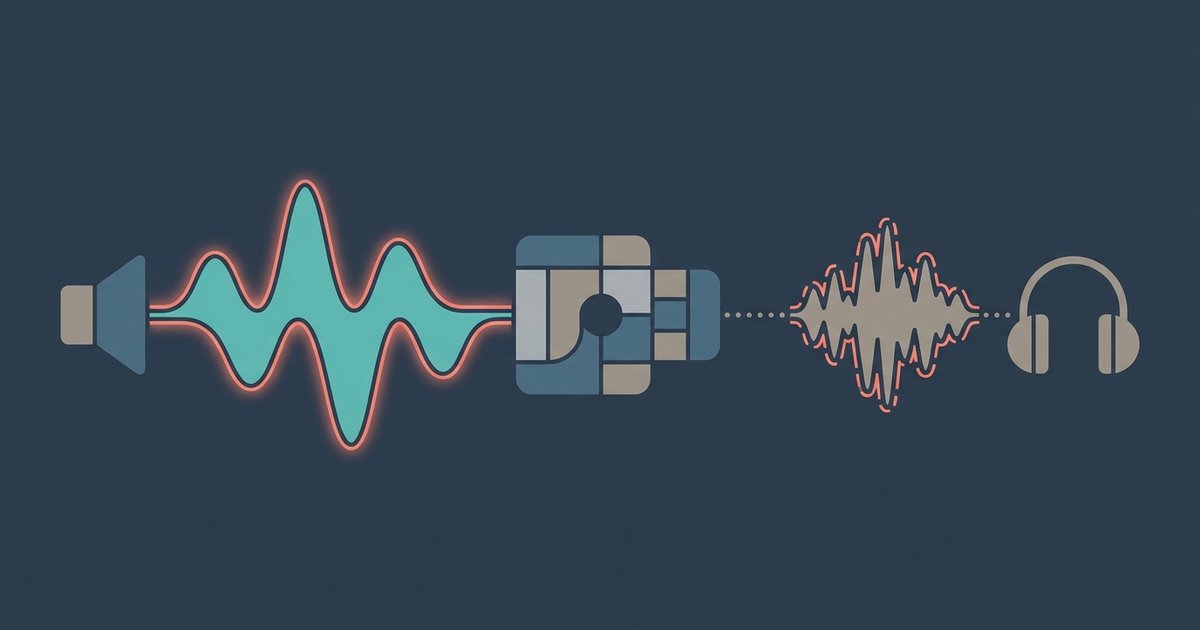
AAC (Advanced Audio Coding) and MP3 are both lossy compression formats, but AAC uses a more advanced psychoacoustic model. At the same bitrate, say, 256 kbps, AAC discards less audible information than MP3. This means you get a wider frequency response, better stereo imaging, and cleaner transients, especially in complex passages like cymbals or layered vocals. Apple’s own AAC encoder is finely tuned, so a 256 kbps AAC file will sound noticeably closer to the original CD than a 256 kbps MP3. If you ever need to move your music library, you can download iTunes to iPhone, which automatically handles AAC encoding for any imported tracks, ensuring you don’t accidentally downgrade to MP3. To preserve that CD-quality detail from the start, download music from a cd to iPhone directly into AAC instead of ripping to MP3 first.
When lossless is overkill for everyday listening
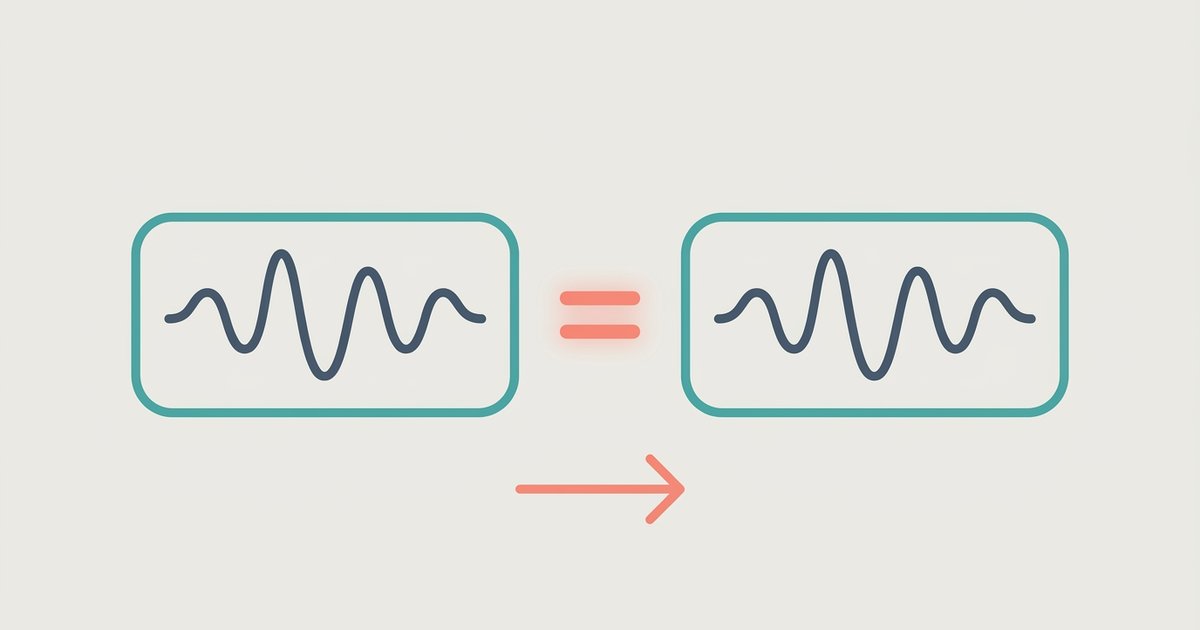
Lossless formats like ALAC (Apple Lossless) or FLAC preserve every bit of the original recording, but they take up significantly more space than a 256 kbps AAC file. On a 64 GB iPhone, that difference quickly adds up. In practice, you are unlikely to hear the difference in a noisy commute or while working out. On high-end wired headphones with a dedicated external DAC, some listeners may perceive the benefits of lossless audio in critical listening environments. Unless you are critically listening in a quiet room with audiophile gear, lossless is overkill. For casual listening, a 256 kbps AAC file gives you the same perceived quality with far less storage demand.
The one case where MP3 still makes sense
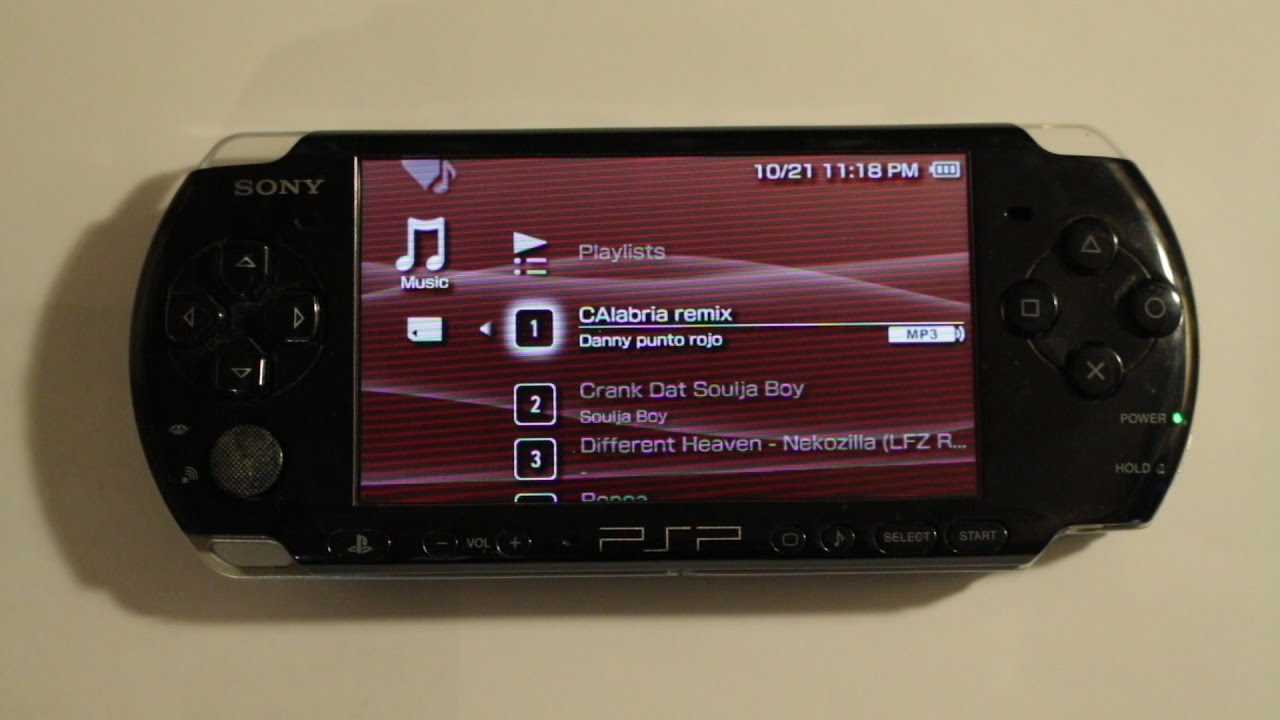
Despite AAC’s technical superiority, MP3 remains the universal fallback for compatibility. If you own an older device, like a classic iPod, a car stereo that only reads MP3 CDs, or a portable player from the early 2000s, MP3 at 320 kbps is your safest bet. The same applies if you frequently share music with friends who use non-Apple software that struggles with AAC. In that specific scenario, the slight quality loss from MP3 is worth the guarantee that the file will play everywhere. For example, if you need to download music to iPod shuffle without iTunes, you might be limited to MP3-compatible tools, making a high-bitrate MP3 the practical choice. But for daily iPhone use, stick with AAC at 256 kbps, it is the best balance of quality and size Apple built its ecosystem around. Use AAC at 256 kbps. For most iPhone users, this setting will give you crisp, clear audio that preserves the nuances of a track without eating into your storage budget the way lossless files do. Whether you are syncing a new album or transferring your old library, AAC at this bitrate is the sweet spot you are looking for, and you can safely add it alongside your current tracks by syncing music to an iPhone without erasing the library.