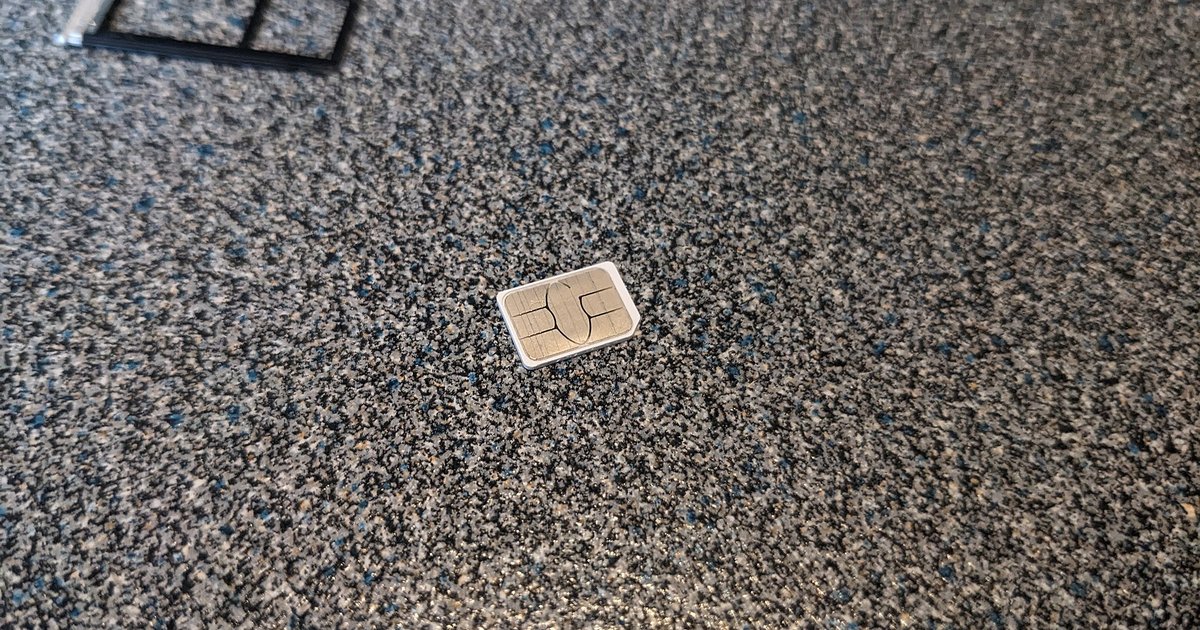
You must physically visit your bank branch with government-issued ID to regain control, because the attacker likely changed your password and the bank cannot verify you through the compromised phone number. Call the bank’s emergency fraud line immediately to freeze the account before going in person.
Why SIM swap recovery cannot happen online
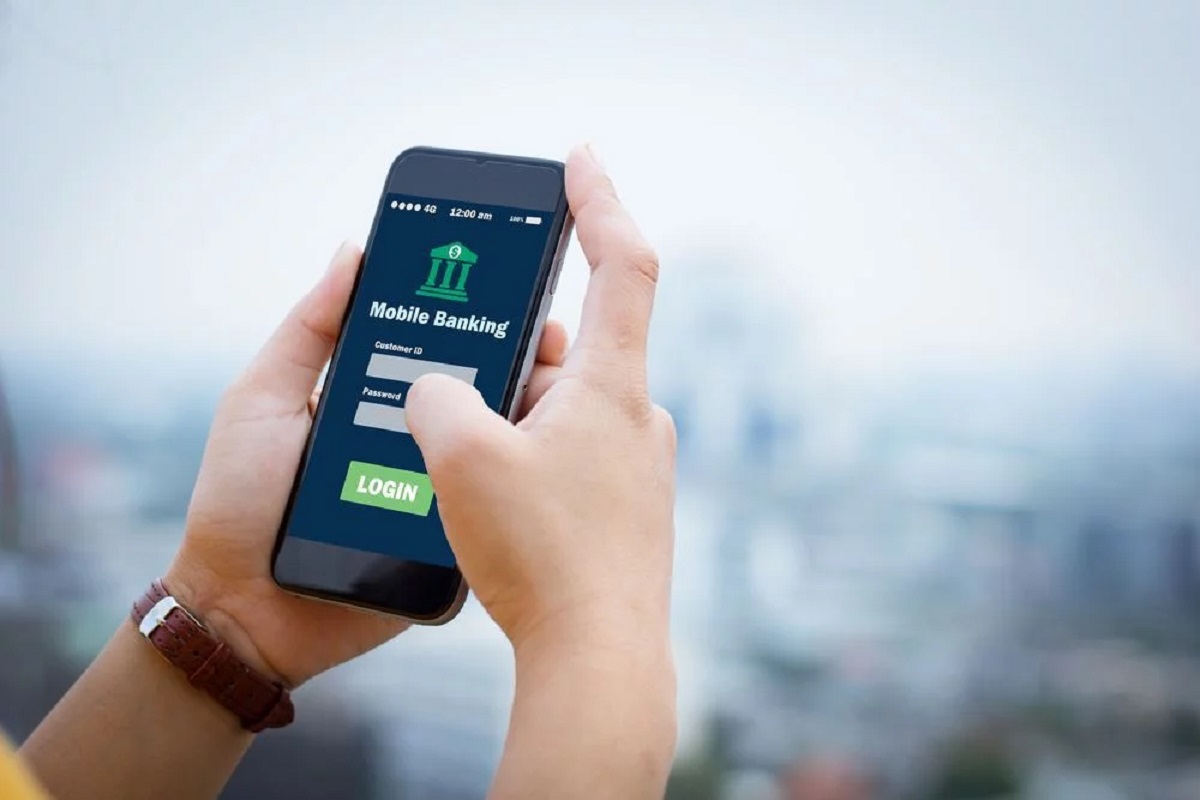
After a SIM-swap, the attacker controls your phone number. Every self-service recovery path, password reset via SMS, two-factor authentication codes, or even "forgot username" flows, sends verification to that number. The bank’s system sees the number as legitimate, so it will send the reset link to the attacker, not you. Even if you remember your password, the attacker likely changed it within minutes of the swap. The only way to break this loop is in-person identity proofing, because a branch officer can compare your face to your ID and override the compromised phone number. You cannot use mobile banking to fix this; the app itself relies on the phone number you no longer control.
Calling the emergency fraud line first
Before you leave for the branch, call the bank’s 24/7 fraud hotline. Say exactly: "I am a victim of a SIM-swap attack. My phone number was ported without my permission, and I am locked out of my account. Please freeze all transactions, block outgoing transfers, and place a fraud alert on my profile." The fraud agent will ask for your full name, date of birth, last four digits of your Social Security number, and your old phone number. They will also ask for the approximate balance and the last legitimate transaction you remember. Do not hang up until you receive a case number or reference ID. This freeze is temporary, usually 24 to 48 hours, so you must still visit a branch before it expires. If you need a low-cost account with no overdraft fees after resolving this fraud, consider a chase secure banking account. Remember that banking hours mean the branch may close earlier than the fraud line, so confirm the branch’s operating hours and plan to arrive at least 30 minutes before closing.
What to bring to the branch
Bring government-issued photo ID and any relevant account documents you have, such as a debit card or recent statement. The bank may ask you to provide details about the SIM-swap and the unauthorized activity you observed. To issue new login credentials and link a new phone number, the officer will need your new SIM card’s phone number and the physical SIM or eSIM activation code. If you do not yet have a replacement SIM from your mobile carrier, get that as soon as possible so the bank can update your registered number. The officer will also reset your username and password, and you must immediately test the new login on the bank’s website before leaving the branch. If you want to set up online banking with Wells Fargo or any other institution after recovery, the branch will give you instructions for the first-time setup.
When the bank refuses to help
If the branch claims the account is already closed or the identity on file has been changed to the attacker’s details, do not leave. Ask to speak with the branch manager and the regional fraud supervisor. If they still refuse to reverse the changes, escalate to the branch manager and regional fraud supervisor, then file a complaint with the Consumer Financial Protection Bureau (CFPB) or your country's banking ombudsman. Then go to your local police station and file a report for identity theft and unauthorized account access. Bring the case number from the fraud hotline and any written refusal from the branch. You will need the police report to escalate to the Consumer Financial Protection Bureau (CFPB) or your country’s banking ombudsman. In parallel, contact your mobile carrier to request a permanent SIM lock and a fraud flag on your line. To prevent fraud in banking going forward, enable a SIM-PIN on your mobile account and ask the bank to add a verbal password that must be used for any phone-based recovery. Even after full recovery, monitor your credit reports for new accounts opened by the attacker.
After a SIM-swap attack, the only path back into your account is in-person identity verification with government-issued ID, because every digital recovery method sends a code to the phone number now controlled by the attacker.