Before You Call: Immediate Steps for Blocking a Stolen SIM Card
If your phone is gone, the fastest way to block a stolen SIM card is through your carrier’s app or online portal, most major carriers let you suspend service from your account dashboard in seconds, even if you don’t have the phone in hand. Acting quickly is crucial to prevent unauthorized use, fraudulent activities, and potential identity theft, so start there before making any phone calls.
Open your carrier’s app or website on any device (a friend’s phone, a laptop, or a tablet) and log in to your account. If you’re using a laptop without cellular service, you may need to start by adding a SIM card to your laptop to get online. Look for a section labeled “Device,” “SIM,” “Suspend,” or “Block SIM.” If you find it, follow the prompts to suspend the line immediately. This is the fastest method because it doesn’t require waiting on hold or answering verification questions, you’re already authenticated by logging in. If you can’t log in because you use two-factor authentication (2FA) codes sent to the lost phone, skip ahead to the phone call method below. Also, if your carrier’s app doesn’t offer a self-service block, don’t waste time, call them directly.
What Blocking Your SIM Actually Prevents
Blocking a SIM card disables all services associated with that number, including incoming and outgoing calls, texts, and data usage, preventing unauthorized use. That means a thief can’t make calls on your plan, send messages from your number, burn through your data allowance, or use your line for premium-rate scams. Critically, it also stops them from receiving SMS-based 2FA codes, which could otherwise be used to reset passwords on your bank, email, or social media accounts.
However, blocking the SIM does not erase data already on the phone itself, nor does it stop someone from using the device on Wi-Fi. It also does not cancel your contract. You may still be liable for subscription fees or device payments even if the line is suspended, so check with your carrier about billing during the suspension period. If you’re financing the phone, those installment payments continue regardless of the block.
Contacting Your Carrier’s 24/7 Emergency Line
When self-service fails or you can’t log in, your next move is to call your carrier’s customer care hotline, which is often available 24/7. Have your account number and account PIN ready before you dial, this is the single biggest time-saver. If you don’t know your account number, it’s usually printed on your monthly bill or available in your online account (if you can still access it). The account PIN is the passcode you set up when you opened the line; if you never set one, the representative may ask for other verification details instead.
When you reach a representative, state clearly: “My phone was stolen. I need to block my SIM card immediately.” Don’t wait to explain the full story, get the block initiated first, then answer any follow-up questions. The representative will likely put a temporary suspension on the line while they verify your identity. If you’re calling from a different number, make sure you give them a callback number so they can reach you if the call drops.
Verifying Your Account Identity Quickly
Carriers verify your identity to prevent someone else from hijacking your account. Typical verification includes your account PIN or passcode, a security question (like your mother’s maiden name or your first pet), and the last four digits of your Social Security number. If you’re visiting a physical store instead of calling, bring a government-issued photo ID, a driver’s license or passport, because in-store verification almost always requires it.
To speed things up, gather these details before you contact the carrier. If you don’t remember your PIN, try logging into your account online first; many carriers let you reset the PIN via email or a backup code. If you can’t verify any of these details, the carrier may ask additional questions about recent calls, billing address, or payment history. Be patient, this step exists to protect you, not to frustrate you. Once verified, the block will be applied, and the representative will explain what happens next.
Reporting the Theft & Filing a Police Report
After your SIM is blocked, formally report the theft to the police. Provide the time and location of the incident, a description of the phone, and any identifying details like the IMEI number (you can find it on the original box or your carrier’s account). Ask the officer to include the IMEI in the report, this is what enables carriers to add the device to a global blacklist, preventing it from being used on any network, even with a different SIM. This is separate from blocking a stolen SIM card, but it’s a critical layer of protection.
A police report also matters for insurance claims. If you have phone insurance through your carrier or a third party, they will almost certainly require a police report number before they’ll process a replacement claim. Additionally, the report documents the theft for your own records, which can help if you need to dispute fraudulent charges that occurred before you blocked the line. Even if the police can’t recover the phone, the report serves as official proof of the incident.
When filing the report, be specific: “My phone was stolen at [location] on [date/time].” Do not say “I lost it” if it was actually taken, the distinction matters for insurance and for the carrier’s fraud department. If you’re unsure whether it was stolen or lost, say “I believe it was stolen” and explain why. The officer will ask for your contact information and may give you a copy of the report or a report number, keep that safe.
Getting a Replacement SIM & Keeping Your Number
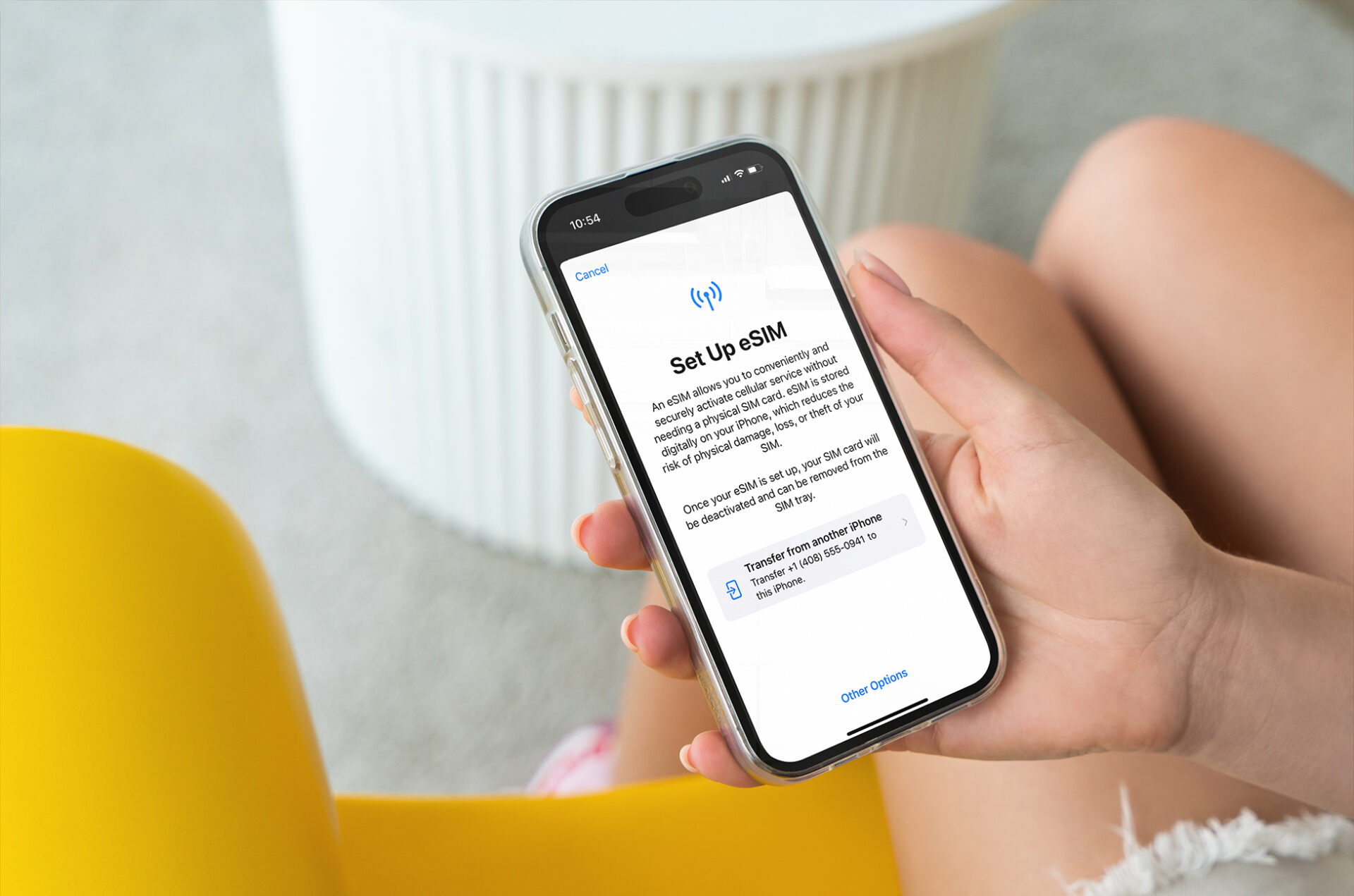
Once the block is in place, you’ll need a new SIM card to restore service. Most carriers offer several options: you can pick one up at a retail store, have it shipped to your home, or in some cases, download an eSIM directly to a new phone. Your original phone number is typically retained on the replacement SIM, so you don’t have to worry about losing your number, just confirm with the carrier that the number will be transferred to the new SIM.
If you choose store pickup, bring your photo ID and any verification documents you used during the call. If you opt for delivery, the SIM will arrive in a sealed package with activation instructions. When it arrives, follow the activation process exactly as described, this usually involves inserting the SIM into your phone and following a text message or app prompt. If you’re activating an eSIM, you’ll scan a QR code or enter a code provided by your carrier.
After activation, test your service thoroughly. Make a test call, send a text, and try browsing the internet to confirm data works. If anything fails, contact your carrier immediately, activation sometimes takes a few minutes to propagate, but persistent issues may indicate a faulty SIM or an account problem. Also, if you had voicemail or call forwarding set up on the old SIM, you may need to reconfigure those settings on the new one.
While you’re at it, consider whether you need to update your number with banks, employers, or two-factor authentication services. If you used SMS codes for any accounts, you’ll need to re-register your number with those services once the new SIM is active.
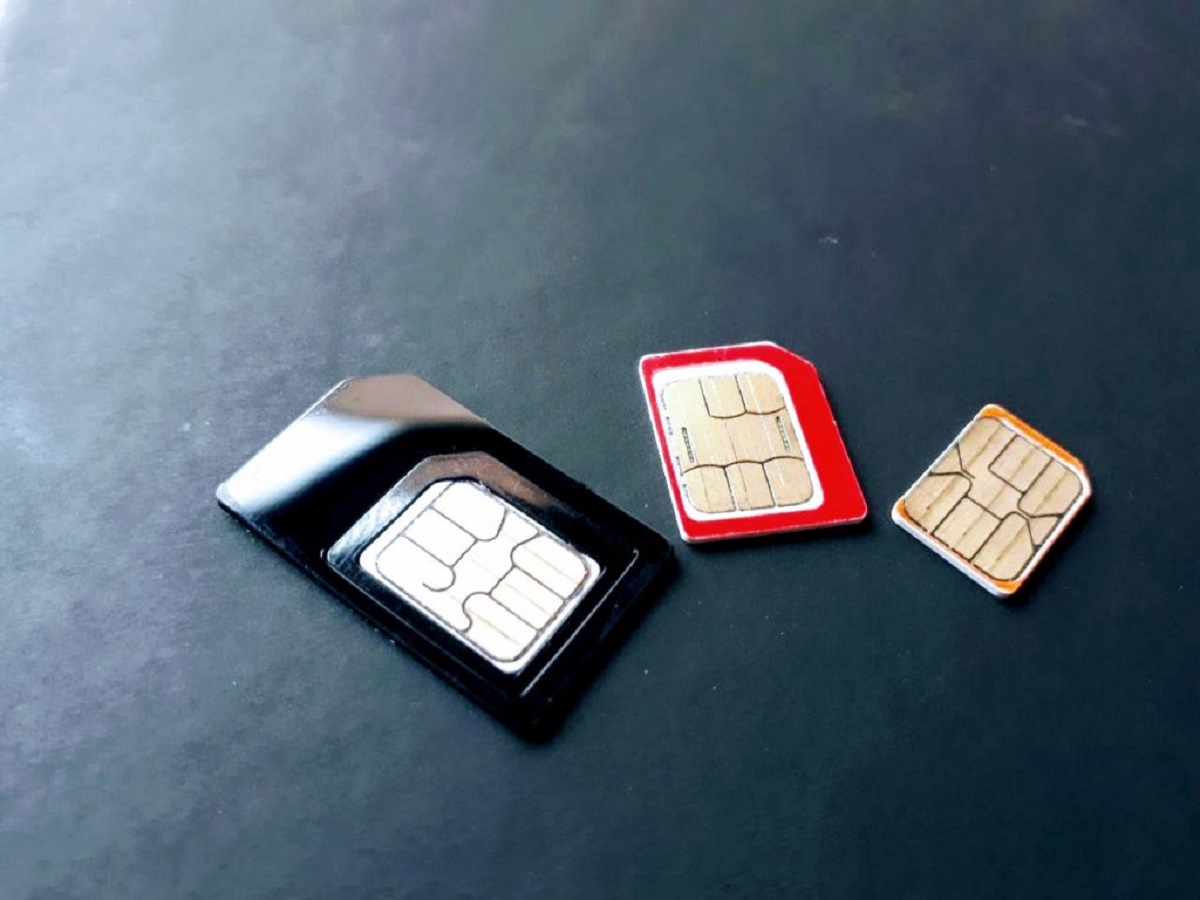
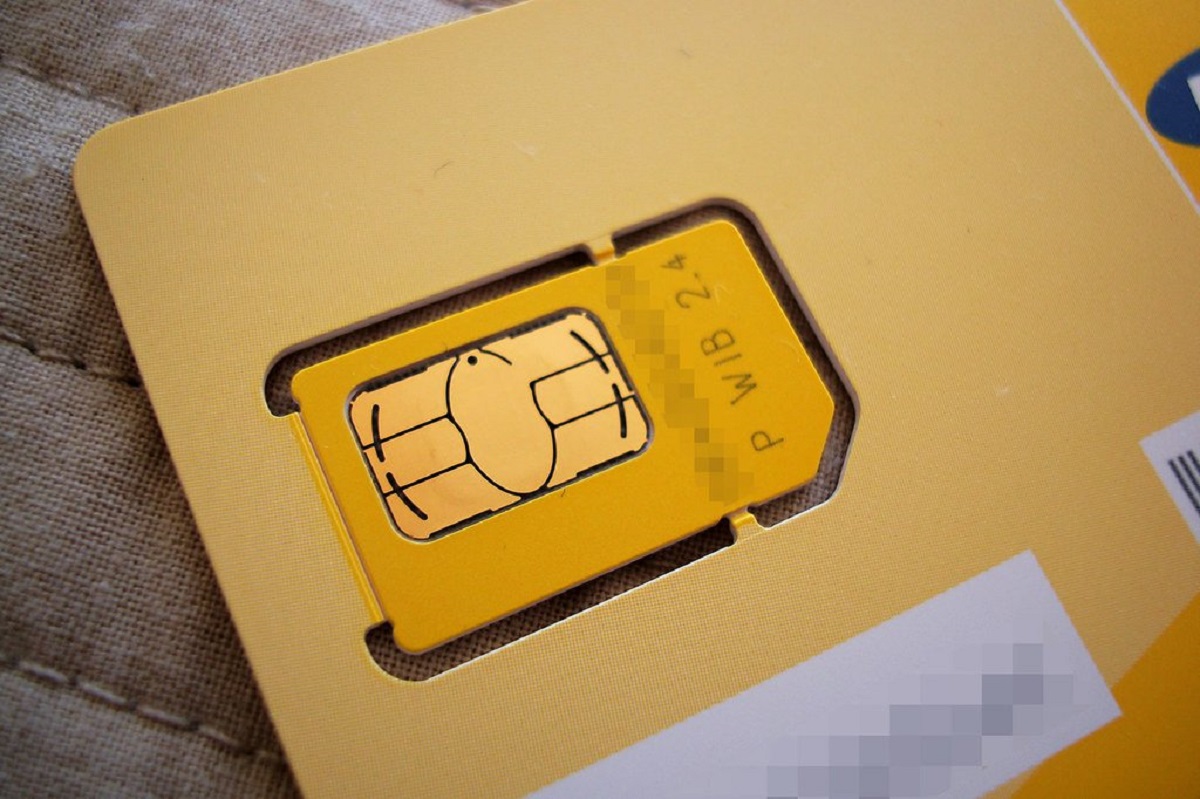
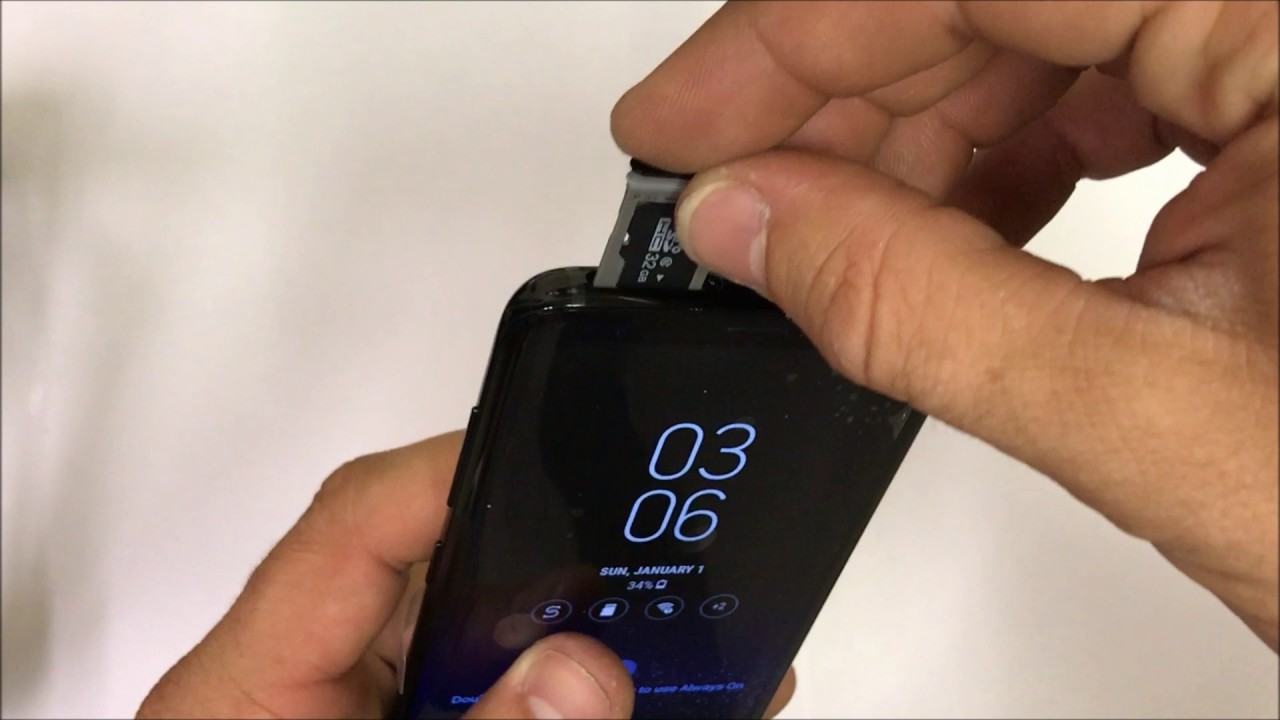
Finally, if you’re setting up a new phone with the replacement SIM, be careful with the physical card, inserting a SIM card is simple, but make sure it’s oriented correctly and that you don’t force it into the tray. If you’re moving the SIM between devices, power off both phones first. After a few days, verify your billing statement to ensure no unauthorized charges appeared before the block, and keep the police report number handy in case your carrier’s fraud department needs it. Deactivating your SIM card is the single most effective step you took today, it cut off the thief’s access to your number, your data, and your 2FA codes. Once the replacement is active, take five minutes to confirm your voicemail PIN is reset and that any forwarding features are disabled, as those can carry over from the old SIM. Checking if your SIM card is working after activation is straightforward, just make a call and send a text, but if anything feels off, don’t hesitate to call your carrier’s support line again. If you later find your original phone and need to restore service on it, reactivating your old SIM card will walk you through bringing that number back to the original device. The block is done, the replacement is active, and your number is back in your control.