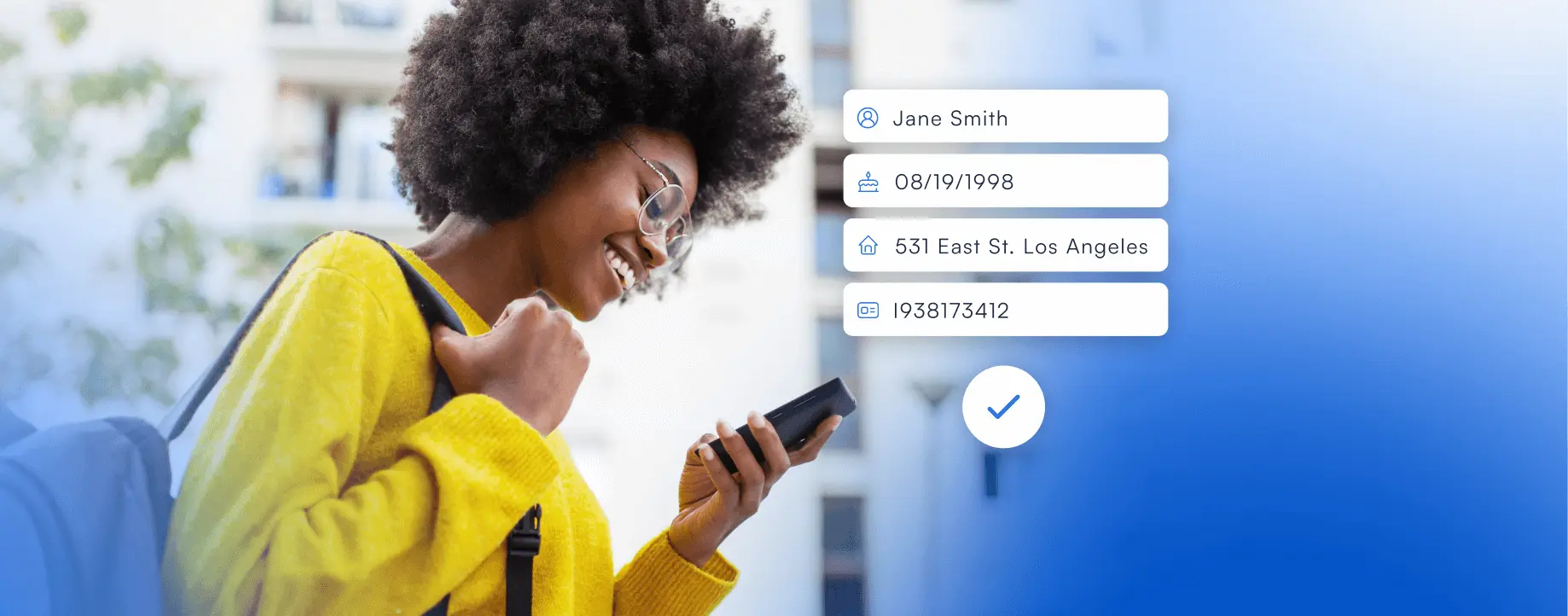
To prevent banking fraud, you must treat your login credentials like the keys to your safe and never share them, outsmart phishing scams by never clicking links in unexpected messages, and monitor your accounts like a hawk by setting up alerts and freezing your credit. This practical checklist gives you the exact steps an ordinary person needs to stop criminals from stealing your money or identity during everyday banking.
How to prevent banking fraud: a practical checklist
Fraudsters are constantly inventing new ways to trick you, but you can block almost every attack by following a short set of non-negotiable rules. This guide cuts through the noise and hands you a direct action plan. You will learn how to lock down your logins, spot a phishing email before you click, secure your phone and laptop, monitor your accounts effectively, and use the free protections your bank already offers. Follow every step, and you will make yourself a very hard target.
Lock down your login credentials
Your username and password are the first line of defense. If a criminal gets these, they can walk right into your account. The goal here is to make your credentials impossible to guess and impossible to share, even by accident.
- Create strong, unique passwords. Use a combination of random words, numbers, and symbols. Never reuse a banking password on any other website, social media account, or shopping site. If one site gets hacked, your bank account stays safe.
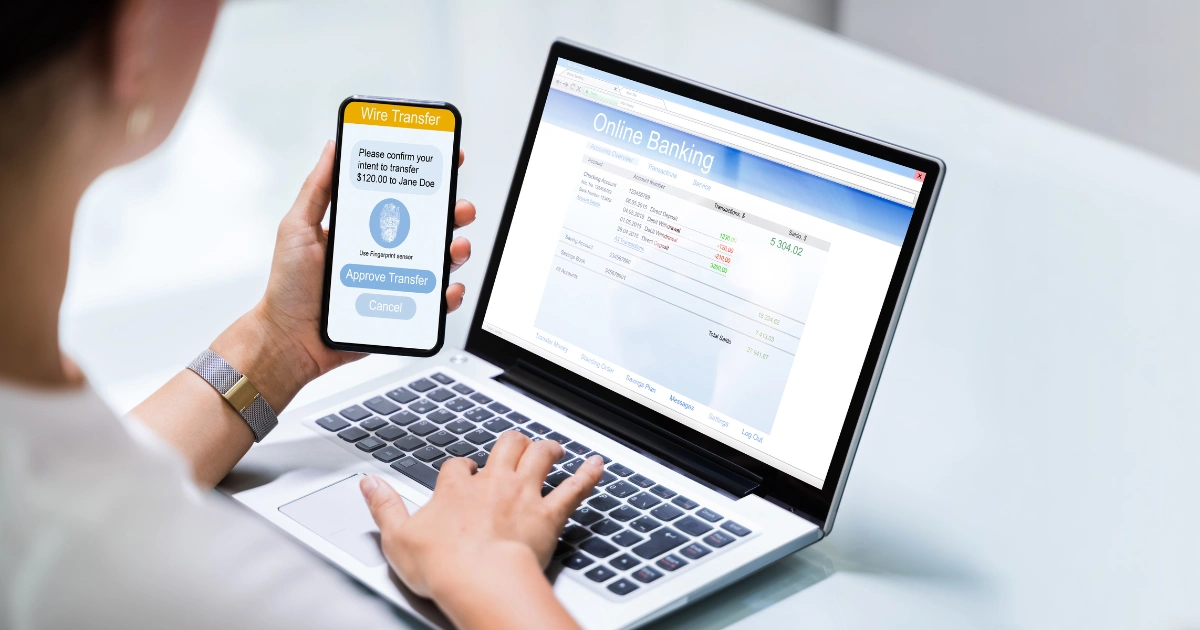
- Enable two-factor authentication (2FA). This adds a second lock to your account. Even if a thief steals your password, they cannot log in without the unique code sent to your phone or generated by an authenticator app. Turn this on in your bank's security settings immediately.
- Never share your passwords, PINs, or one-time passcodes with anyone. This is the absolute rule. A legitimate bank will never ask for this information via an unsolicited call, email, or text message. If someone asks for your code, they are a scammer. Hang up or delete the message.
Outsmart phishing and smishing scams
Phishing (email scams) and smishing (text message scams) are the most common ways criminals steal login details. They send urgent messages pretending to be your bank, hoping you will panic and click a fake link. Here is how to beat them every time.
- Be highly skeptical of unexpected communications. Any call, text, or email that creates a sense of urgency, demands immediate action, or requests personal financial information is a red flag. Scammers use fear to make you act before you think.
- Never click links to reach your bank's site. Only access online banking through your bank's official website by typing the URL directly into your browser or using a trusted bookmark. Never click a link in an unexpected email or text message, even if it looks real.
- If you are unsure, call your bank directly. Hang up or do not respond to the suspicious message. Then, call your bank using the verified phone number on the back of your debit or credit card, or the number from their official website. Do not use any phone number provided in the suspicious message.
Secure your network and devices
Your computer and phone are the gateways to your bank. If they are infected with malware or you connect through an insecure network, a criminal can intercept your login details or take over your session.
- Avoid public Wi-Fi for banking. Never conduct banking transactions on public Wi-Fi networks, such as those in coffee shops, airports, or hotels. These networks are easy for hackers to eavesdrop on.
- Use cellular data or a VPN instead. When you need to bank on the go, use your phone's cellular data connection, which is much more secure than public Wi-Fi. If you must use Wi-Fi, use a trusted VPN to encrypt your connection.
- Keep your devices updated. Regularly update your computer, phone, and tablet with the latest operating system, anti-malware, and antivirus software. These updates patch security holes that criminals exploit. Always log out of your banking session when you are finished.
Monitor accounts and lock down your credit
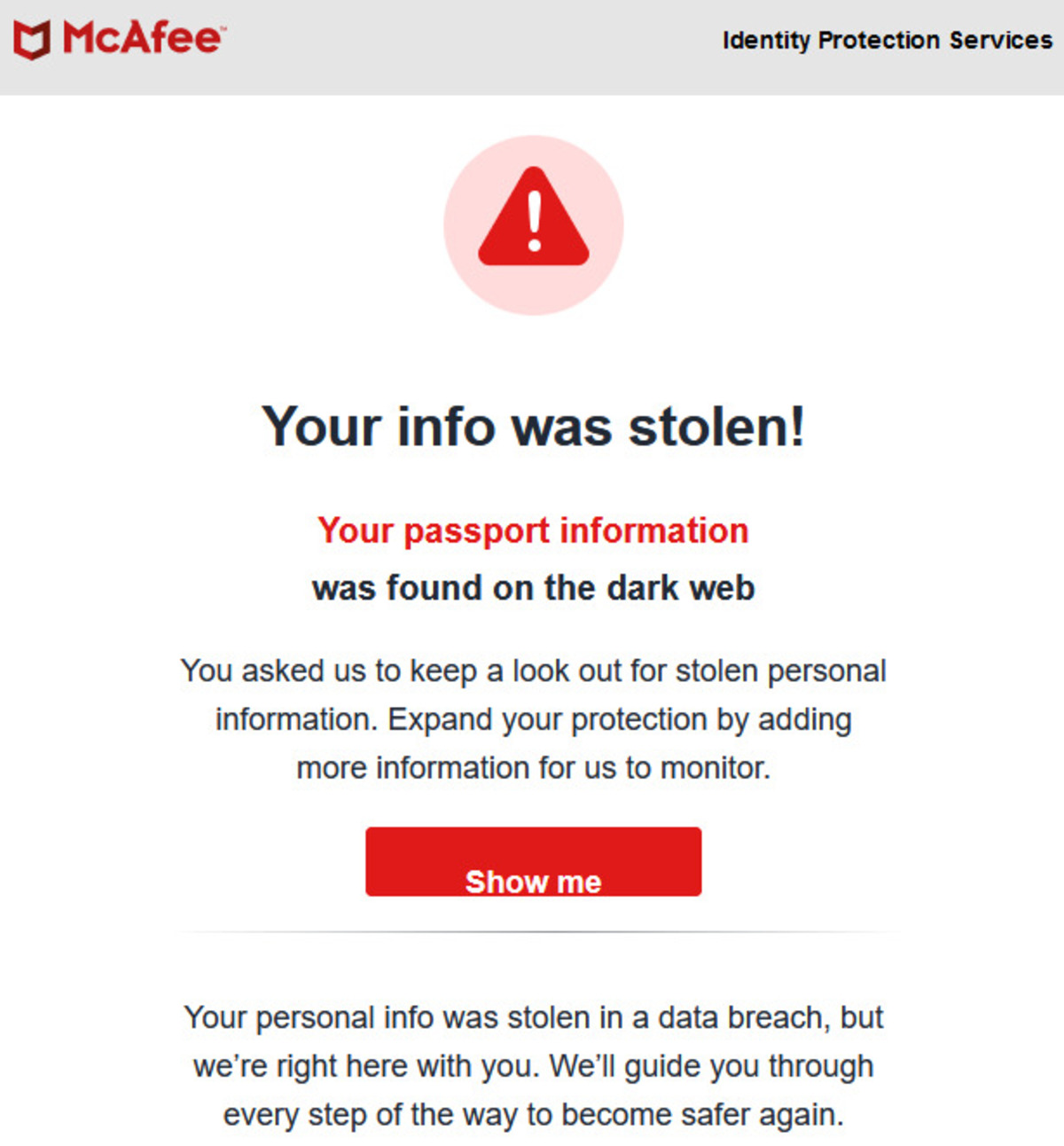
Even with strong defenses, a criminal might still get your information from another source. Early detection is your safety net. The faster you spot a problem, the faster you can stop the damage.
- Set up transaction alerts. Use your bank's mobile app or online portal to set up alerts for every transaction, large withdrawals, or changes to your account information. You will get an instant notification if something suspicious happens.
- Review statements regularly. Log in to your online banking account at least once a week and check your transaction history. Look for any small, unfamiliar charges. Fraudsters often test stolen card numbers with tiny transactions before making a big move.
- Place a fraud alert or security freeze. This is a proactive step to protect your identity. Contact any of the three major credit bureaus (Experian, TransUnion, Equifax) to place a fraud alert or a security freeze on your credit file. A freeze prevents anyone from opening new accounts in your name, which stops identity theft cold.
Use your bank's built-in fraud shields
Your bank has powerful tools working behind the scenes to protect you, but you have to opt in and know how they work. These shields are free and can save you from financial loss.
- Actively enroll in fraud monitoring services. Many banks offer 24/7 fraud monitoring that watches your account for unusual activity. Check your bank's security center or app settings to make sure this service is active on your account.
- Understand 'Zero Liability Protection'. Most banks offer Zero Liability Protection for unauthorized debit and credit card transactions. This means you will not be held responsible for fraudulent charges, provided you report them promptly. Know the terms of your bank's policy so you can act fast if needed.
What to do if you spot a suspicious transaction
If you see a charge or withdrawal you do not recognize, time is critical. Do not wait and see if it goes away. Act immediately with this clear plan.
- Report the fraud to your bank instantly. Call the fraud department using the number on the back of your card or from your bank's official website. Do not use any number from the suspicious transaction or message.
- Have this information ready. Your account number, the date and amount of the suspicious transaction, and any details you have about the merchant or location. The faster you provide this, the faster the bank can investigate and reverse the charge.
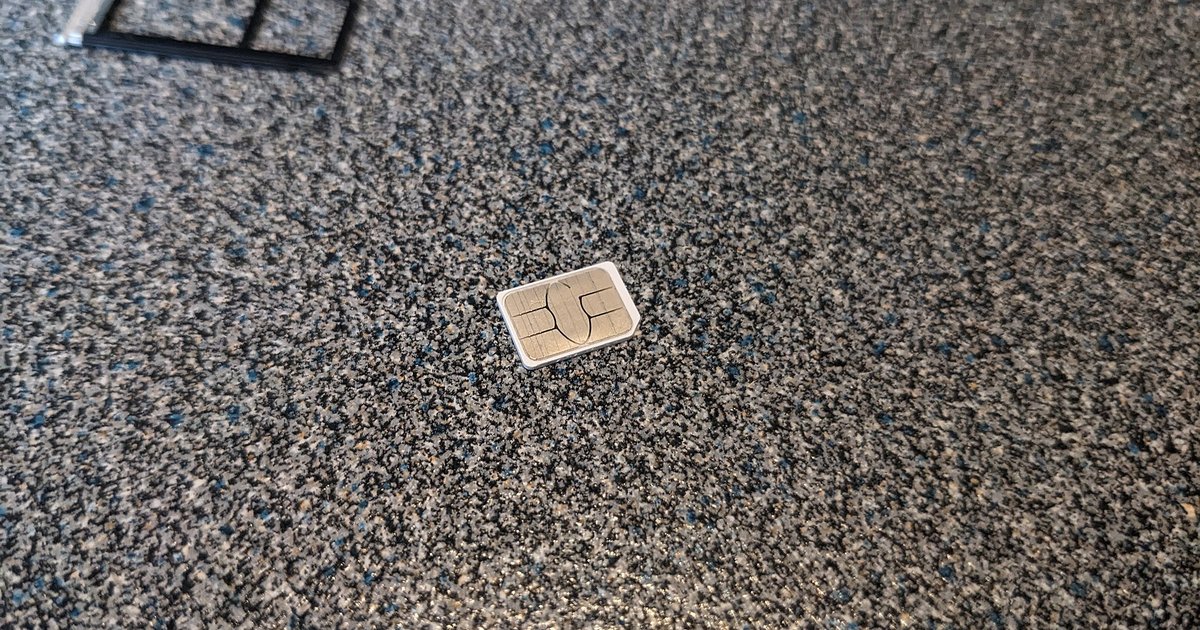
- Change your passwords and PINs. After reporting the fraud, immediately change your online banking password and your debit card PIN. If you suspect your phone number was compromised, learn how to recover a mobile banking account after a SIM-swap attack by contacting your mobile carrier and bank separately to secure your phone line. To protect your online banking going forward, always use the official app or type the URL directly. To use mobile banking safely, only download your bank's official app from your device's authorized app store.