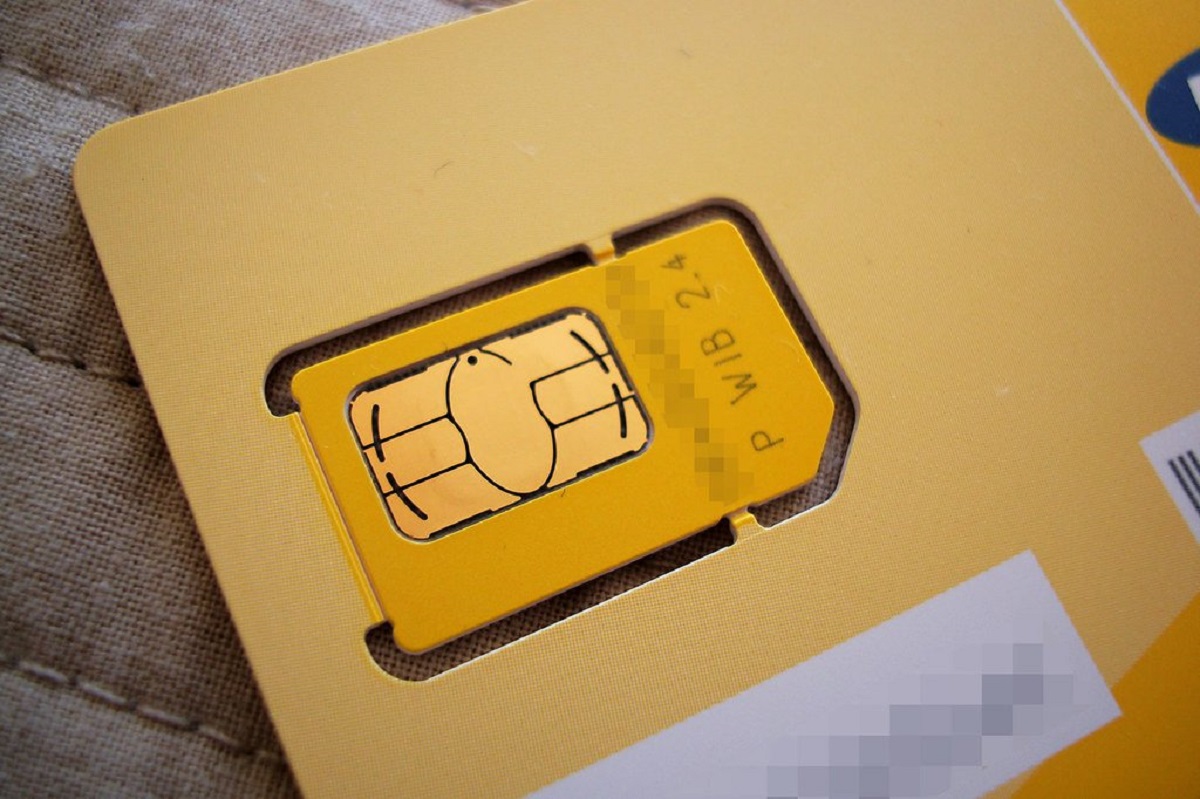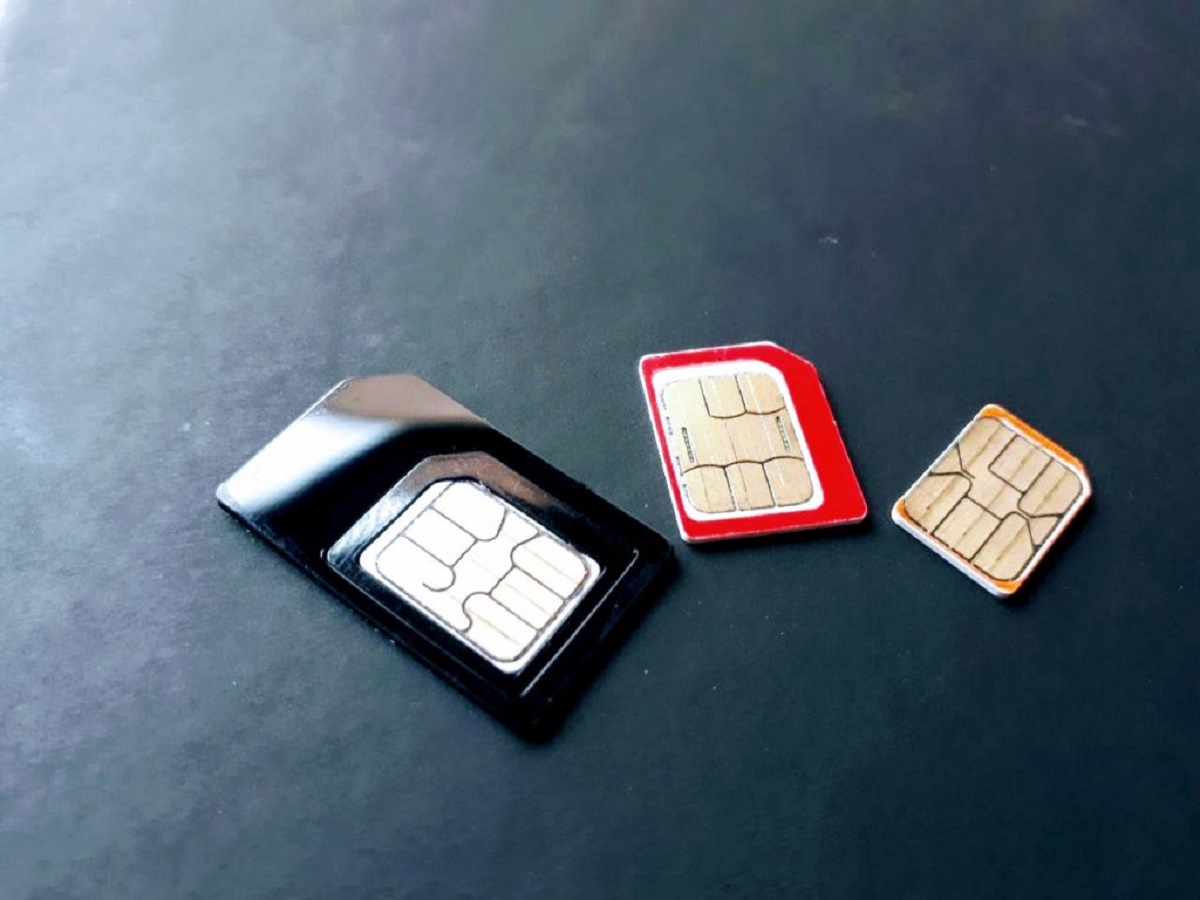
Reactivating your old SIM card can restore service to a dormant line and reclaim a previous phone number, but the process depends entirely on your carrier's deactivation policies. Before you begin, understand that most providers automatically deactivate SIM cards after a period of non-use, and a reactivation is only possible if the line hasn't been permanently canceled or reassigned.
Step 1: Check your carrier's deactivation policy
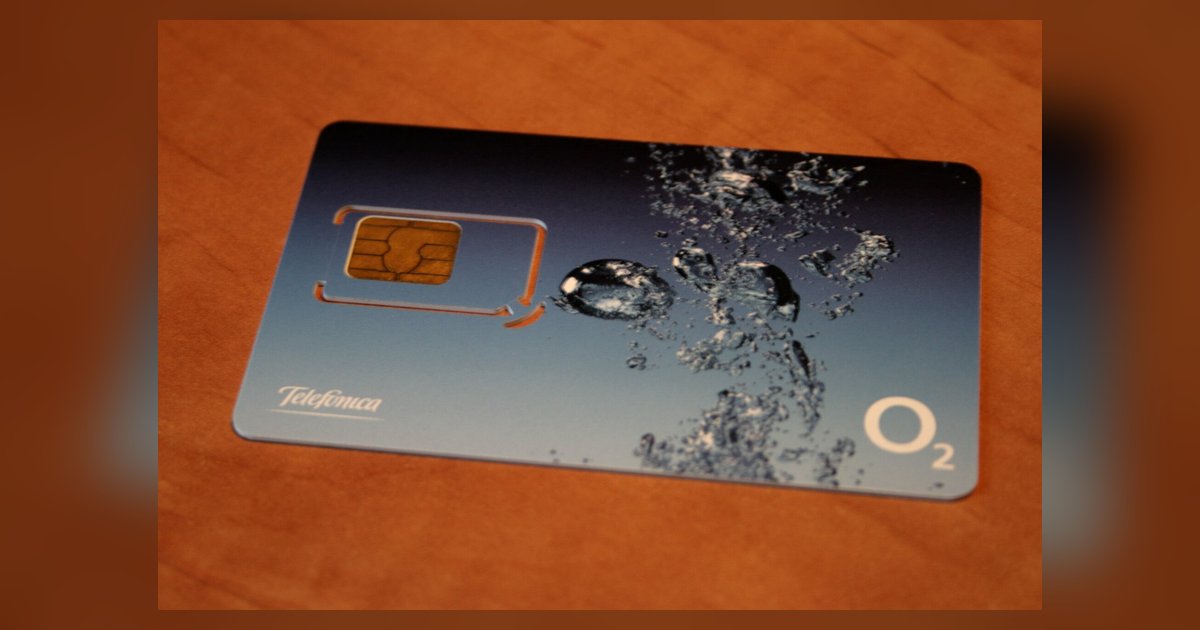
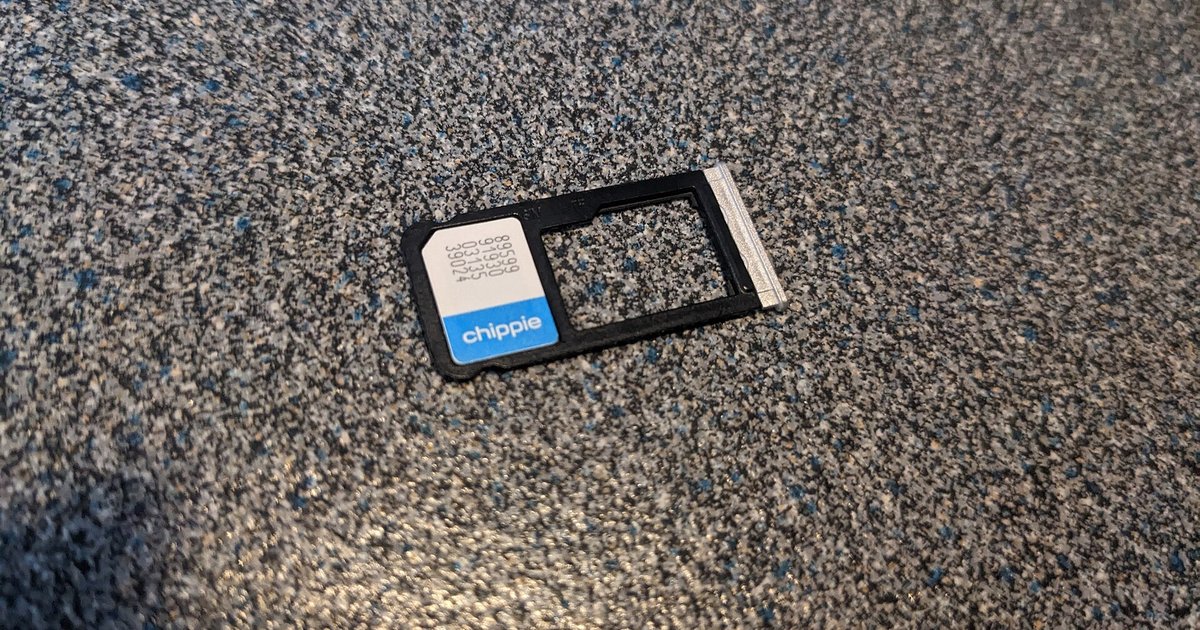
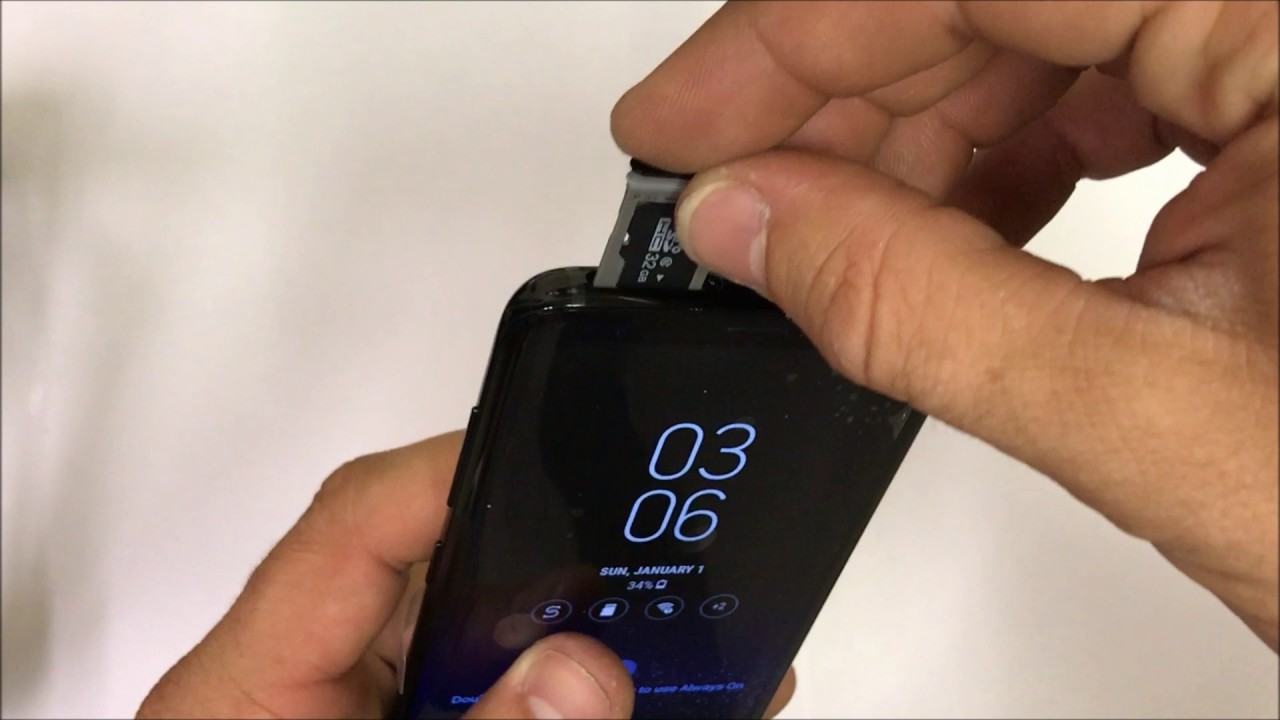
The single most important step is verifying whether your old SIM card is still eligible for reactivation. Carriers deactivate SIMs after a period of inactivity, and the window varies by provider. For example, Verizon Prepaid plans signed up after November 6, 2018 remain active as long as they are renewed within 60 days of the plan renewal date. After that, the line is deactivated and may not be recoverable. To check if your SIM is still recognized, insert it into a phone and see if the device displays any network signal or carrier name. If you need help accessing the tray, see opening the SIM card slot without damaging the mechanism. This is also a good time for checking if your SIM card is working; a quick visual inspection for physical damage and confirming the card is not expired will tell you if it's even worth contacting the carrier.
Step 2: Contact your mobile service provider
Once you've confirmed the SIM was recently active, reach out to your mobile service provider directly. Use phone, live chat, or visit a store, whichever channel you prefer. Clearly state that you want to reactivate a dormant line associated with your old SIM card. Ask about any reactivation fees, plan requirements, and whether the original phone number is still available. This conversation is essential because some carriers may require you to purchase a new SIM card if the old one has been deactivated for too long. If you are using an old SIM card in a new phone, mention this to the representative, as they may need to update the device's IMEI or ensure network compatibility.
Step 3: Provide the necessary account information
To proceed, you'll need to verify your identity and ownership of the line. Have the following details ready:
- Your account number or the phone number associated with the old SIM card
- The SIM card number (ICCID), usually printed on the card itself
- Your full name and any security PIN or passcode on the account
- Current contact information so the carrier can send activation confirmations
Providing accurate information prevents delays.
Step 4: Activate your SIM card
After the carrier processes your request, follow their specific activation instructions. This typically involves inserting a SIM card into your device, either the old one or a replacement SIM if the original was deactivated. Power on the phone and wait for it to register on the network. Activation may take a few minutes to several hours. You should receive a confirmation message (SMS or email) once the line is active. For detailed steps on the physical process, follow the carrier's provided guidance for activating your SIM card. If you receive a new SIM, the carrier will often mail it with pre-paid return packaging for the old card.
Step 5: Test your reactivated SIM card
Once you see signal bars or a carrier name on your phone, confirm the reactivation worked:
- Place a test call to a friend or voicemail to verify outgoing and incoming calls.
- Send a text message to another device and confirm it was received.
- Use mobile data to load a website or check email, this confirms data services are active.
- Check that your old phone number appears on outgoing caller ID.
If any of these fail, contact your carrier again. They may need to refresh the network connection or reprovision the line. A successful test means your old number is fully restored and ready for use.
For the wider topic, see inserting a SIM card.