Computing & Gadgets is the practical resource for anyone who wants to get their devices working smoothly, whether you are setting up a new fitness tracker, pairing a keyboard, or trying to make your smart TV show regular channels. The guides here are written for everyday users, not engineers, and focus on clear, step-by-step instructions for common tasks like connecting a phone to a tablet, calibrating an Apple Pencil, or changing the time zone across your gadgets. If you own a Fitbit, Amazon tablet, Ring doorbell, or Logitech mouse, this is the place to start.
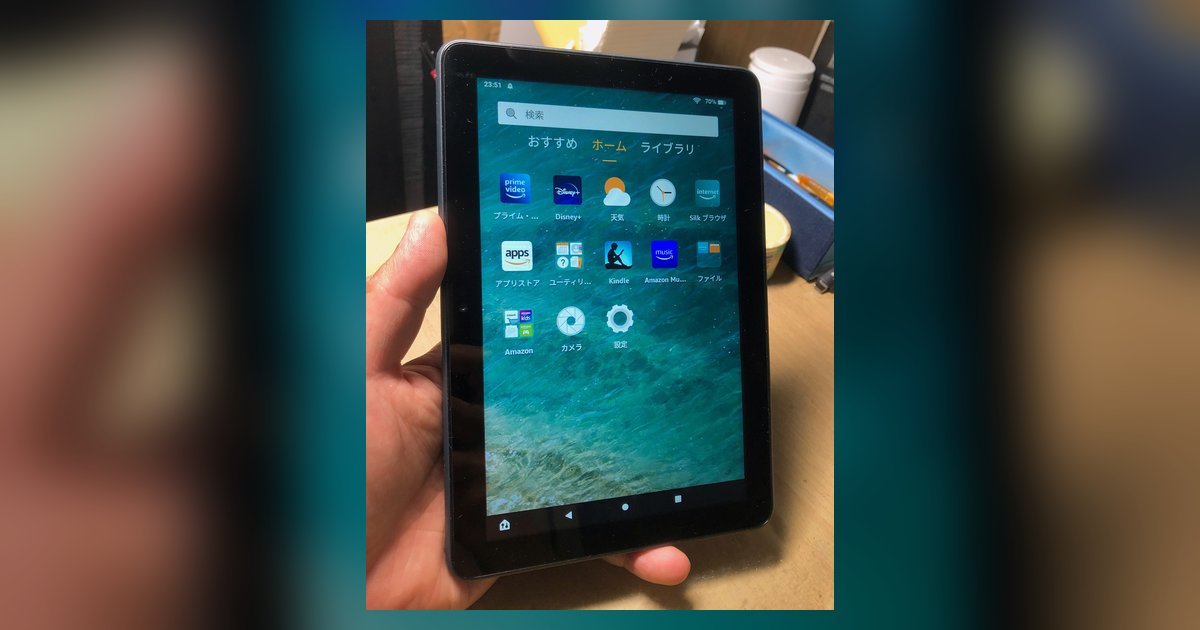
The articles cluster around three main themes. First, setup and connectivity: you will learn how to connect and control a soundbar, get a browser on your Switch, and pair Redmi earbuds, along with detailed walkthroughs for configuring SIM cards in laptops, routers, and HP devices. Second, troubleshooting and maintenance: from resetting a Fitbit Charge 5 with a black screen to adjusting Aria WiFi settings or changing your Fitbit band, these pieces help you fix issues and keep your gear running. Third, customization and account management: you can customize a Fire Tablet screen, change your number on a SIM card, or activate an EE SIM, all explained in plain language.
Beyond the main guides, you will find practical help for everyday decisions, such as whether a Ring battery doorbell can be hardwired for trickle charging, how to get Dolby Atmos from a Vizio TV optical output, or what to do when Chrome sensor overrides disappear after an update. The tone is straightforward and supportive, so you can follow along and complete each task with confidence.
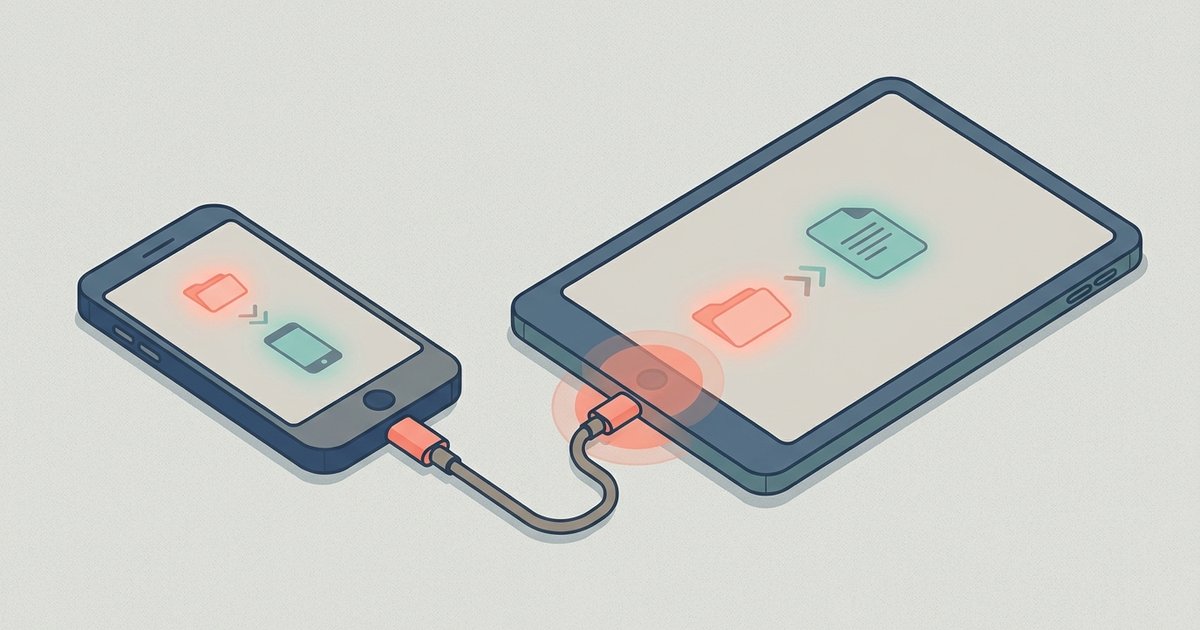
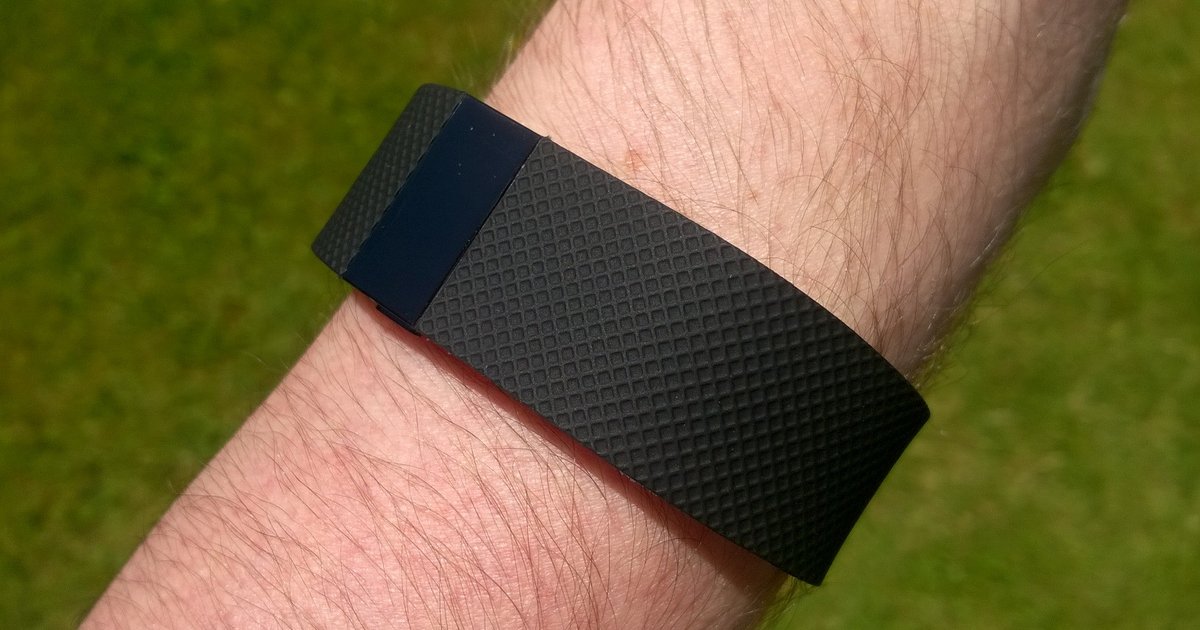 Fitbit Setup, Syncing and Troubleshooting
 How Do I Turn Noise Cancelling On
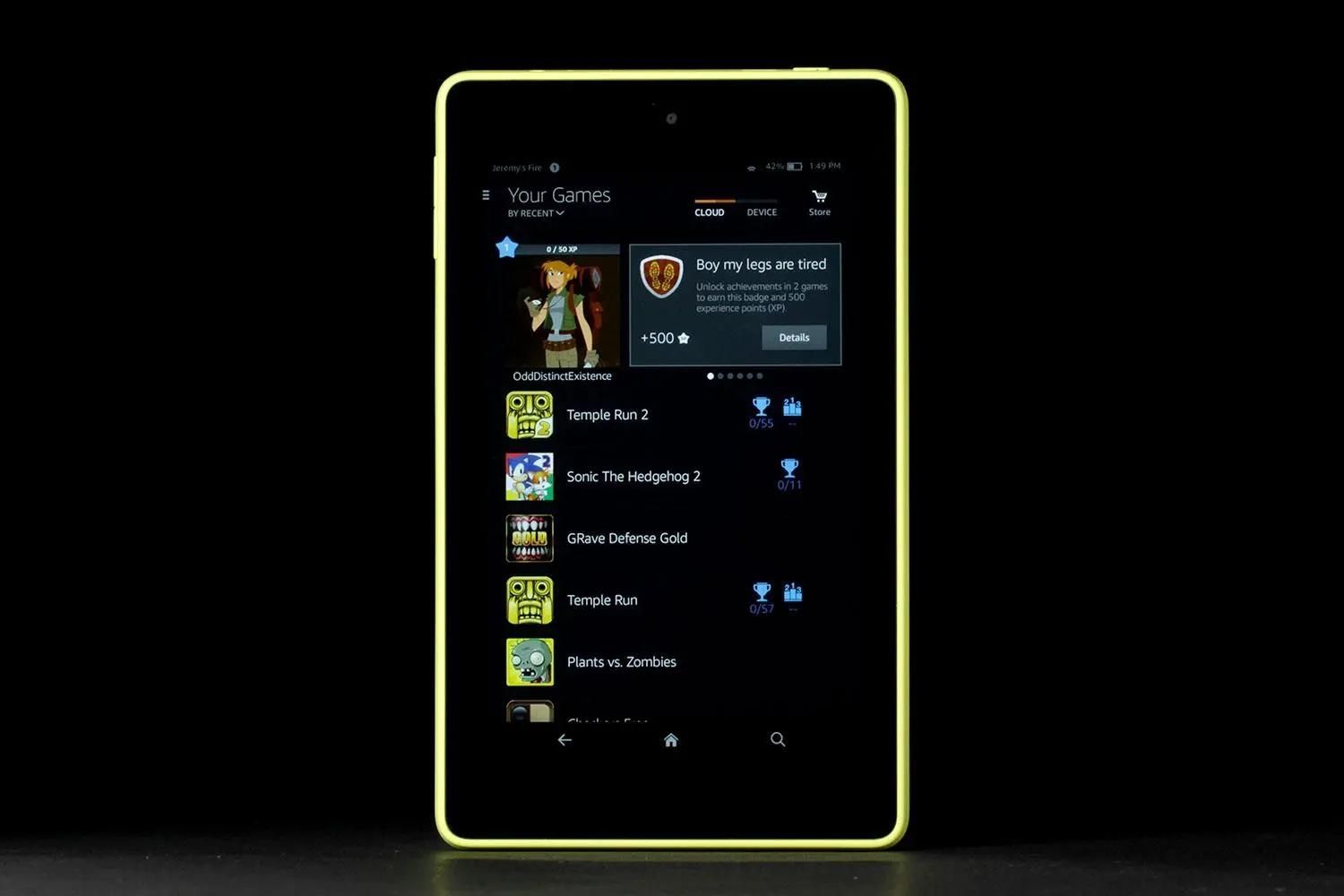 How Do I Unlock My Amazon Tablet?
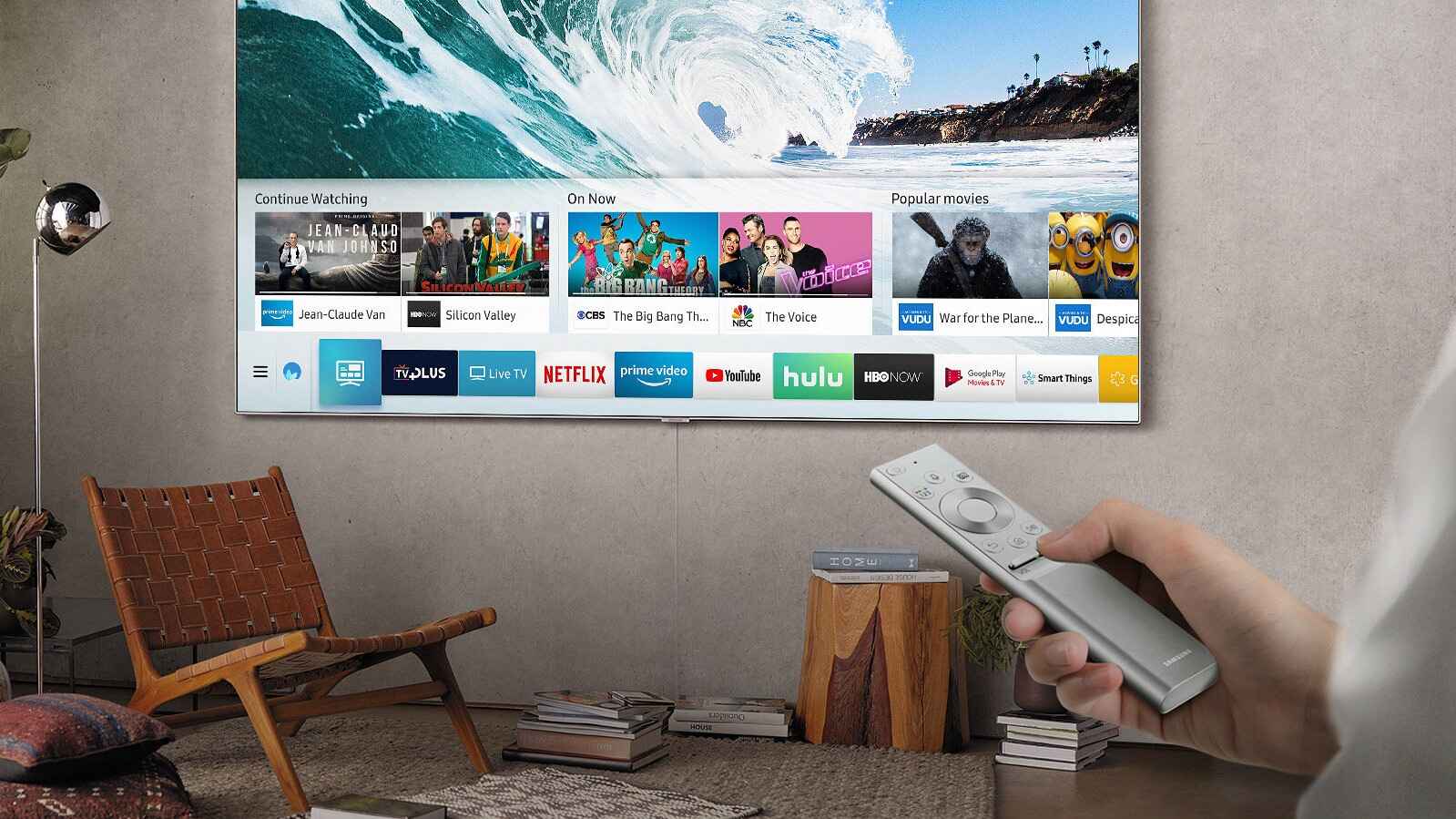 How Do You Get Regular TV On A Smart TV
 How Is A Ring Video Doorbell Powered
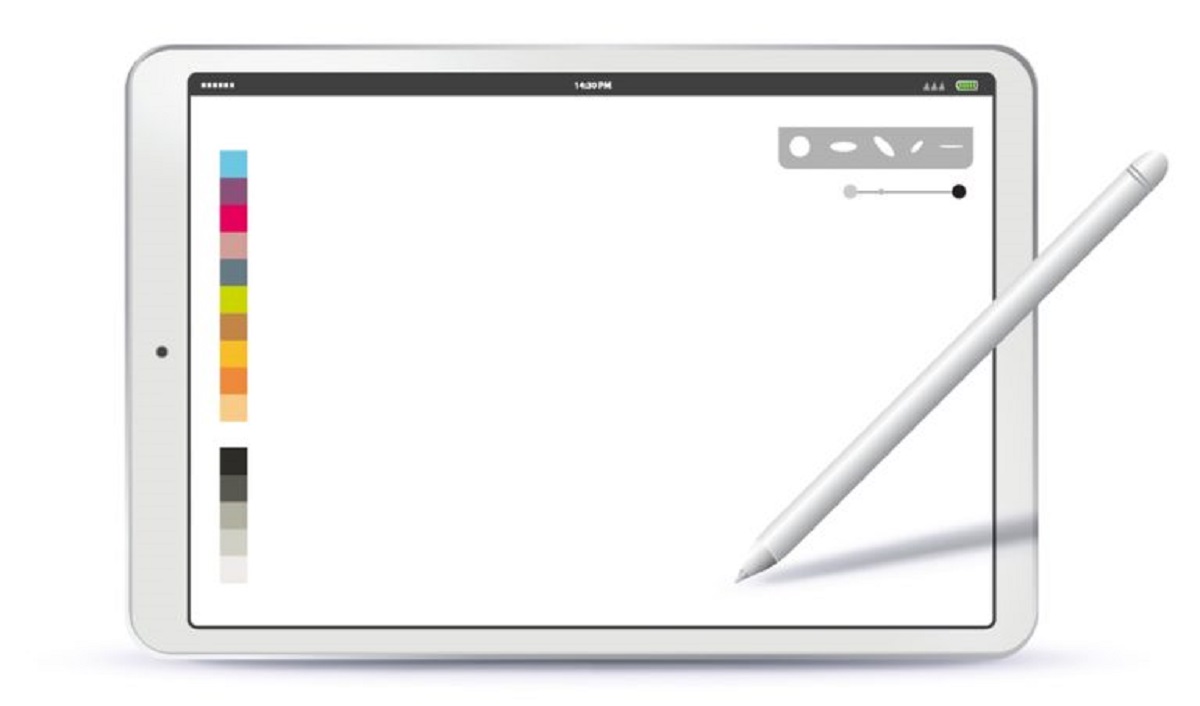 How To Calibrate Apple Pencil
 How to Change the Time and Time Zone on Your Devices
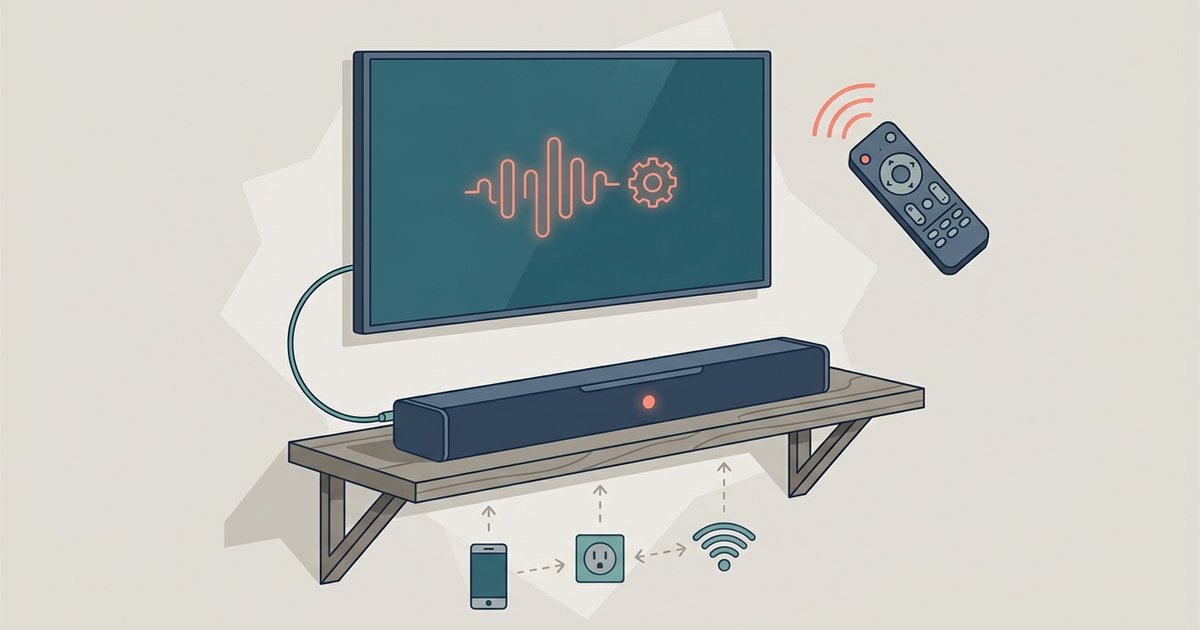 How to Connect and Control a Soundbar
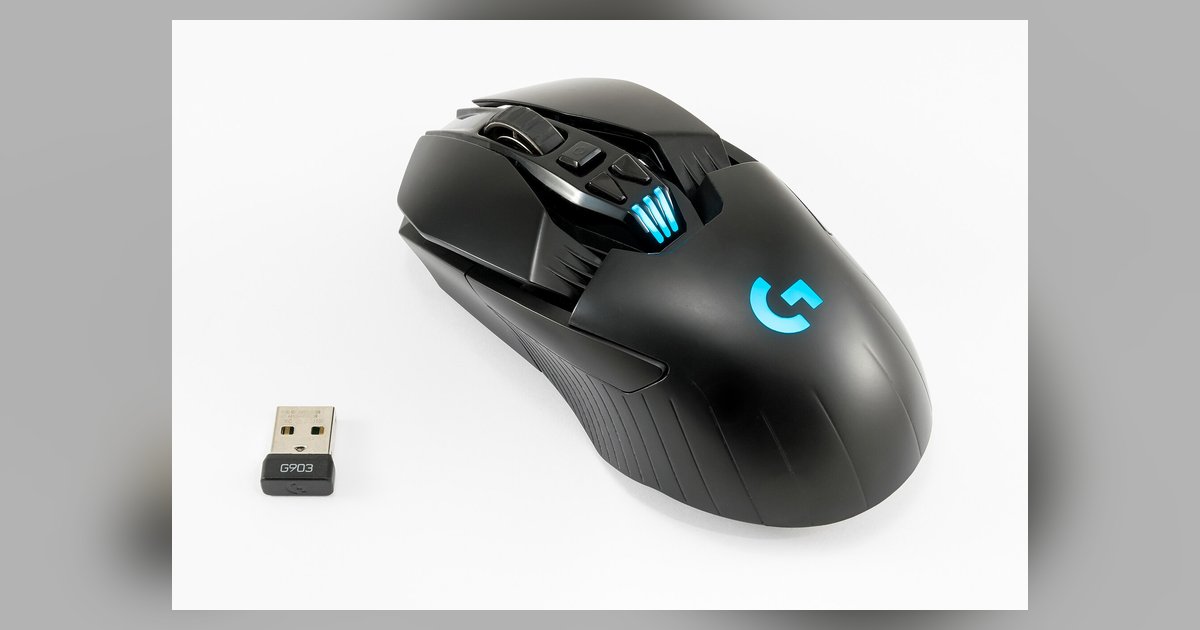 How to Connect and Set Up a Logitech Mouse
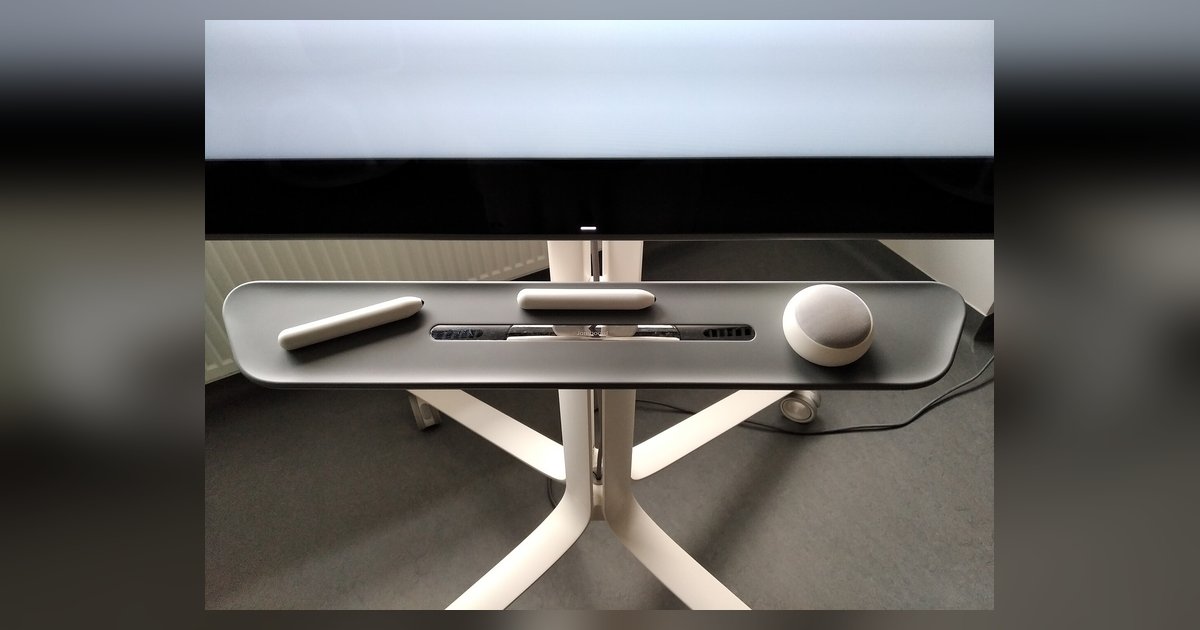 How to Connect and Use a Stylus Pen
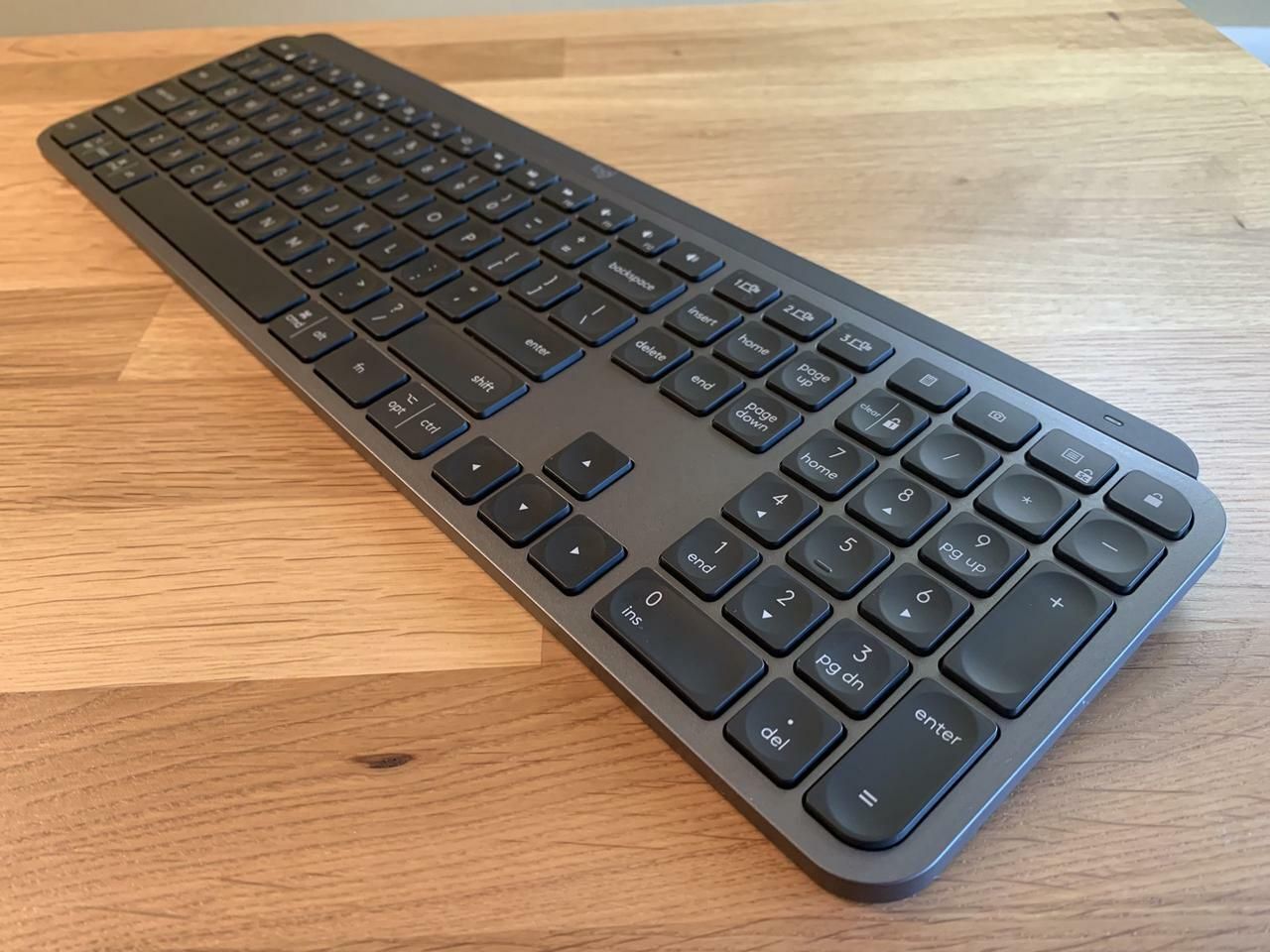 How To Connect Keyboard