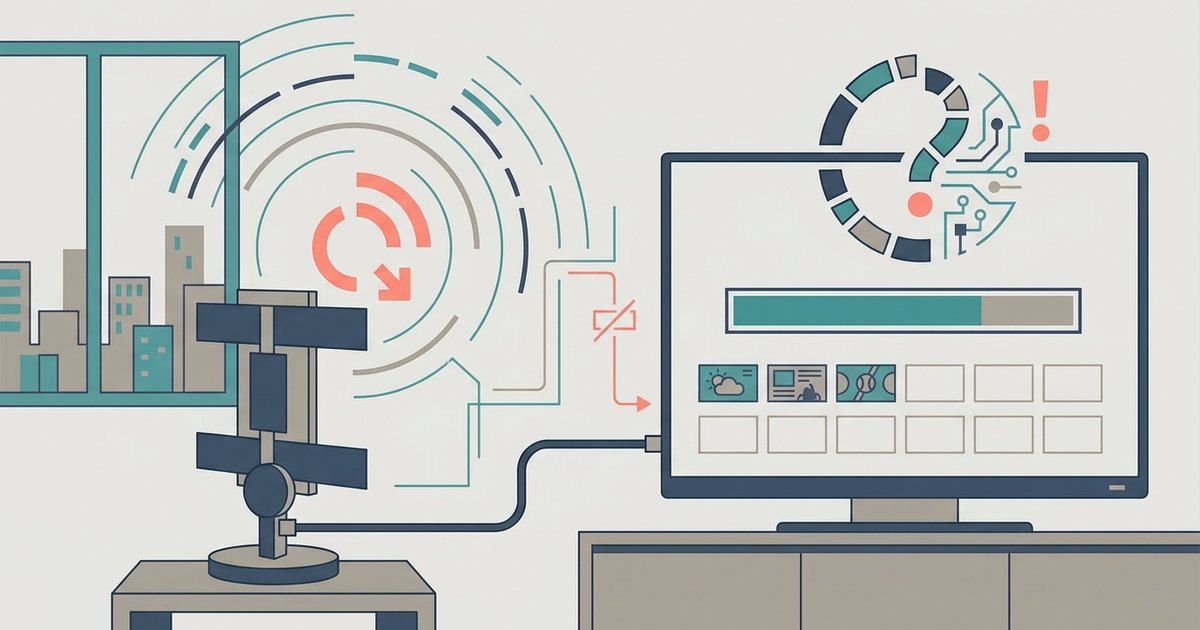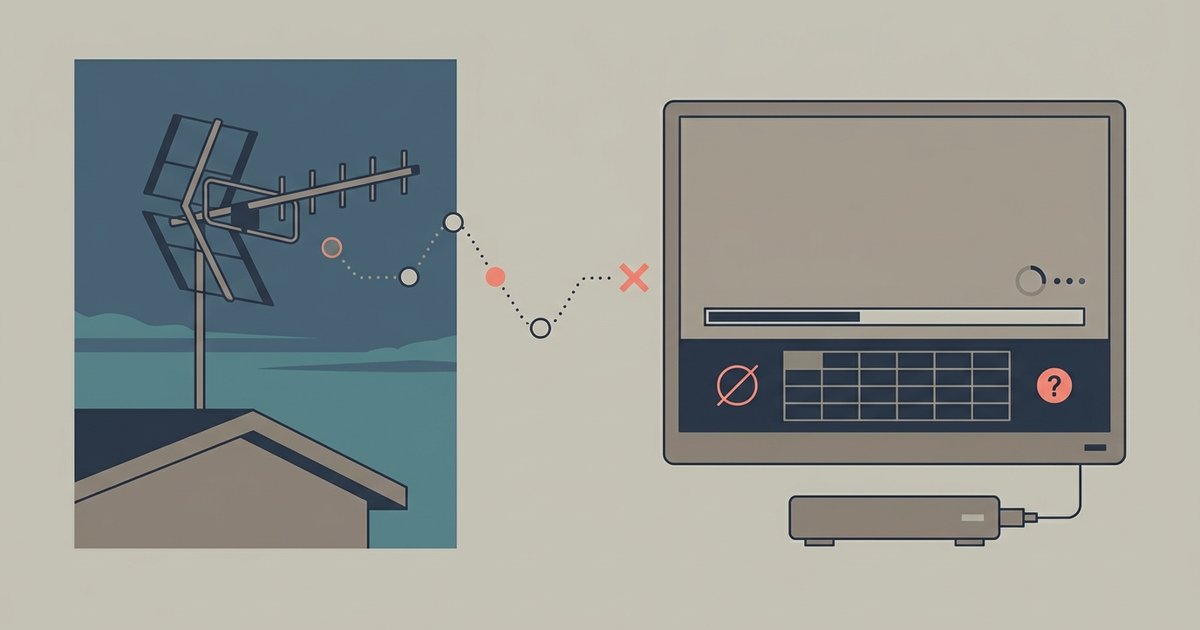
Your Vizio TV is likely set to the wrong input mode—it must be on 'Antenna' or 'Air,' not 'Cable.' If the mode is correct, the antenna itself may not be getting enough signal due to its position, a faulty coaxial cable, or because your TV's tuner is defective.
Check you are scanning the right antenna input mode
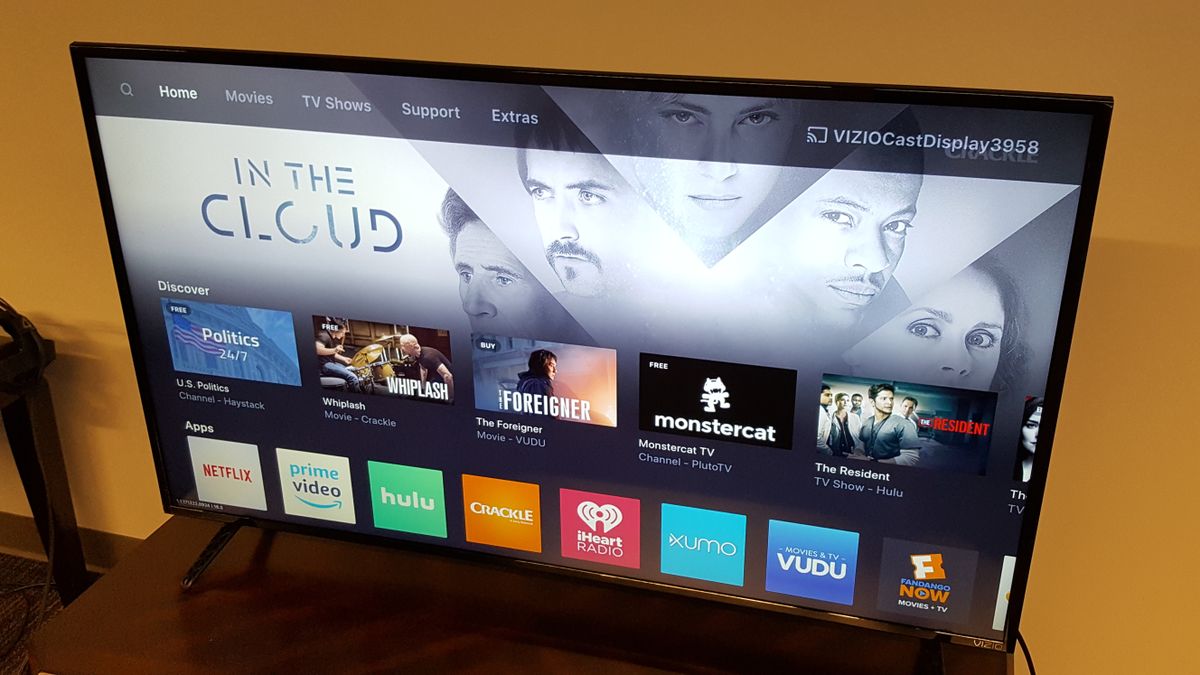
The most common reason a Vizio scan finds nothing is that the TV is scanning for cable channels instead of over-the-air signals. On your remote, press the Input button and select "Antenna," "TV," or "WatchFree+." The exact label varies by model year. Then go to Menu > Channels, Tuner, TV Channels, or Antenna Channels and start the scan. If you see "Cable" selected in the scan settings, change it to "Antenna" before scanning again. Vizio TVs often default to "Cable" after a firmware update or power loss, so double-check this setting even if you already ran a scan. If you want to watch local TV on Vizio smart TV, the input mode must be set to receive broadcast signals, not a wired cable feed. A second scan after switching modes should find channels if your antenna and signal are otherwise fine.
When the antenna or signal is the problem
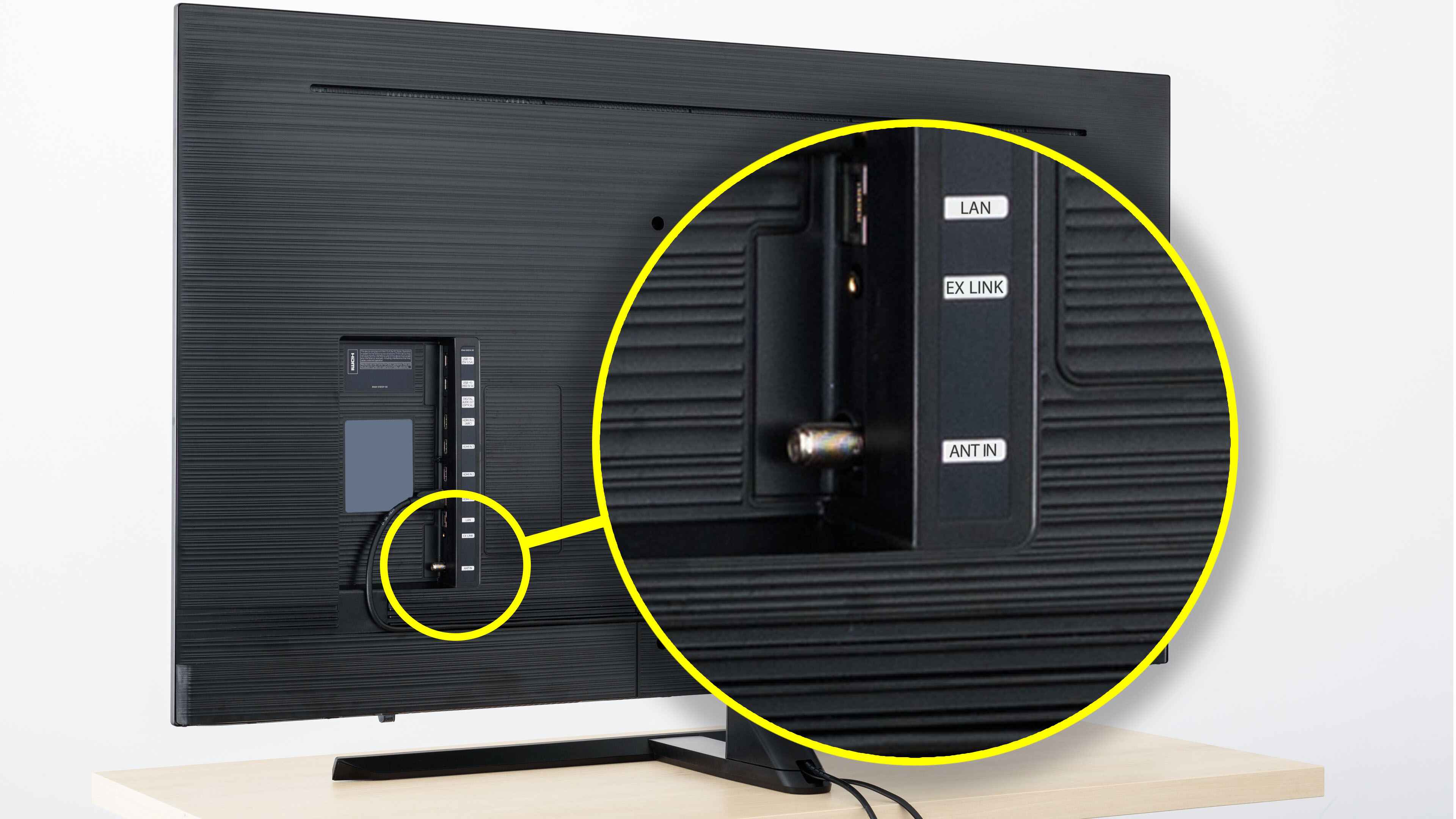
If the input mode is correct but the scan still yields zero channels, the antenna is likely not receiving enough signal. Start by checking the coaxial cable connection at both the TV and the antenna. A loose or damaged cable can block all signals. Move the antenna to a window or higher location, away from metal objects and electronics. Many Vizio owners find that an indoor antenna placed behind a TV cabinet or near a router fails completely. If you live in a rural area or far from broadcast towers, you may be in a dead zone with no receivable signals. Check a site like AntennaWeb to see which channels should be available at your address. Even in urban areas, a weak signal from a cheap antenna can cause a scan to return zero results. For comparison, try temporarily connecting the antenna to a different TV. If that TV finds channels, the problem is your Vizio’s tuner or settings. To get local channels on my Vizio smart TV, you must ensure the antenna is positioned to capture the strongest possible signal. This often means experimenting with height and direction.
The rare case where the TV tuner has failed
When the antenna works perfectly on another TV but your Vizio still finds zero channels after multiple scans with the correct input mode and a strong signal, the internal tuner may be defective. A failed tuner cannot lock onto any broadcast frequency. Every scan will end with "0 channels found" regardless of antenna placement or cable quality. You can test this by connecting a digital converter box between the antenna and the TV. If the converter box finds channels and passes them to the Vizio via HDMI, the TV’s tuner is the culprit. Vizio does not sell replacement tuner boards, and a repair often costs more than a new TV. This is the only situation where no amount of scanning or antenna adjustment will ever produce a channel list, and the TV will remain blank on the Antenna input. If you need to watch abc on Vizio smart TV and your tuner is dead, the only workaround is using a streaming service that carries ABC live, such as a subscription to a live TV app.
\nRelated reading: Why Is My LG TV Antenna Scan Not Finding All Channels.