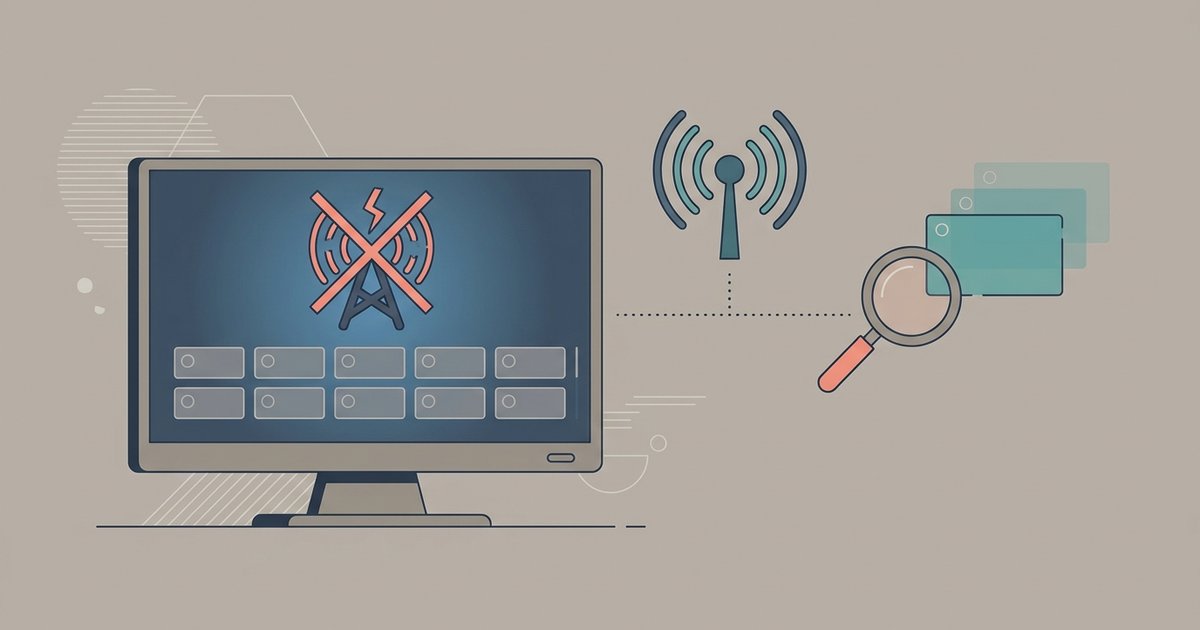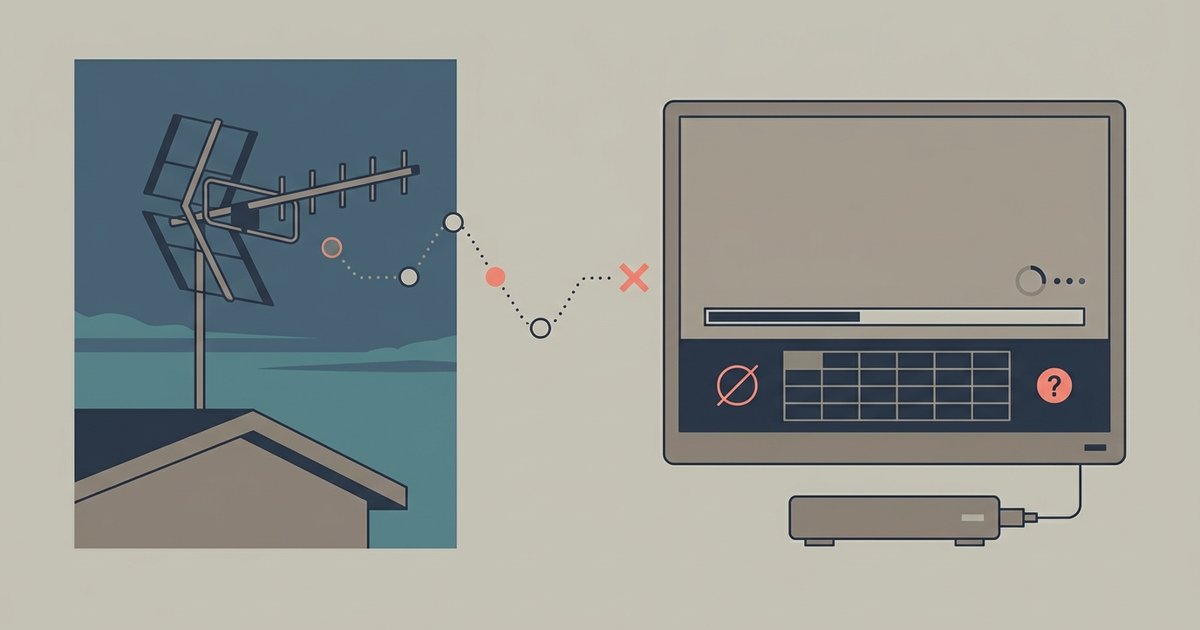
Your TV is likely set to 'Cable' mode instead of 'Antenna' or 'Air' mode in the input settings. If the mode is correct, the tuner may be incompatible with the broadcast standard in your area (such as an older TV lacking an ATSC 3.0 or DVB-T2 tuner).
Check your TV input and antenna settings
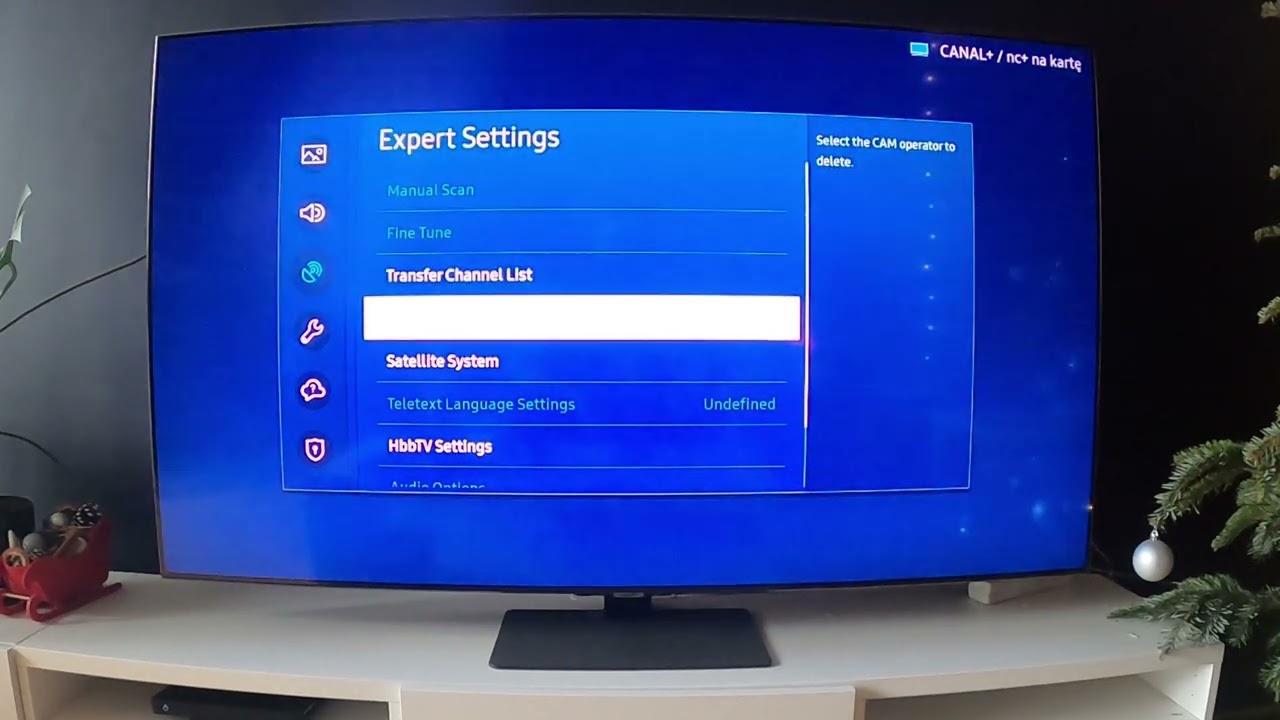
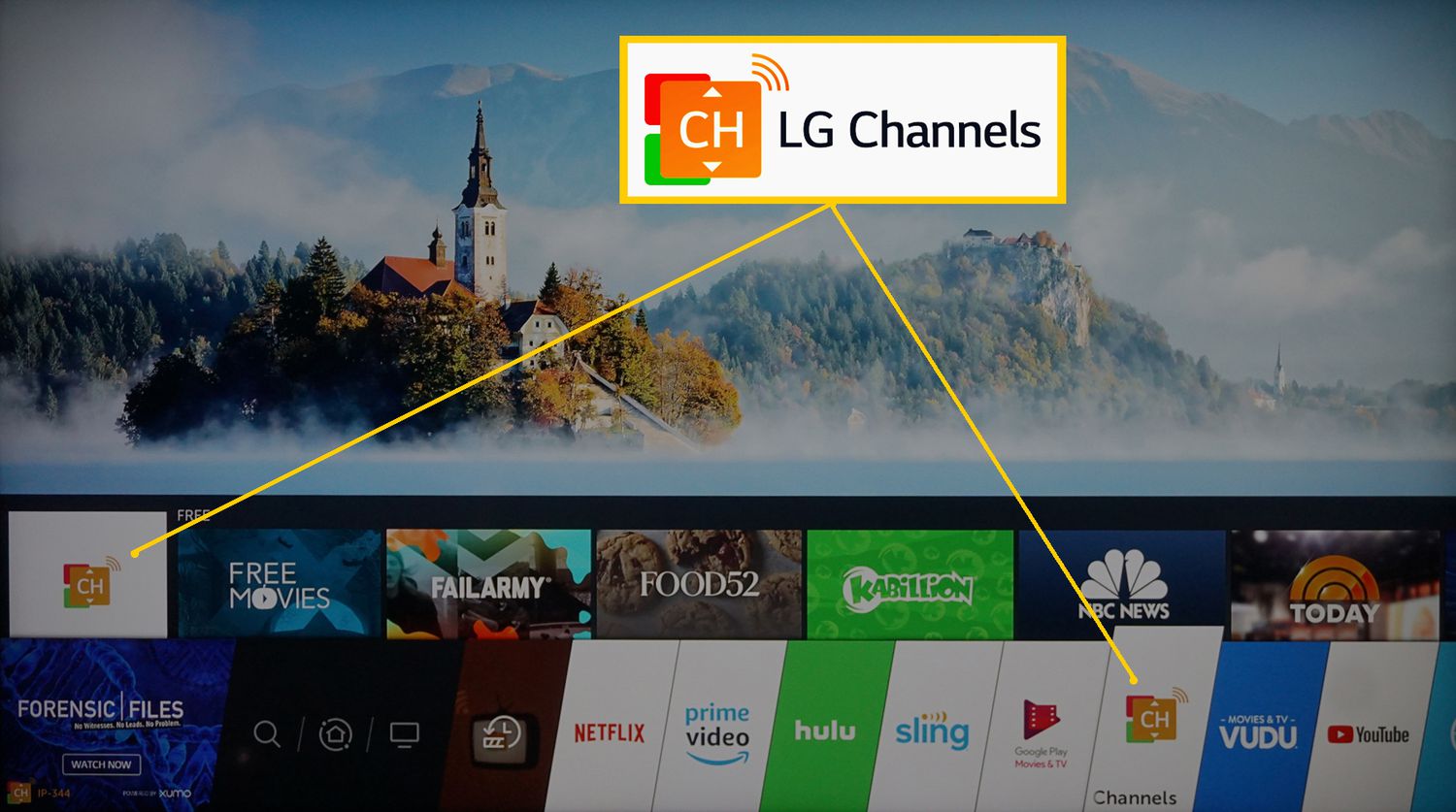
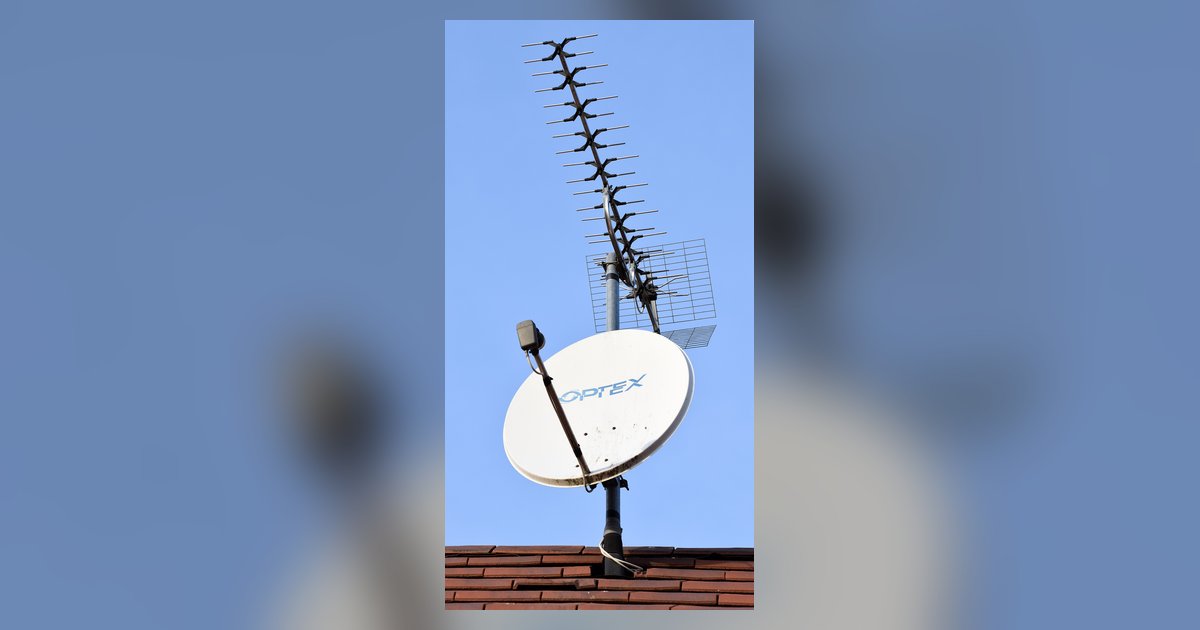
This single setting is a common culprit in "zero channels found" cases after a scan. Checking it first saves you from climbing onto your roof for nothing. When you run a channel scan, the TV’s tuner searches for signals based on the input source it expects. If the TV is set to "Cable," it looks for scrambled cable frequencies. It ignores the open-air broadcast frequencies your antenna receives. Open your TV’s settings menu and find the "Channel" or "Broadcasting" section. Look for an option called "Air," "Antenna," "Over-the-Air," or "DTV." Switch it from "Cable" to "Antenna" and run the scan again. On many modern TVs, this setting is buried under "Source" or "Input" where you select the antenna port. You must choose "TV" or "Air" there, not "Cable." If your TV has both a coaxial input and an HDMI input, you also need to point a TV antenna correctly after switching the mode. Even a perfectly aimed antenna returns nothing if the tuner is still expecting cable signals.
When the tuner is too old
If the input mode is correct but you still see zero channels, your TV’s built-in tuner may be obsolete. For example, an older TV may lack an ATSC 3.0 or DVB-T2 tuner. In the United States, broadcasters have been transitioning to ATSC 3.0 in recent years. Many older TVs only have an ATSC 1.0 tuner. If your local stations have switched, a 1.0 tuner cannot decode those signals. You will never find a channel. Similarly, in Europe and parts of Asia, older TVs lack DVB-T2 tuners needed for newer HEVC broadcasts. A DVB-T-only set will show zero results on a DVB-T2 network. The only solution is to buy an external set-top box that can handle the standard. You might need a converter box to connect TV antenna to TV wirelessly if your TV has no coaxial input at all. A wired external tuner via HDMI is more reliable. If you want to use your antenna with a modern display that lacks a tuner entirely, you must convert a TV antenna to HDMI using a digital converter box. No antenna can plug directly into an HDMI port.
Amplifier overload or power failure
Powered antennas often include a built-in amplifier that boosts weak signals. If you live close to broadcast towers, that amplifier can overload the tuner with too much signal. This causes it to register nothing, a phenomenon called "overdriving." In that case, try removing the amplifier or switching to a passive antenna. Conversely, if your powered antenna requires USB power and that port is dead, the amplifier gets no power. The signal is then too weak to detect. Check the antenna’s LED indicator if it has one. If it’s off, the amplifier isn’t working. On specific TV brands, you may need to follow brand-specific steps. For instance, to connect an antenna to a Samsung QLED TV, you must ensure the TV’s "Auto Program" source is set to "Air." You also must ensure any USB-powered amplifier is plugged into a live port, not the TV’s service-only USB. A quick test: disconnect the amplifier’s power and run a scan. If channels appear, you had overload. If they still don’t appear, the amplifier power is the issue.