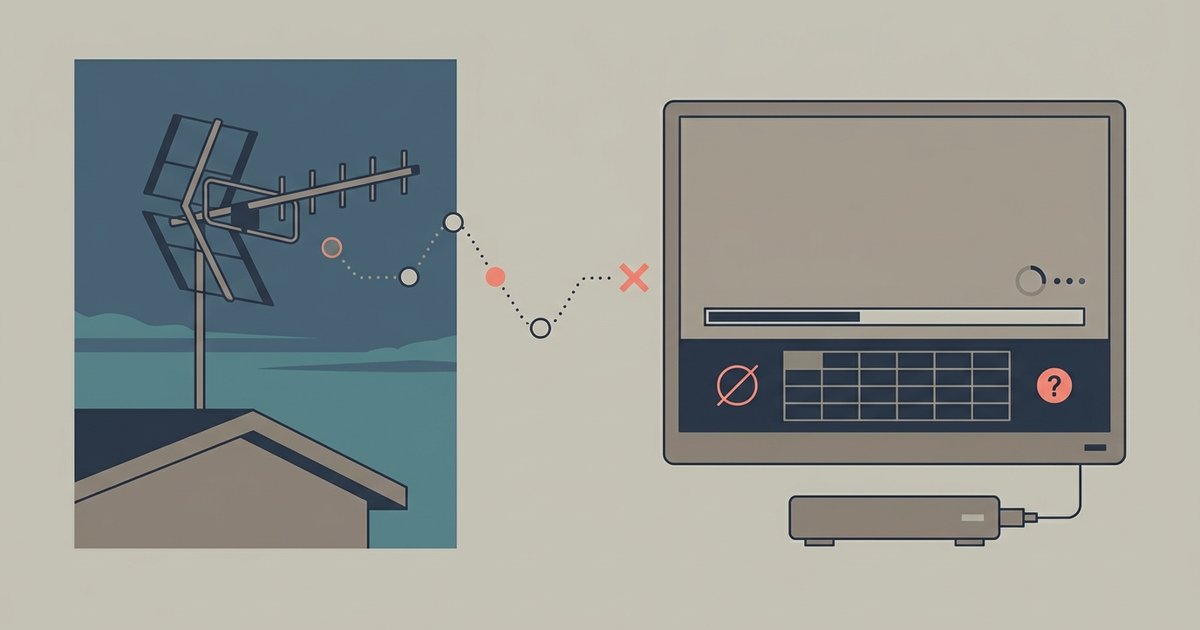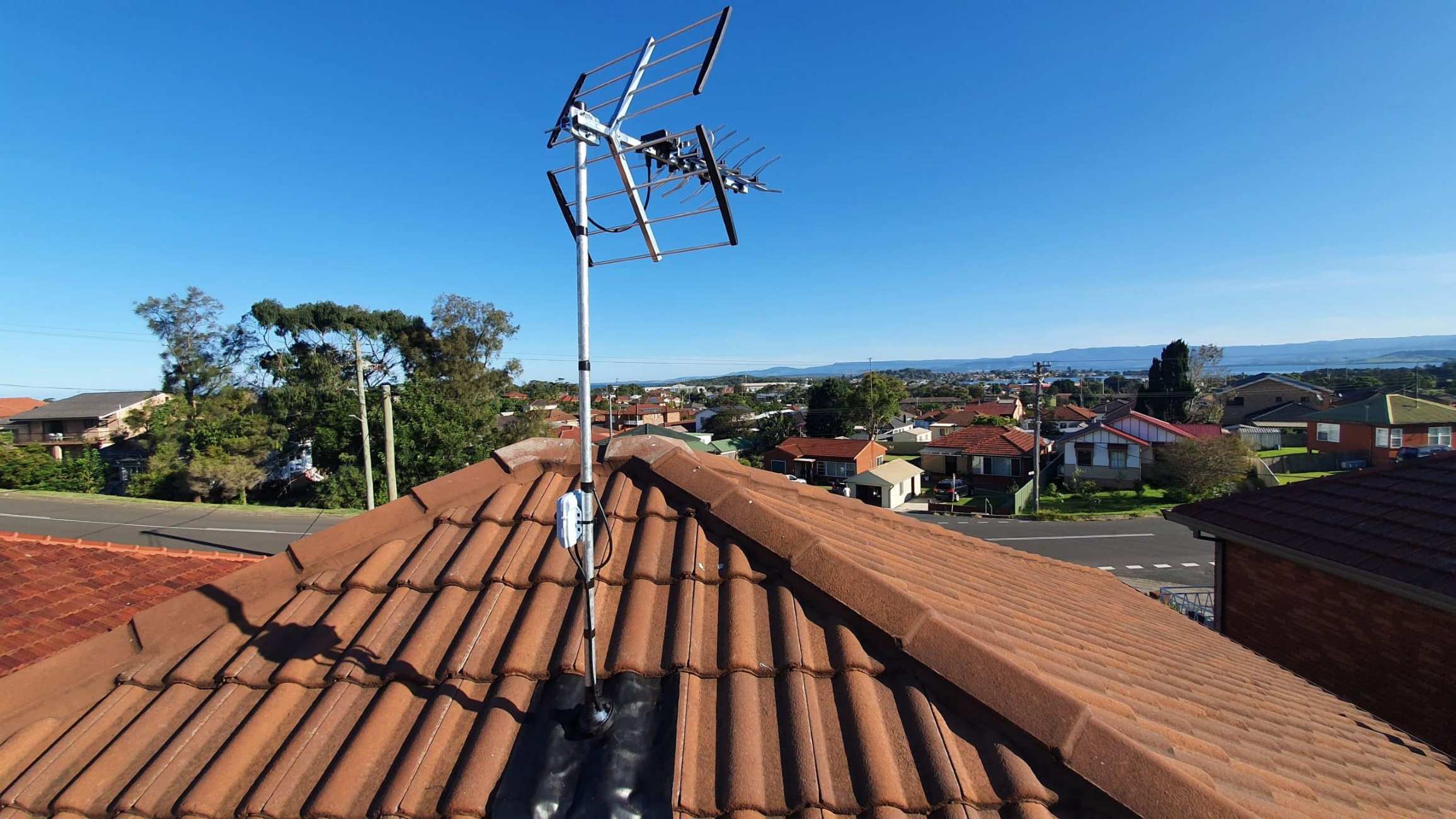
What interferes with TV antenna reception boils down to seven main culprits: physical obstructions, distance from towers, placement and alignment issues, multipath reflections, cellular signal interference, household electrical noise, and faulty equipment or weather damage. Each of these interference sources has a specific, actionable fix, so you can systematically troubleshoot your setup to restore a clear, stable over-the-air picture.
What interferes with TV antenna reception
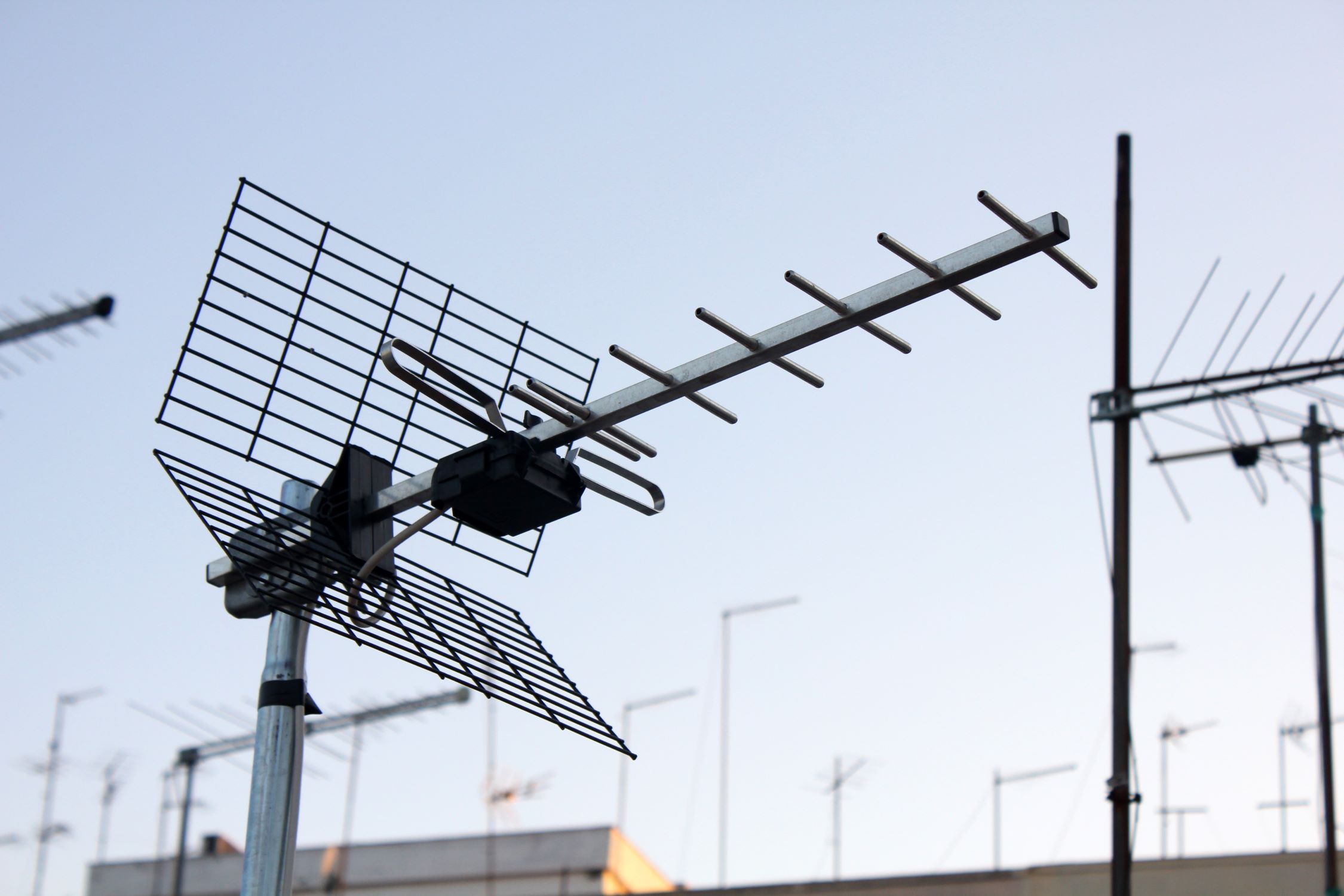
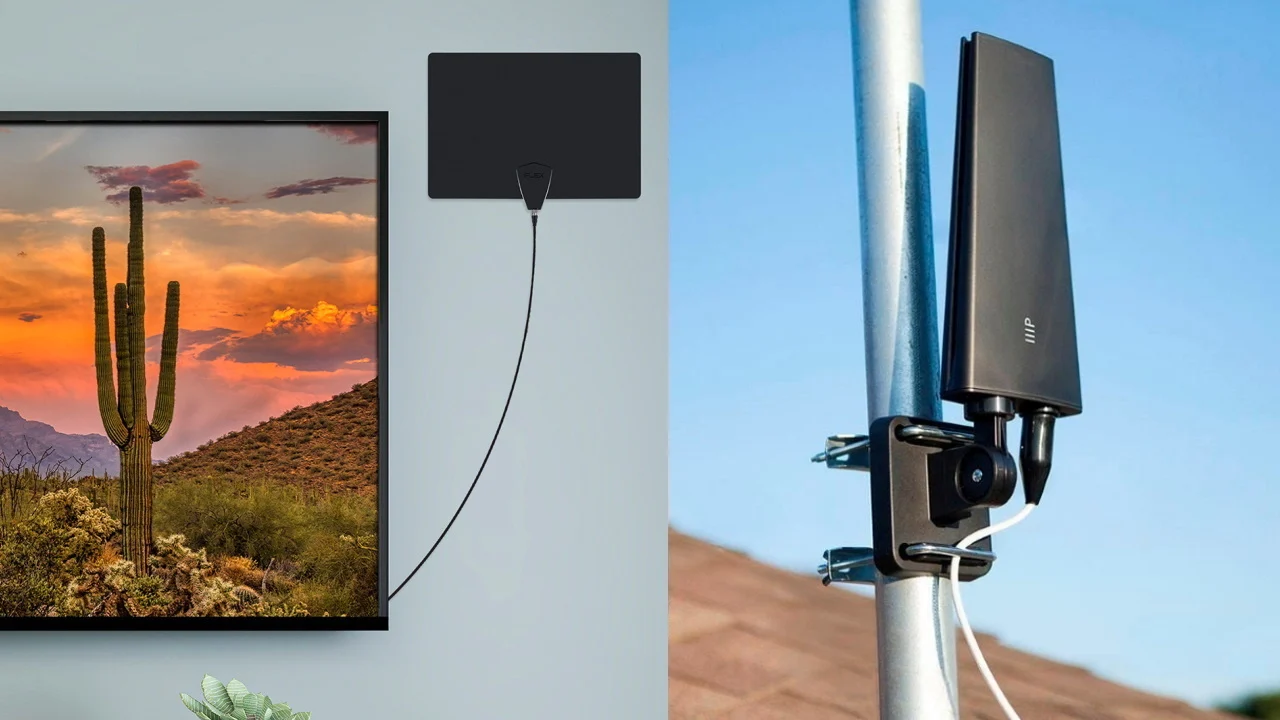
Mountains, valleys, large buildings (especially concrete or mirrored structures), and dense tree foliage can block or reflect TV signals, causing signal loss or distortion. When these obstructions sit between your antenna and the broadcast tower, they weaken the direct signal path and can create reflected copies that arrive out of sync. The fix is to raise your antenna higher, mounting it on a rooftop or a taller mast often clears nearby obstacles, or to trim tree branches that block the line of sight. For stubborn cases, moving the antenna to a different exterior wall or using a rotator to aim around the obstruction can make a significant difference. If you live in a heavily wooded or hilly area, an outdoor antenna with a larger capture area is almost always more effective than an indoor model.
Distance from broadcast towers
Being too far from broadcast towers results in a weak signal, while being too close can lead to signal overload, both cause pixelation or channel loss. If you're in a fringe area, a higher-gain antenna designed for long-range reception and a preamplifier mounted near the antenna can boost the weak signal enough to lock in channels. Conversely, if you're within a few miles of the towers and experience pixelation on strong channels, the signal may be overpowering your tuner; installing an attenuator (a small inline device that reduces signal strength) solves this. Always check your distance to the nearest towers using an online coverage map before choosing an antenna, as this determines whether you need a long-range model or a simple indoor flat antenna.
Antenna placement and alignment problems
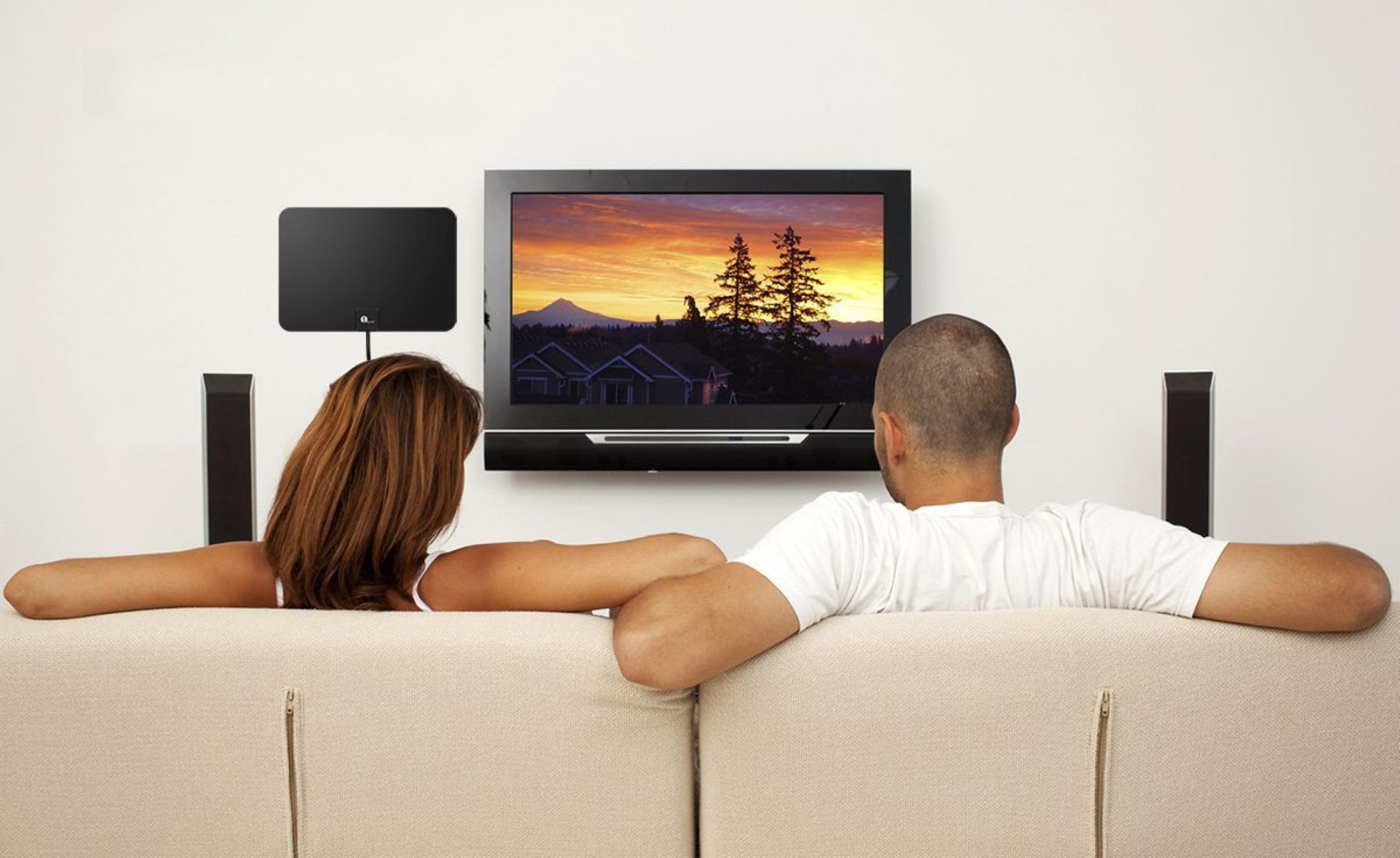
Indoor antennas are more susceptible to interference from walls and household electronics; outdoor antennas generally offer stronger, more consistent reception due to their height and fewer physical obstacles. For indoor antennas, position it as high as possible, on a shelf near a window or mounted on an exterior wall facing the broadcast towers. The antenna must be pointed directly towards the nearest broadcast tower for optimal reception; even a slight misalignment of a few degrees can degrade the signal, so use a compass app or the TV's signal meter to fine-tune the direction. After repositioning, perform a full auto-scan on your TV (ensuring "Air" or "Antenna" mode is selected) to re-detect channels. Avoid placing the antenna near metal objects, large appliances, or electronics, as these can reflect or absorb the signal.
Multipath interference from signal reflections
Multipath interference occurs when TV signals bounce off buildings or terrain, causing multiple delayed copies of the signal to reach the antenna, leading to pixelation, freezing, or audio dropouts. This is common in urban canyons or valleys where signals ricochet off hard surfaces. The most effective fix is to use a directional antenna with good front-to-back ratio, which rejects signals arriving from behind and the sides. Repositioning the antenna, even by a few inches, can also change which reflected paths are captured, so experiment with different heights and angles while watching the signal meter. If you're using an indoor antenna, moving it away from walls and windows that face reflective surfaces (like a neighbor's metal roof) often reduces multipath artifacts.
4G, 5G, and LTE cellular signal interference
4G, 5G, and LTE cellular signals operate on frequencies (e.g., 600-800 MHz band) close to or overlapping with UHF TV channels, causing interference such as pixelation, distorted sound, or complete signal dropouts, especially with older antennas or amplifiers. This is increasingly common as cell carriers expand their networks, and the interference often appears as sudden pixelation on specific channels that comes and goes with cell traffic. The specific solution is installing an inline LTE/5G filter, ideally as close to the antenna as possible (before amplifiers or splitters for outdoor setups, or at the TV's RF connection for indoor antennas). This filter blocks the disruptive cellular frequencies while letting TV signals pass through, and it's a cheap, easy fix that resolves most modern interference complaints.
Electrical and electromagnetic interference from household devices
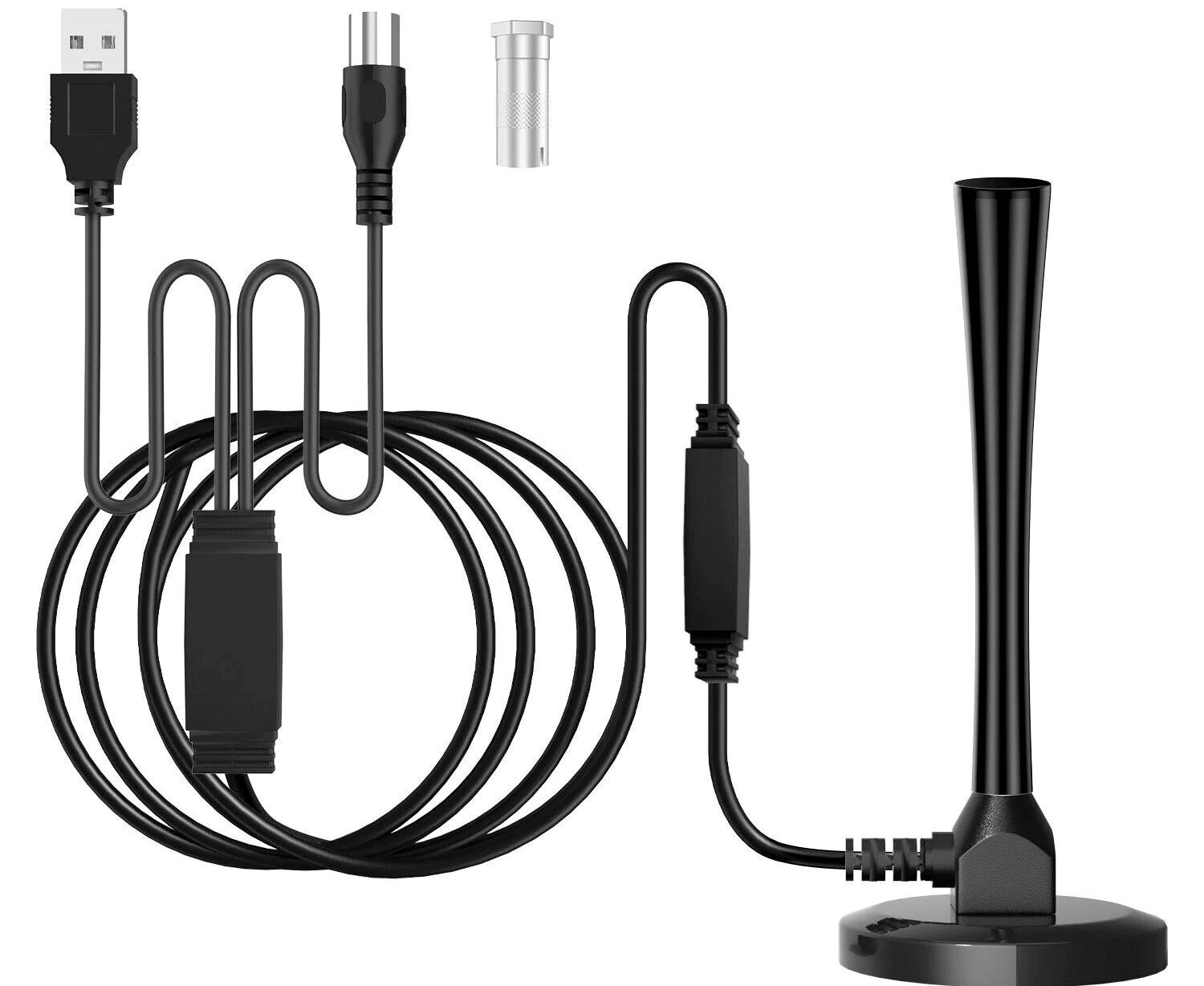
Electromagnetic interference (EMI) from household appliances (e.g., washers, dryers, refrigerators, cordless phones, Wi-Fi routers), LED lightbulbs, power tools, and even power lines can emit energy that interferes with TV antenna signals. The interference manifests as buzzing, pixelation, or signal dropouts that occur when the offending device is running. To reduce EMI, keep the antenna and its cable as far away as possible from these devices, especially Wi-Fi routers and LED bulbs. Use high-quality shielded coaxial cable (RG6 quad-shield) and install snap-on ferrite cores near the antenna connection and at the TV end to suppress high-frequency noise. If you suspect a specific appliance, turn it off and see if the picture clears; if so, relocate the antenna or the device.
Faulty cables, connectors, and antenna equipment
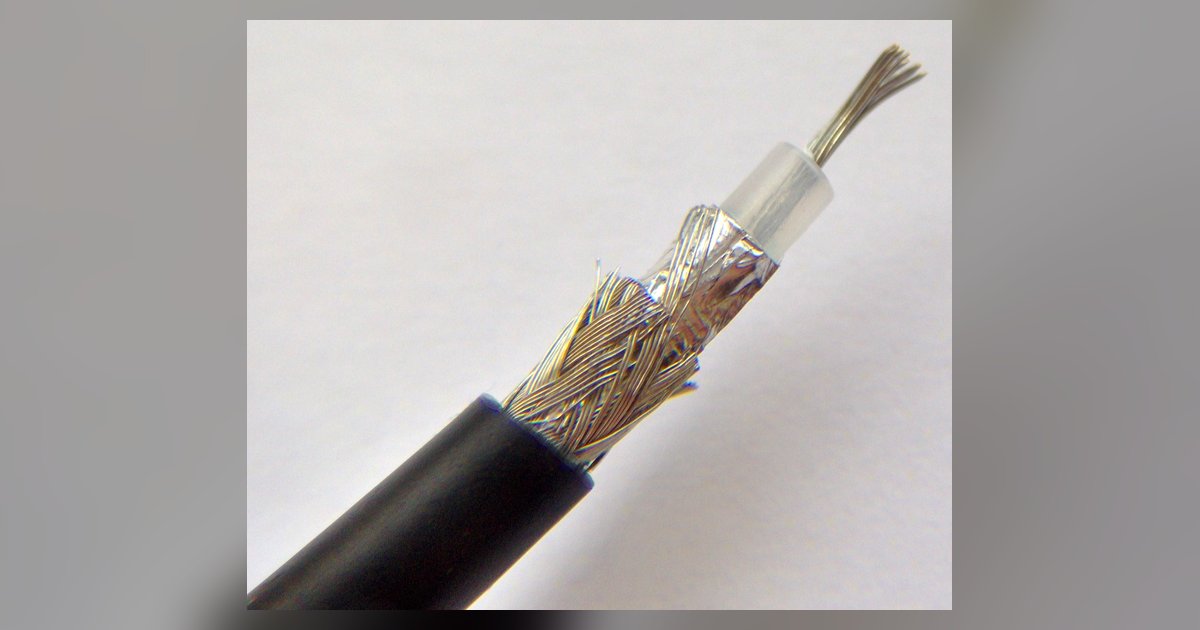
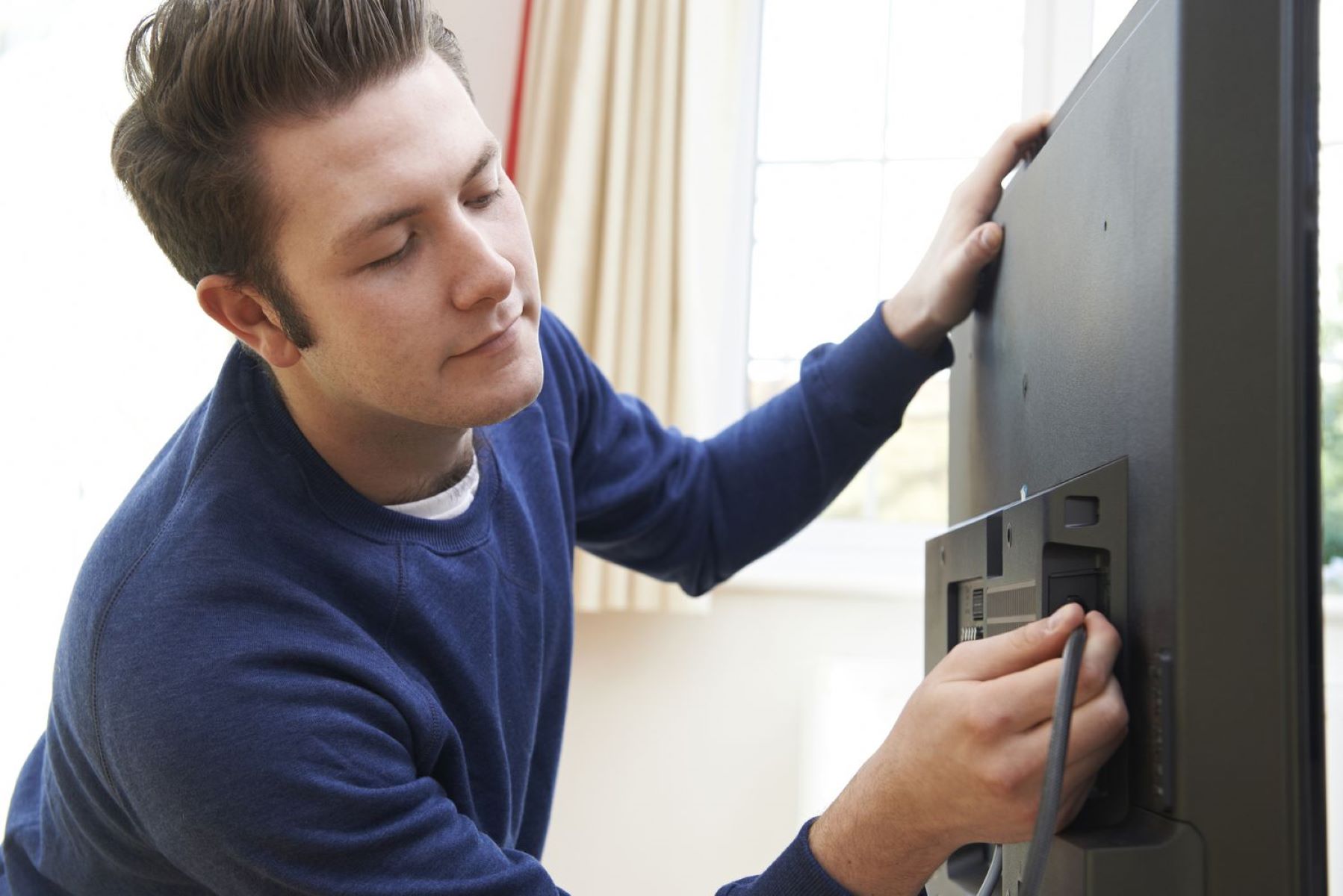
Old, corroded, or physically damaged antennas, low-quality coaxial cables (e.g., RG59 instead of recommended RG6 quad-shield), loose connections, or faulty amplifiers/power supplies can significantly degrade reception. Check all connectors for rust, bent pins, or loose fittings, and replace any weather-worn parts. Excessive lengths of coaxial cable between the antenna and the TV or receiver can lead to significant signal loss, so keep cable runs as short as possible and use a preamplifier if you need a long run. Using signal splitters to distribute the antenna signal to multiple TVs reduces the overall signal strength to each device, potentially causing reception issues unless a distribution amplifier is used, install one if you're splitting to more than two TVs. A faulty amplifier can also introduce noise; try bypassing it temporarily to see if reception improves.
Weather conditions affecting reception
Heavy rain, storms, high humidity (which can absorb/scatter signals and seep into cables), strong winds (causing antenna misalignment or swaying trees), and sudden temperature changes can all disrupt TV reception. Rain fade is common with UHF signals, and while you can't control the weather, you can minimize its impact by waterproofing all outdoor connections with self-amalgamating tape and using weatherproof compression fittings. Secure the antenna mast firmly to prevent wind-induced misalignment, and trim any tree branches that could sway into the signal path during storms. High humidity can degrade cable shielding over time, so inspect outdoor cables annually for cracks or brittleness. Most weather-related issues are temporary, once the storm passes, the signal returns, but persistent moisture damage can cause permanent signal loss.
When to call a professional antenna installer
If persistent issues remain after trying all the fixes above, including repositioning, adding filters, upgrading cables, and checking for obstructions, it's time to call a professional antenna installer. They can diagnose complex problems like hidden multipath reflections, subtle amplifier faults, or signal overload that's hard to identify without specialized test equipment. A pro will also ensure you have the correct antenna type and alignment for your specific location, accounting for terrain, tower distances, and local interference sources. Complex cabling faults, such as damaged wires buried in walls or corroded connectors inside conduit, are best left to experts who can test the entire signal path from antenna to TV.
\nRelated reading: How To Build A UHF And VHF TV Antenna, How To Convert A TV Antenna To HDMI, and Where To Find The ABC Channel Using A Regular TV Antenna.