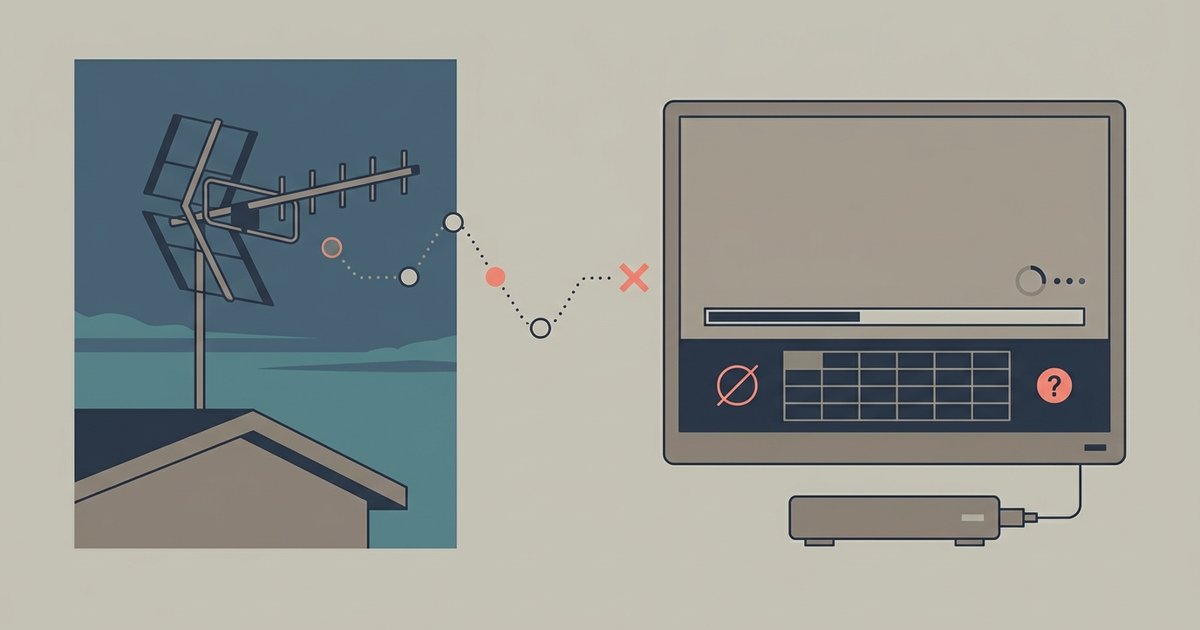
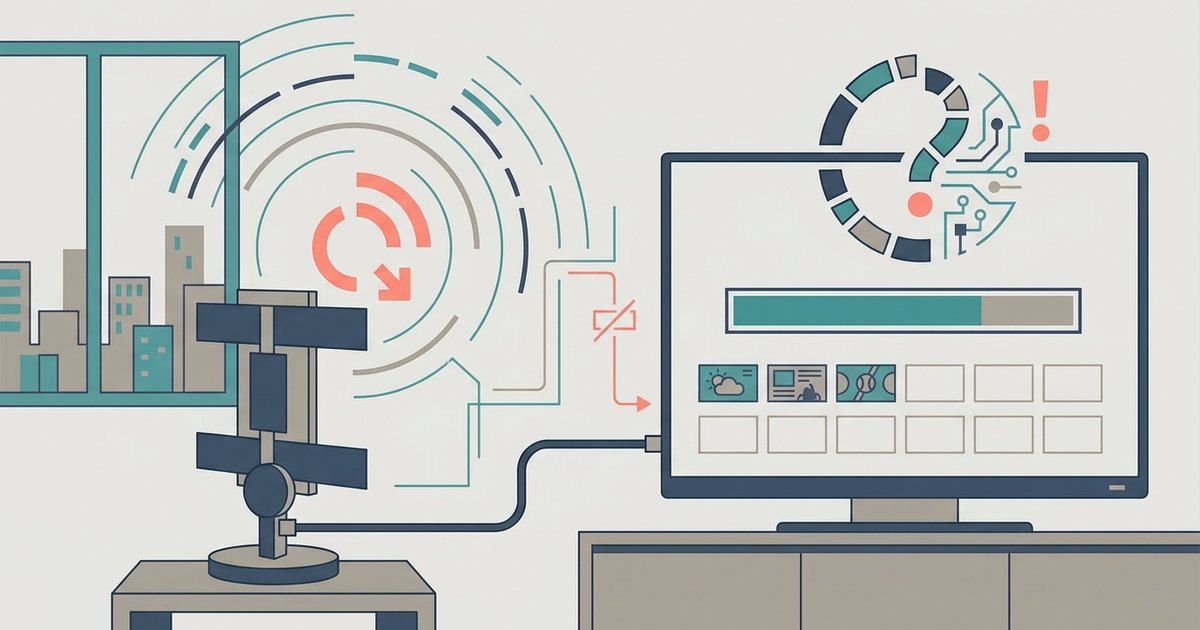
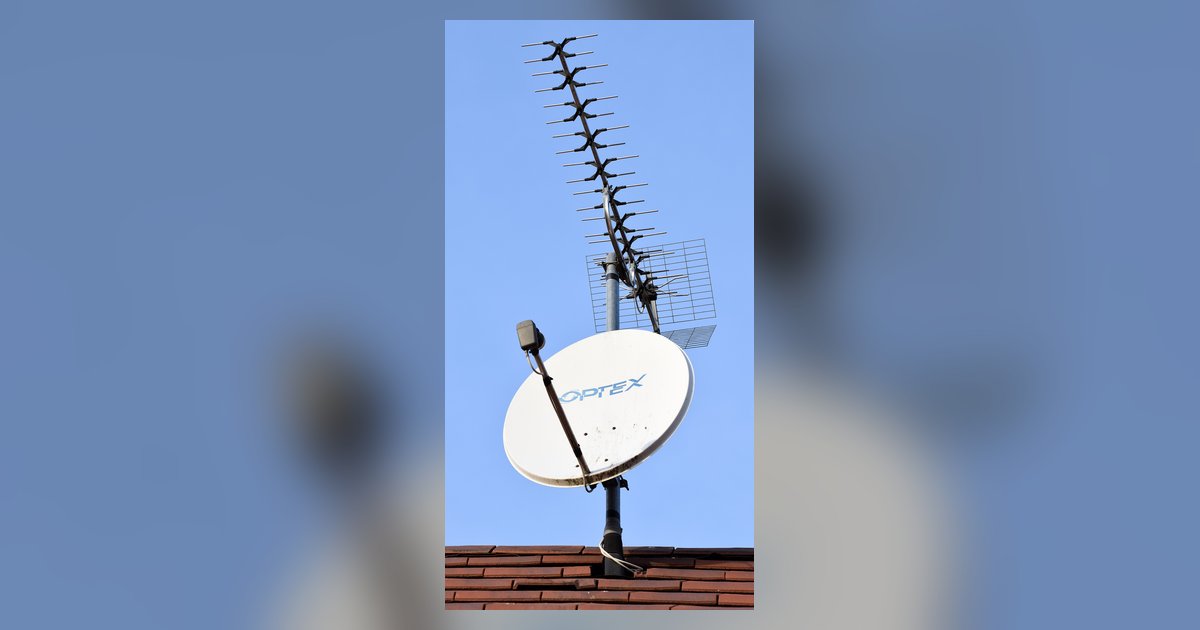
Using a TV antenna with a modern smart TV to receive over-the-air broadcast channels. It is written for viewers who have cut the cable cord, are trying to set up an antenna for the first time, or are troubleshooting why their existing antenna setup has stopped working. The material is practical and consumer-focused, aimed at people who want free local news, sports, and network programming without a monthly subscription.
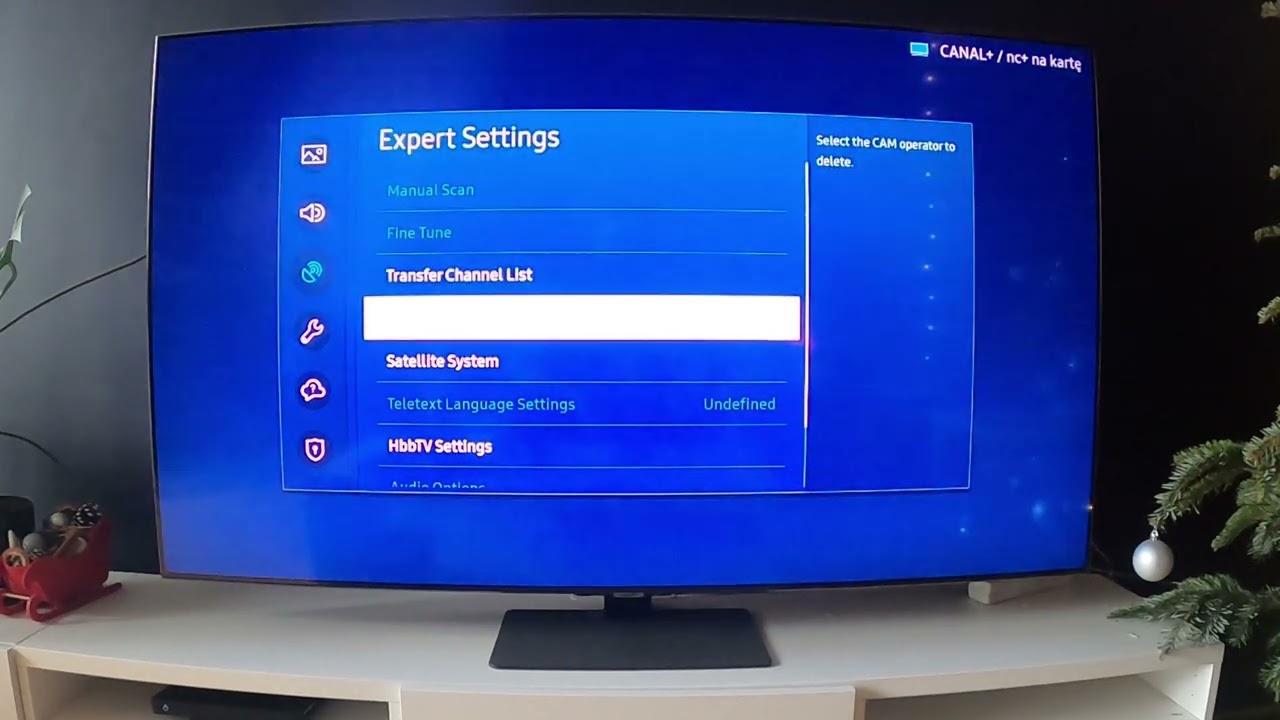
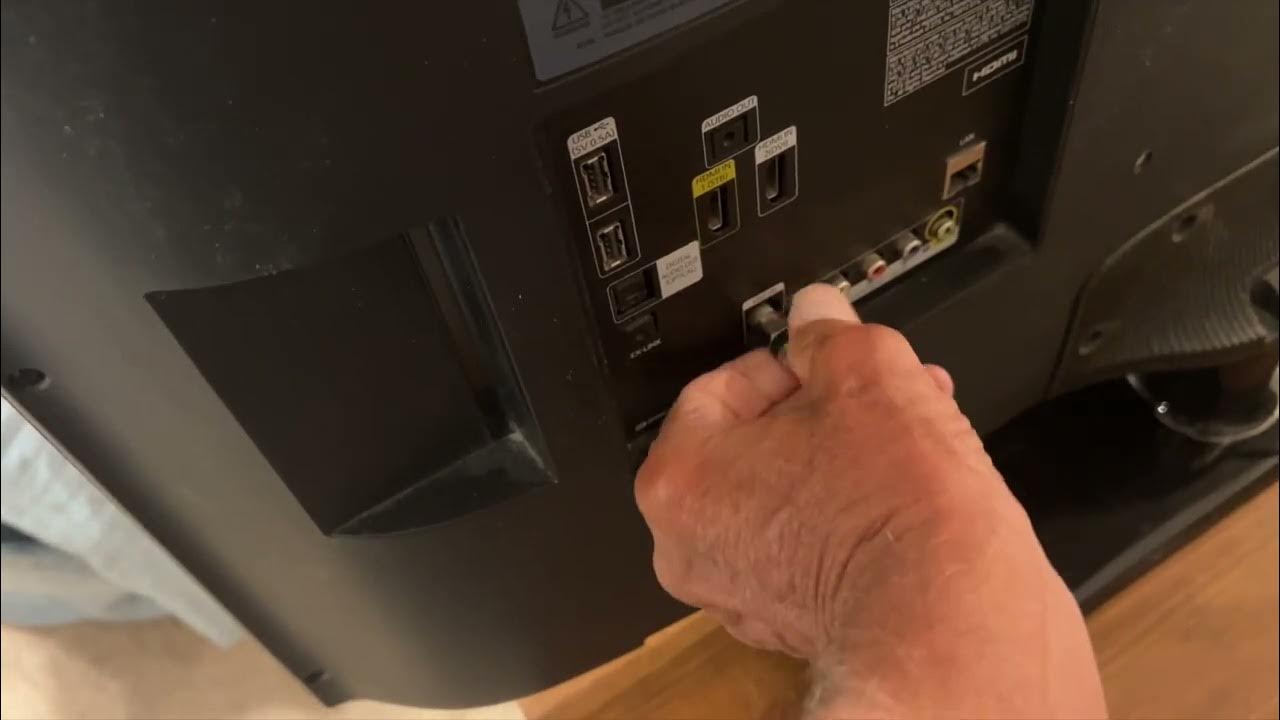
The articles fall into two clear themes. The first is setup and configuration: several pieces walk through connecting an antenna to specific brands like LG, Vizio, and Samsung, and then running the channel scan function on those TVs. For example, readers will find guidance on how to hook up an antenna to an LG Smart TV, how to turn on broadcasting on a Samsung, and how to get local channels on a Vizio. The second theme is troubleshooting and recovery. These articles help when things go wrong, such as a TV antenna not picking up any channels after a scan, an LG scan not finding all channels, or Vizio antenna channels disappearing after a scan. There is also practical advice on whether an old antenna you already own will work with a smart TV’s scan feature, and how to get channels back after they vanish from the input list.
Across the board, the content teaches readers how to perform a legal, over-the-air channel scan, no cable, no streaming service, and no workarounds. It explains the steps to locate broadcast towers, rescan after a station changes frequency, and recover missing channels. The tone is supportive and instructional, focusing on what to do with your own equipment and local broadcasts, not on circumventing any paywall or service.