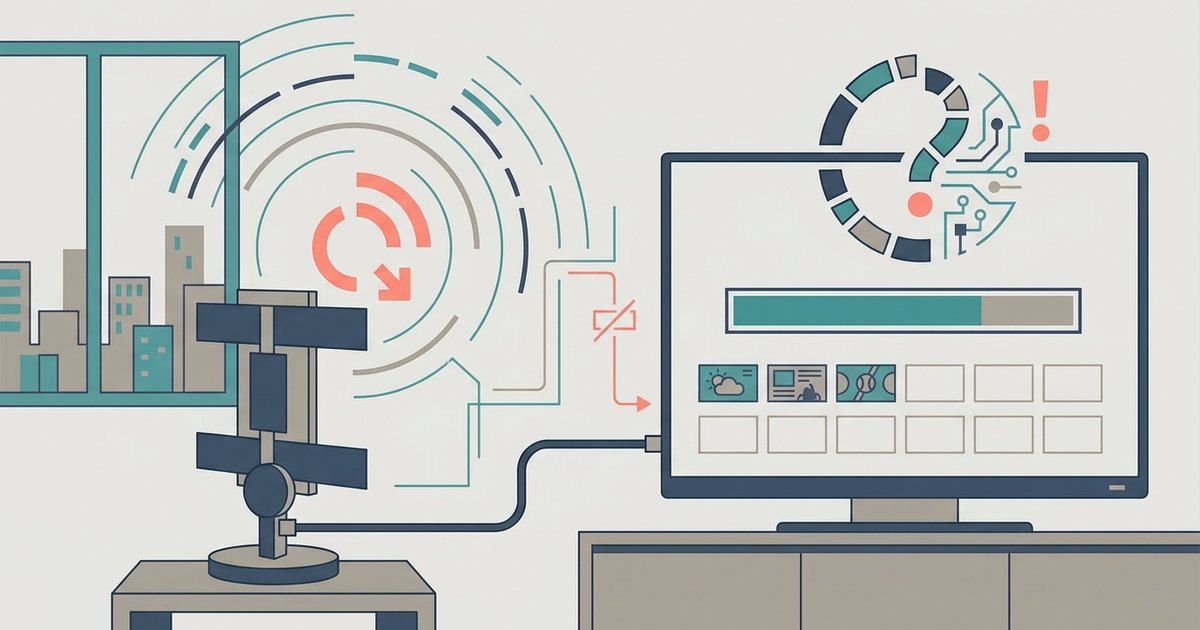
Your LG TV is likely filtering out weak signals during the scan, or the tuner mode is set to the wrong broadcast type for your area. Switch the Program Mode from 'Auto' to 'Antenna' and ensure 'Digital Only' is not blocking available analog or low-power stations.
Check your LG TV antenna scan program mode
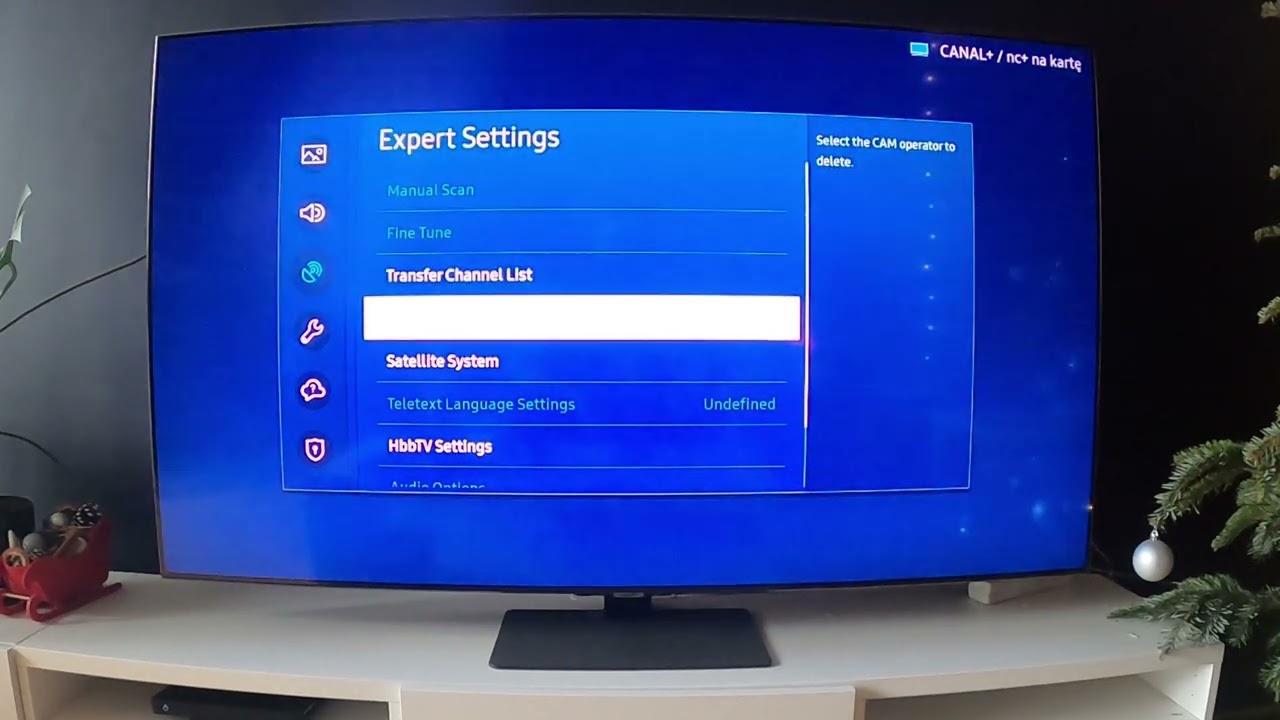
When your LG TV is in 'Auto' or 'Cable' tuner mode, it completely ignores over-the-air broadcast frequencies. The TV assumes you are connected to a cable provider and skips the VHF and UHF spectrum where antenna channels live. To fix this, press the Settings button on your remote, go to All Settings, select Channels, then Channel Tuning, and ensure the tuning mode is set to Antenna. Change it from Auto to Antenna. After this switch, run a new scan. Many owners who initially see zero channels find that the channels available on an LG smart TV suddenly appear once this mode is corrected. The menu path is identical whether you want to scan channels on LG smart TV for the first time or after moving the antenna.
Disable the digital-only filter
Inside the channel scanning menu, LG may include an option to filter by digital or analog channels. If this is set to 'Digital Only', the tuner skips all analog channels and some low-power digital stations that still broadcast in fringe or rural areas. These signals may be weaker or use older modulation, but they are often the very channels you are missing. To disable the filter, enter the same channel settings menu, locate any option that restricts the scan to digital channels only, and switch it to include analog channels as well. This change is essential if you want to get local channels on LG smart TV in regions where broadcasters still run low-power translators. Without this step, a full scan may report only half the available stations.
When the signal is simply too weak
Even with the correct tuner mode and filter disabled, a weak or noisy signal can prevent the TV from locking onto channels. The hard truth is that an indoor antenna often cannot pull in stations the TV's tuner can detect during a scan. The tuner requires a minimum signal-to-noise ratio to register a channel; if the signal dips below that threshold, the TV skips it entirely. Amplifying a weak signal often makes results worse because amplifiers boost both the signal and the noise floor, causing the tuner to reject more frequencies. Instead, try repositioning the antenna near a window or at a higher elevation. If you are still missing channels, check that your antenna is designed for UHF and VHF bands, many flat antennas only cover UHF. For a completely unrelated feature, note that the same remote and interface you use for scanning can also be used to put pictures on my LG smart TV via the Photo & Video app, but that won’t help your antenna scan. The core fix remains: verify your antenna’s placement and consider a larger outdoor antenna if you live far from broadcast towers.
These two settings are the most common reasons your TV finds fewer channels than expected, and correcting them often resolves the issue immediately.