This tag collects all of our guides and troubleshooting articles for LG televisions, aimed squarely at everyday owners who want to get more from their sets without digging through a dense manual. Whether you have a newer OLED model or a few-years-old Smart TV, the content here is written for non-technical users who need clear, step-by-step help with setup, connectivity, and everyday operation. If you are stuck on a specific menu, trying to connect a new device, or just wondering why something is not working, this is the starting point.
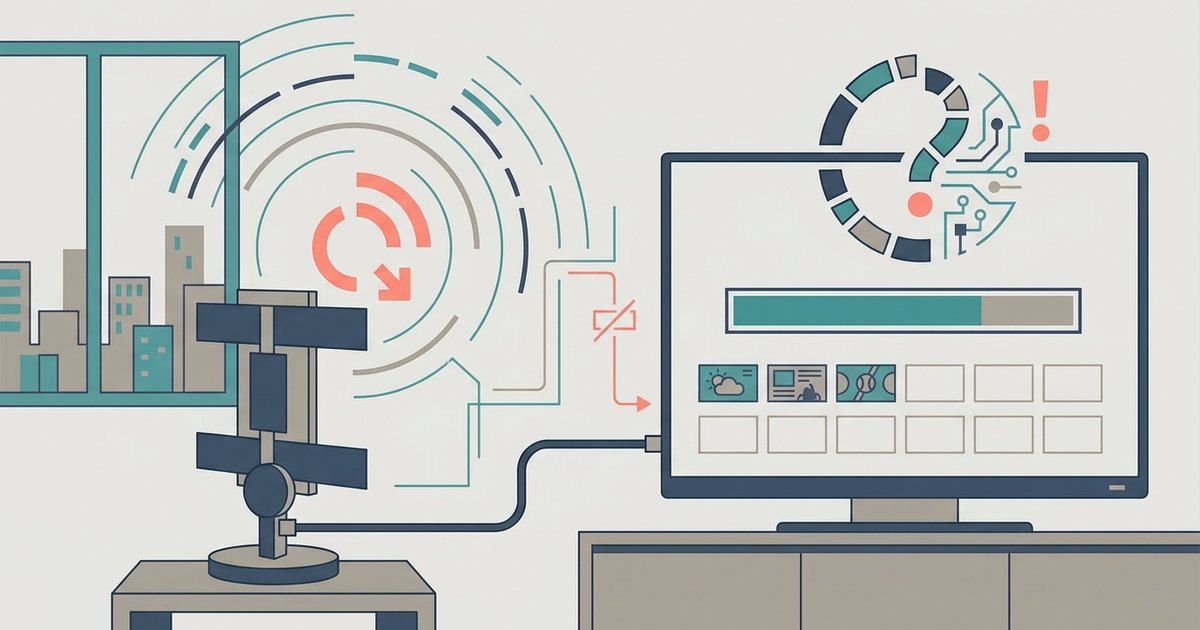
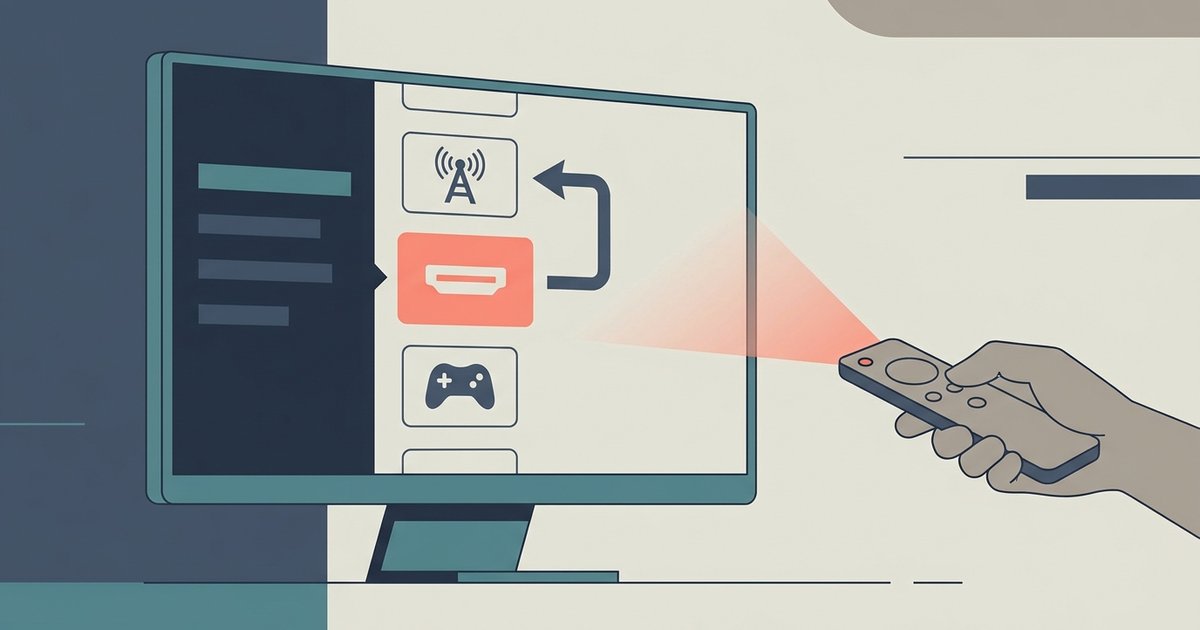
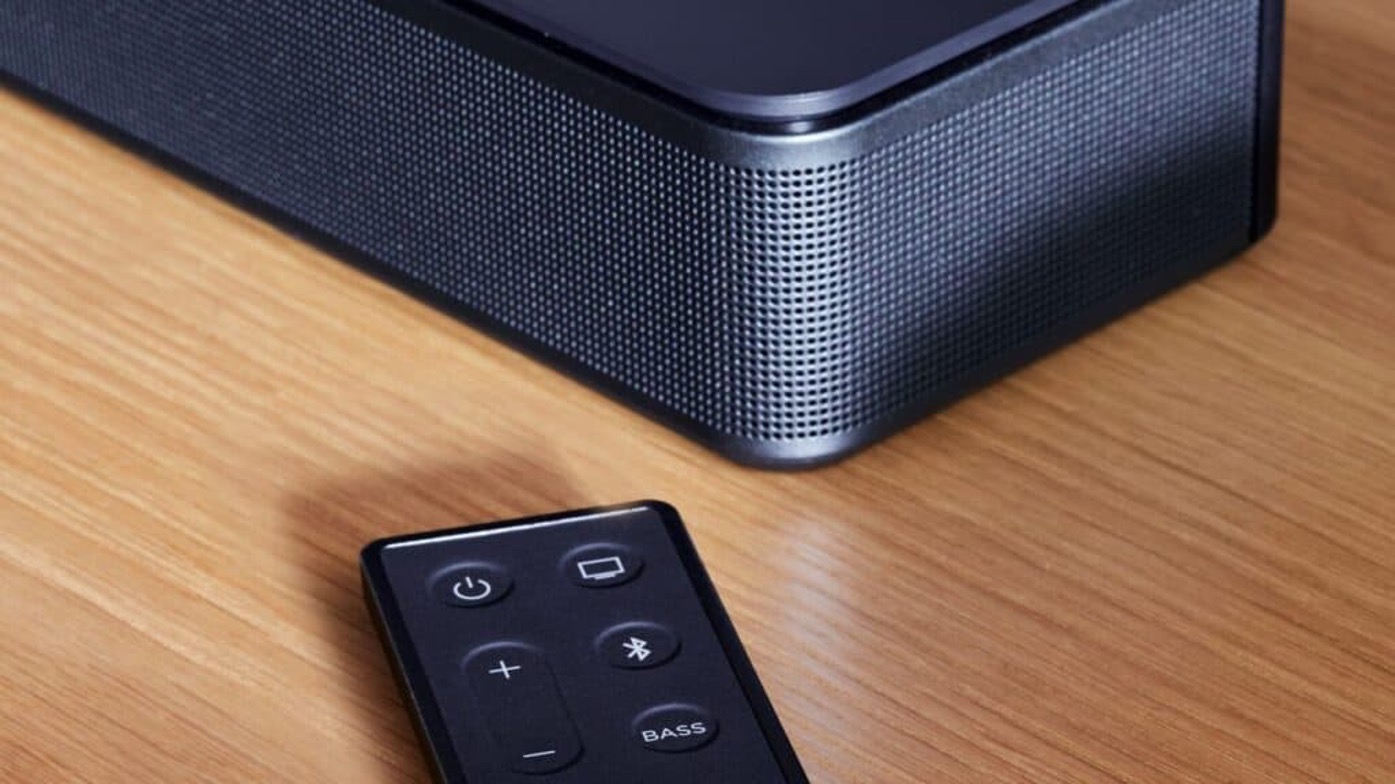
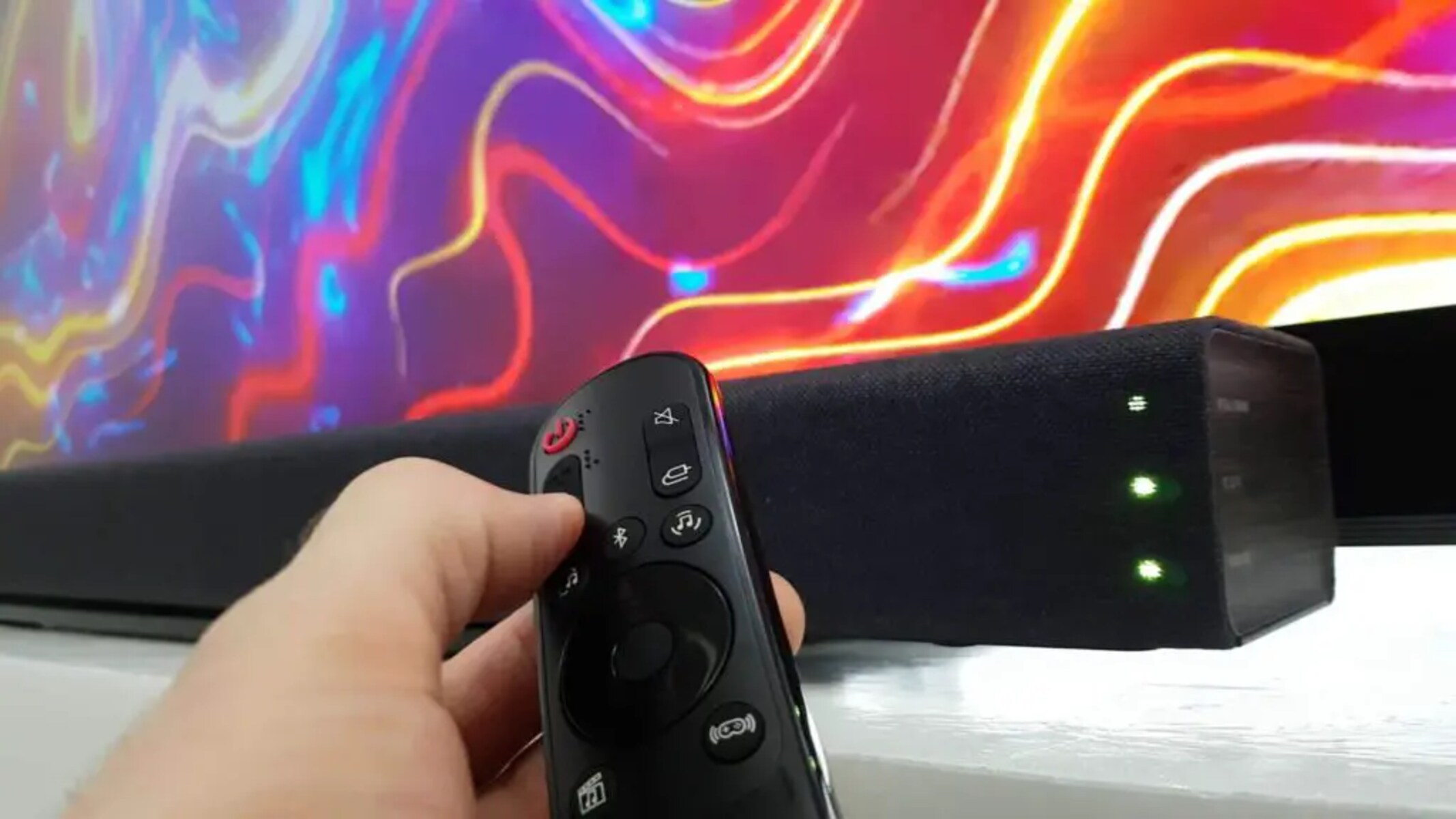
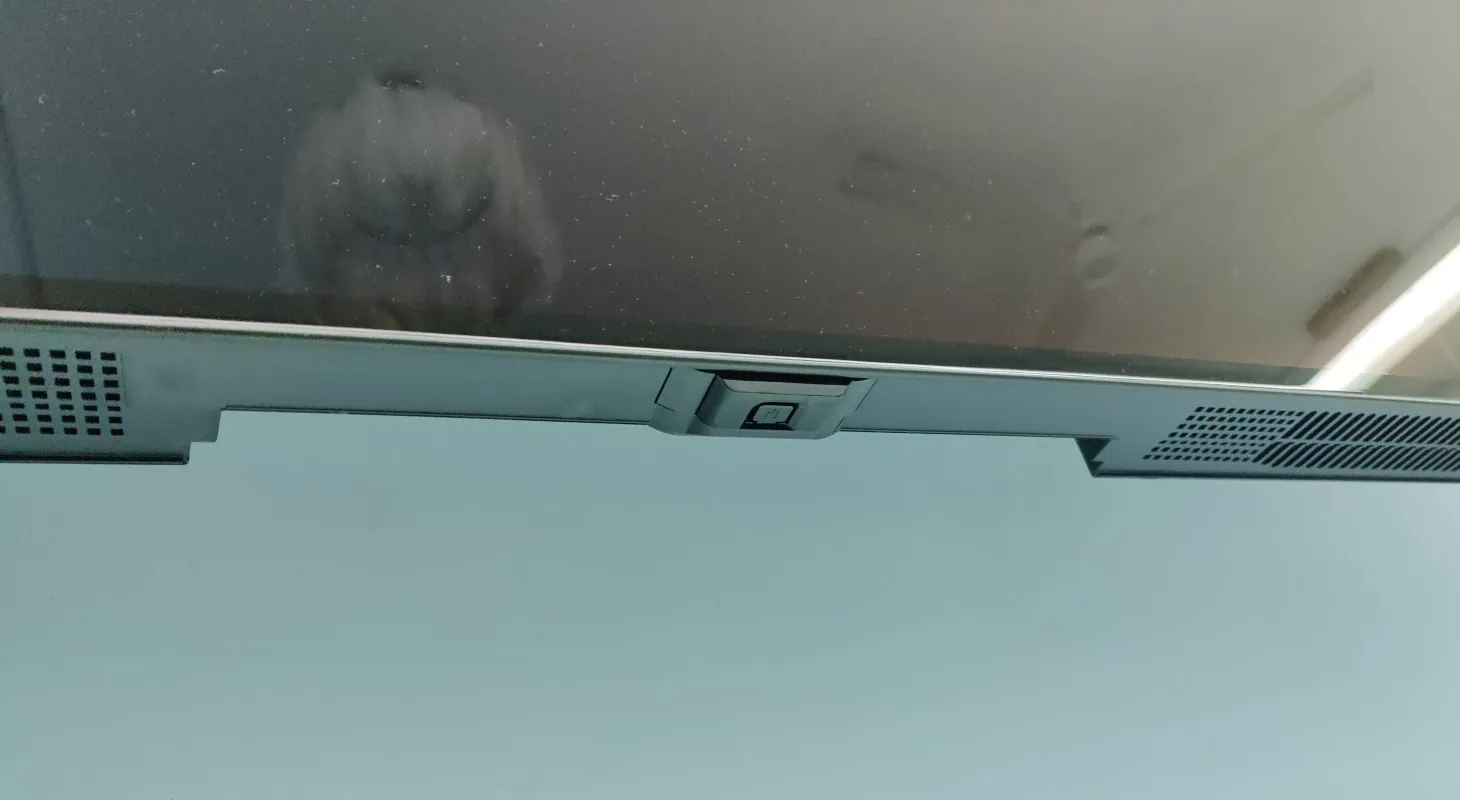
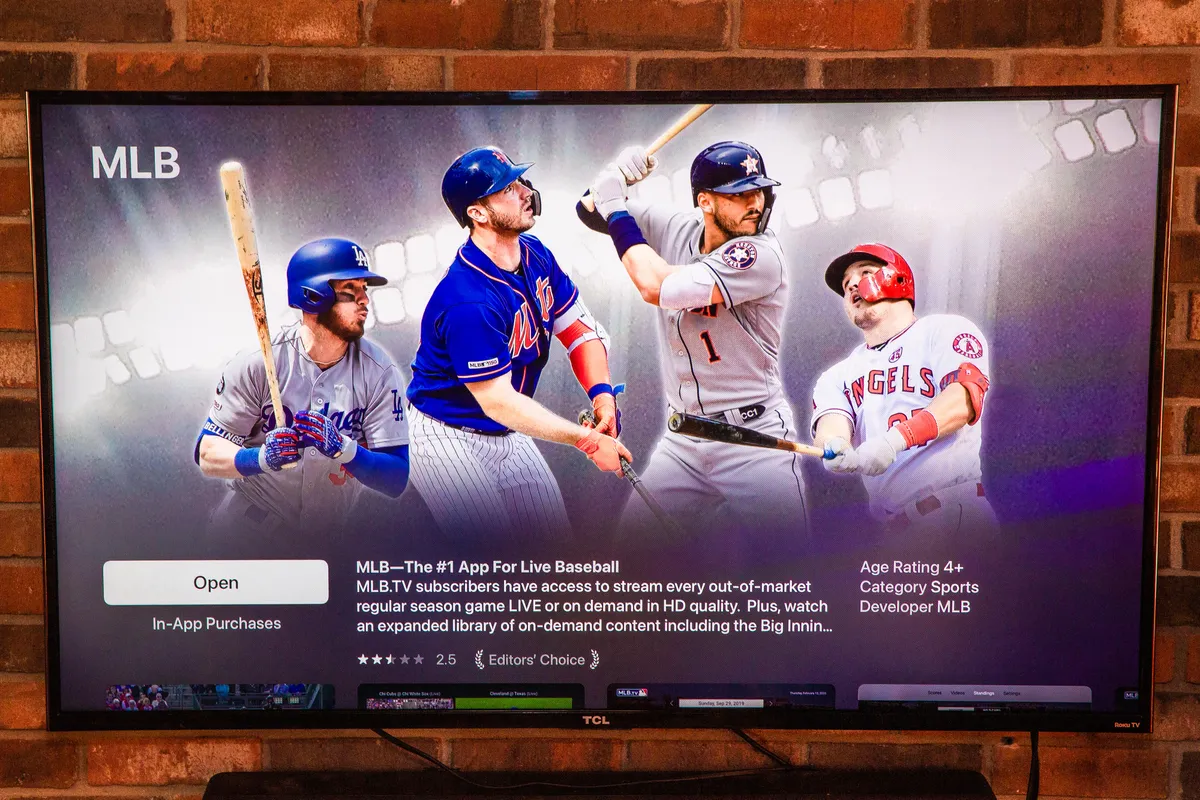
The articles solve practical problems that fall into a few clear themes. One major group covers connecting external gear and content sources: you will find help with hooking up an antenna, pairing a Bose soundbar, using Chromecast, or getting apps like Tubi, DIRECTV, and MLB.TV onto the screen. A second theme is control and interface issues, such as pairing a remote, turning off the voice assistant, stopping the TV from switching inputs on its own, or simply finding the power button on an OLED model. Finally, a large set of pieces tackles troubleshooting and everyday fixes, including why the TV will not connect to the internet, why YouTube is not loading, why the antenna scan misses channels, or why there is no sound. Some titles also address access and safety from a legitimate angle, like connecting hearing aids for better audio or explaining how to stop someone else from connecting to your TV, helping you secure your device rather than work around it.
Specific topics you will see covered include turning on subtitles, exiting live TV, checking if your model is actually a Smart TV, and using the set without a remote and no Wi-Fi. The goal across all of these is straightforward: help you watch what you want, hear it clearly, and keep your LG TV behaving the way you expect.