Your antenna is likely missing channels because those stations broadcast on a different frequency band (VHF vs. UHF) that your antenna struggles to receive, or the signal is too weak due to distance, obstacles, or multipath interference. Running a scan only saves channels with a strong enough signal at that exact moment.
Why your antenna is not picking up channels on VHF
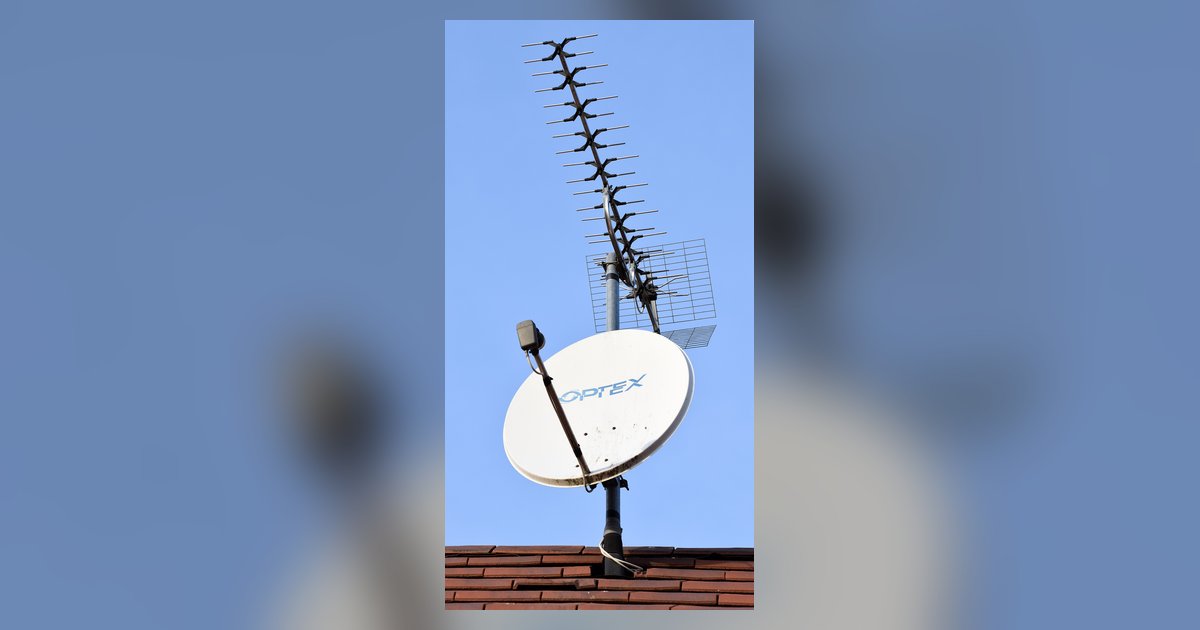
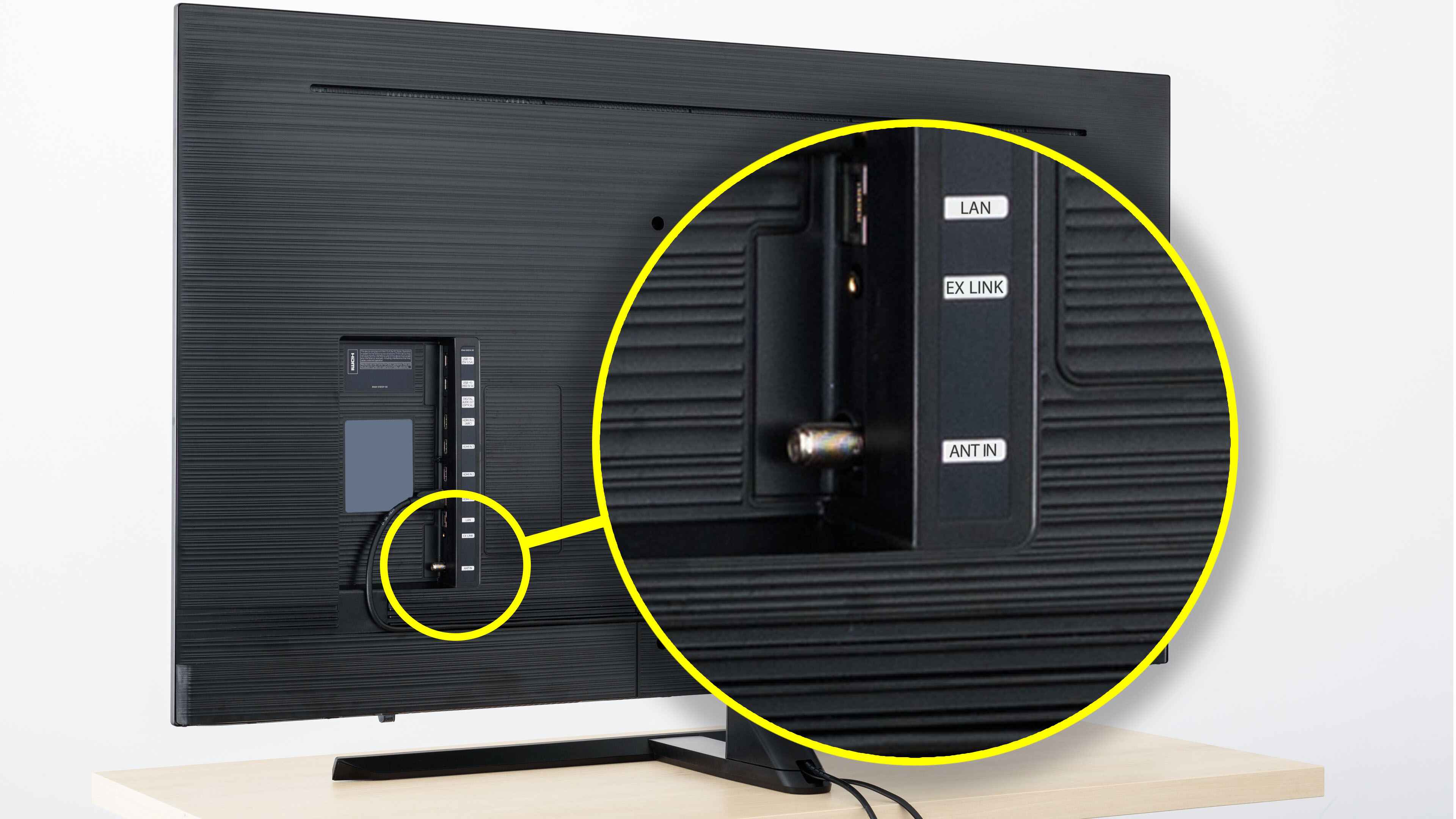
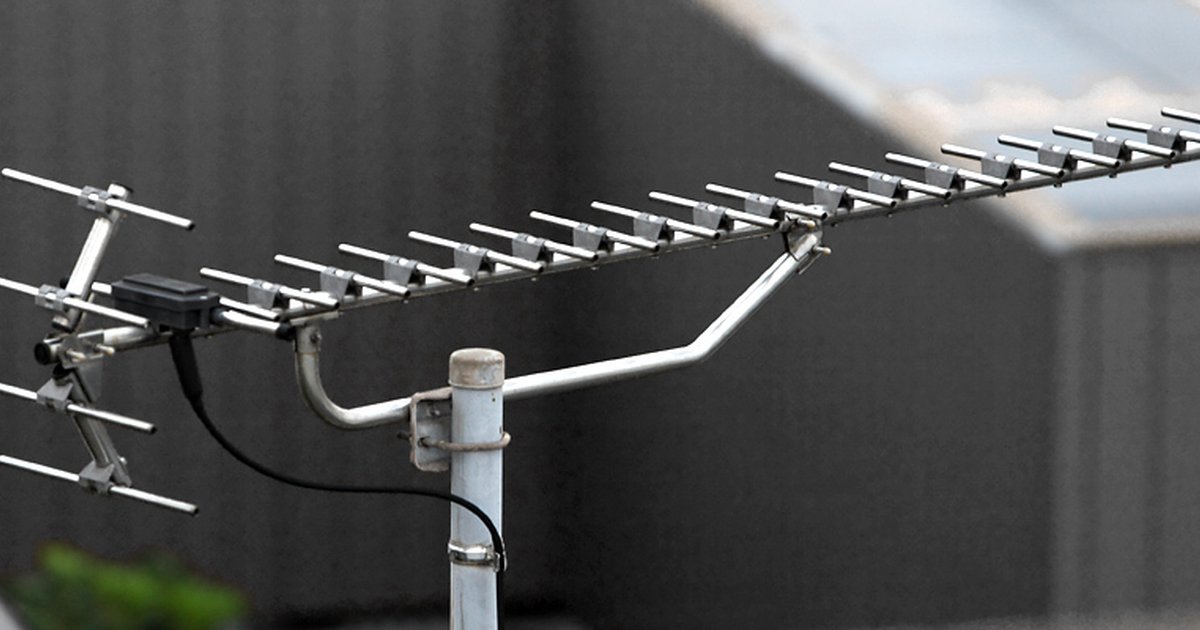
Many modern flat “HD” antennas are physically designed only for UHF frequencies, typically covering channels 14 through 51. This causes them to completely miss major networks like ABC, CBS, or NBC that still broadcast on high-VHF channels (channels 7 through 13). If your antenna is a thin, paper-like rectangle sold as “digital” or “HD,” look for a specification listed as “UHF only” on the package. Even a properly positioned VHF station at 10 miles can be invisible to such an antenna. To understand how to get regular TV on a smart TV, you first need an antenna that covers both VHF and UHF bands, and you can verify an old antenna working with smart TV channel scans often solves this VHF gap. A simple rabbit-ear or loop-style antenna with telescoping rods is usually required for VHF reception. Check your TV’s signal info screen, if a missing channel shows a frequency below 470 MHz, it’s VHF, and your flat antenna likely cannot receive it.
When a channel scan gives you a false negative
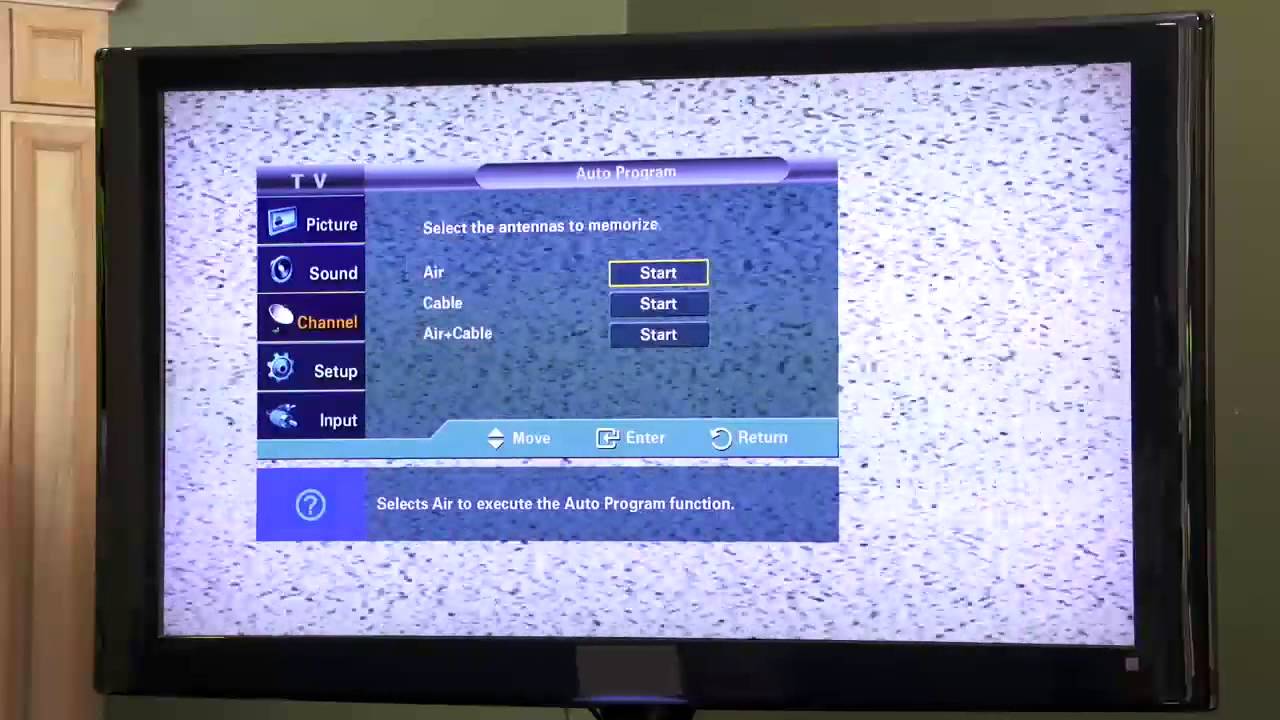
Your TV’s built-in tuner might skip a station during a scan due to temporary signal drops, multipath reflections, or the tuner being less sensitive than a dedicated set-top box. For example, a passing truck or a gust of wind can momentarily weaken a signal at the exact second the tuner checks that frequency. The tuner then marks the station as absent, even though it would come in fine a minute later. To avoid this, perform a scan during calm weather, ideally between 10 a.m. and 2 p.m. when signals are typically strongest. If you own a Samsung model, consult your TV's manual for the scan function location in the settings menu of your Tizen smart TV. After a failed scan, move the antenna just a few inches and rescan, sometimes a tiny shift in position is enough to lock in the missing station.
The one interference source nobody suspects
An LED bulb running on a dimmer can emit radio noise that wipes out a single station while leaving others untouched.
Signal obstacles that block one station but not another
Terrain, building materials, and even LED light bulbs create frequency-specific interference that can kill a single station while leaving others untouched. A hill to the east might block your local PBS station at 180 MHz (VHF) but leave your NBC affiliate at 500 MHz (UHF) perfectly clear. Inside your home, metal window screens, foil-backed insulation, or a concrete wall can selectively absorb VHF signals while UHF waves pass through. To test, turn off all dimmable LED lights in the room and see if the missing station appears. If you need to connect to Hisense smart TV and check signal strength, consult your TV's manual for the signal information menu location. A signal strength below 50% for a specific station indicates an obstacle, not a dead transmitter.
The rescan trap and when the answer is no
The common mistake of endlessly rescanning without moving the antenna can waste hours. If you have already confirmed your antenna covers the correct band and your scan shows zero signal for a station after three repositionings, the transmitter is likely too far or low-power to ever be received at your address. Use the FCC’s DTV Reception Maps website to check the predicted signal strength for your exact location. Stations listed as “edge” or “tropo” may only appear during unusual weather conditions. If you want to watch local TV on Vizio smart TV, consult your TV's manual to find where detected channels are listed in the tuner settings. If the transmitter is more than 60 miles away or is a low-power “Class A” facility, no amount of scanning or antenna twitching will bring it in, you will need a long-range outdoor antenna or a streaming alternative. Before giving up, also verify that your input source is correctly set, as a loose connection can make my smart TV say no signal when the HDMI cable is plugged in.
The single truth every antenna guide omits
No indoor antenna can reliably pull in a VHF station broadcasting from more than 30 miles away if your walls contain foil-backed insulation or metal lath, because those materials act as a selective Faraday cage that UHF signals slip through but VHF signals cannot penetrate.