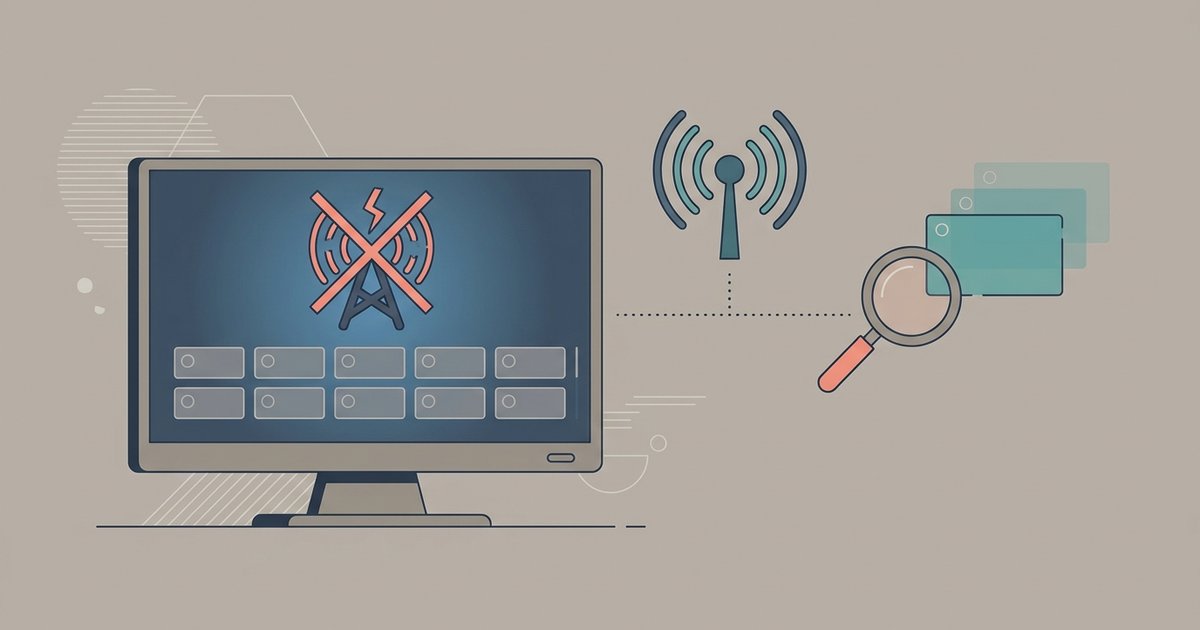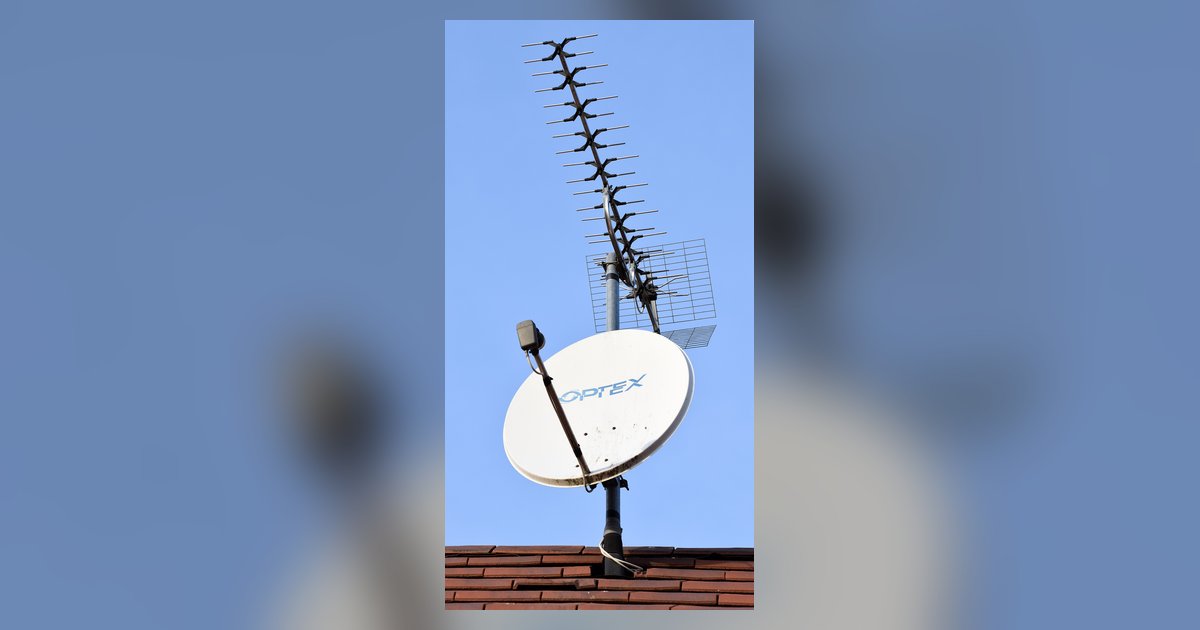
Yes, a smart TV’s channel scan works with most old antennas because over-the-air signals still travel on the same frequencies, but you must select “Antenna” or “Air” mode during setup—not “Cable.” If your antenna is VHF-only or has a broken amplifier, it may still fail to pull in modern UHF digital stations.
Why your old antenna smart TV setup usually works
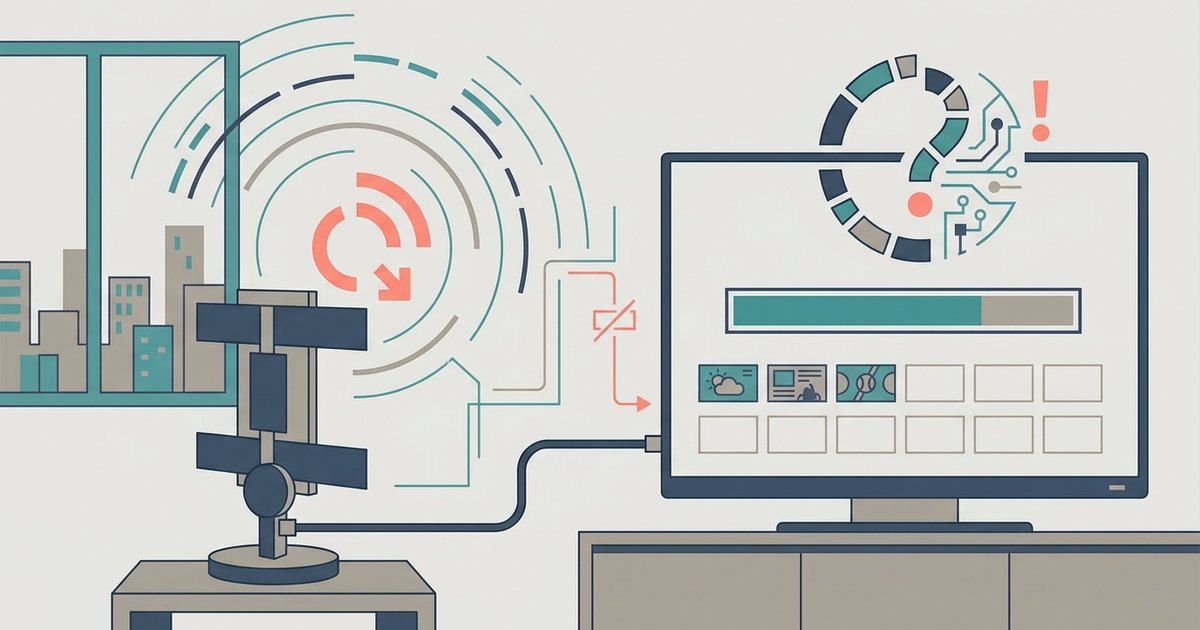
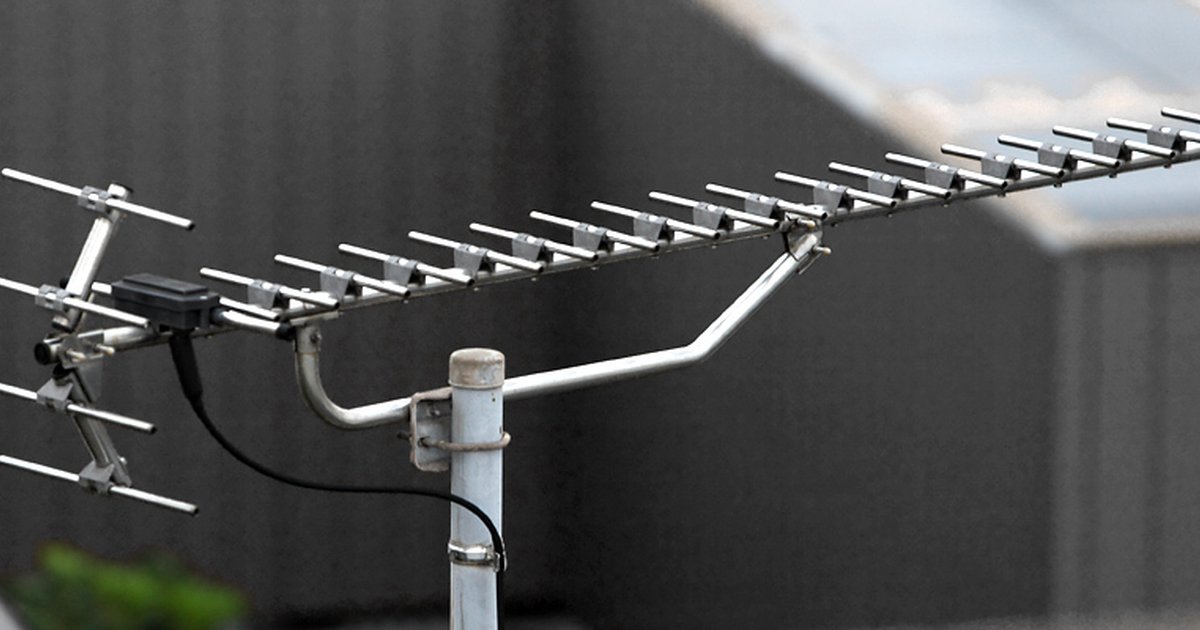
Television frequencies have not changed enough to make old antennas obsolete. Analog broadcasts used VHF channels 2-13 and UHF channels 14-69. Digital ATSC broadcasts still occupy the same VHF and UHF bands, though most digital stations now reside in the UHF range (channels 14-51). Your old rooftop or rabbit-ear antenna was designed to capture those same radio waves. The physical design, dipoles, reflectors, and loops, that pulled in analog signals works equally well for digital signals. In fact, many viewers find that a 1970s-era antenna outperforms modern cheap flat antennas because of its larger surface area and better construction. The scan itself is a simple process. The smart TV sends a command to the tuner to sweep the spectrum. If the antenna delivers a usable signal, the TV locks onto it. So if you get zero channels, the antenna is almost never the first suspect. Settings and signal path are. However, if you only get some channels, you may be dealing with a smart TV antenna not picking up certain channels due to frequency-specific interference or tuner limitations.
The menu setting that tricks people every time
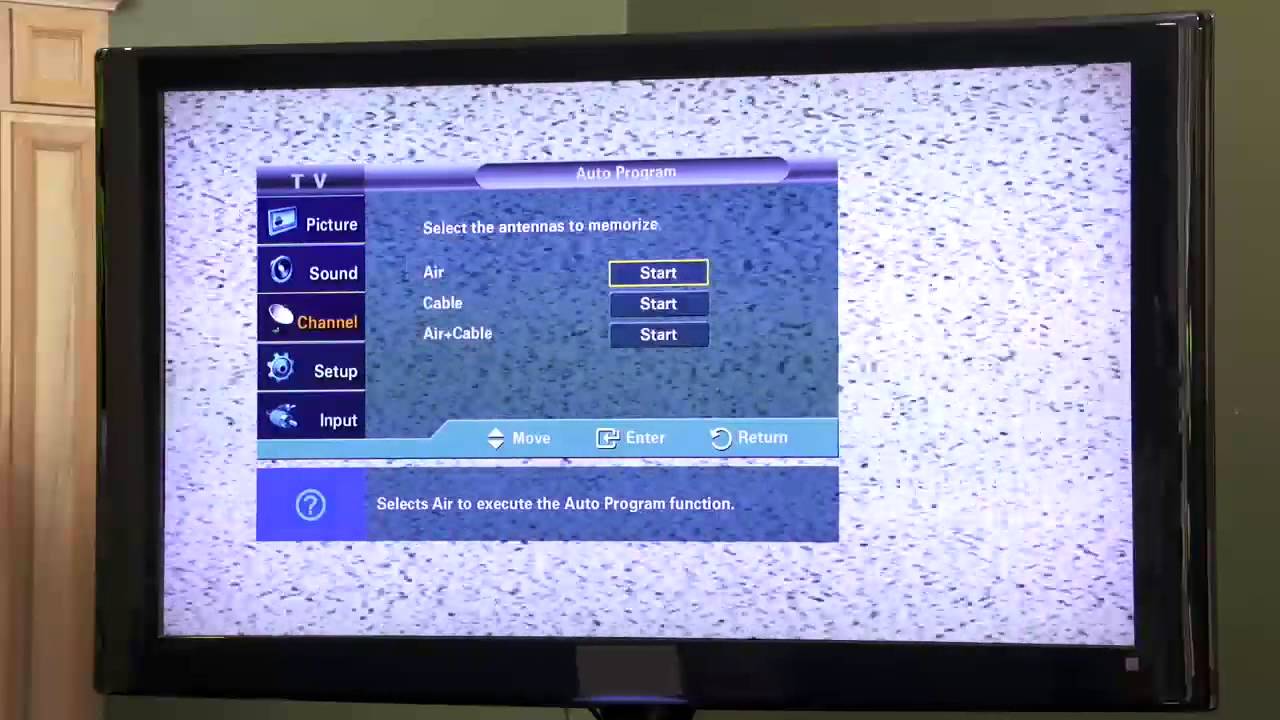
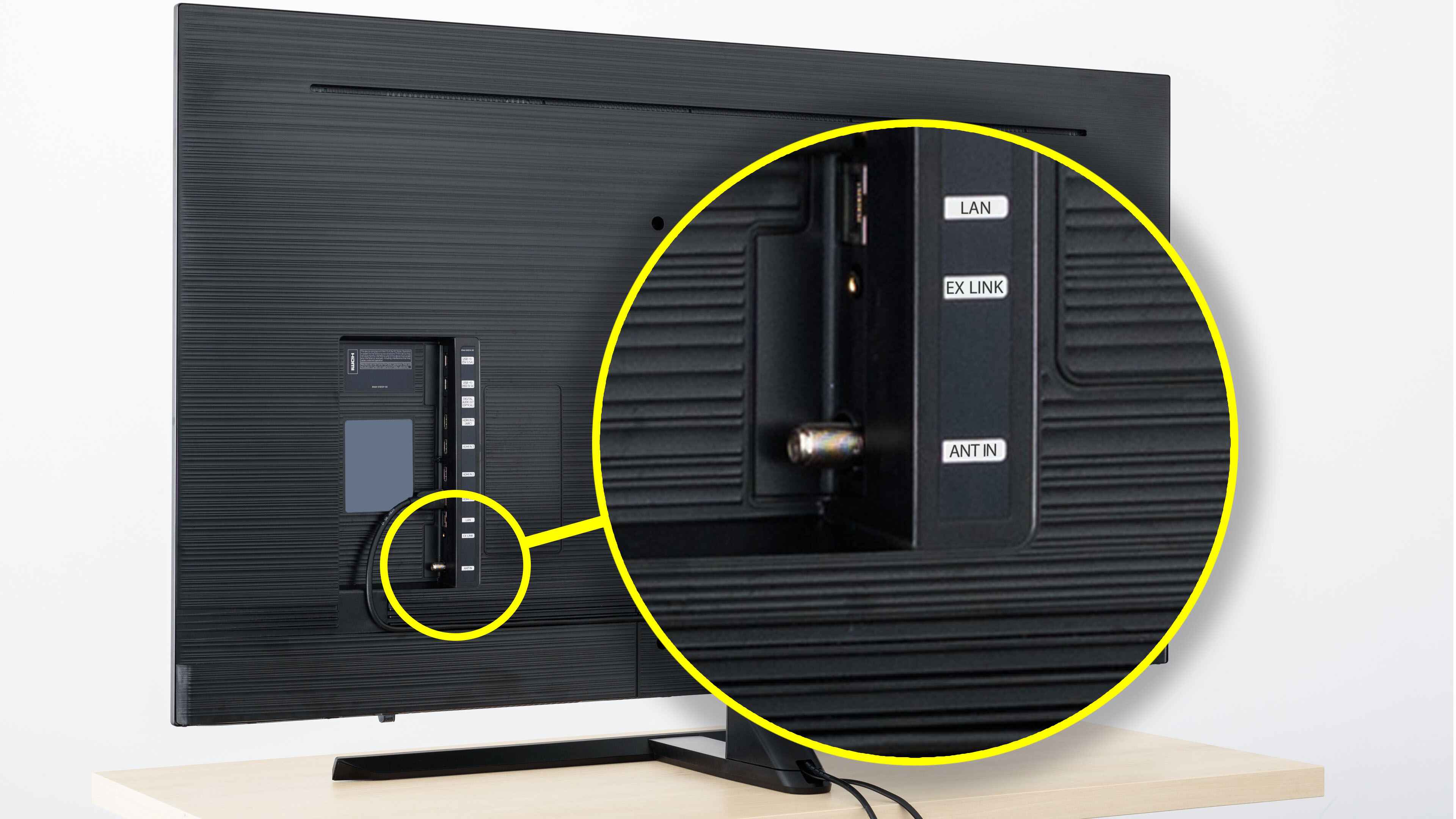
The most common reason for a failed scan is selecting the wrong input source. When you start a channel scan on a smart TV, you are asked to choose between “Antenna” (or “Air”) and “Cable.” If you select “Cable,” the TV expects a modulated cable signal on a different frequency plan. It will ignore all over-the-air broadcasts, even if your antenna is perfectly fine. You must explicitly pick “Antenna” or “Air” mode. This mistake is so frequent that support forums for every major brand are full of users who spent hours adjusting their antenna only to realize they had the wrong setting. For example, to get regular TV on a smart TV, you navigate to the “Live TV” or “Channel” menu, select “Scan for Channels,” and then ensure the source is set to “Antenna.” If you own a Tizen smart TV, the option appears under “Broadcasting” in the settings, where you typically select “Air” or “Antenna” instead of “Cable” during the scan setup. Similarly, on many Hisense smart TVs, you go into the channel or tuner settings and pick “Antenna” as the signal source. And on many Vizio smart TVs, you change the input to the TV tuner input, then run a channel scan with “Air” or “Antenna” selected. Ignore this step, and you will get nothing but static, much like when my smart TV say no signal when the HDMI cable is plugged in due to a simple input mismatch.
The only thing that makes an old antenna fail is a physical defect, not its age; a perfectly preserved 40-year-old antenna works exactly like a new one.
When an old antenna actually lets you down
Even with the correct menu setting, an old antenna can fail for specific physical reasons. The most common failure is a VHF-only design. Many vintage rooftop antennas have large elements tuned only for channels 2-13, with no UHF section at all. Since most digital stations now broadcast on UHF, such an antenna will capture zero channels. Another culprit is a corroded balun, the small transformer that connects the antenna’s twin-lead wire to the coaxial cable. Rust or moisture can break the internal connection, killing the signal before it reaches the TV. A dead inline amplifier is also frequent. Older antennas often include a powered preamplifier that runs on 12V from a wall wart. If that amplifier fails, the antenna becomes a dead piece of metal. Finally, long cable runs (over 50 feet) with cheap RG-59 coax can attenuate digital signals to the point where the TV sees only noise. If your scan returns nothing after confirming the correct menu setting, check the antenna’s design for UHF elements. Inspect the balun for rust. Test the amplifier with a multimeter. Consider shortening or upgrading the cable run.