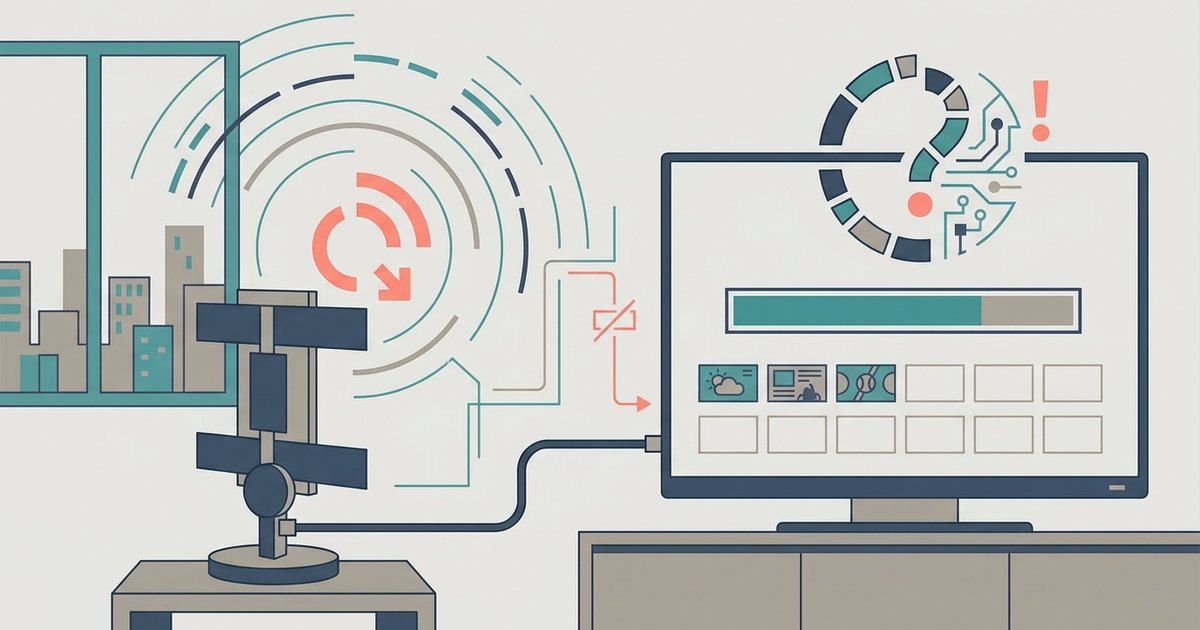
Your LG TV is likely filtering out weak signals during the scan, or the tuner mode is set to the wrong broadcast type for your area. Switch the Program Mode...
Your Vizio TV is likely set to the wrong input mode—it must be on 'Antenna' or 'Air,' not 'Cable.' If the mode is correct, the antenna itself may not be...
Yes, a smart TV’s channel scan works with most old antennas because over-the-air signals still travel on the same frequencies, but you must select “Antenna” or “Air” mode during setup—not...
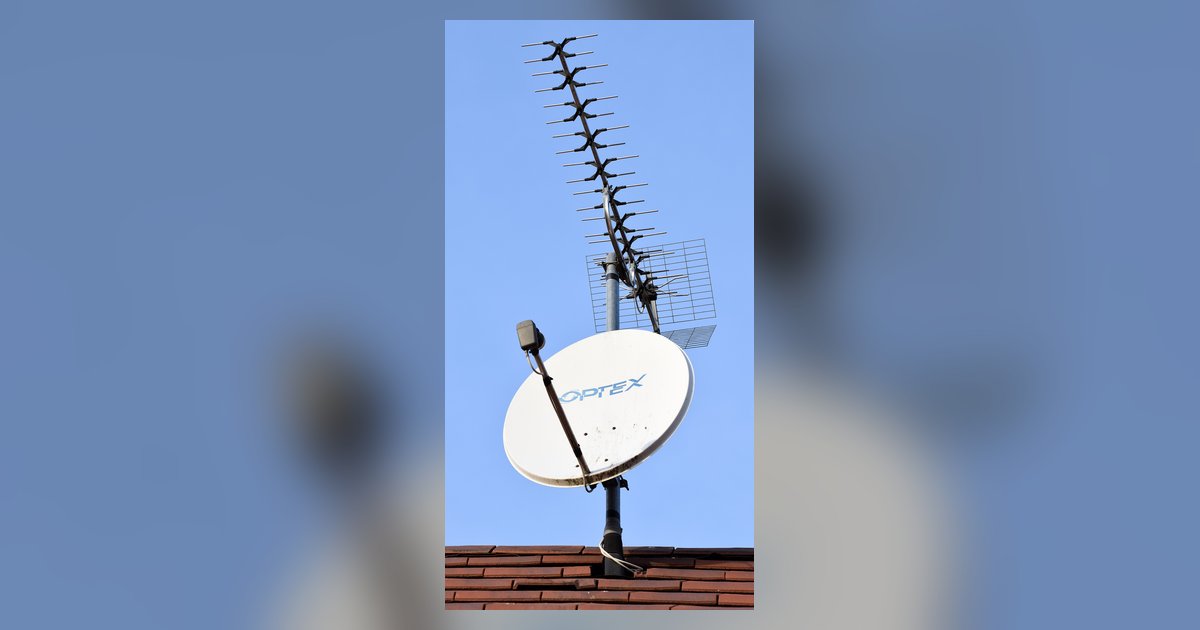
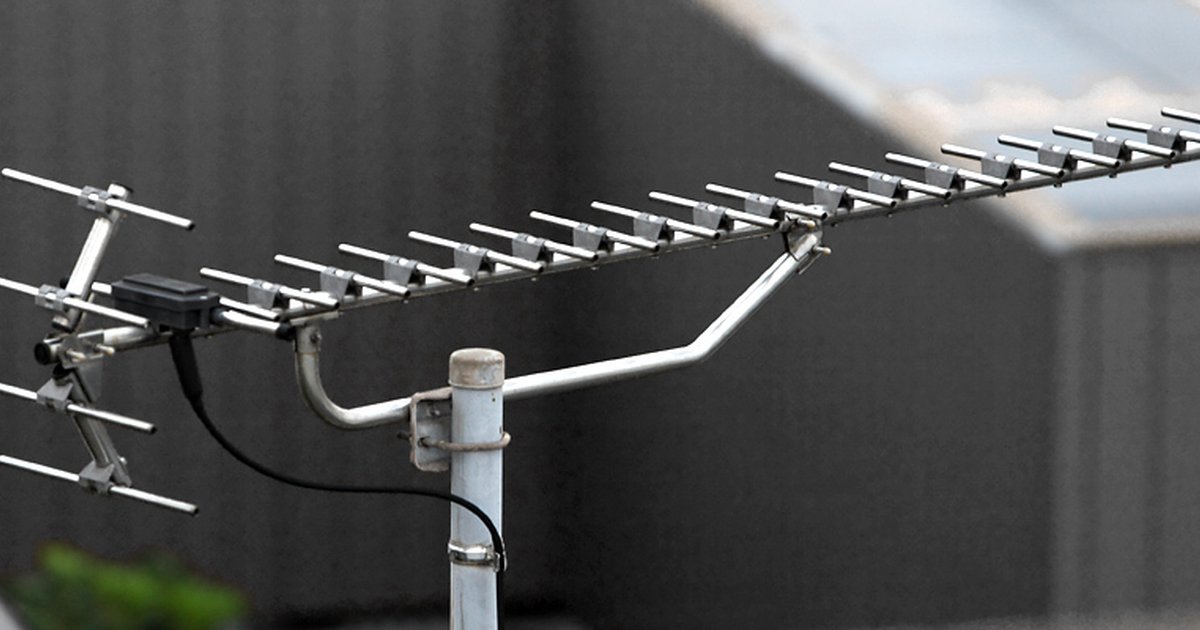
Your antenna is likely missing channels because those stations broadcast on a different frequency band (VHF vs. UHF) that your antenna struggles to receive, or the signal is too weak...
Your antenna channels likely disappeared because the TV's automatic channel memory was erased during a firmware update, a power surge, or by accidentally switching inputs. A simple re-scan should restore...
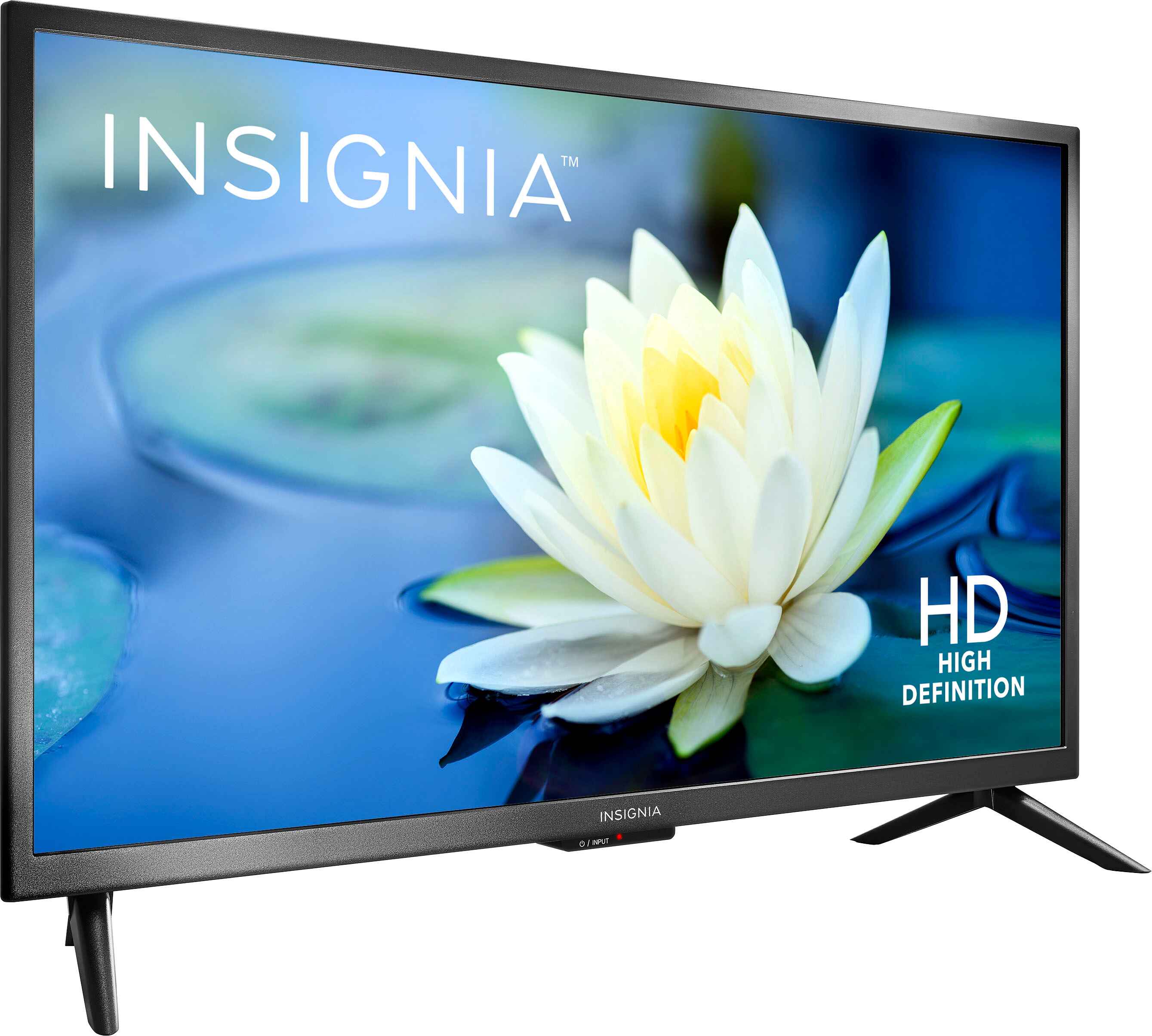
To connect an ns24-d510 na15 antenna to your Insignia LED TV, plug the antenna's coaxial cable into the round "ANT/CABLE IN" jack on the back of the TV, then run...
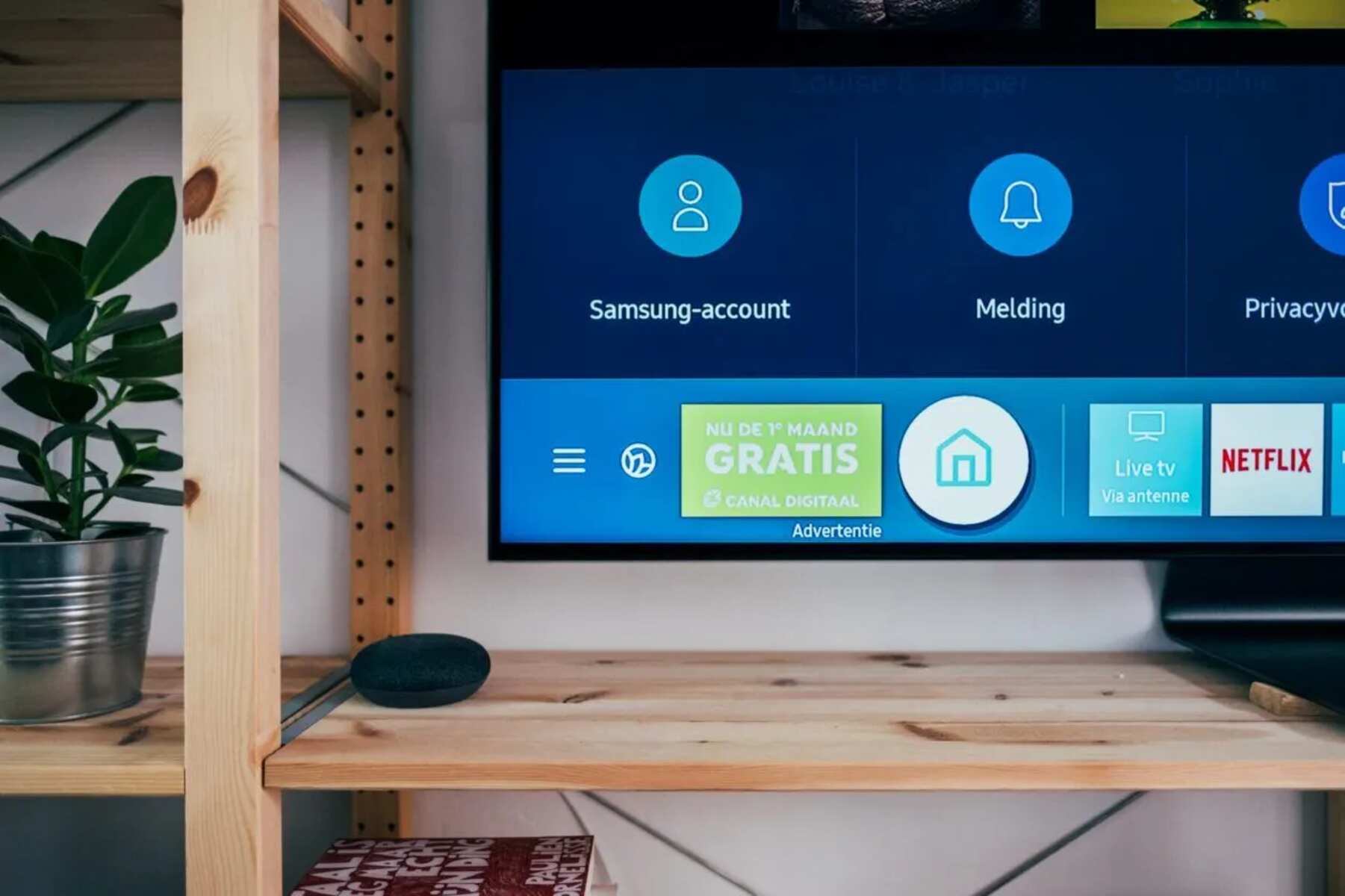
How to Connect an Antenna to a Samsung QLED TV To connect an antenna to a Samsung QLED TV, you physically screw the antenna’s coaxial cable into the “ANT IN”...
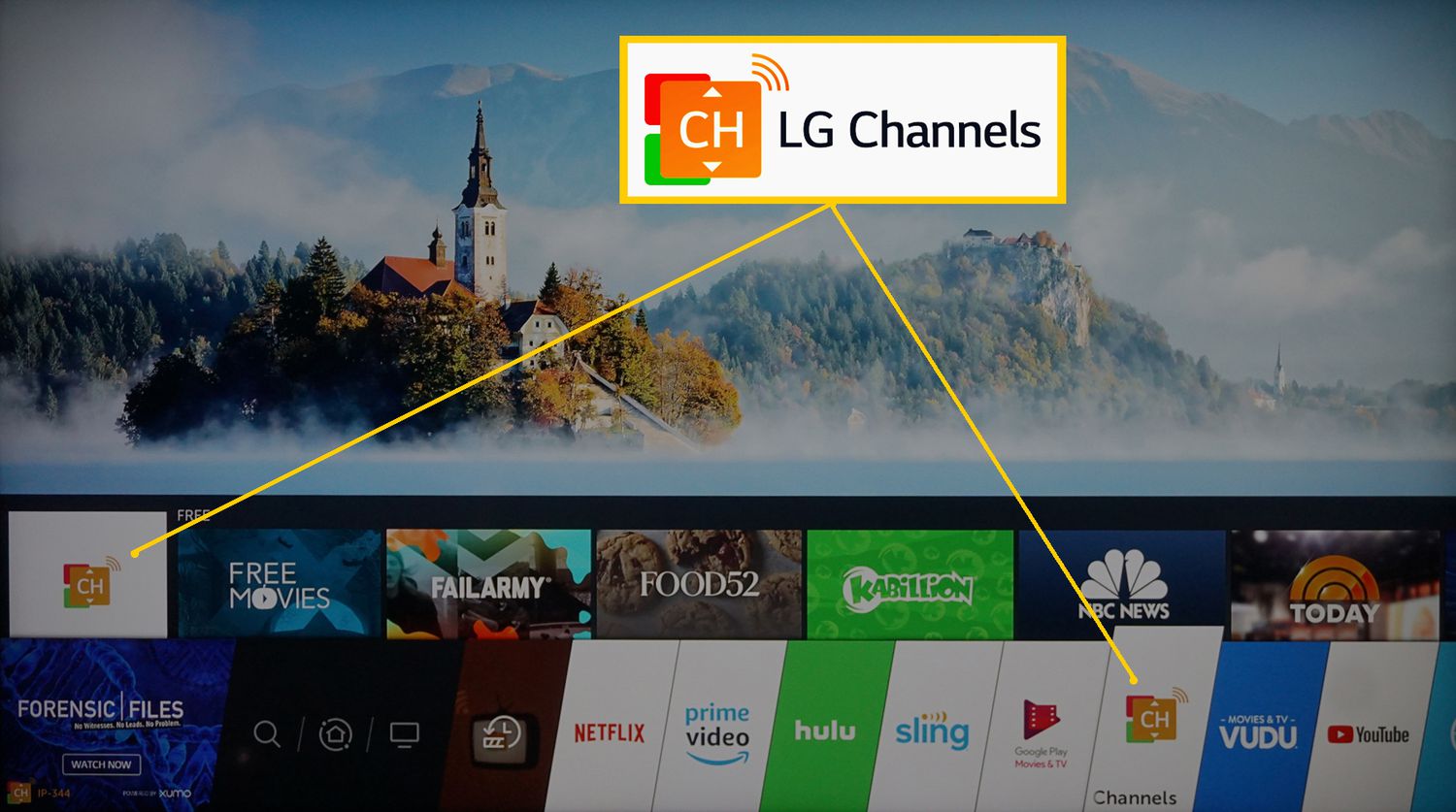
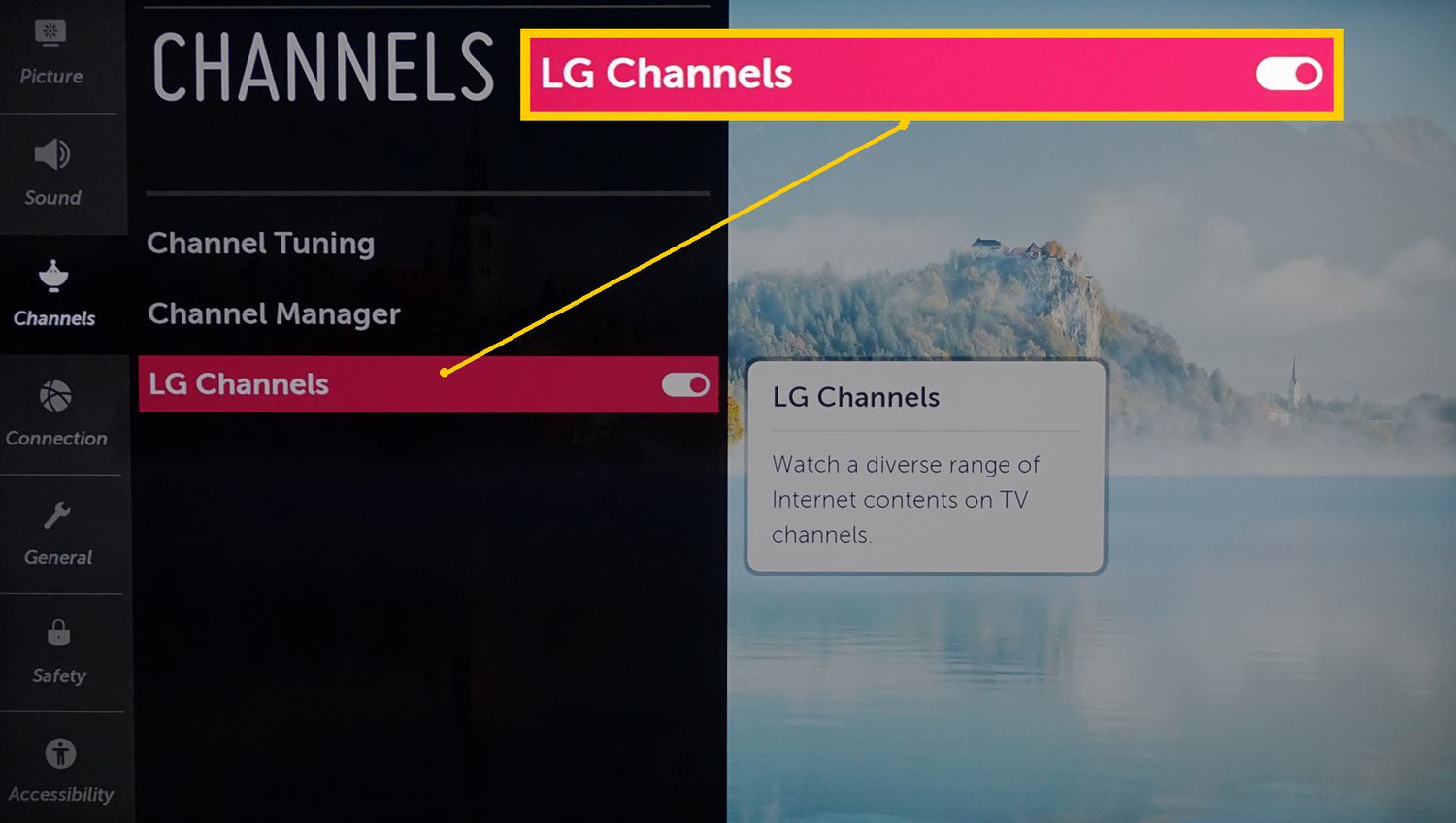
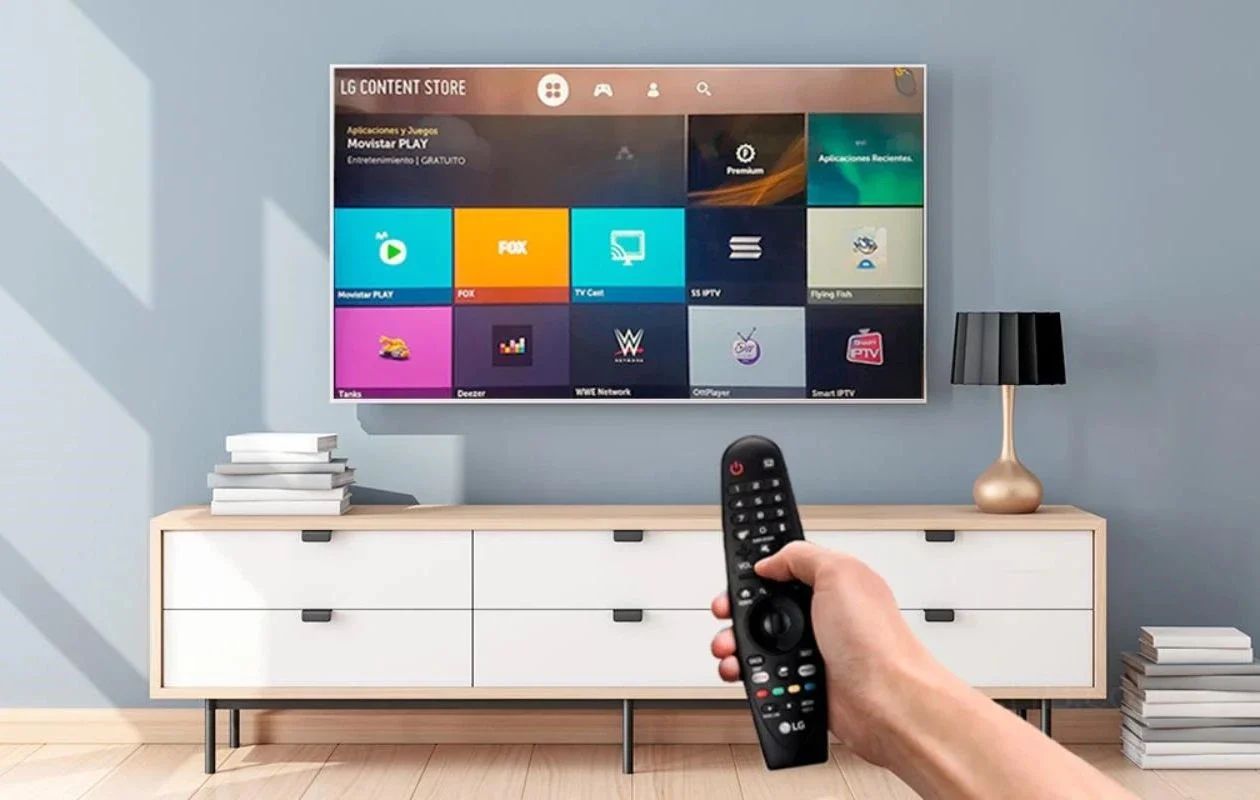
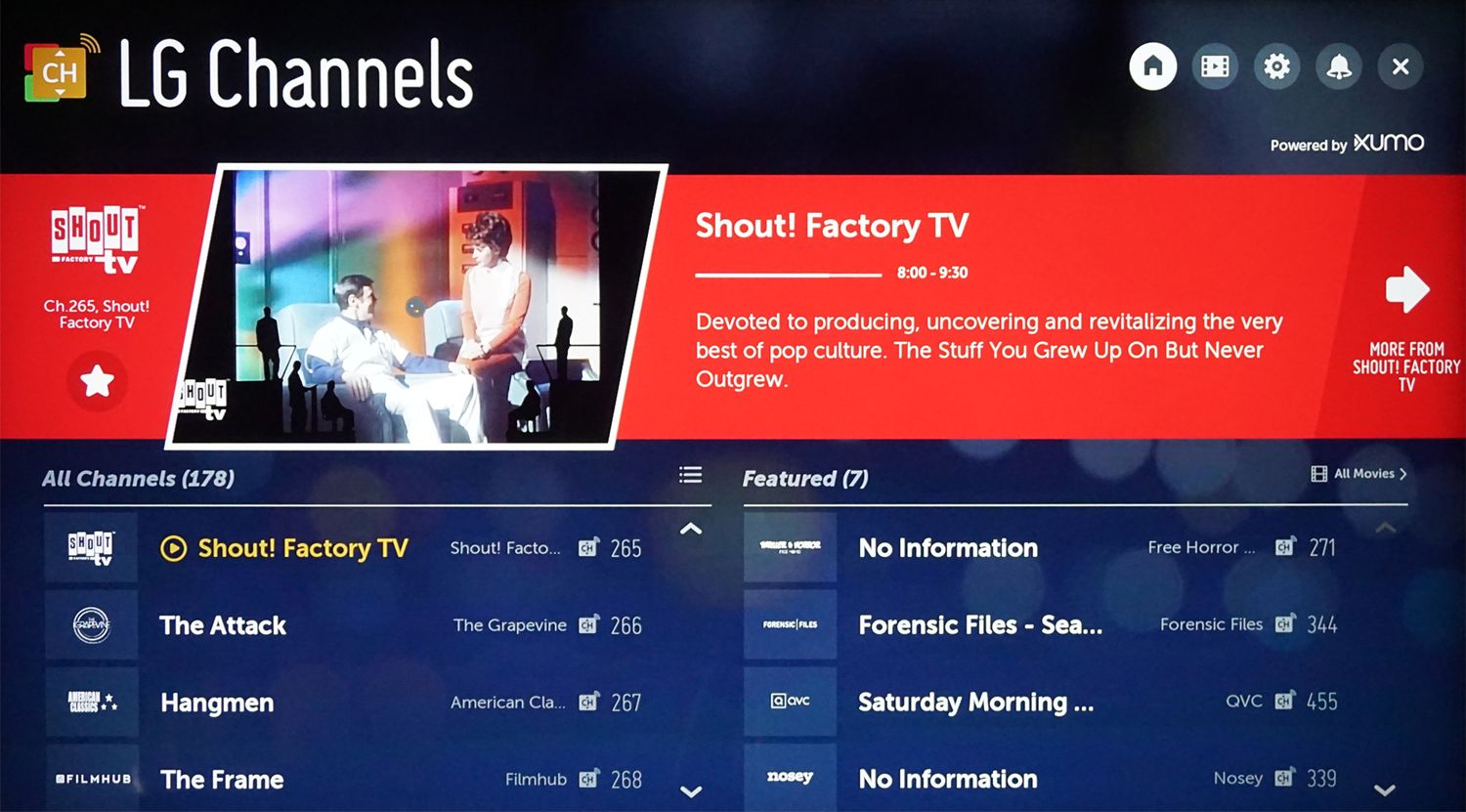
To add a channel on LG smart TV, you have two main options: install streaming apps from the LG Content Store or tune in broadcast channels via your antenna or...
To scan channels on an LG smart TV, use the built-in Auto Tuning feature in the Settings menu to find free over-the-air broadcasts. This process allows your TV to detect...
There is no single channel number for CBS on an LG Smart TV because the channel depends on your location and how you receive the signal, whether through an antenna,...
Before you begin: what channels are on LG Smart TV by signal source What channels are on LG Smart TV depends on your signal source: over-the-air channels appear after a...
This website uses cookies so that we can provide you with the best user experience possible. Cookie information is stored in your browser and performs functions such as recognising you when you return to our website and helping our team to understand which sections of the website you find most interesting and useful.
Strictly Necessary Cookies
Strictly Necessary Cookie should be enabled at all times so that we can save your preferences for cookie settings.
If you disable this cookie, we will not be able to save your preferences. This means that every time you visit this website you will need to enable or disable cookies again.