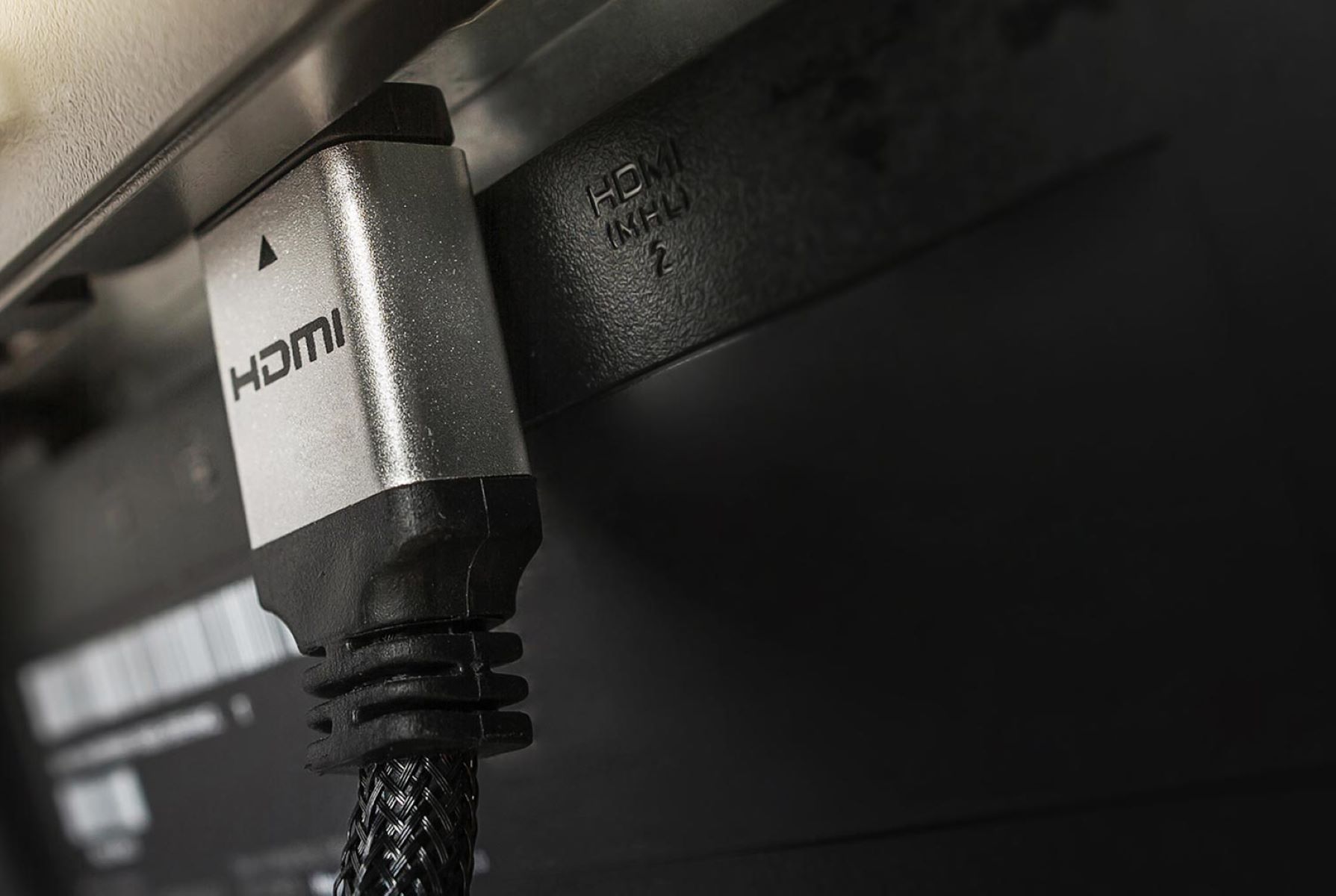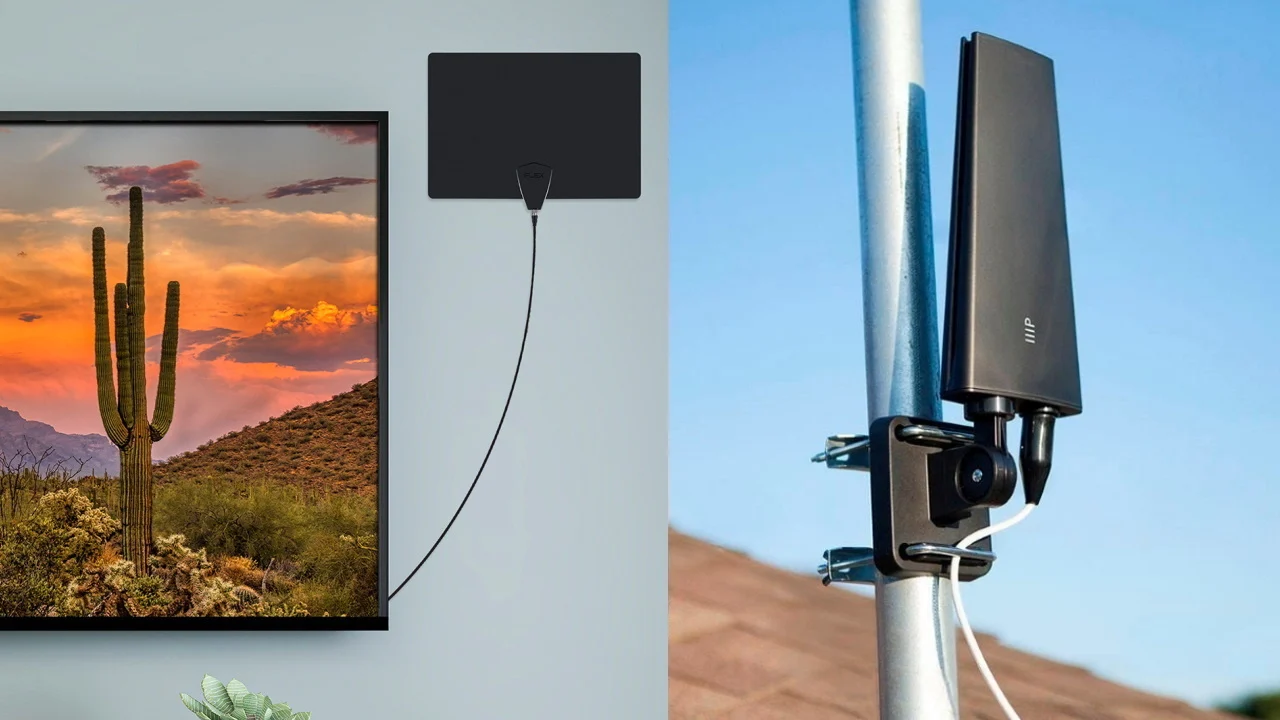
For a Smart TV, you need a standard digital antenna, there is no special “Smart TV antenna” required. The “smart” features (streaming apps, Wi-Fi) are completely separate from the tuner, which is the built-in ATSC 1.0 receiver that picks up free over-the-air (OTA) channels. So the answer to “what type of antenna do I need for a smart TV” is simply any modern TV antenna designed for digital broadcasts, and the choice comes down to your location, not your TV’s brand or smart capabilities. If your TV lacks a coaxial input, you can convert a TV antenna to HDMI with an external tuner box.
Why your Smart TV still needs an antenna
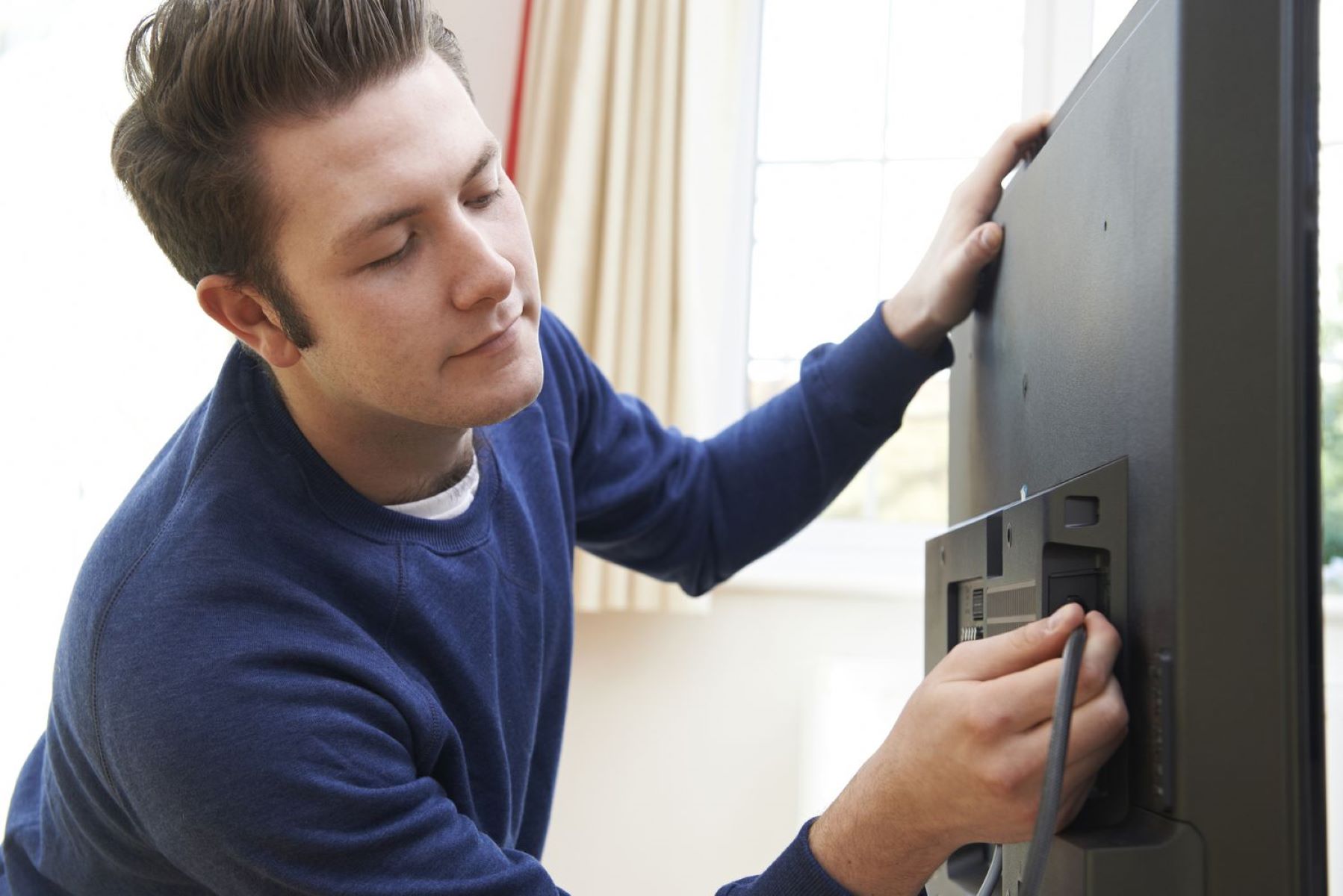
Your Smart TV does not have a built-in antenna for broadcast TV. The only internal antennas are for Wi-Fi and Bluetooth, which handle streaming and connecting devices, not for receiving ABC, CBS, NBC, FOX, or PBS. To get those free local channels, you must connect an external antenna to the “ANT IN” or “Cable/Antenna” port on the back of your TV. If running a cable across the room isn't practical, you can connect TV antenna to TV wirelessly using a network tuner. Without that physical connection, you are limited to internet-based content only, so the antenna is the key to unlocking free, live local programming in high definition.
Indoor vs outdoor: which antenna type fits your situation
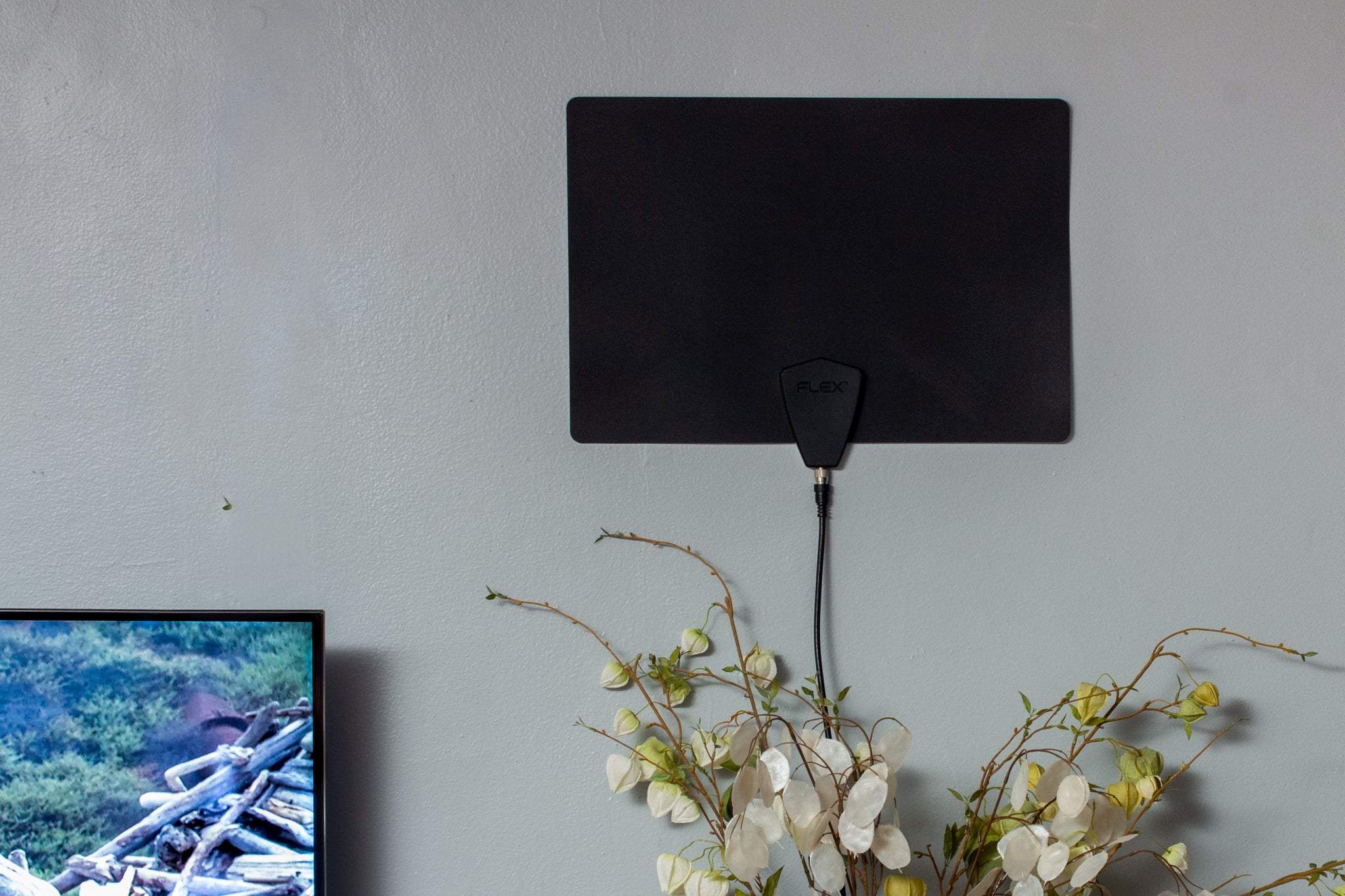
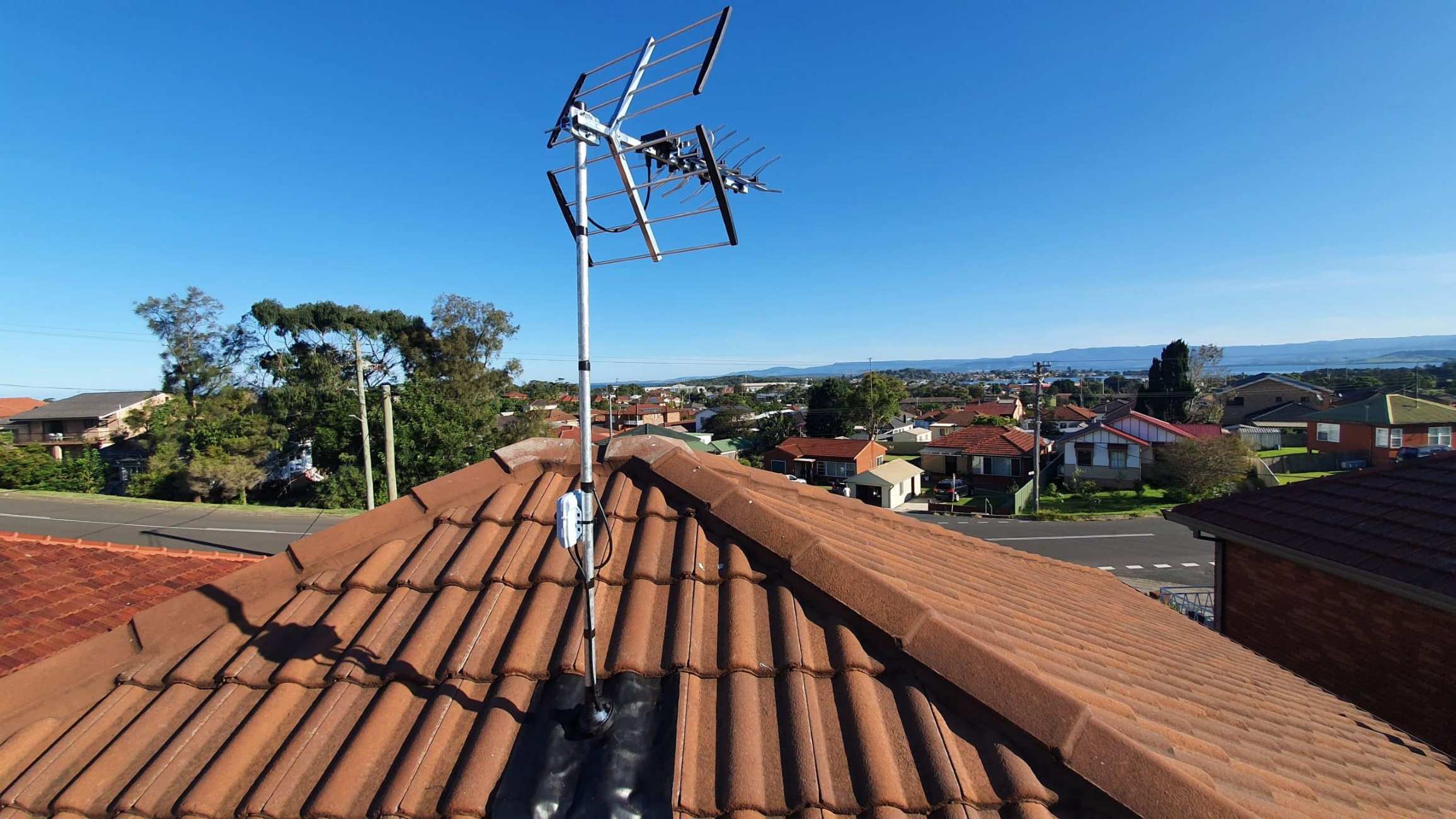
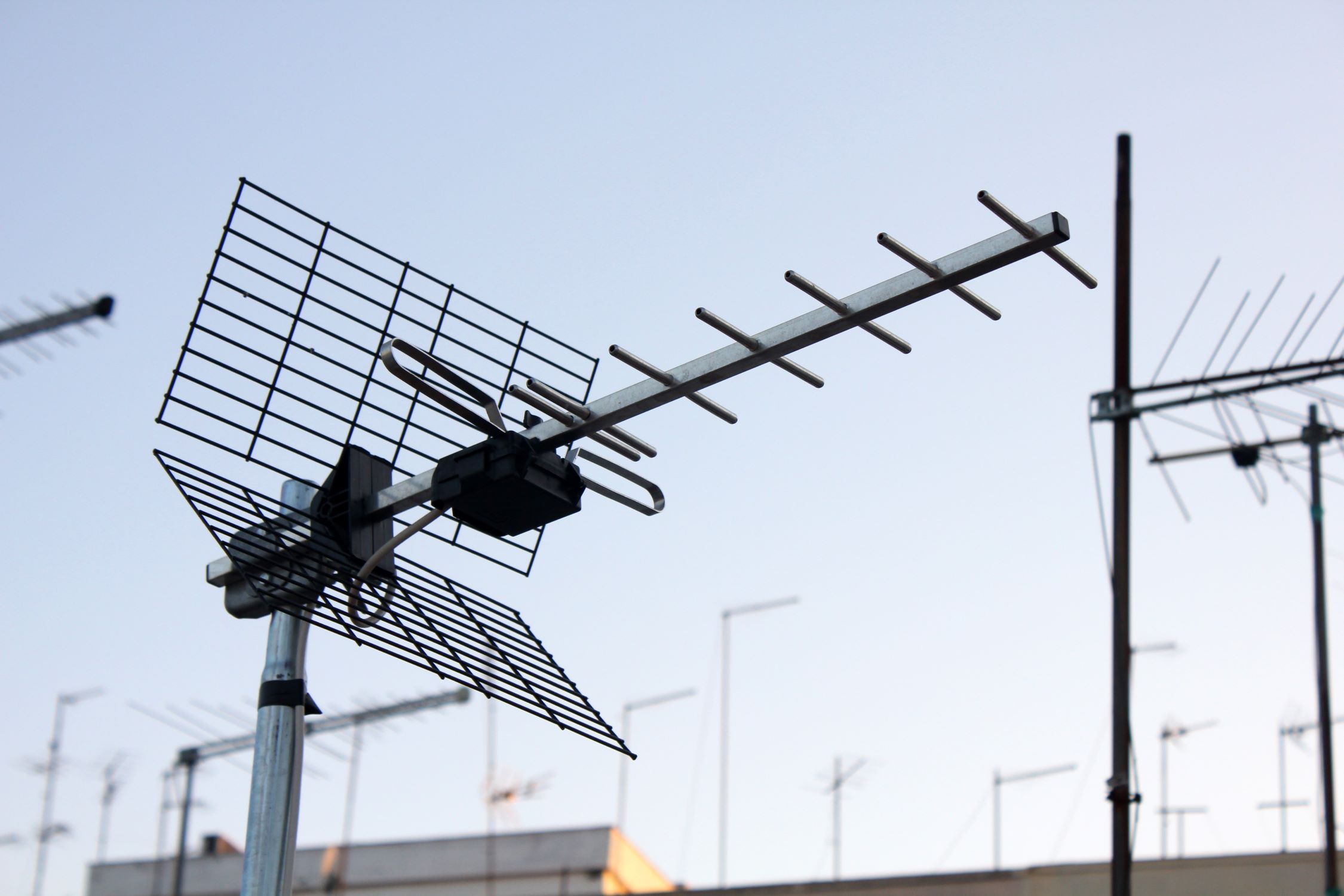
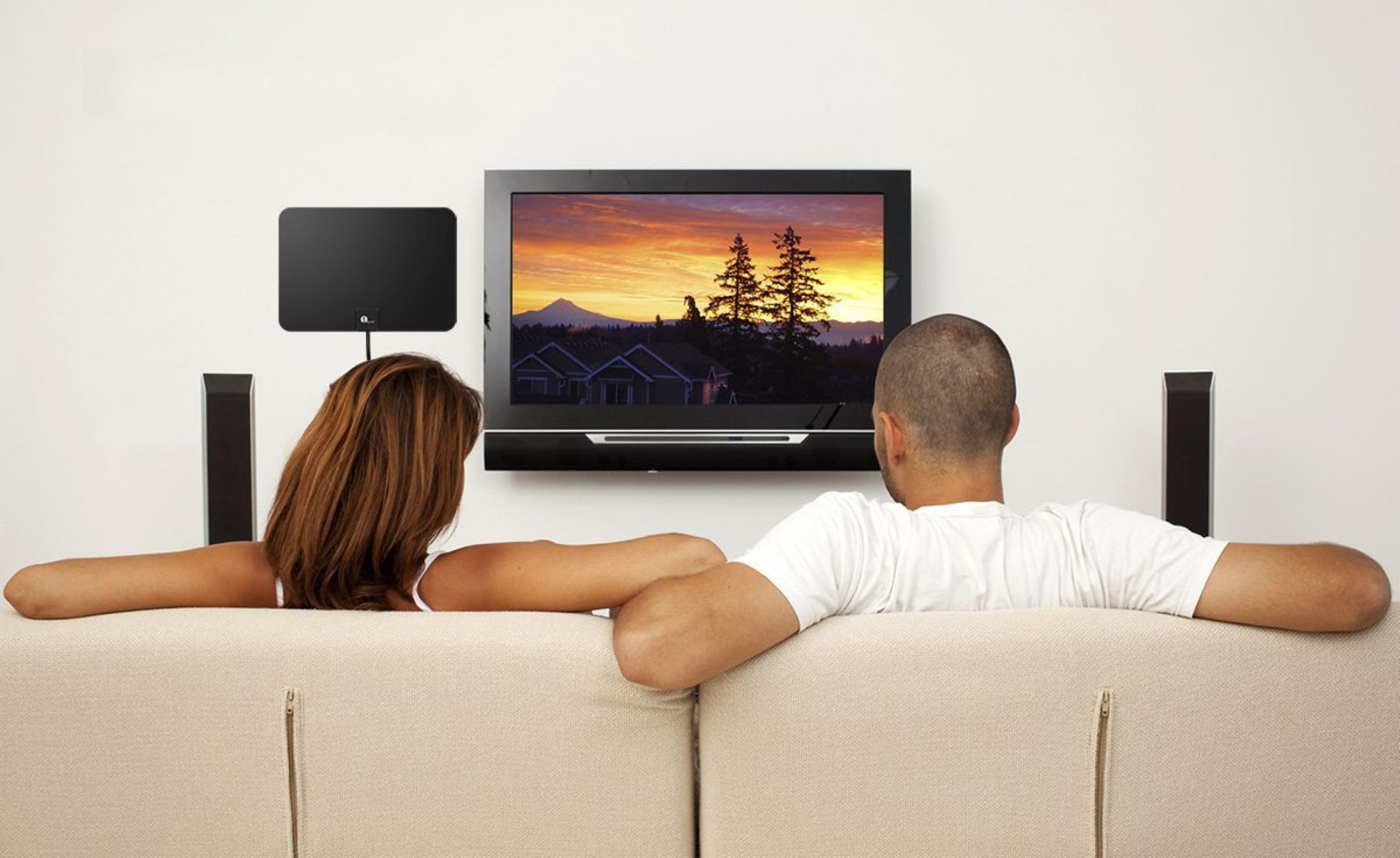
Choosing between an indoor and outdoor antenna depends on where you live relative to broadcast towers. These are easy to install, affordable, and work well when signals are strong. Outdoor antennas are larger, more powerful, and provide the better line-of-sight needed to capture weaker signals reliably. A quick rule: start with indoor if you are close and unobstructed; go outdoor if you are far or blocked.
VHF and UHF: making sure you get all your local channels
Local channels broadcast on two different frequency bands: VHF (channels 2-13) and UHF (channels 14-51). VHF signals have longer wavelengths, which travel farther and penetrate obstacles like walls and trees better, but they require larger antenna elements. UHF signals have shorter wavelengths, are more common for modern digital TV, and are easier to pick up with small flat antennas. Before buying, check which bands your local stations use, many areas have a mix of both. If any of your desired channels are on VHF, you need an antenna that explicitly supports VHF and UHF, not just UHF-only models. A combined VHF/UHF antenna ensures you don’t miss out on any channel, whether it’s a major network on VHF or a smaller station on UHF.
When an amplified antenna helps (and when it hurts)
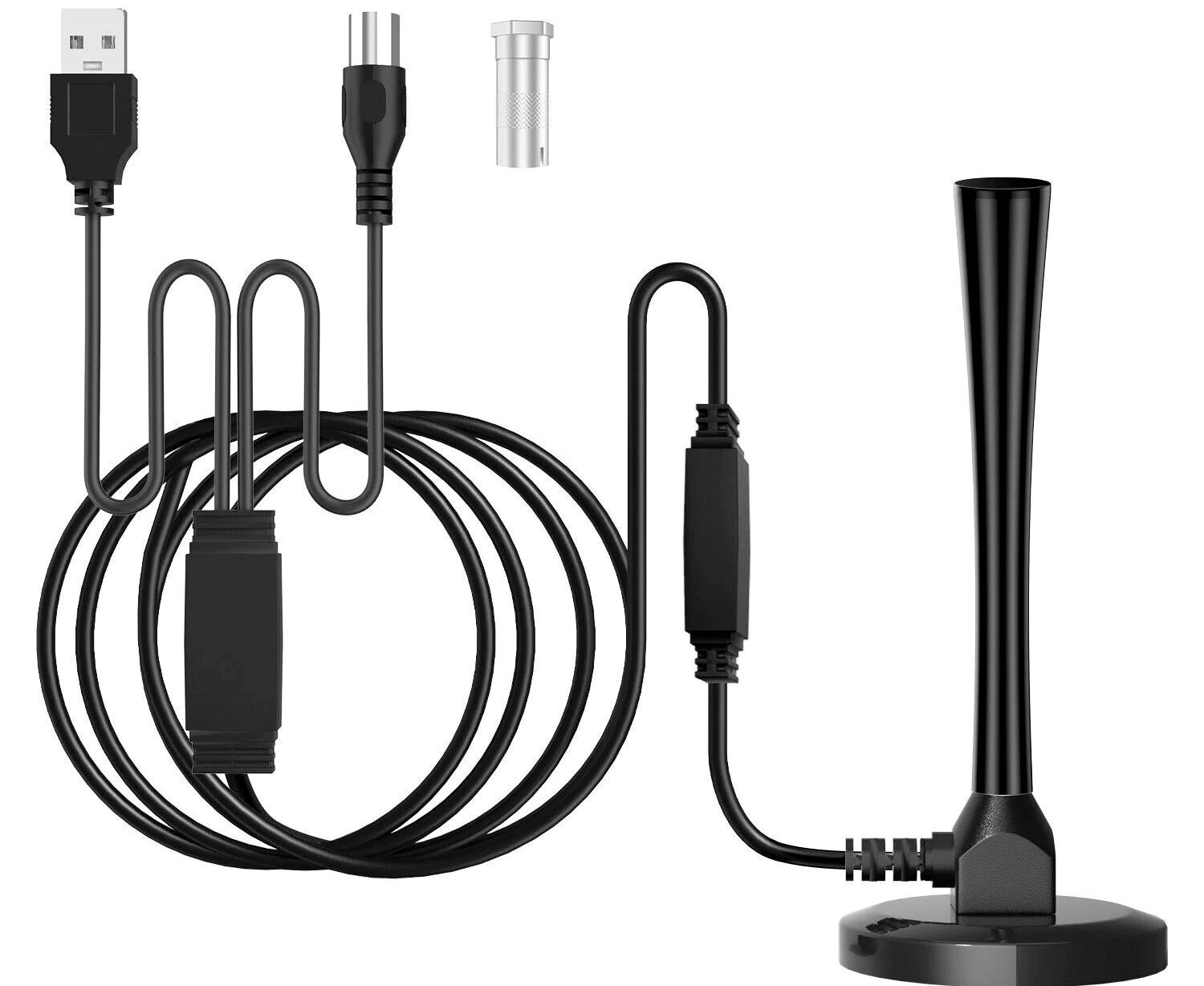
Amplified antennas include a built-in signal booster that strengthens weak incoming signals, which can be a lifesaver if you are in a fringe area far from towers or have a long cable run to your TV. However, if you already receive strong signals, typically in urban areas close to towers, the amplifier can overdrive the tuner, causing pixelation, dropouts, or even complete loss of channels. In such cases, a non-amplified (passive) antenna will work better. So, only choose an amplified model if you’ve confirmed weak signals (using a signal locator tool) and you’ve already tried a passive antenna without success. If you’re unsure, start with a passive antenna; you can always add an amplifier later if needed.
How to connect and scan for channels on your Smart TV
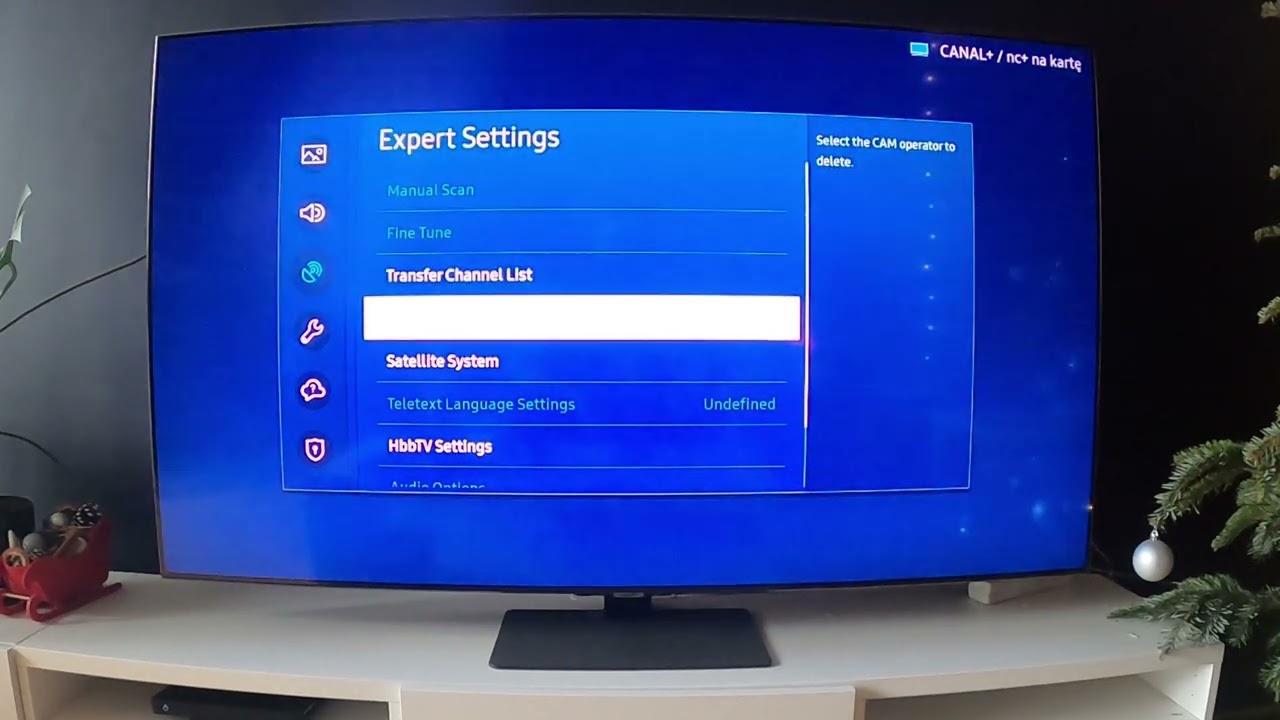
Connecting your antenna is straightforward. First, plug the antenna’s coaxial cable into the “ANT IN” or “Cable/Antenna” port on the back or side of your TV. Then, turn on the TV and open the Settings menu, look for options like “Channels,” “Broadcast,” or “Antenna Setup.” Select “Channel Scan” or “Auto Tuning,” and when asked for the signal source, choose “Antenna” or “Air,” not “Cable.” The TV will then search for all available over-the-air channels in your area, which can take a few minutes. Once the scan is complete, you can flip through the channels using your remote. If you don’t find all expected channels, reposition the antenna and re-run the scan, this is normal and often fixes missing stations.
Placement tips that improve reception instantly
Antenna placement is often the difference between a few channels and dozens. Height is the single most important factor: higher placement gives better line-of-sight to broadcast towers, so try mounting your antenna high on a wall or shelf. Windows reduce wall obstruction, so placing the antenna near a window facing the towers usually improves reception. Also, point the antenna toward the broadcast towers, you can find their direction using an online tool or app. If reception is poor, move the antenna a few feet, rotate it slightly, and re-scan each time. Small adjustments can dramatically change signal quality, so experiment before assuming you need a different antenna. Avoid placing it near metal objects, electronics, or thick walls, which can block or interfere with the signal.
Quick checklist: choosing your antenna in 3 steps
To make your decision simple, follow these three steps. First, check tower distance and direction with an online tool like the FCC’s DTV Reception Map or AntennaWeb, enter your address to see how far and in which direction your local stations are. Third, choose a VHF+UHF capable antenna to cover all channels, and start with a passive model, add an amplifier only if you confirm weak signals. This checklist covers the essentials and ensures you buy the right type the first time, saving you time and frustration.
One common question is which way to point a TV antenna to get the best reception. The answer is simple: point it toward the broadcast towers, which you can identify using a signal locator tool. If your stations come from multiple directions, a multi-directional antenna can pick them all up without manual adjustment, but a directional antenna pointed at the main cluster of towers often works better for distant signals. Remember that smart TVs don’t affect antenna choice, the tuner is standard, so focus on location, frequency bands, and placement. With the right antenna and a little fine-tuning, you’ll enjoy free, crystal-clear local channels on your Smart TV for years to come.