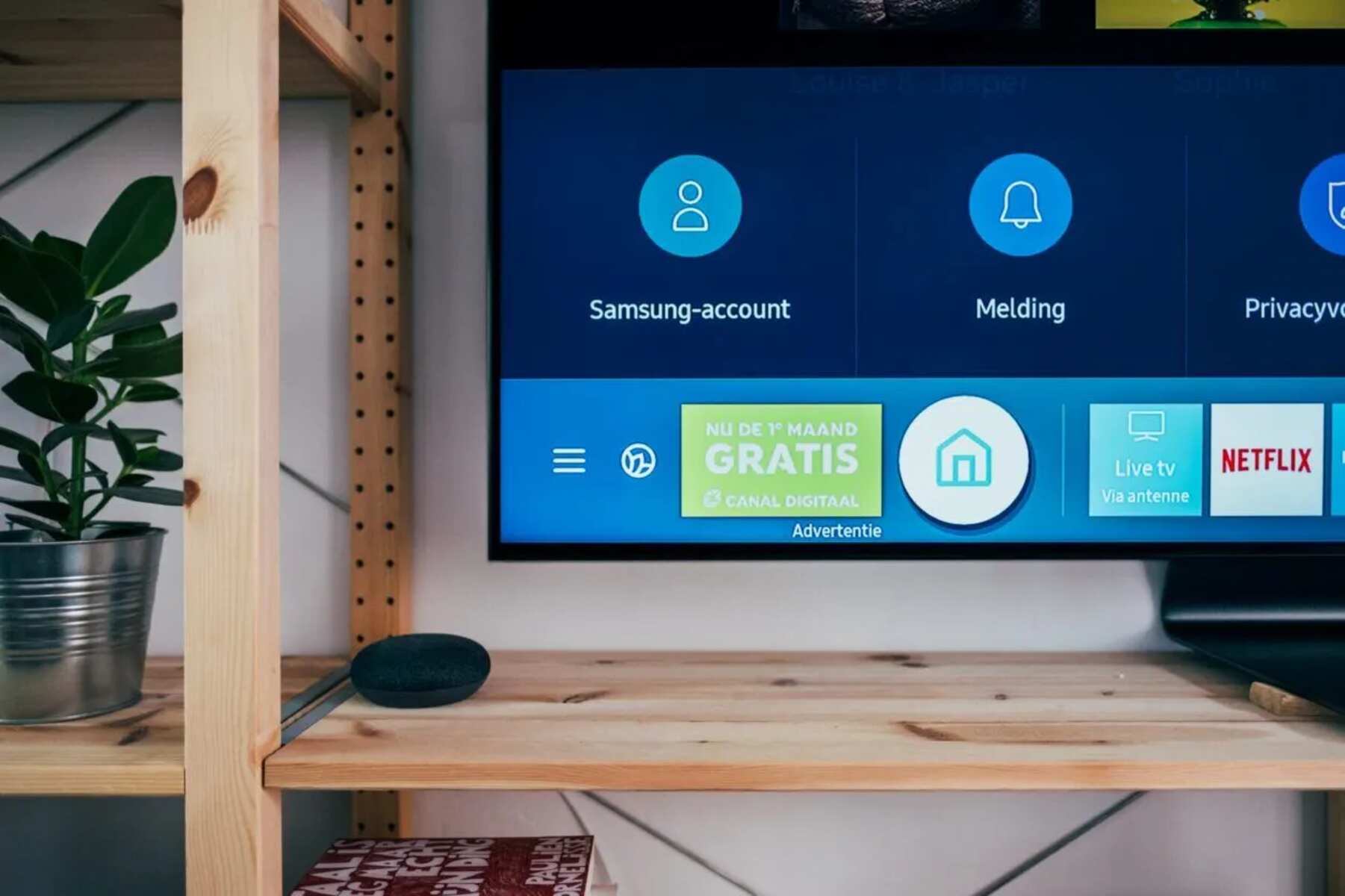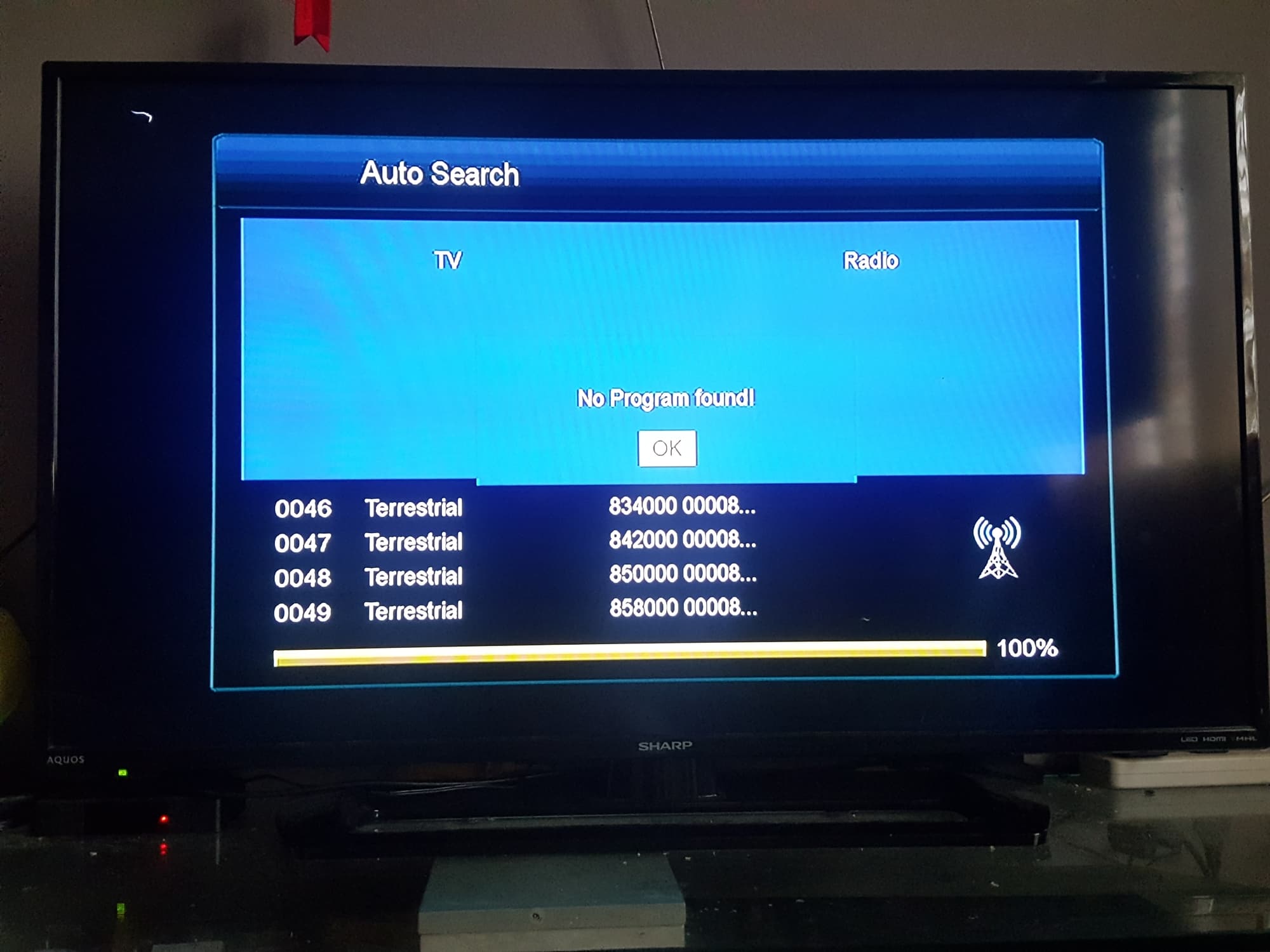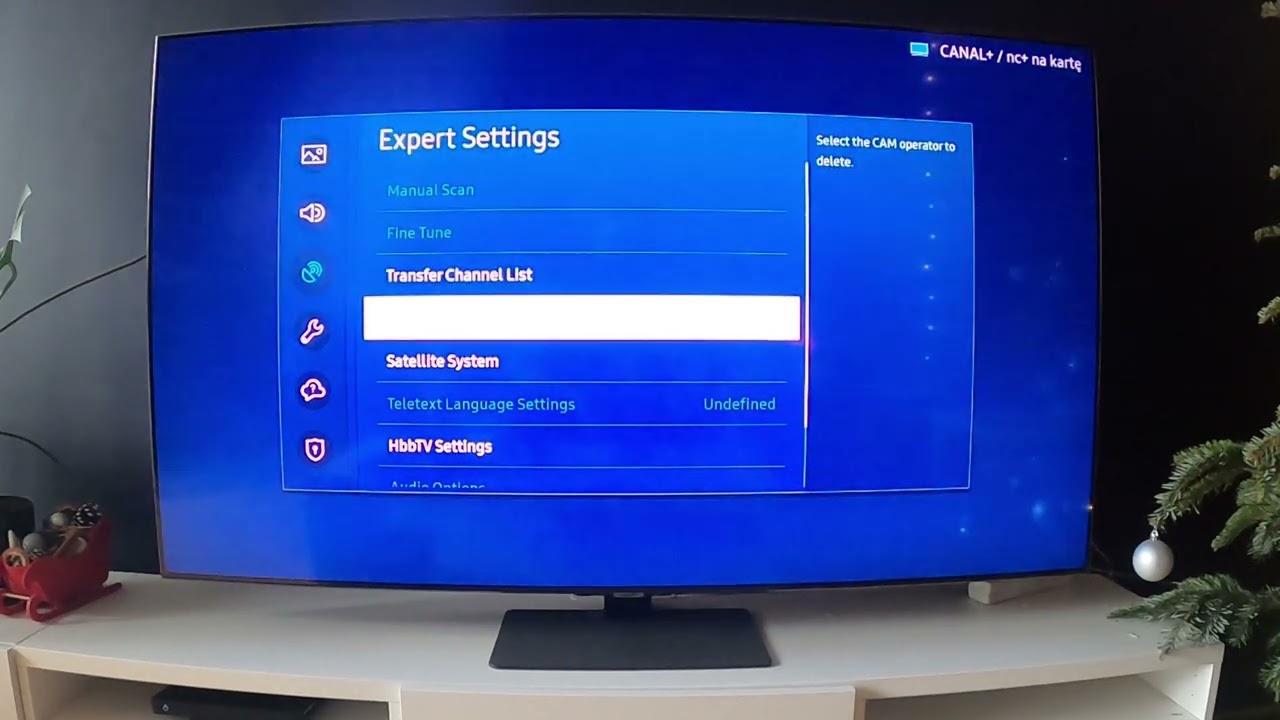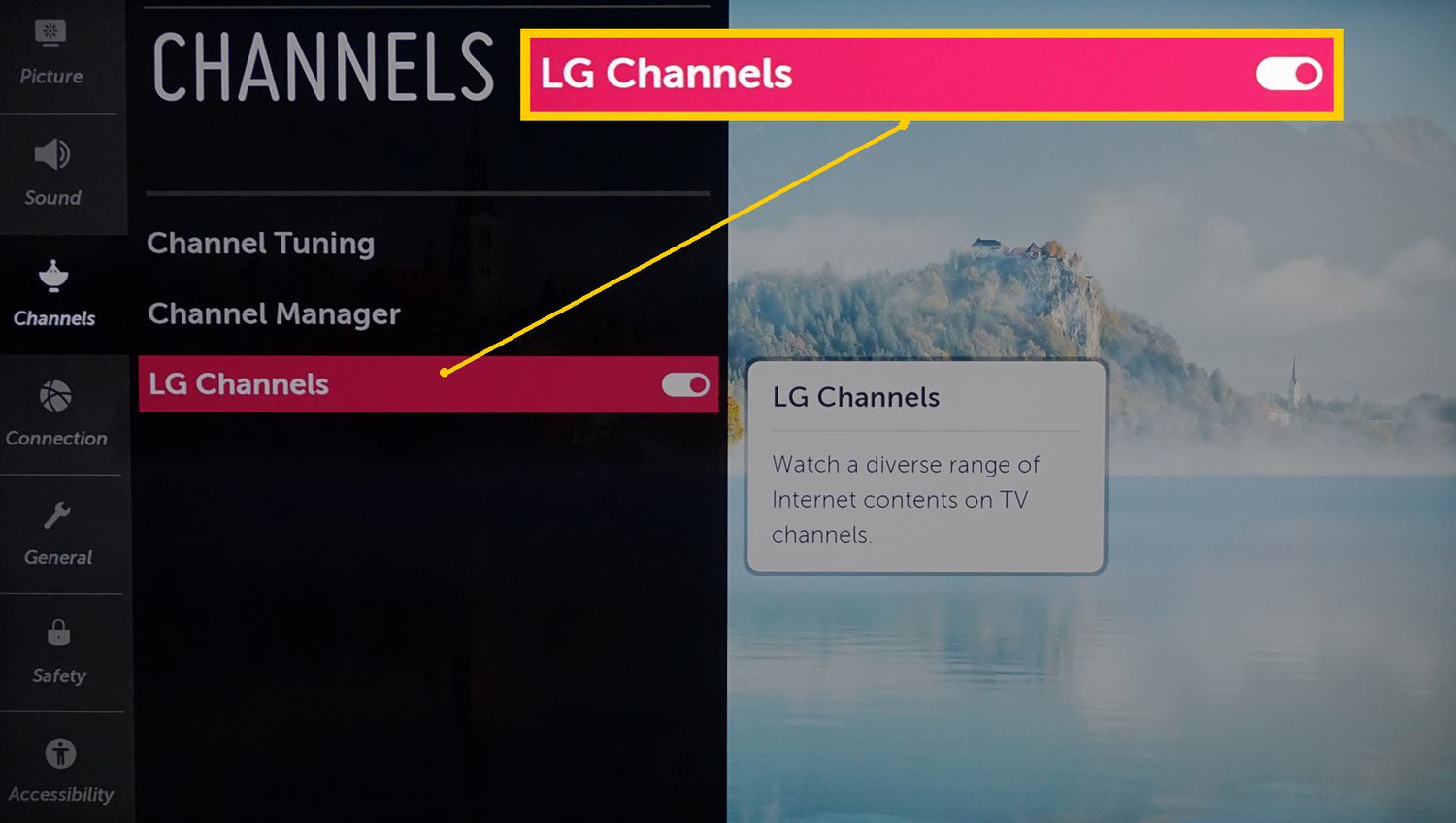
This tag collects articles about getting over-the-air broadcast television working on modern smart TVs, specifically covering the three most common brands: LG, Samsung, and Vizio. It is written for homeowners and renters who want to cut the cable cord, use an antenna for local channels, or simply understand why their TV’s built-in tuner is not behaving. If you are trying to watch free broadcast TV or troubleshoot a tuner that will not cooperate, these guides are for you.
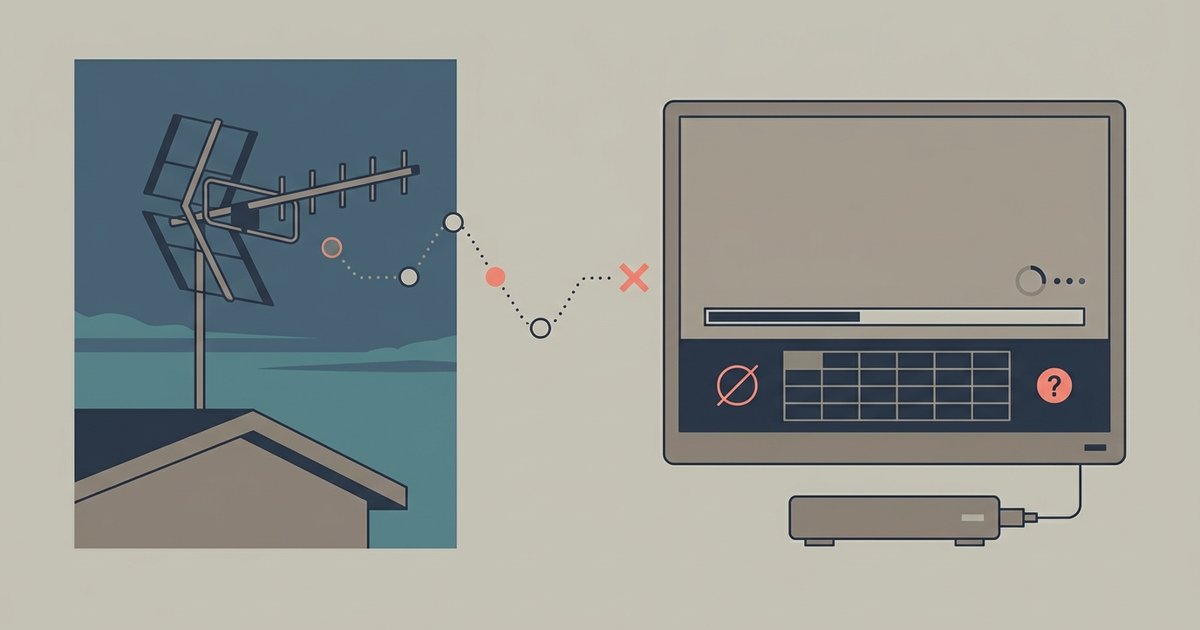
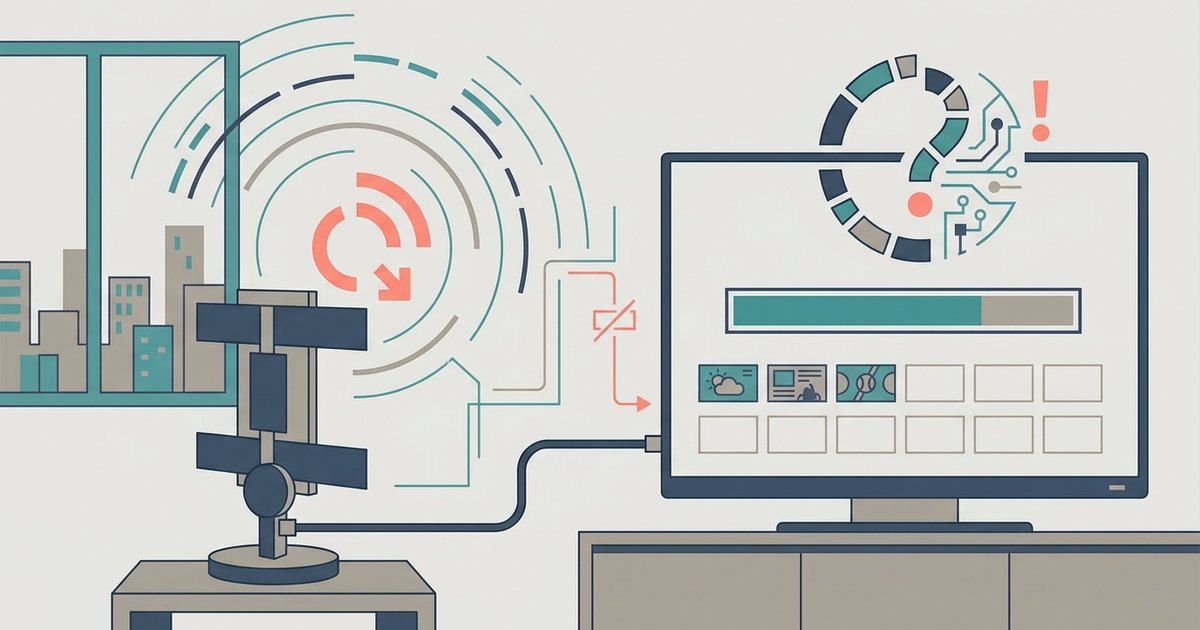
The articles fall into two practical themes. First, there are setup and connection guides that walk you through the physical and on-screen steps: hooking up an antenna to an LG TV, connecting one to a Samsung QLED model, or switching a Samsung from broadcasting to cable input. Second, there is a strong troubleshooting theme, covering why an antenna scan might not find all channels on an LG TV, why a Vizio finds nothing at all, or why a Samsung tuner stops picking up channels after a scan. A few articles also cover channel management and recording, such as adding a channel on an LG, seeing what channels are available on that brand, or recording programs on a Samsung.
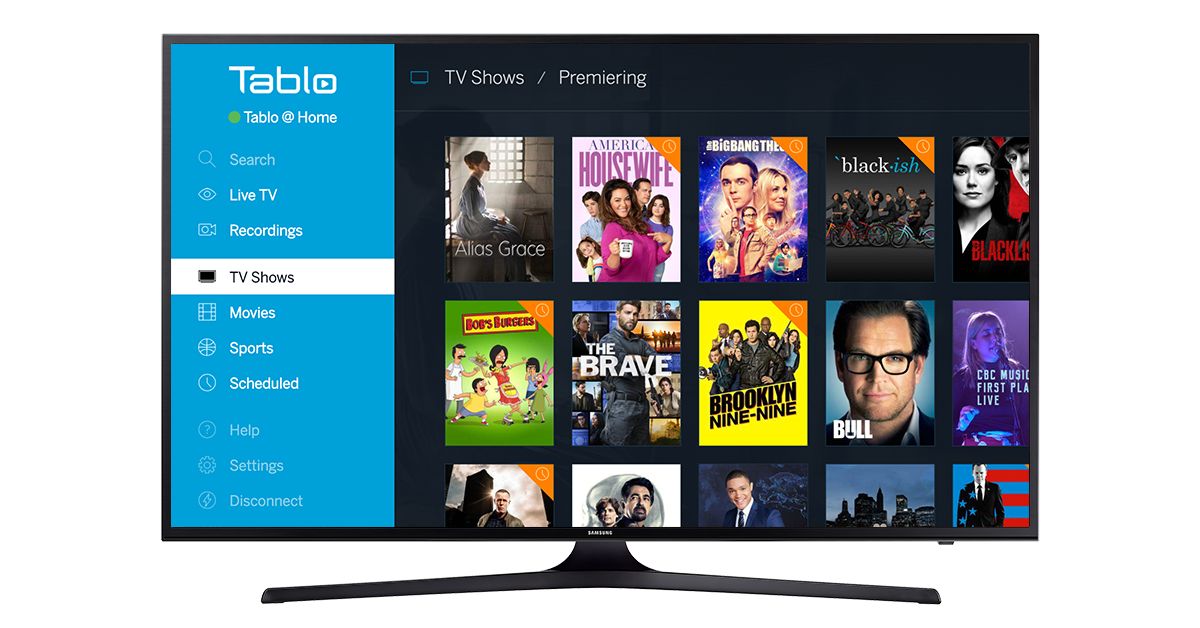
These articles help the reader accomplish specific, everyday tasks: watch regular TV on a Vizio, turn on broadcasting on a Samsung, or record a show directly to a USB drive. The troubleshooting pieces are written from a diagnostic angle, helping you understand signal issues, antenna placement, or scan settings, never as a workaround for paid content or a way to bypass any service. Whether you are setting up a new antenna or trying to recover a channel list after a rescan, this tag gives you clear, brand-specific steps to get your tuner working as intended.