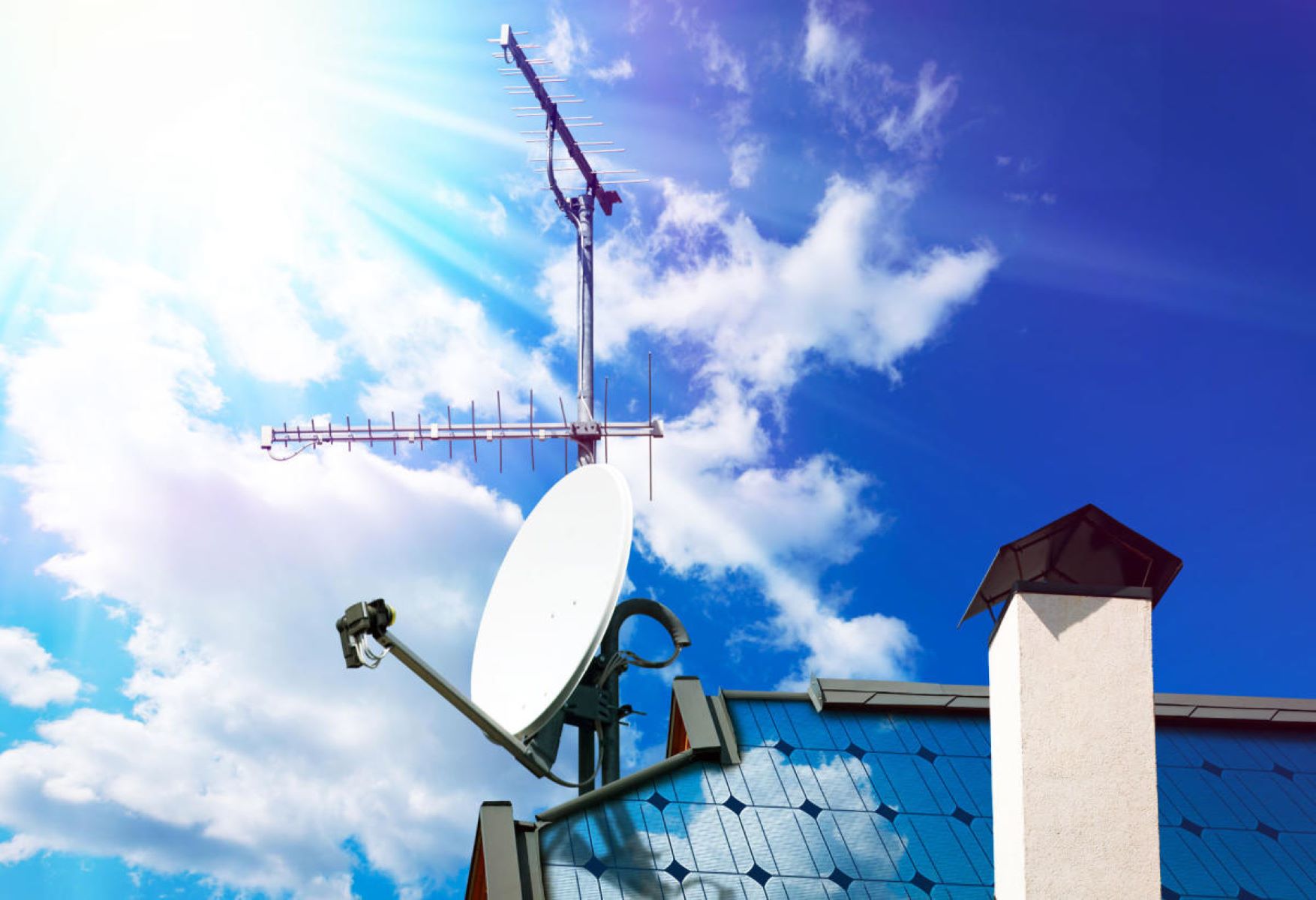
Figure out which way to point your TV antenna before you buy or build anything
Before you figure out which way to point your TV antenna, confirm what your TV actually needs. Most modern sets handle digital signals natively, so you do not need a converter box. However, if you are shopping for a new display, you still need to know the antenna type for a smart TV. A standard digital antenna works with any smart TV because the tuner is built into the television itself. The smart features, streaming apps, and voice control have nothing to do with reception. Do not let a salesperson upsell you on a "smart" antenna.
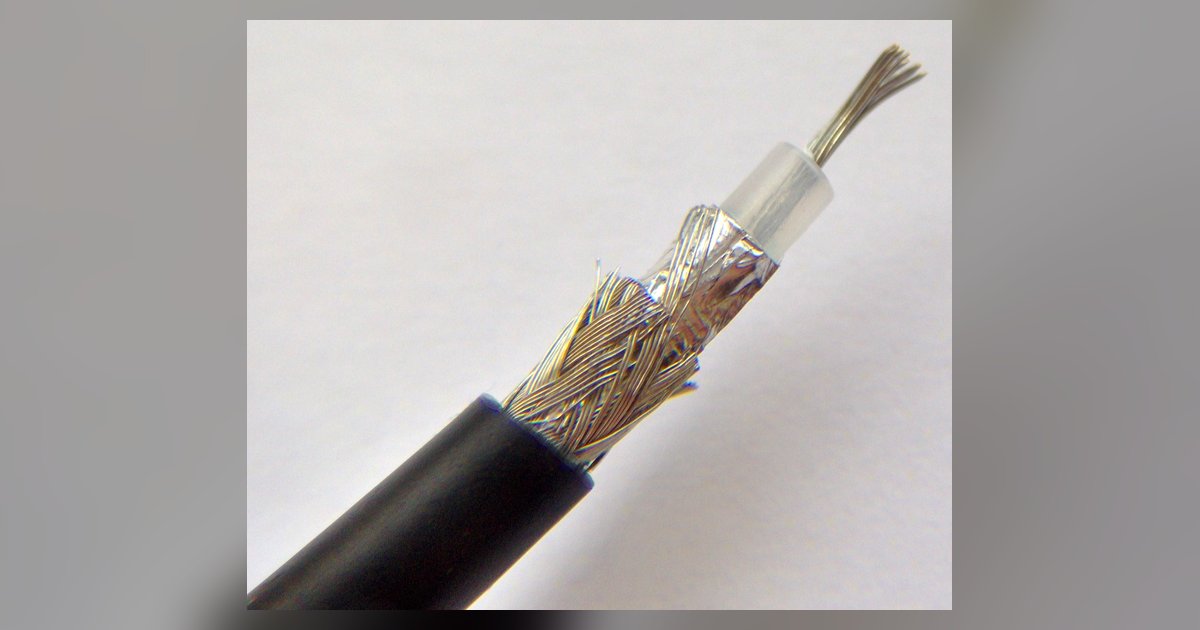
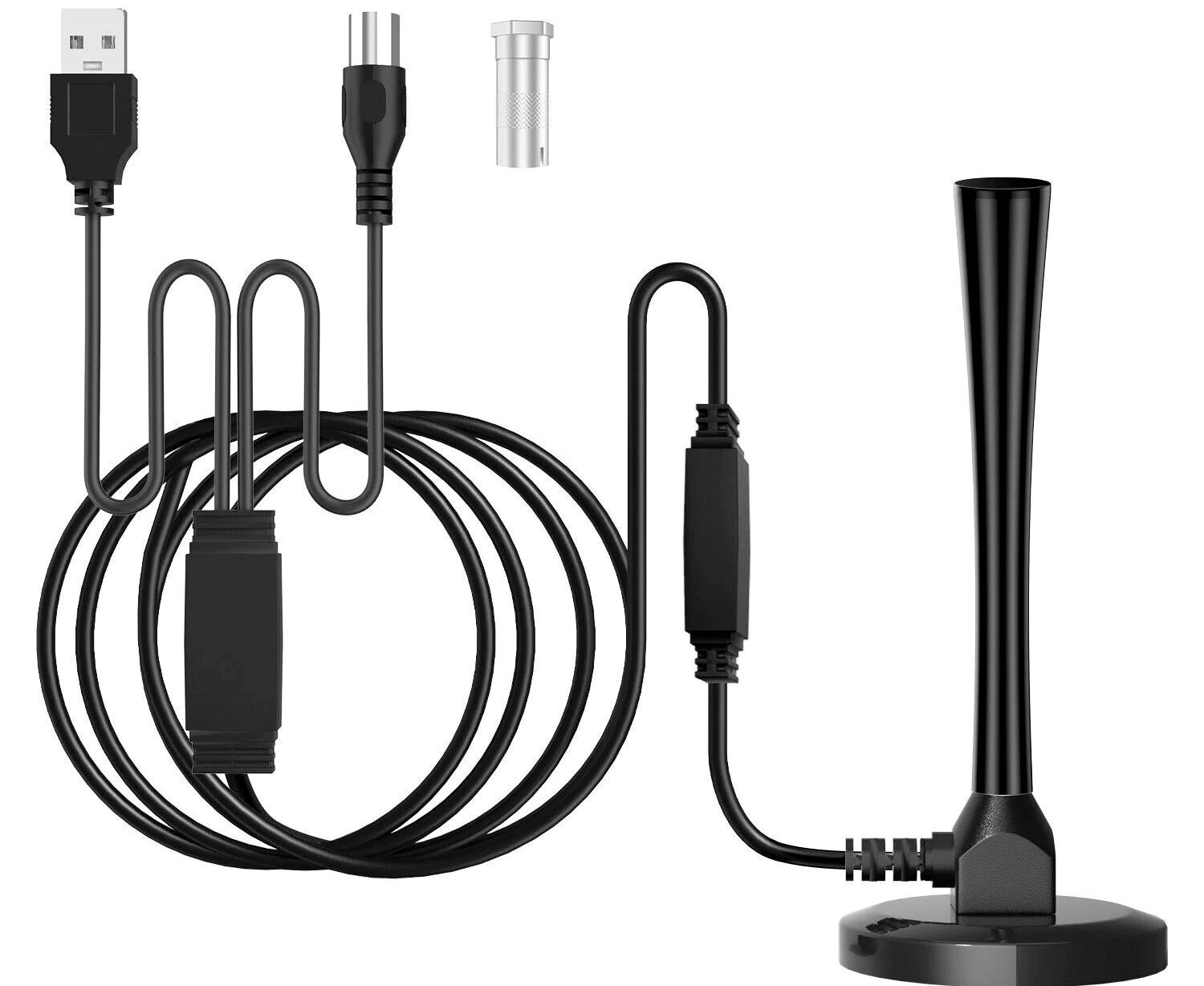
Next, check the broadcast frequencies in your area. If your local stations include channels in the VHF band, typically channels 2-13, you may need a larger design. You can build a UHF and VHF TV antenna from simple plans online, but only if you are handy with wire and a ruler. For most people, buying a pre-made combination antenna is faster and more reliable than DIY. Also consider your existing wiring. You can use my old satellite dish coax cable for a TV antenna as long as the cable is RG-6 and the connectors are intact, but you must remove any satellite-specific splitters or power injectors first. Pull up the FCC's DTV Reception Map, Antennas Direct's Transmitter Locator, or the Antenna Point app, enter your address, and note the direction of the strongest cluster of towers. That compass heading, not the antenna's brand or price, will determine whether you get five channels or fifty.
Get the antenna connected to your TV
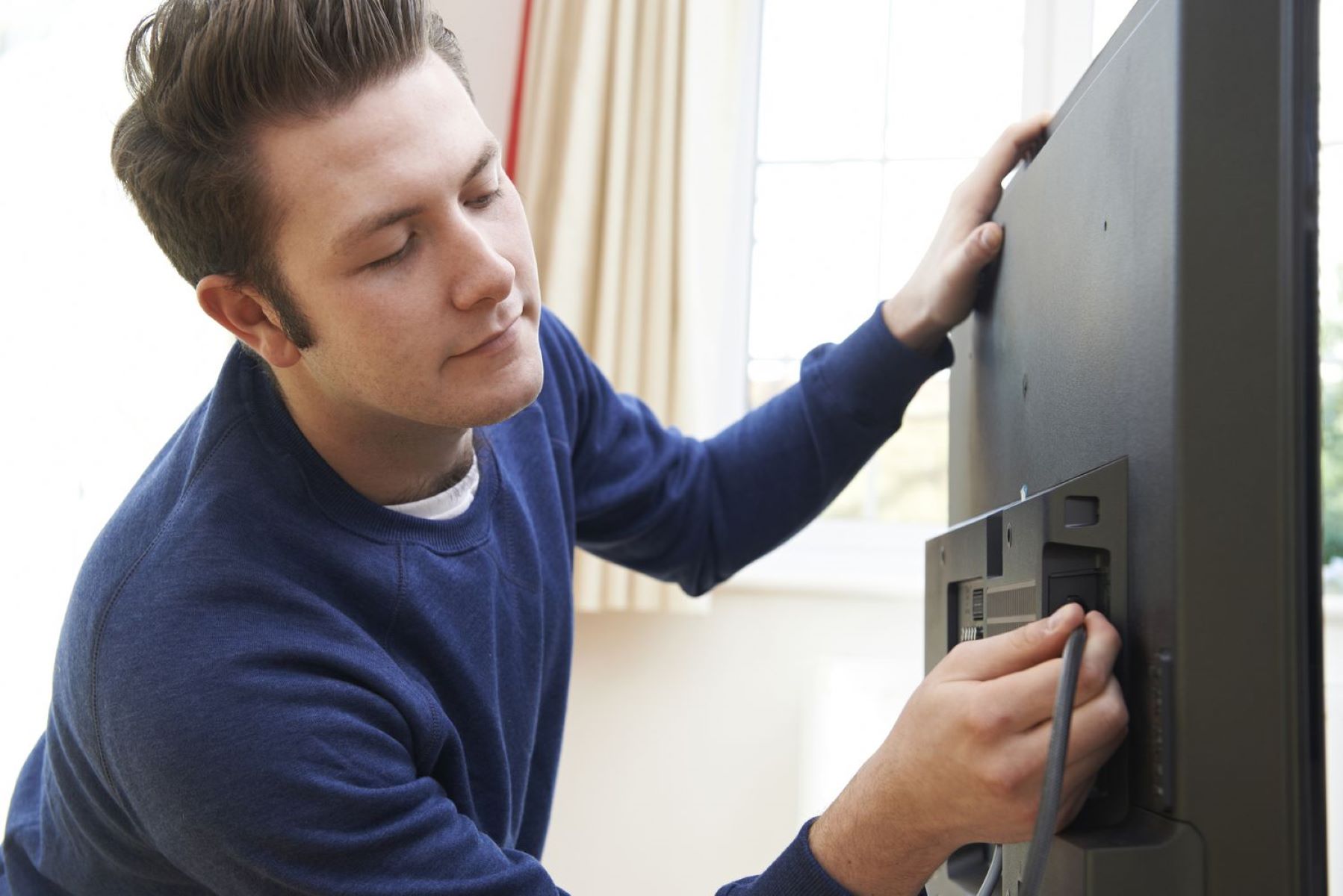
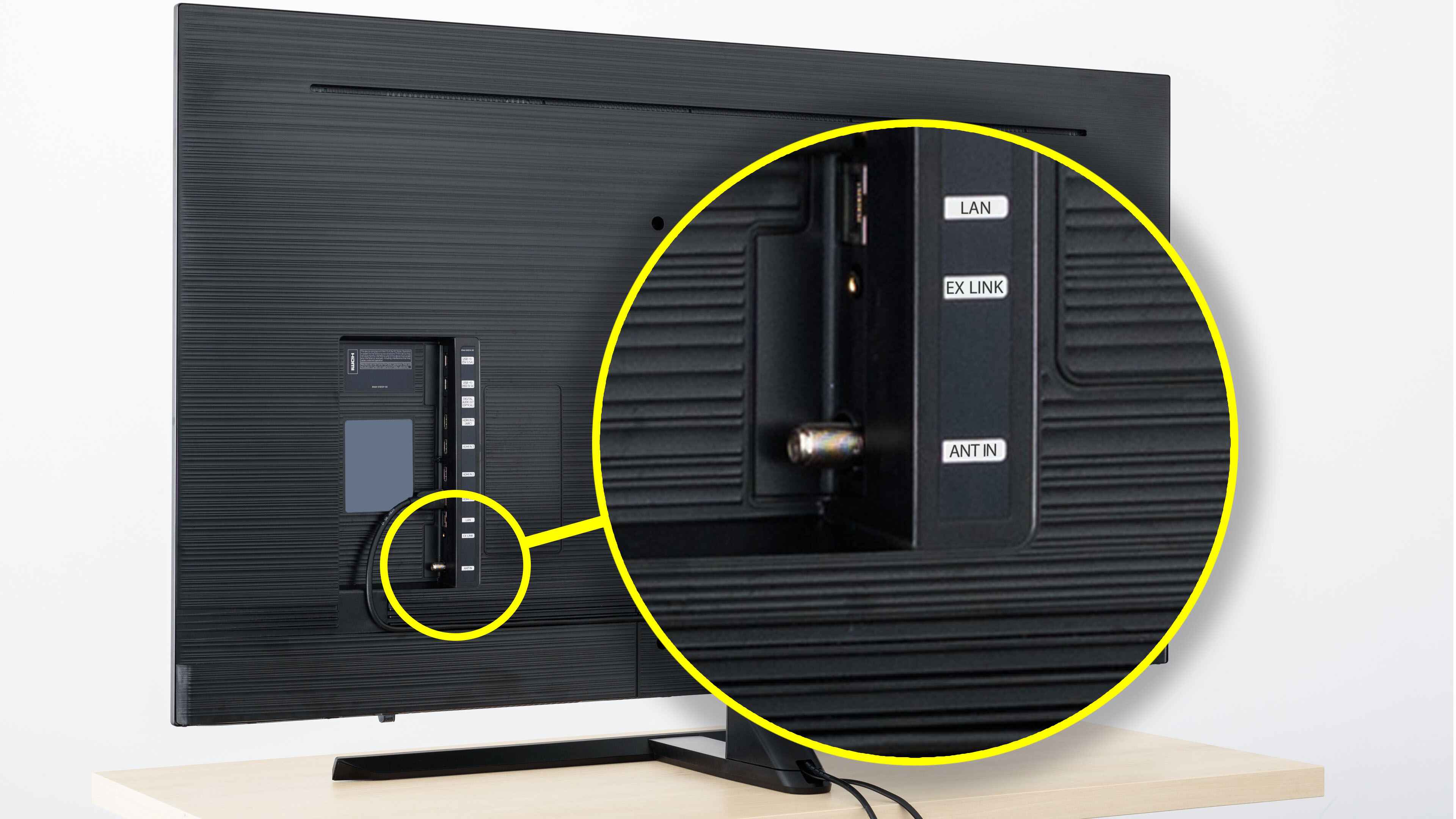
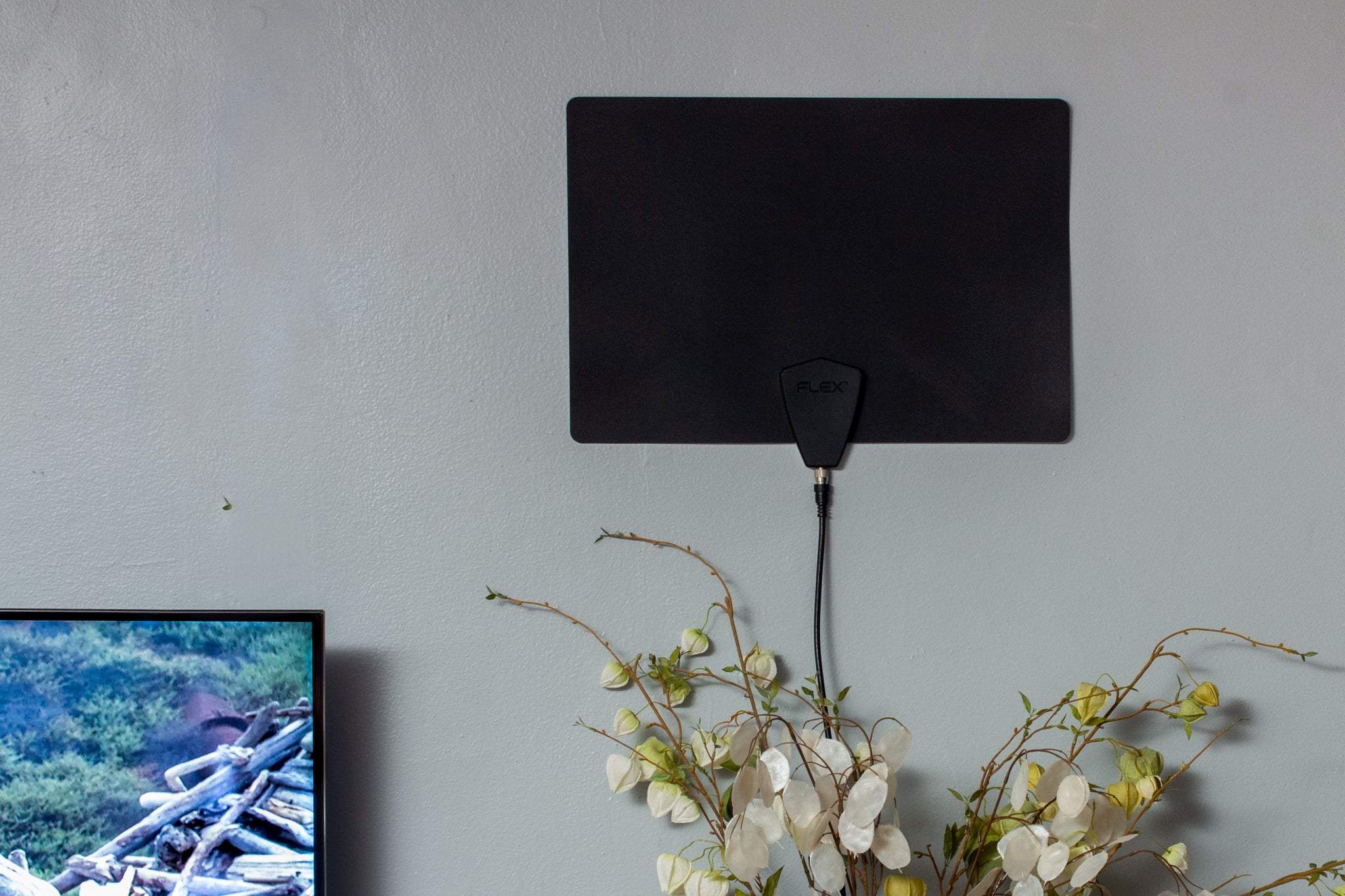
Once you have the antenna in hand, the first step is to get it physically linked to your television. For most modern TVs, this means plugging the antenna’s coaxial cable directly into the “ANT/CABLE IN” port on the back panel. Older sets with a twin-lead connection will need a matching transformer. If you prefer to cut the cord entirely, you can use a dedicated streaming device or a network-based tuner to connect TV antenna to TV wirelessly. This sends the signal over your home Wi-Fi without a single cable running to the set. For newer sets that lack a traditional coaxial input, like many ultra-thin models, you may need to convert a TV antenna to HDMI using an external ATSC tuner box. That box takes the raw antenna signal and outputs it through the HDMI port your TV expects. If you are working with a specific brand, say a 2023 model, you can connect an antenna to a Samsung QLED TV by locating the “ANT IN” port near the One Connect box or the rear I/O panel. Just thread the coax in finger-tight, then switch the TV’s input source to “TV” or “Air.” Whichever method you choose, do not run the channel scan yet. Pointing the antenna toward the broadcast towers matters far more than the connection type, so take a moment to check a site like AntennaWeb or RabbitEars first.
Fix it when no channels show up
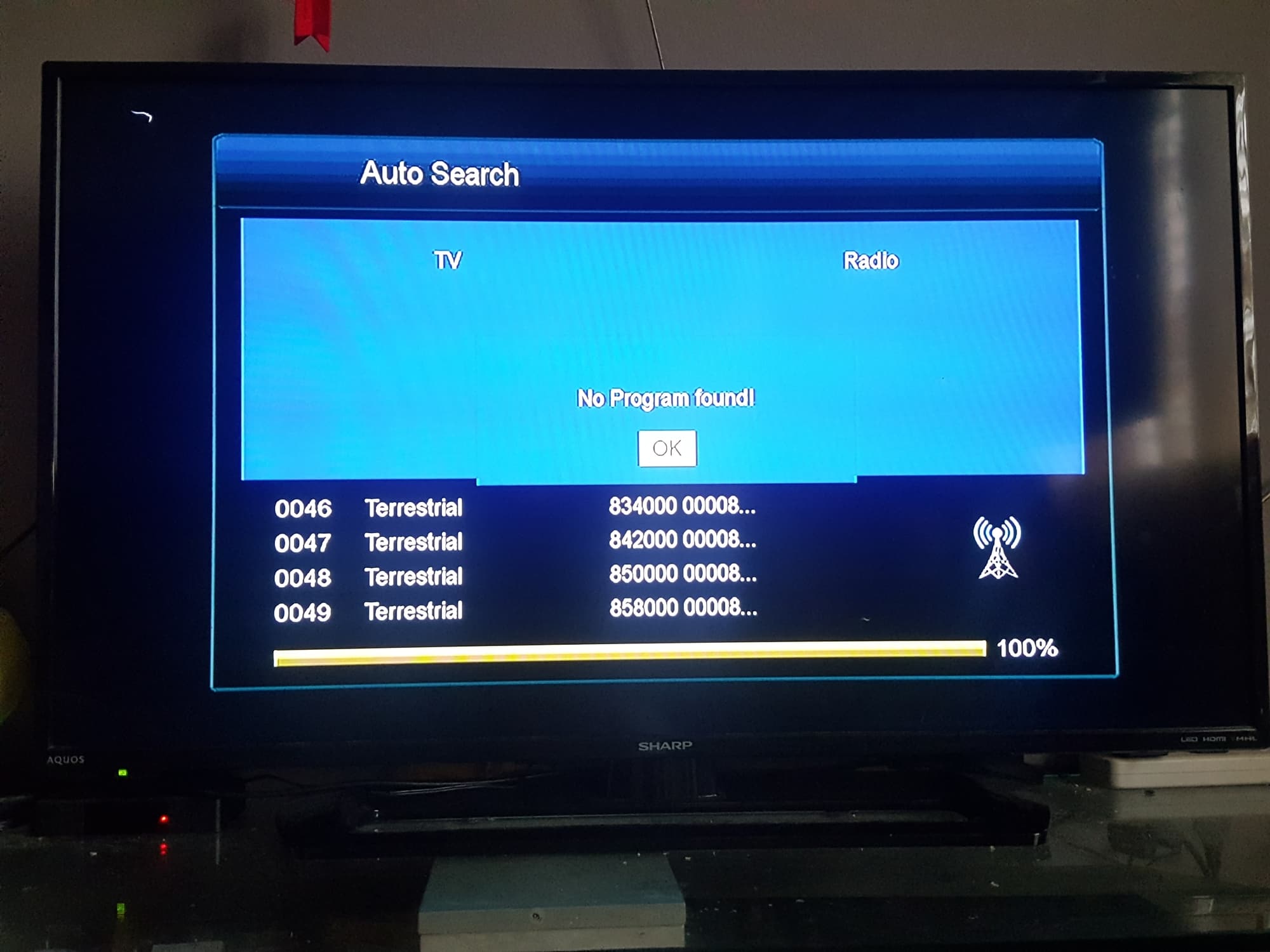
If you have connected everything properly and still see nothing after a scan, the problem is almost certainly not the antenna itself. The most common cause of the frustration that leads you to search for "my TV antenna not picking up any channels after a channel scan" is that the antenna is aimed in the wrong direction or is placed in a poor location. Even a top-tier antenna will find nothing if it is pointed away from the broadcast towers. Start by pulling up a site like RabbitEars or AntennaWeb on your phone or computer. Enter your exact address and note the compass direction to the nearest major towers. Then, physically rotate your antenna to match that heading. If you live in a valley or a dense urban area with tall buildings, even a few feet of movement can be the difference between a full channel list and a blank screen. Move it up from the floor, away from a metal window frame, or into an attic. Do not rely on the antenna's built-in amplifier to fix a pointing error. Amplification boosts signal, it does not create signal where there is none. After adjusting the direction, run another channel scan before touching any cables or settings.