This tag collects all of our Vizio TV coverage, aimed at everyday owners who want to get more from their sets without calling a technician or digging through a dense manual. Whether you have just unboxed a new model or are wrestling with an older unit, these articles are written for a general audience, no prior networking or hardware experience is assumed.
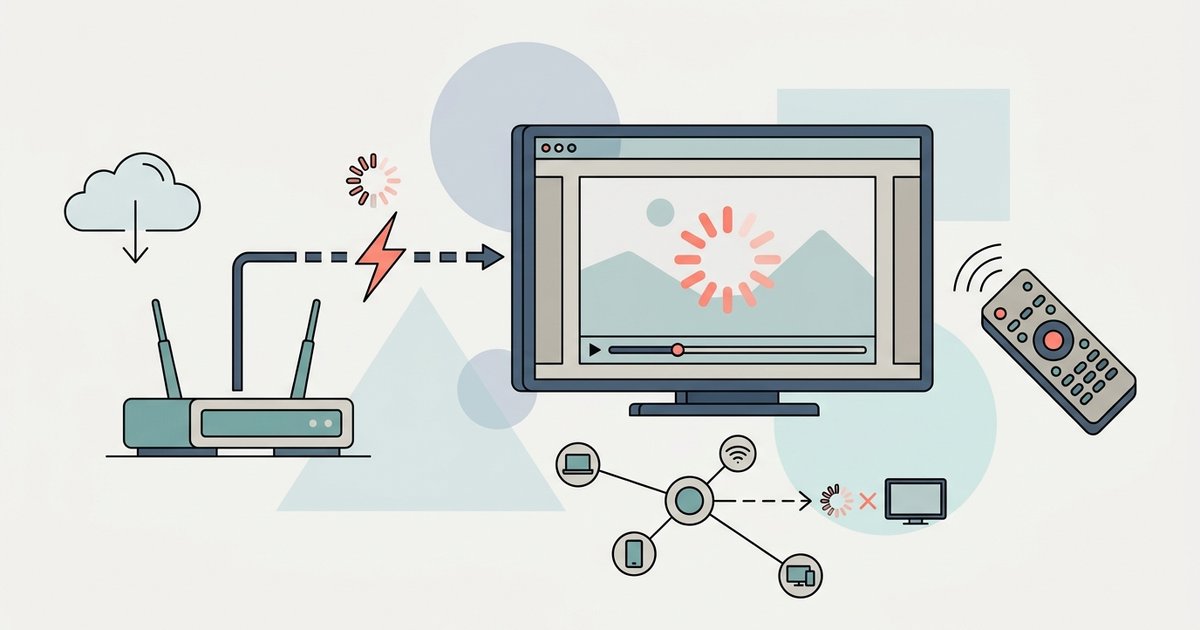
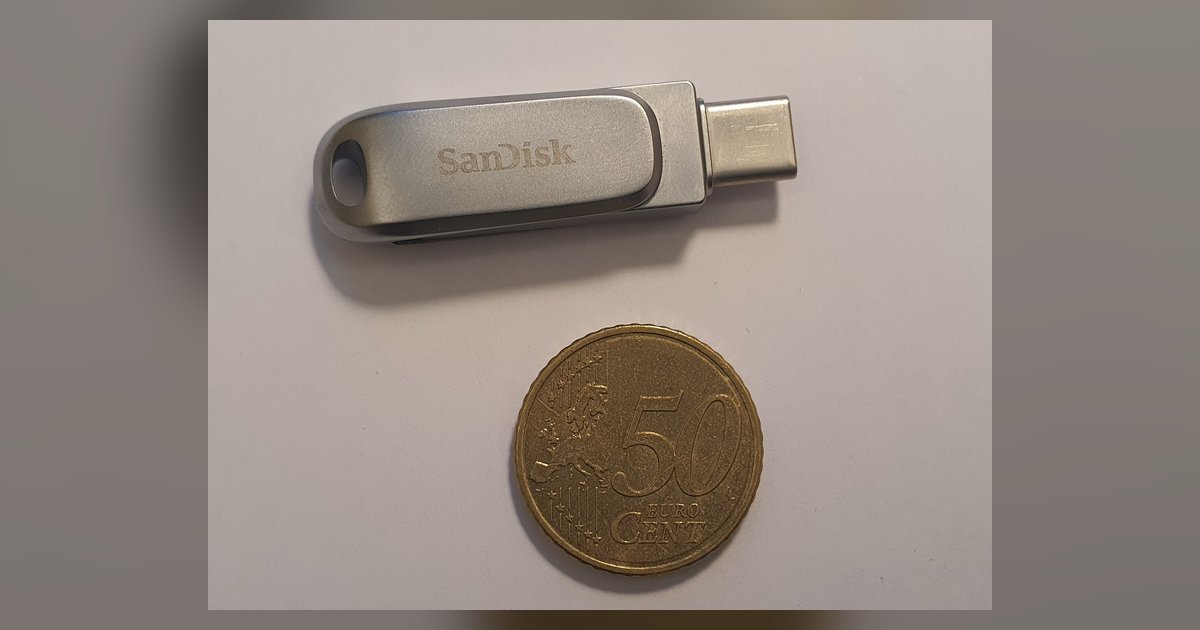
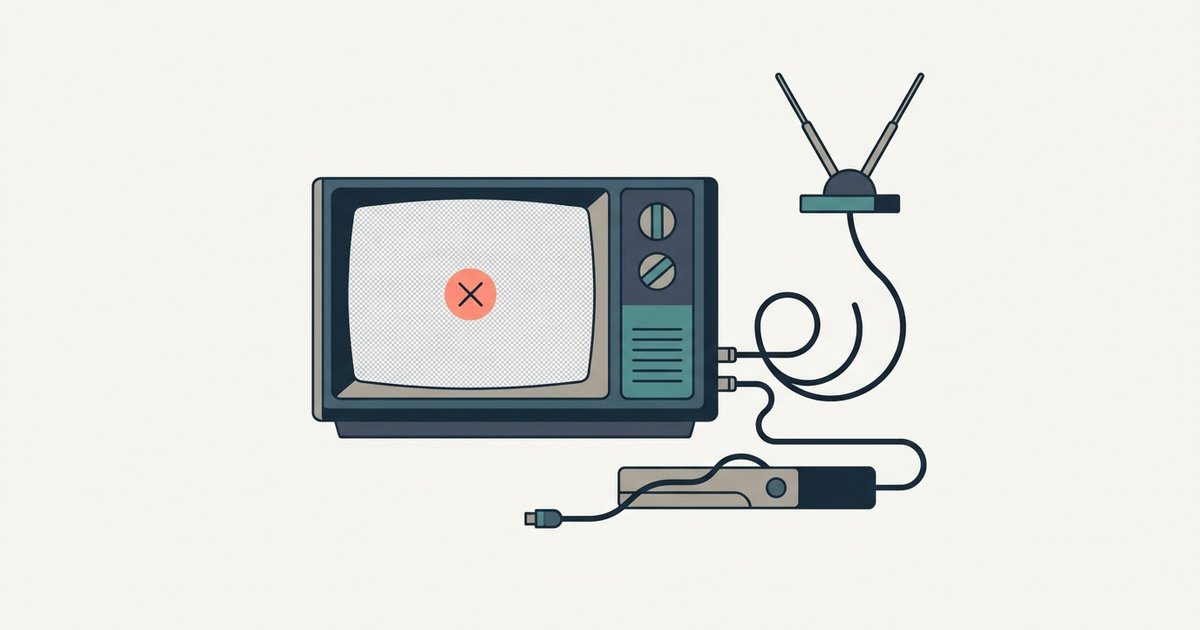
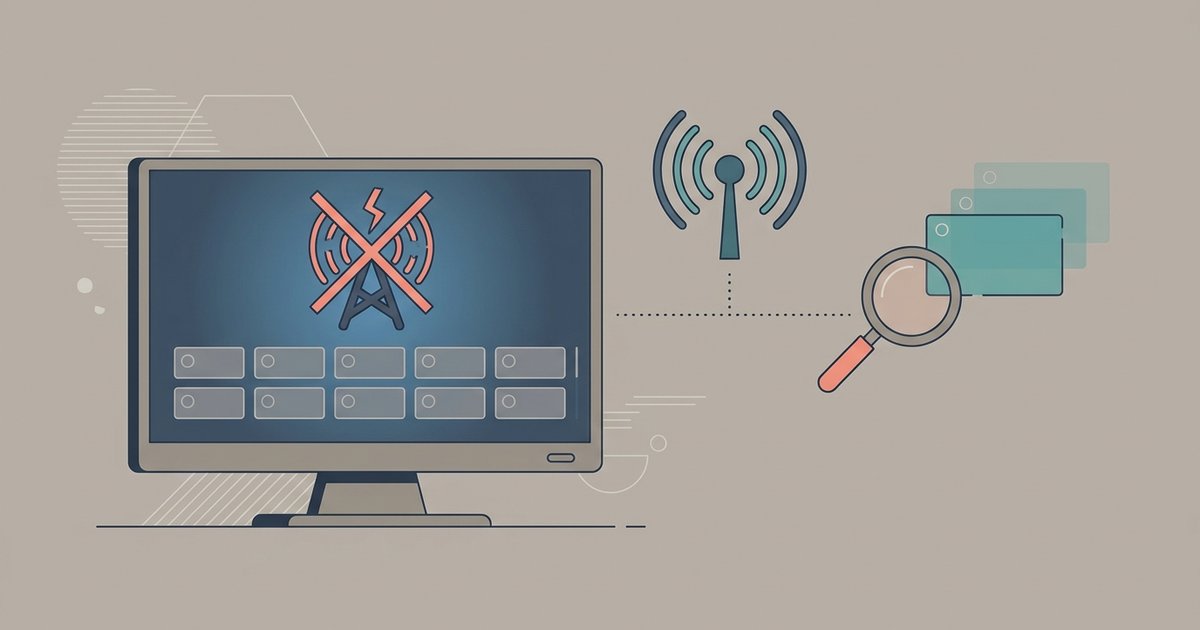
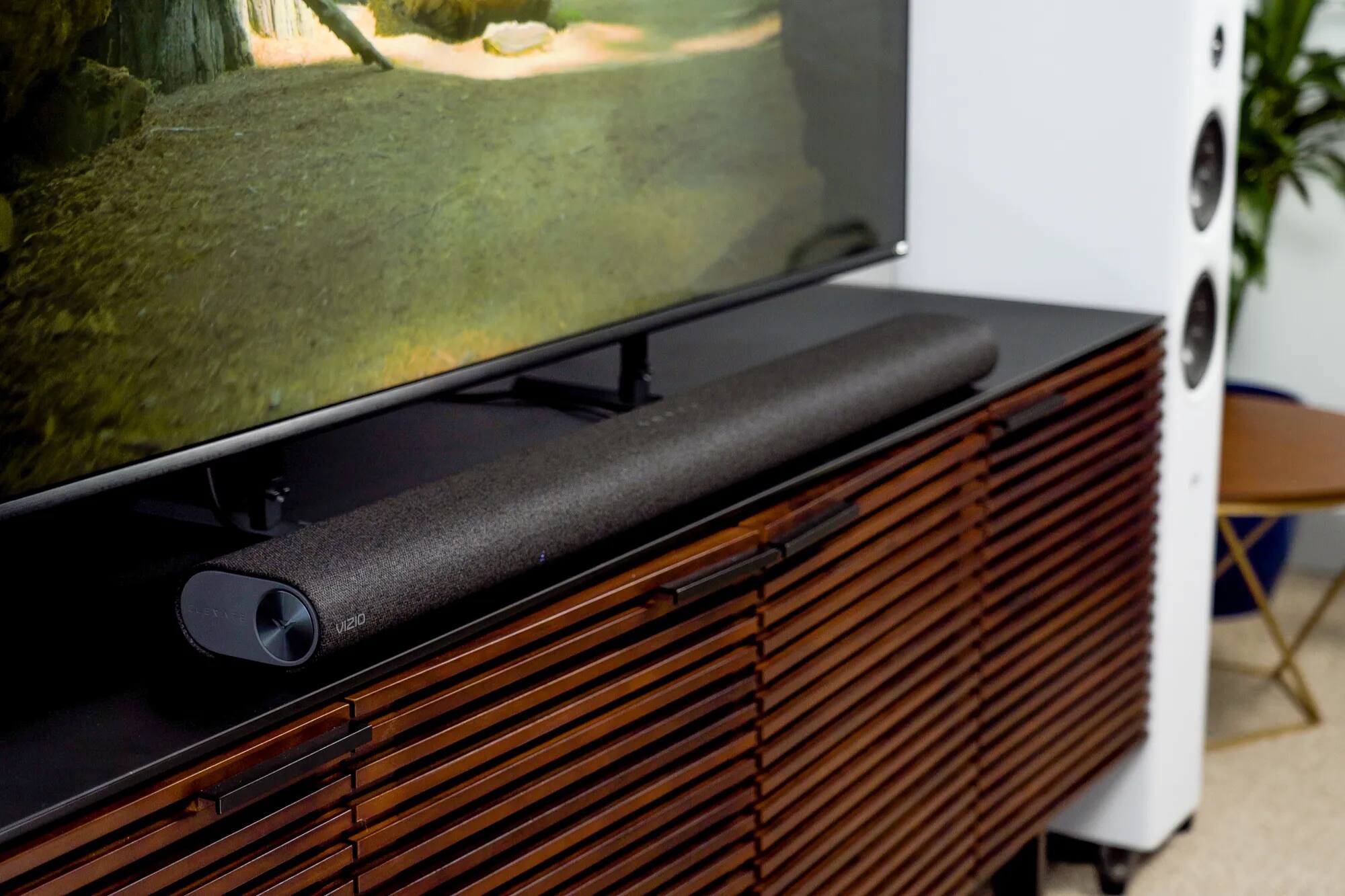
The practical guides here fall into two main buckets. The first is connection and setup: you’ll see straightforward help for routing signals and audio, such as locating the HDMI port, switching inputs, pairing a Bluetooth device, or getting a soundbar (including Onn models) to play nice. The second bucket is troubleshooting and optimization for when things go wrong. That includes fixing buffering in live streaming apps, dealing with a broken optical port, or figuring out why a USB drive isn’t recognized. A few pieces also cover antenna-related issues, like why your Vizio won’t find channels after a scan or why they disappeared afterward.
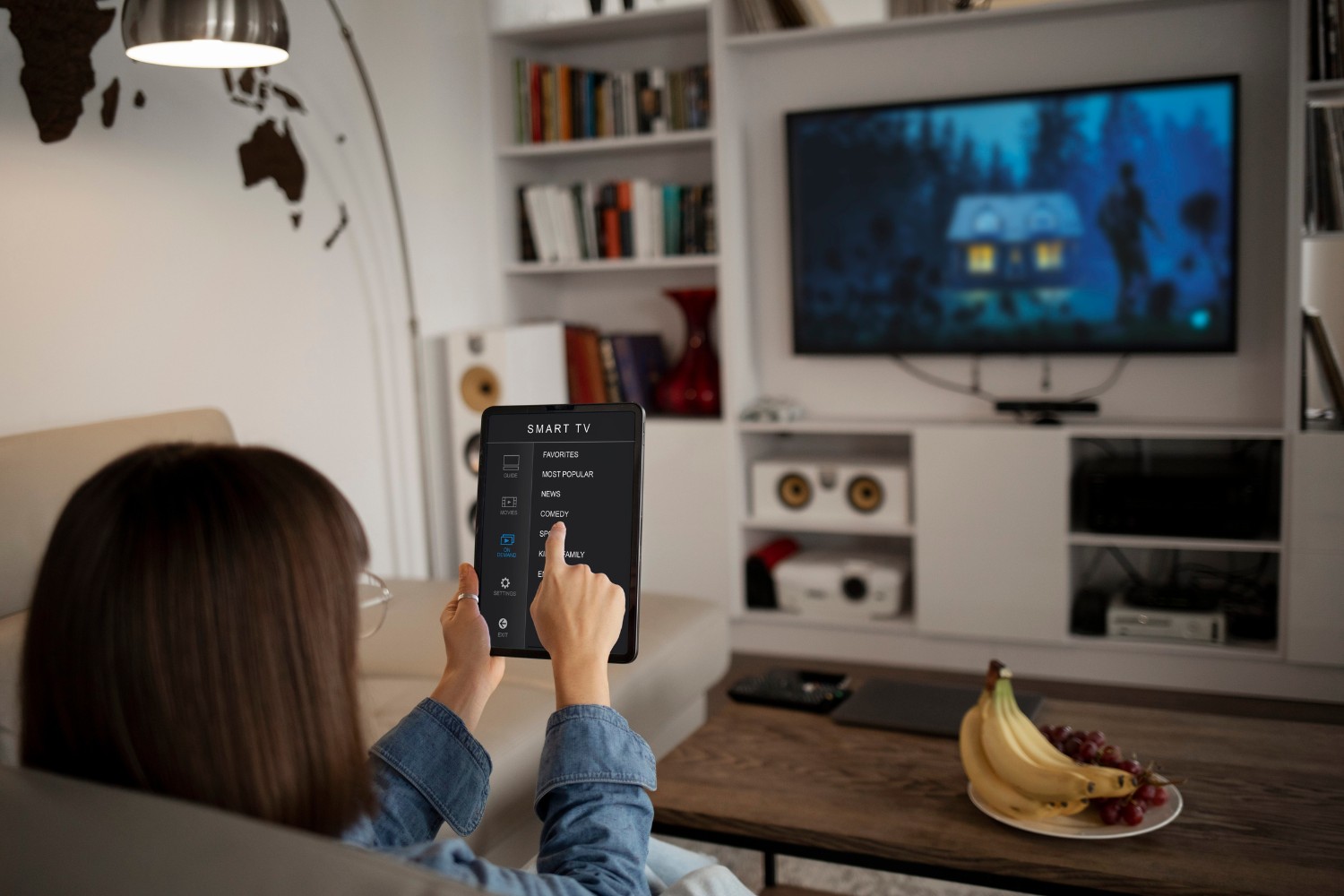
Beyond simple “plug it in” tasks, several articles address configuration choices that keep you in control of your viewing experience. For example, you’ll find instructions for logging out of Netflix on your Vizio TV, which is a privacy and account-security step for shared households, and guidance on removing YouTube from a smart TV’s app list, a clean way to declutter your home screen rather than a workaround. Others explain legitimate options like connecting to a mobile hotspot or understanding what Dolby Atmos over optical output actually means, so you can make informed decisions about your setup. These are practical, safe, and legal fixes for common frustrations.