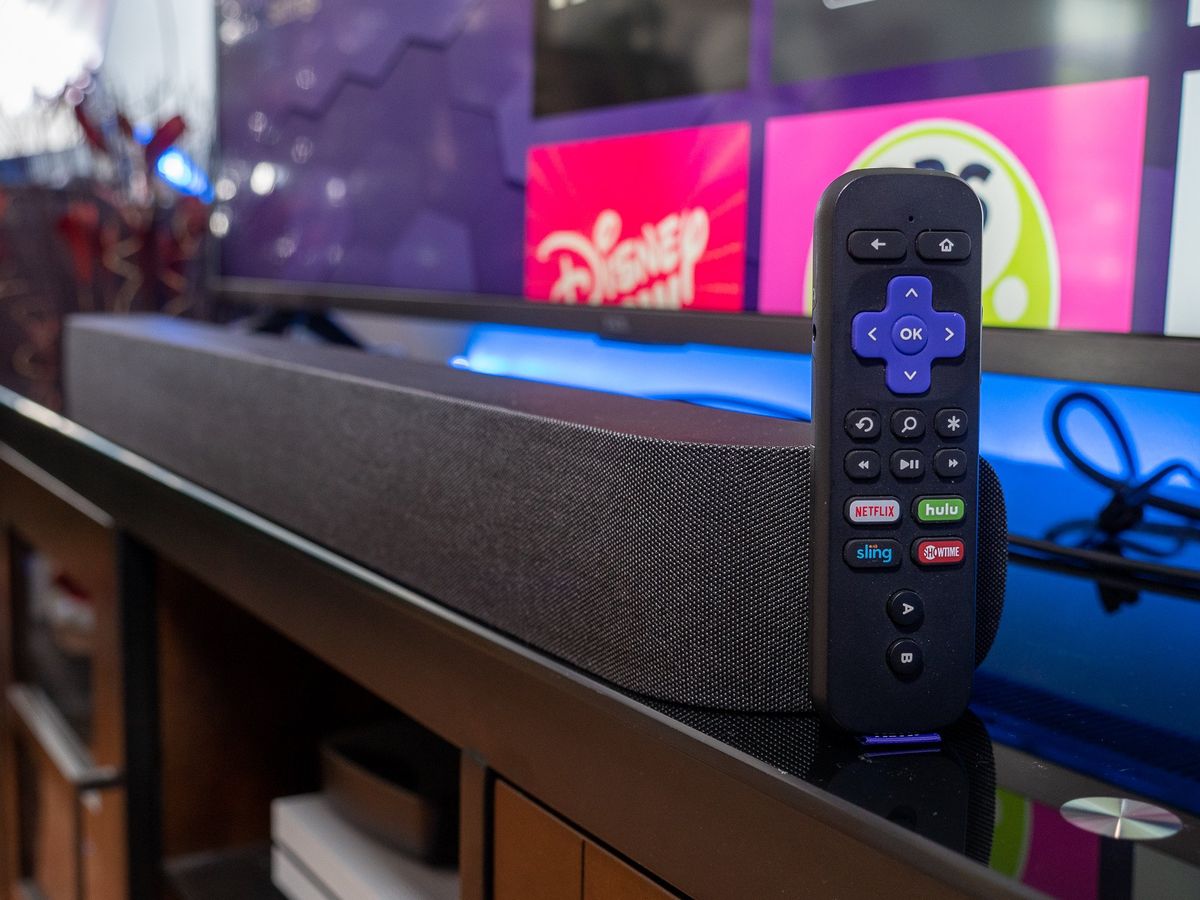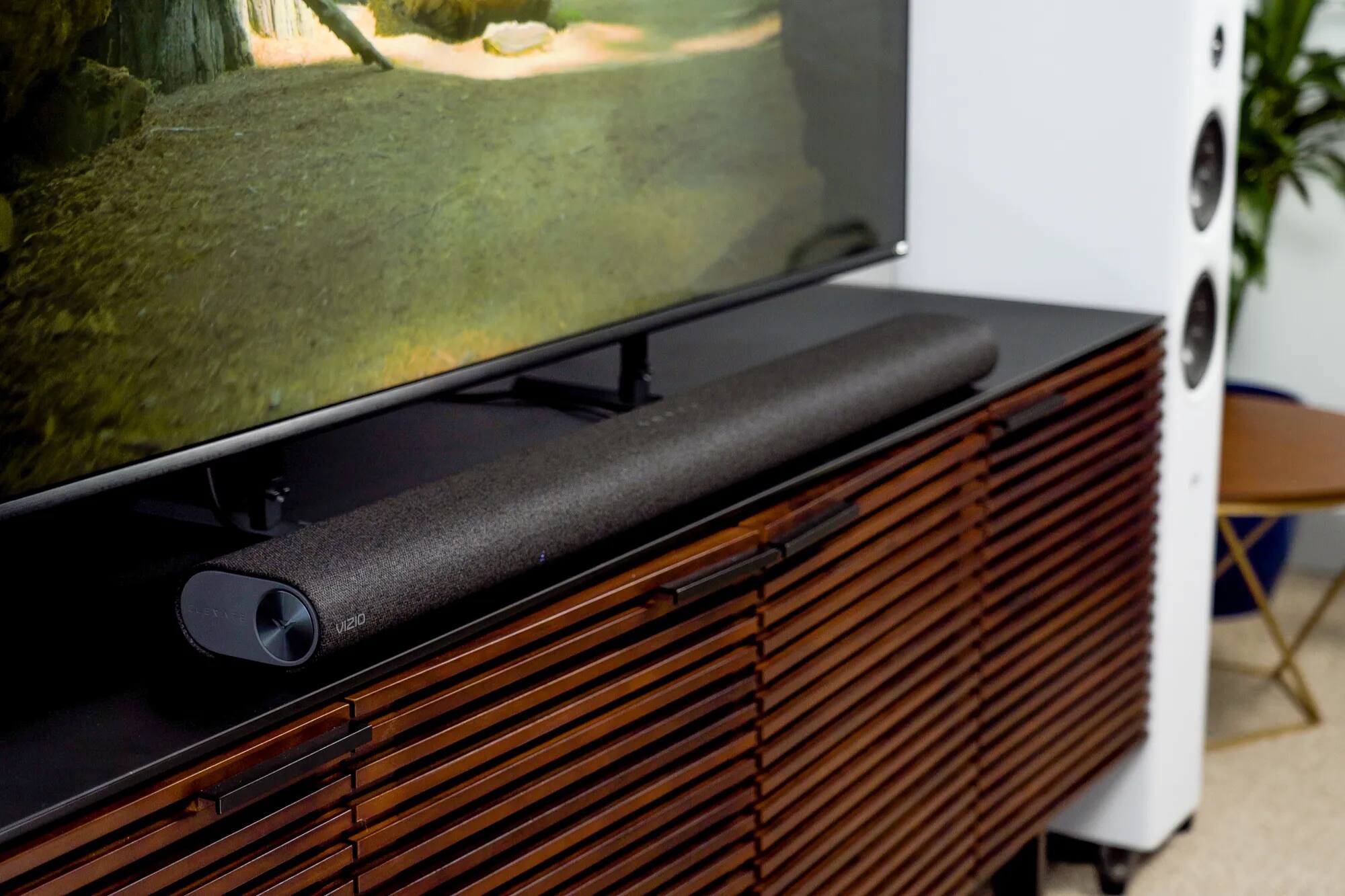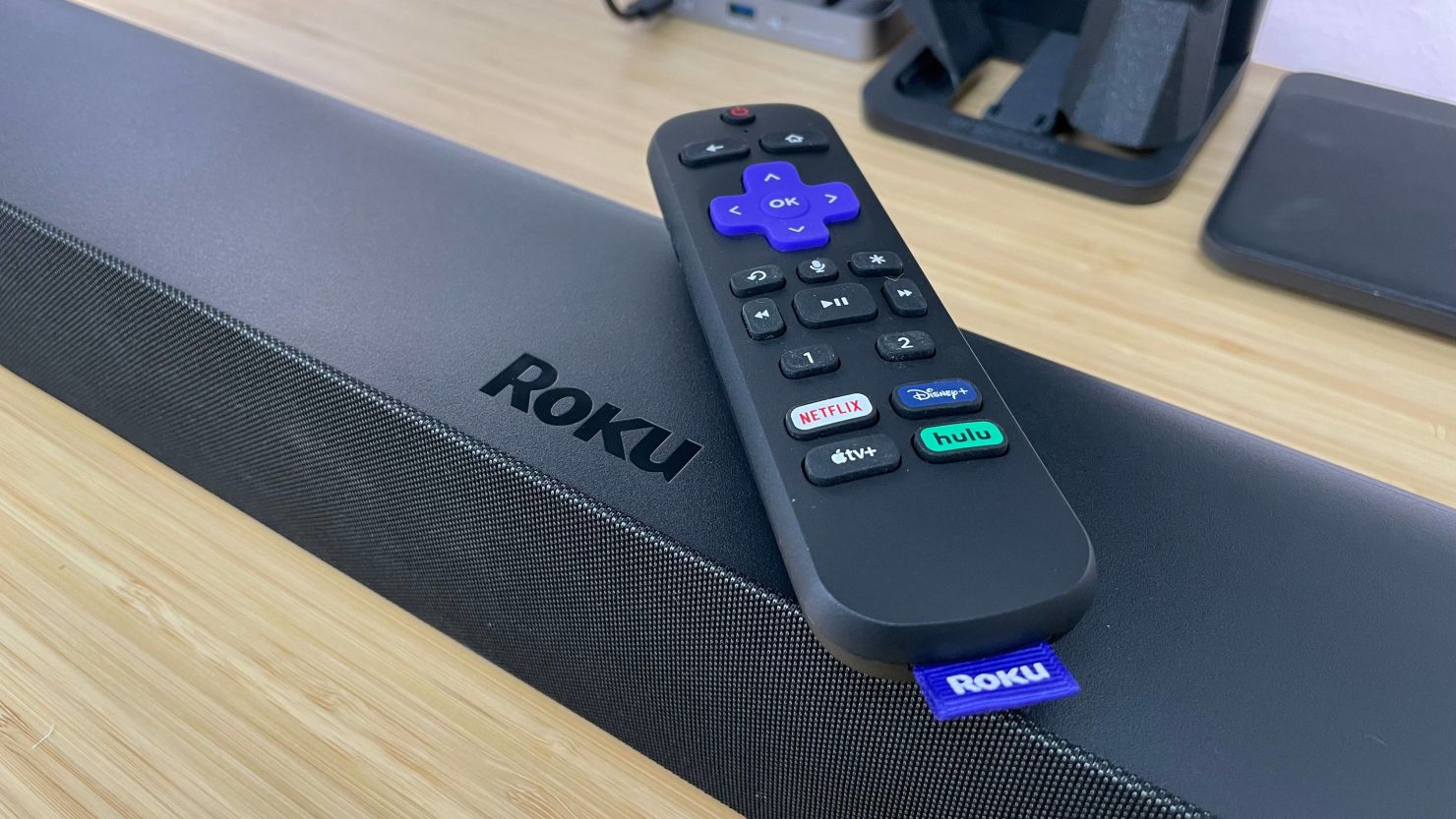
To connect an Onn soundbar to a Vizio TV, use an HDMI cable with ARC support for the best audio quality, or use an optical or RCA cable as a backup. This guide covers the physical connection and TV audio settings needed to route sound from your Vizio TV to your Onn soundbar.
How to connect Onn soundbar to Vizio TV: what you'll need
Before starting, gather the correct cable for your preferred method:
- HDMI cable (must support ARC), for the best quality connection
- Optical cable, for a reliable digital connection without ARC
- RCA cable (red and white), for analog audio when other ports are unavailable
If you need a general overview of connecting a soundbar, see the article on How to Connect and Control a Soundbar.
Connect with HDMI ARC (best quality)
HDMI ARC delivers the highest quality audio and lets you control the soundbar with your TV remote. Follow these steps:
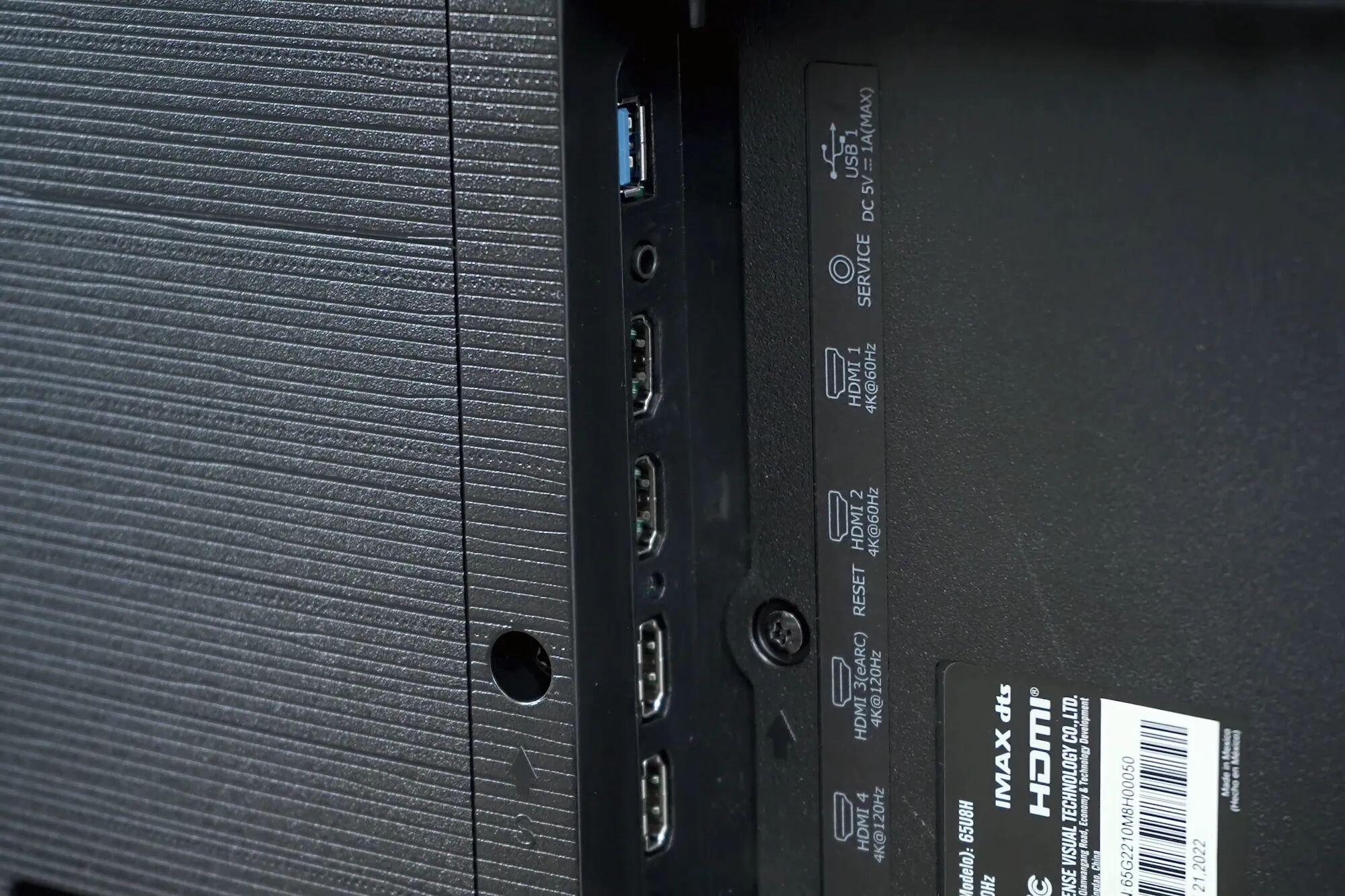
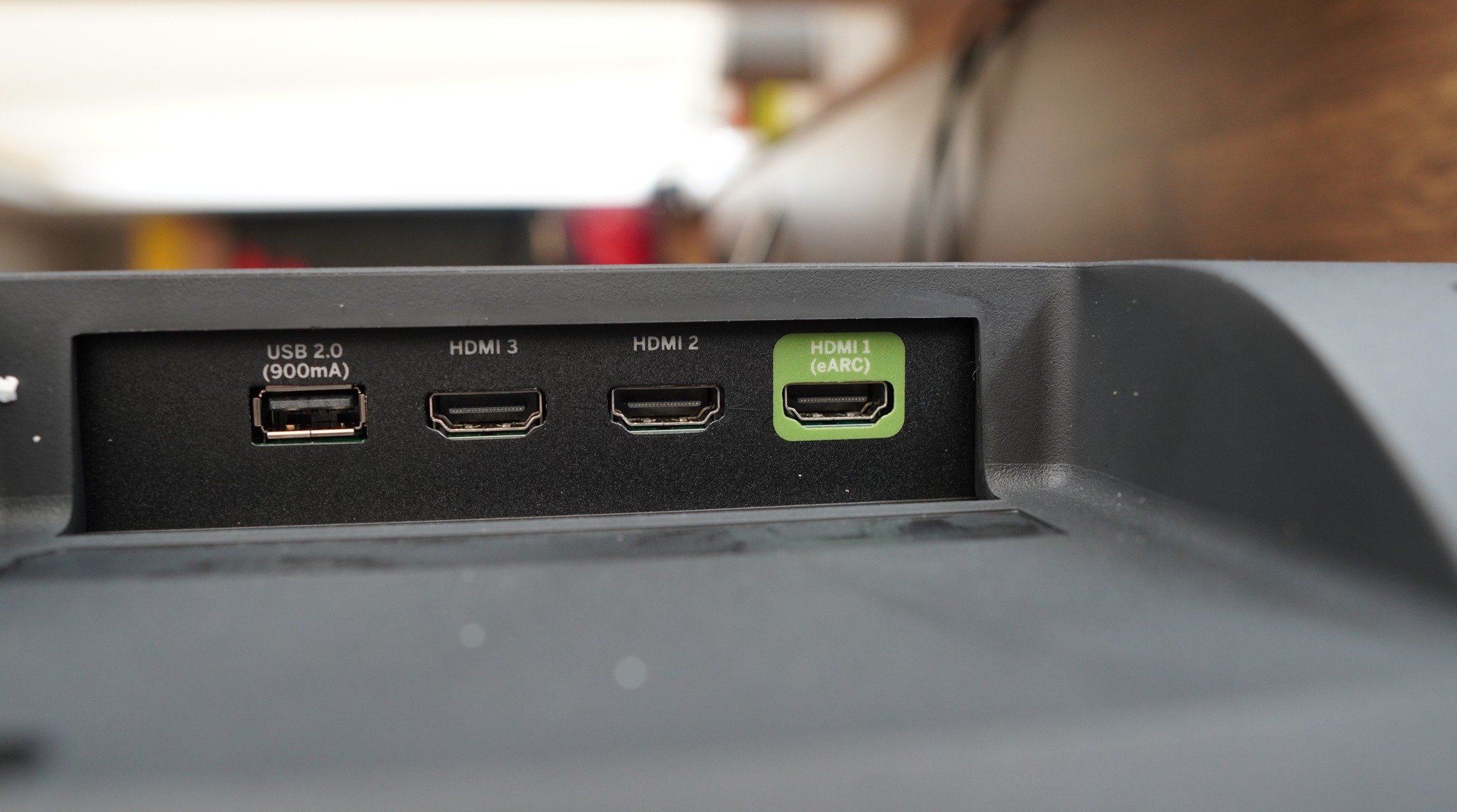
- Locate the HDMI ARC port on your Vizio TV. It is typically labeled "HDMI 1 (ARC)" on the back or side panel.
- Connect one end of the HDMI cable to this port.
- Connect the other end of the HDMI cable to the HDMI ARC port on your Onn soundbar.
- Power on both devices.
- On your Vizio TV, open the SYSTEM menu and enable "CEC" (Consumer Electronic Control) and "ARC" (or "SAC").
- From the CEC menu, select "Device Discovery" to register the soundbar.
- Navigate to the AUDIO settings menu and change "Digital Audio Format" to "Dolby Digital" or "Bitstream".
Connect with an optical cable
If your TV or soundbar lacks HDMI ARC, optical provides a clean digital audio connection. Do the following:
- Connect one end of the optical cable to the "OPTICAL OUT" port on the back of your Vizio TV.
- Connect the other end to the "OPTICAL" port on your Onn soundbar.
- Power on both devices.
- On your Vizio TV, go to the AUDIO settings menu and change "Digital Audio Out" to "PCM".
Connect with RCA cables
Use RCA cables when HDMI and optical ports are unavailable. This analog method still works well for basic audio:
- Connect the red and white RCA plugs to the matching color-coded output ports on your Vizio TV.
- Connect the other ends of the cables to the red and white input ports on your Onn soundbar.
- Power on both devices.
- Set your Vizio TV to output audio to external speakers in the AUDIO settings.
Final settings and troubleshooting
Regardless of which connection method you used, complete the setup with these steps:
- In your Vizio TV's AUDIO settings, set the internal speakers to "Off" or "External Speakers" to prevent sound from playing through both the TV and soundbar.
- If your Onn soundbar and Vizio TV both support Bluetooth (check your TV's firmware version; 1.510.21.1-1 or newer is required), you can pair them wirelessly. On the TV, go to Menu or Settings, look for "Bluetooth Headphones" or "Sound Out", select "Bluetooth device" or "Add Device", and follow the prompts to pair with your Onn soundbar.
- For easier control, you can pair a Vizio remote to your soundbar. Refer to a guide on pairing a Vizio remote to a soundbar for the specific steps.