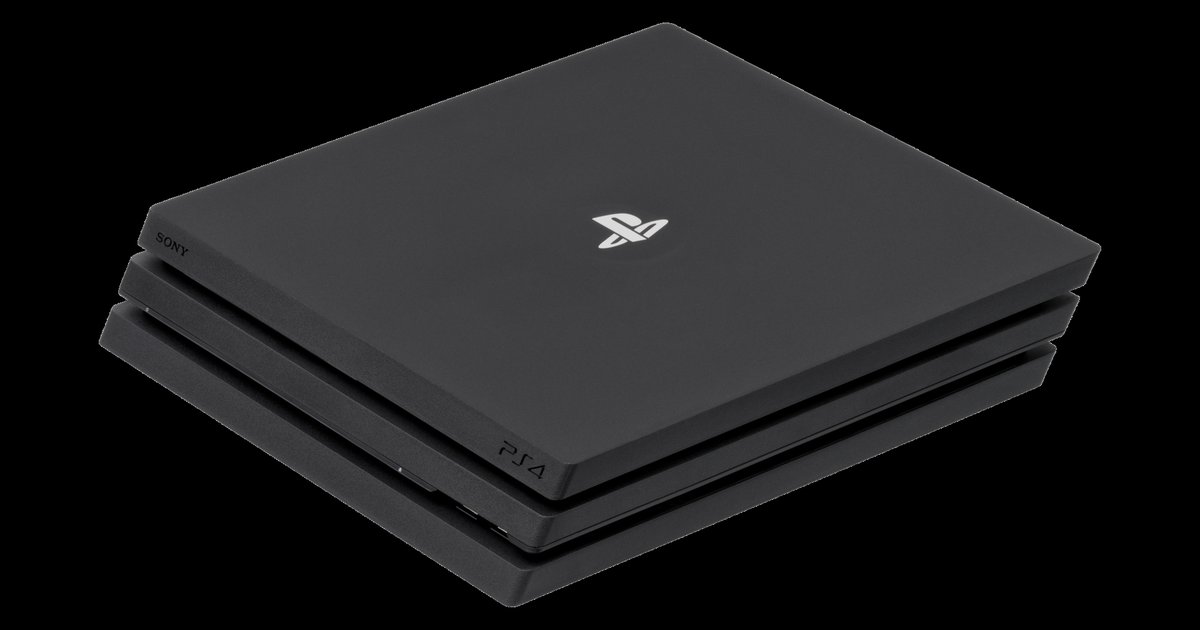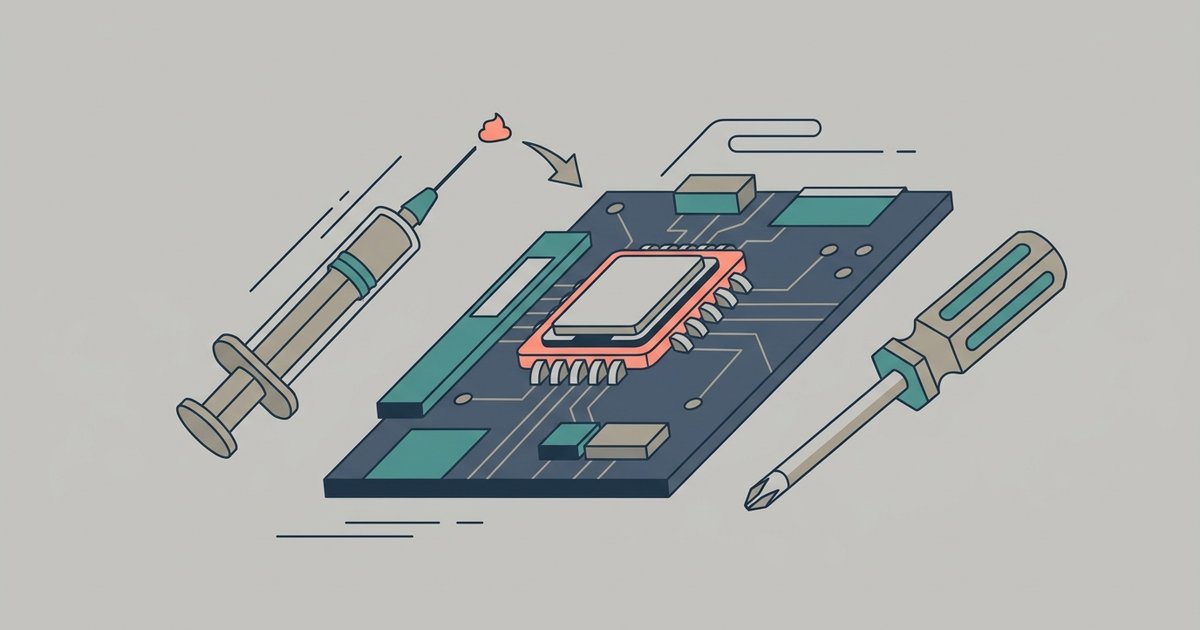
Use a non-conductive, non-capacitive thermal paste like Arctic MX-6 or Noctua NT-H2, and replace it by fully disassembling the console down to the motherboard, cleaning the old paste off the APU chip and heatsink with isopropyl alcohol, and applying a pea-sized dot of new paste.
What thermal paste to buy for a PS4 replacement
You need a high-viscosity, non-conductive paste specifically designed for direct-die applications. Arctic MX-6 and Noctua NT-H2 are the safest choices because they will not short-circuit the tiny capacitors surrounding the PS4’s bare APU die. Thermal Grizzly Kryonaut also works. Never use liquid metal thermal paste on a PlayStation 4. Liquid metal is electrically conductive and can permanently destroy the motherboard if it drips onto the exposed resistors or the metal heatspreader clamp. The PS4’s APU has no integrated heat spreader, it is a naked silicon die, so even a tiny spill of liquid metal will cause a short and kill the console.
How to get to the processor
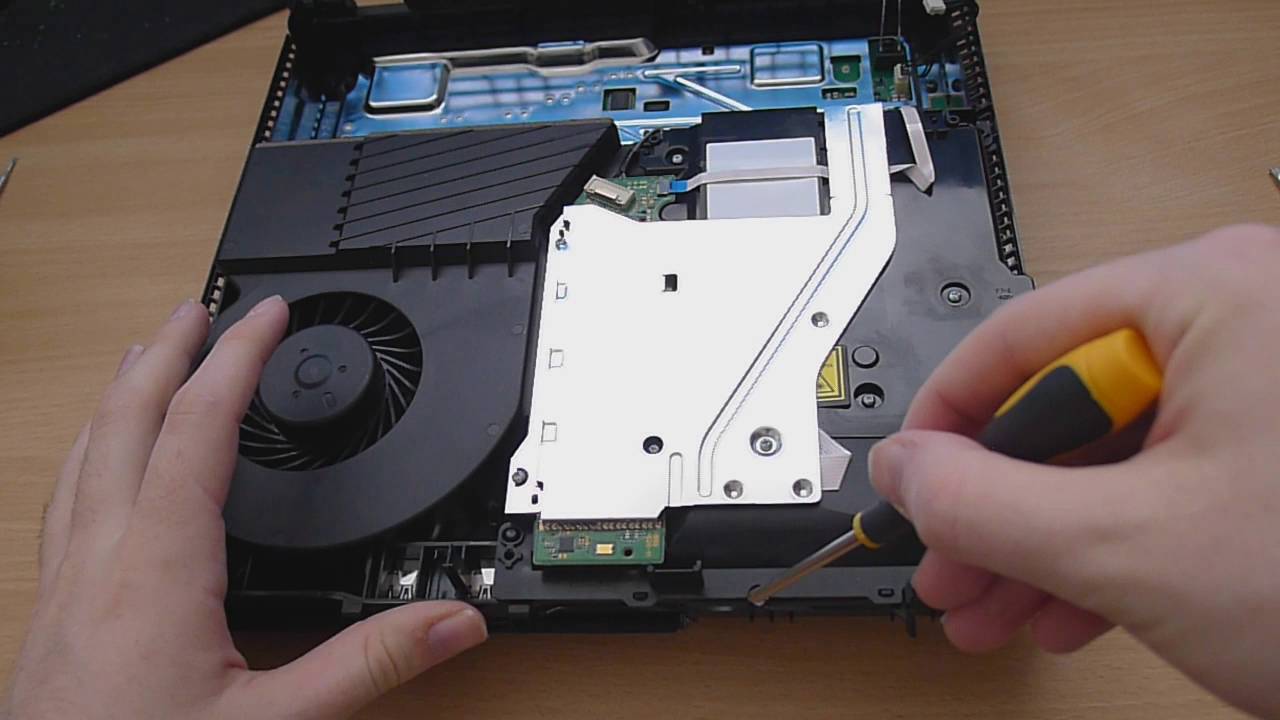
You must fully disassemble the console to access the APU. This is not a simple fan-cleaning job. You need a TR8 Torx security screwdriver (or a T8 or T9 Torx bit, as the exact size varies by PS4 model) to remove the screws hidden under the warranty stickers on the back panel. After removing the top cover and the power supply unit, lift the metal shielding plate. The motherboard is now exposed. To reach the heatsink mounting bracket, you must flip the motherboard over, this is where most beginners break the power connector ribbon cable. Before you take apart PlayStation 4, unplug every ribbon cable by lifting the black locking tab, not by yanking the wire. The four screws holding the heatsink to the motherboard are spring-loaded; unscrew them in a diagonal pattern to avoid warping the die.
Applying the paste and putting it back together
Clean the old, dried thermal paste from both the APU die and the copper heatsink contact surface using 90% or higher isopropyl alcohol and a lint-free cloth. Cotton swabs leave fibers that trap air bubbles. Apply a single pea-sized dot of new paste directly in the center of the bare die. Do not spread it, the mounting pressure will flatten it evenly. If you apply too much, excess paste can squeeze over the edge and onto the resistors. Reattach the heatsink and tighten the four spring screws in a crisscross pattern until they stop. The trickiest reassembly step is reconnecting the power supply cable without forcing it. If you ever need to reset your PlayStation 4 after a failed paste job, you can boot into Safe Mode by holding the power button for seven seconds and selecting “Rebuild Database.” If the console still will not start, you may need to factory reset your PlayStation 4 from the Safe Mode menu, which erases all user data. Properly applied, fresh thermal paste will drop your console’s fan noise from jet-engine roar to a whisper for at least two years.
This is one effective way to fix a PS4 that still screams like a jet engine after you have already cleaned the fan and vents.