Diagnosing and fixing common hardware issues with modern gaming consoles, specifically Microsoft’s Xbox and Sony’s PlayStation lines. This tag is for the hands-on owner who wants to attempt a repair themselves, as well as for anyone trying to understand the scope of a problem before deciding whether to call a professional. The material is practical, written for a general audience, and assumes no prior soldering or disassembly experience.
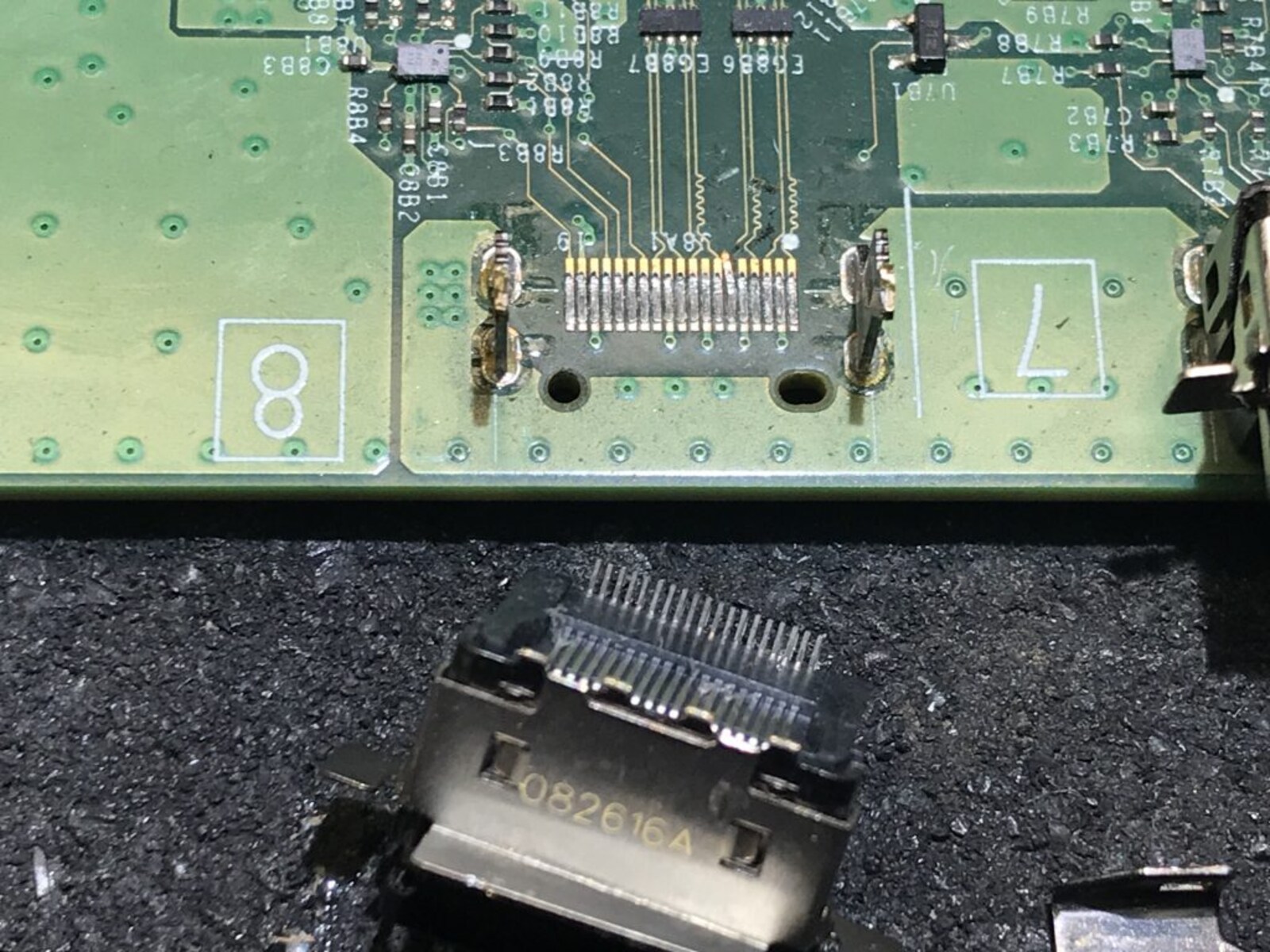
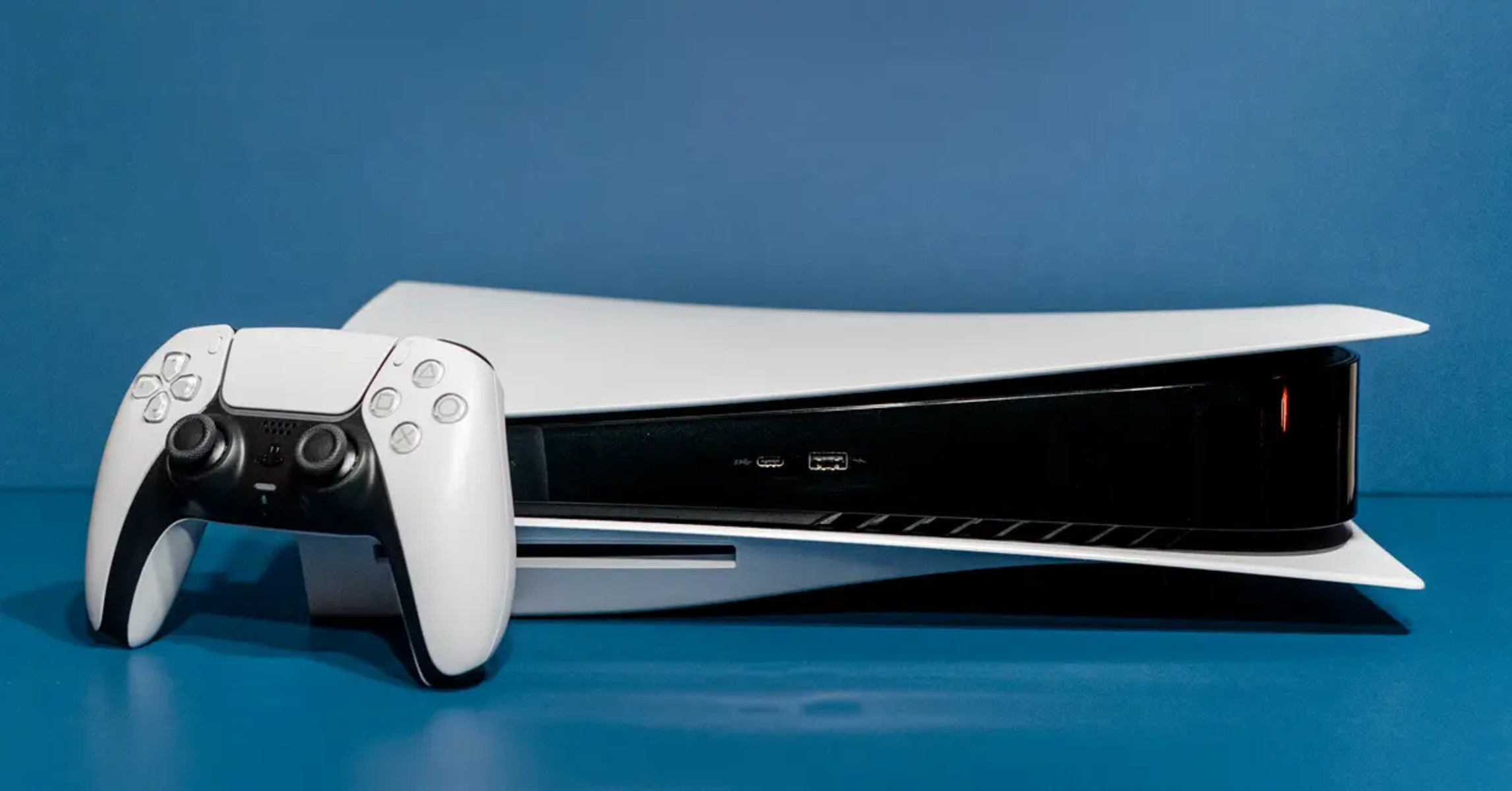
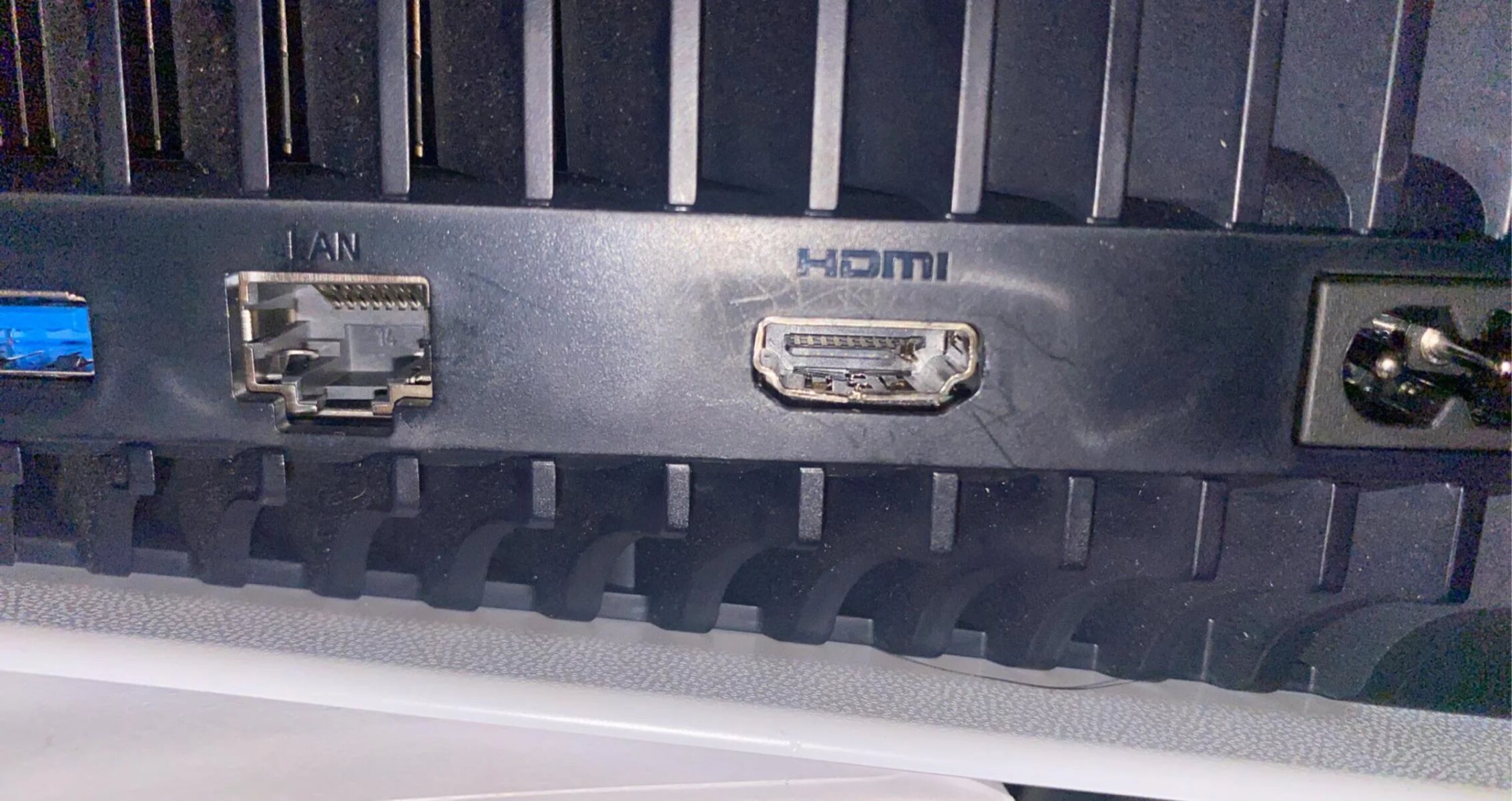
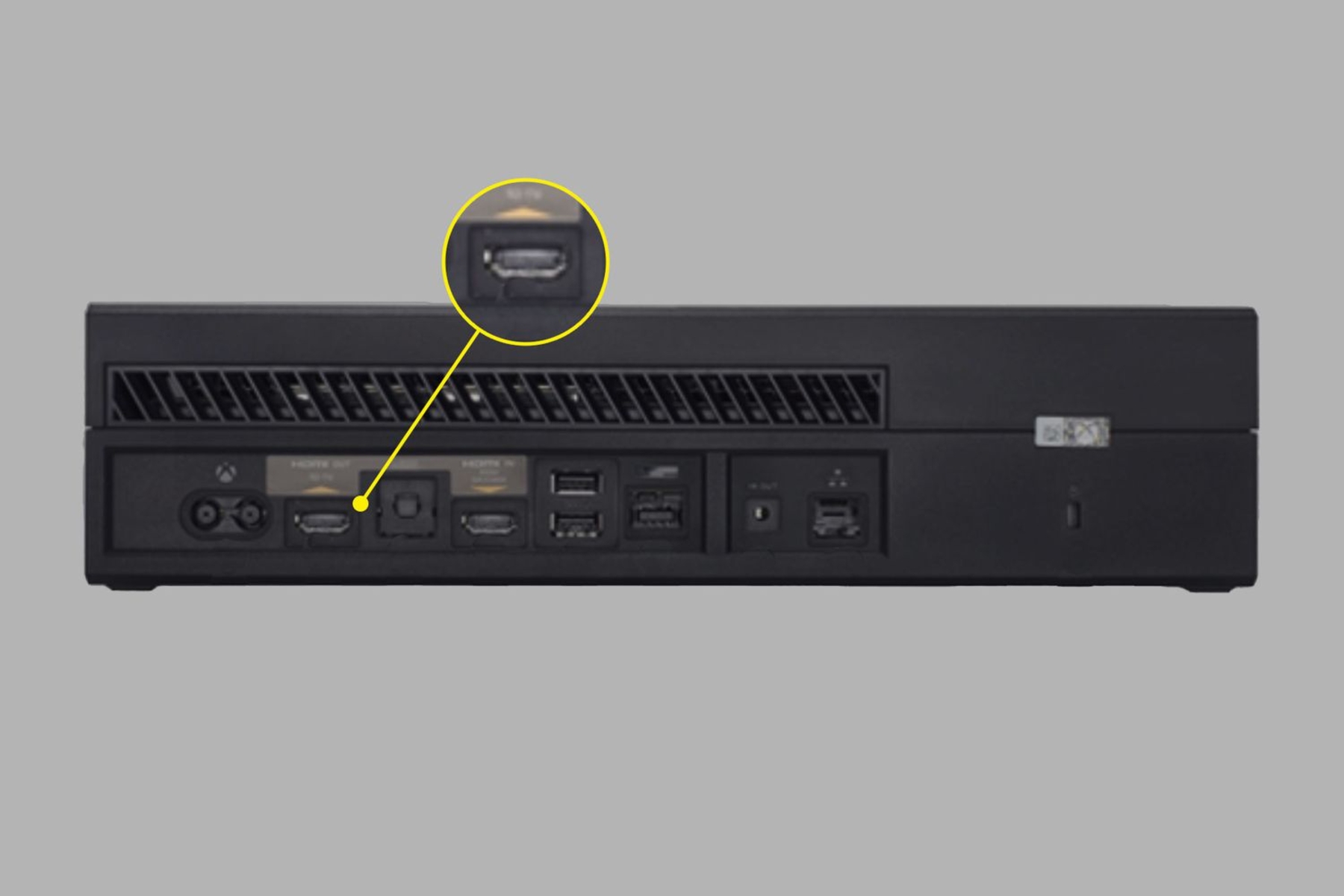
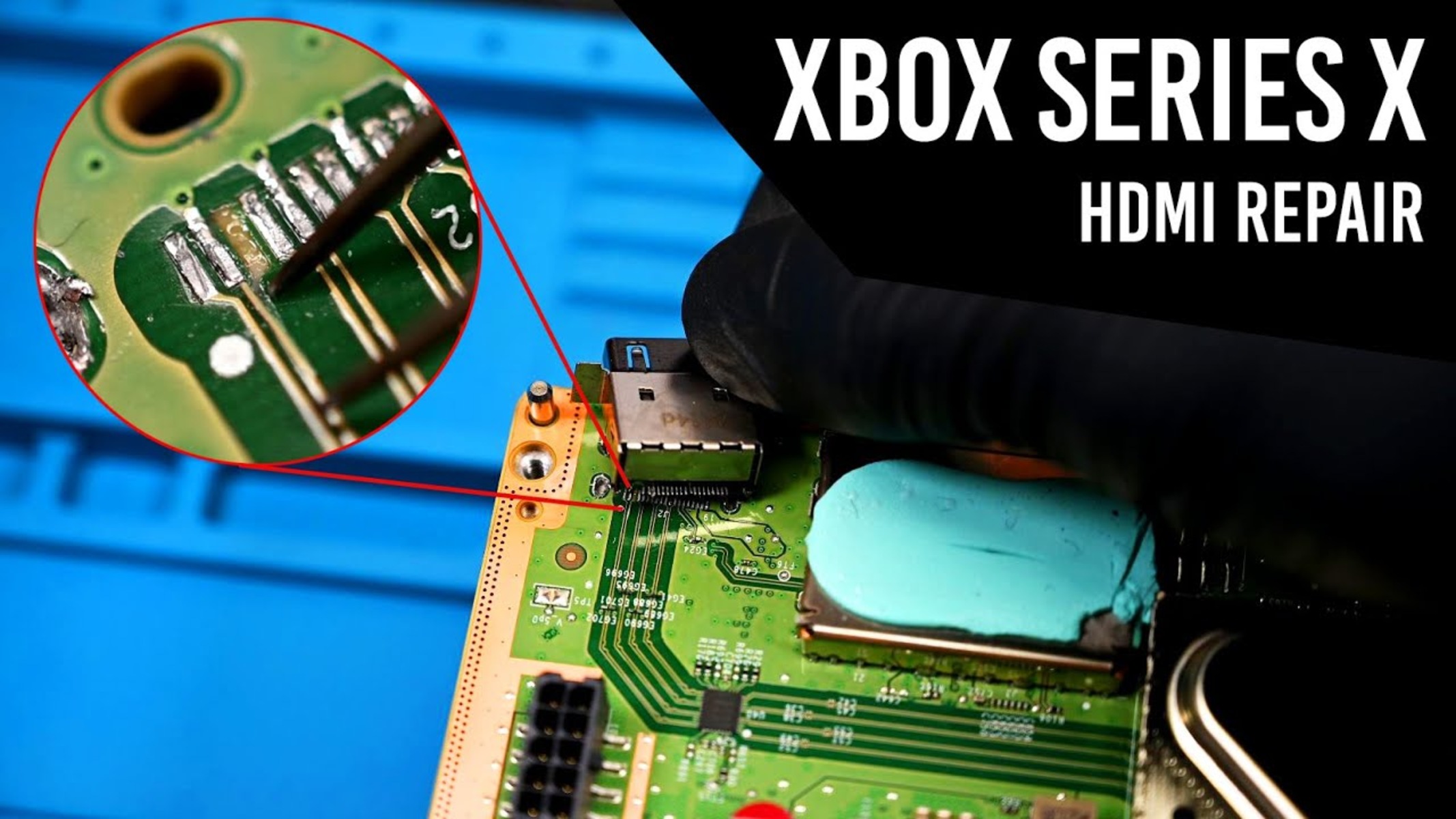
The articles group around two clear themes. The first is HDMI port and connection failures, which are among the most frequent physical breakdowns on current consoles. You will find guides on how to fix an HDMI port on an Xbox One or an Xbox Series X, and a separate piece on how to fix a loose HDMI port on an Xbox One. For the PlayStation 5, the coverage shifts to assessment and planning rather than step-by-step soldering: one article explains who can fix a PS5 HDMI port, and another breaks down how much it costs to fix a PS5 HDMI port. These latter pieces help you weigh repair options, understand labor and part pricing, and avoid being overcharged, an angle that is more about consumer protection than board-level work.
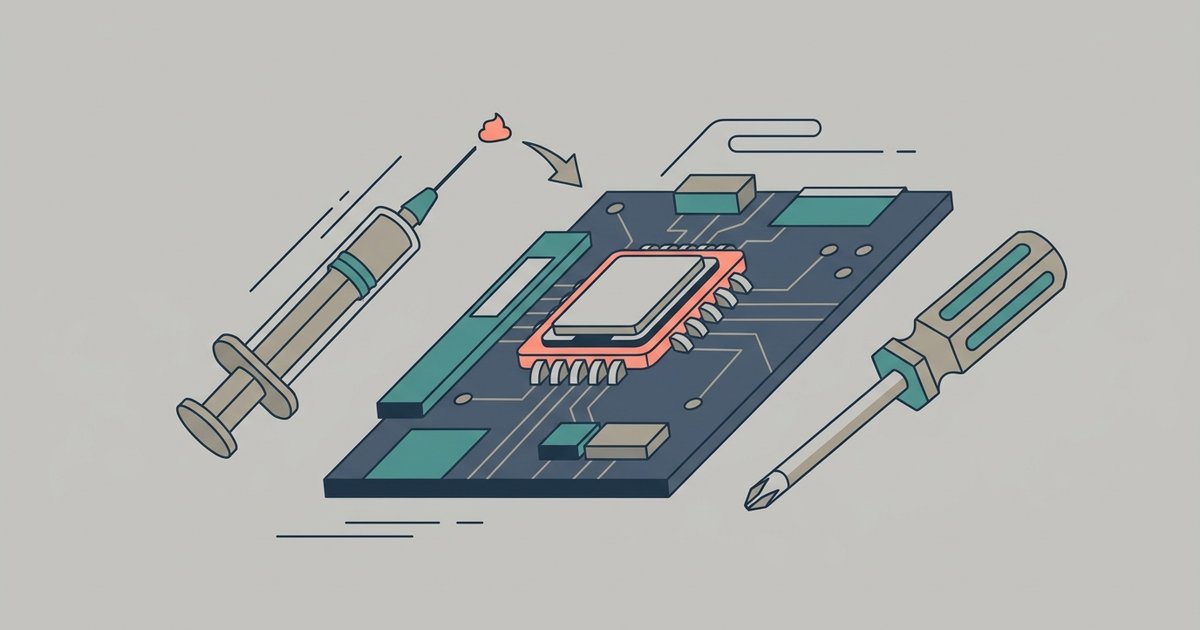
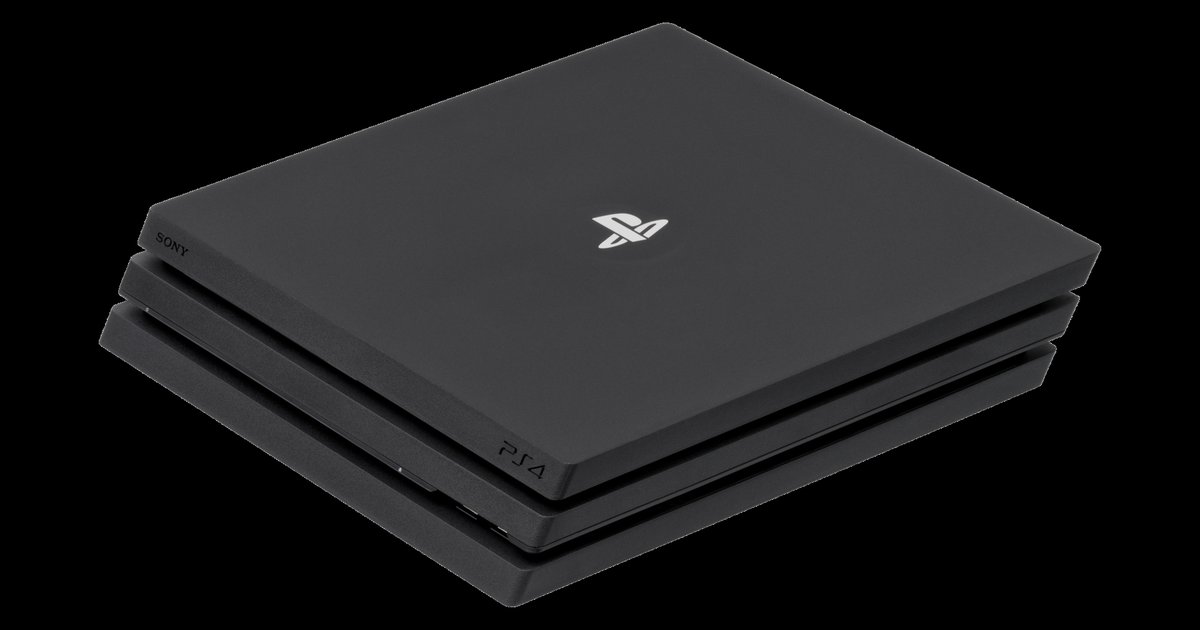
The second theme is internal maintenance and recovery procedures. Specifically, the tag includes a guide on how to replace PS4 thermal paste and what kind to use, which addresses overheating and fan noise, and a reference for the PS4 manual eject screw location by model, which helps when the console’s eject button fails and you need to retrieve a stuck disc. These are safe, methodical procedures that restore function without requiring any bypass of security or system software. The tag does not cover modding, piracy, or any unauthorized access; it is strictly about keeping your hardware alive and working as intended.