This tag collects step-by-step guides for safely opening, taking apart, and servicing common consumer electronics, specifically peripherals like Logitech mice and consoles like the PlayStation 4, as well as all-in-one desktop PCs. It is written for hobbyists, repair-minded owners, and anyone who wants to extend the life of their gear without sending it to a shop or replacing it outright. The articles assume no professional repair experience, just patience and a willingness to follow instructions.
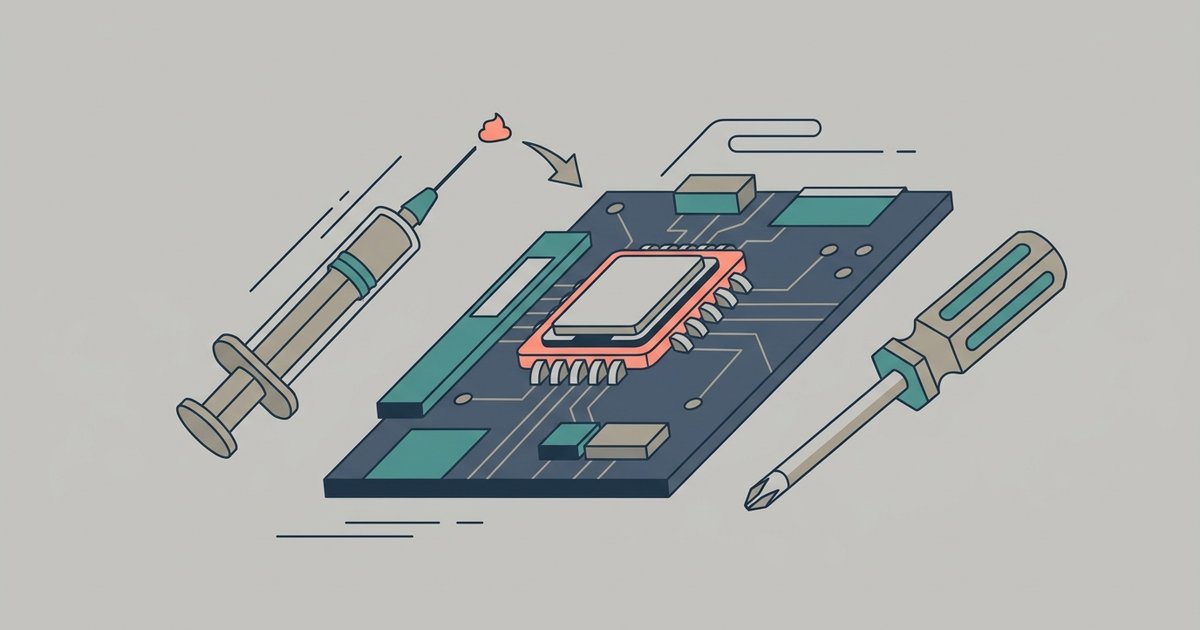
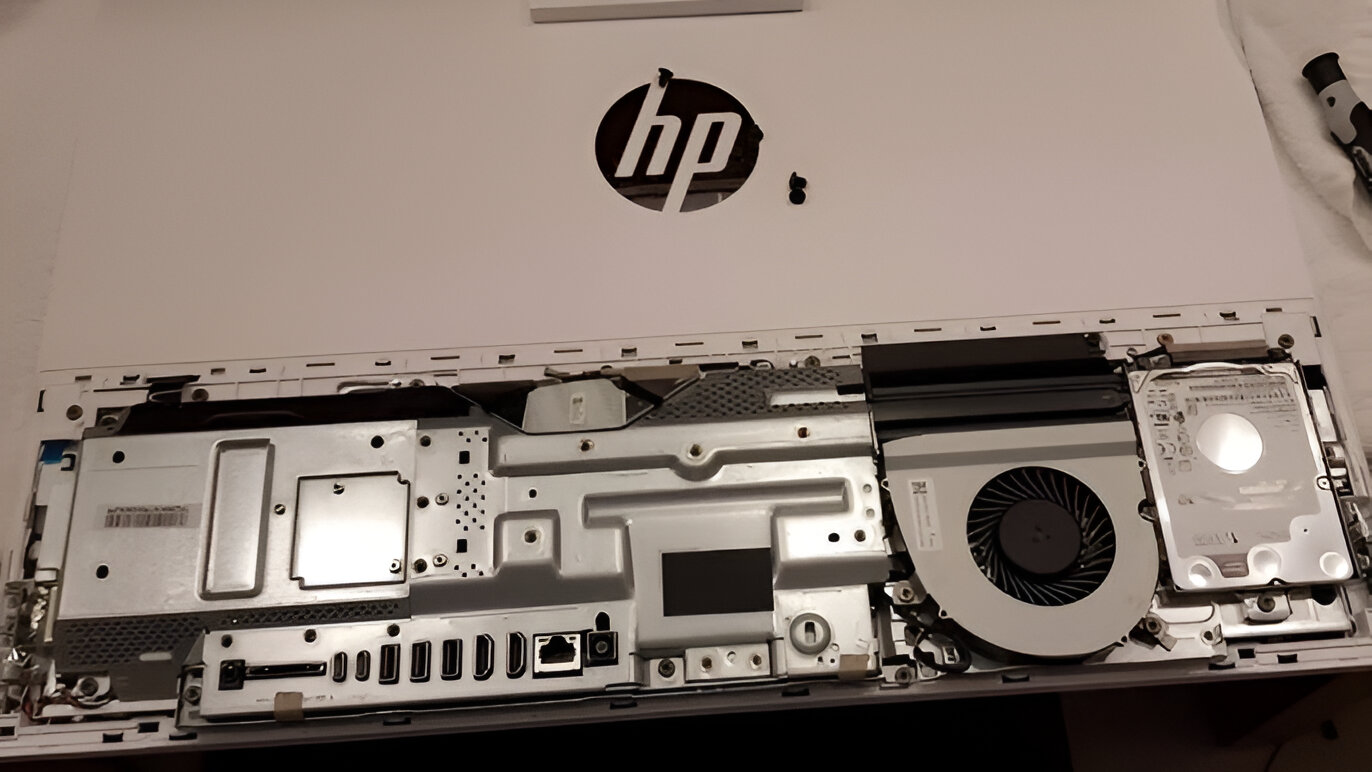
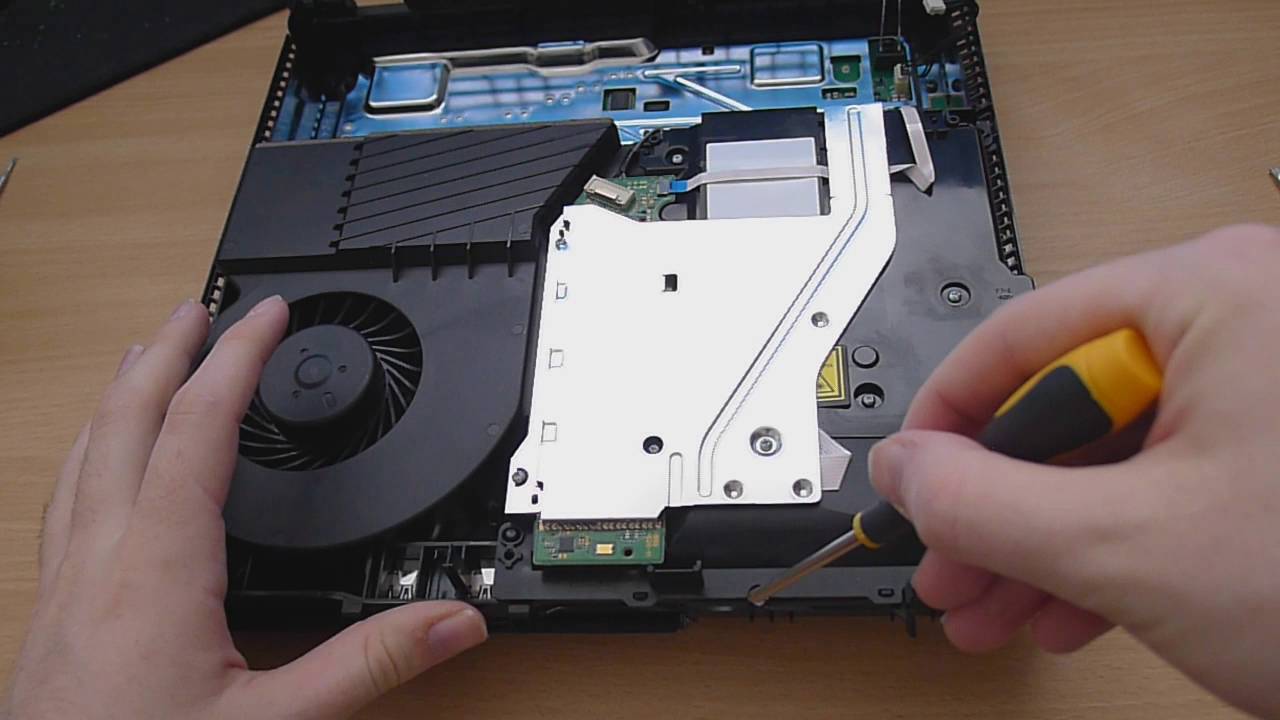
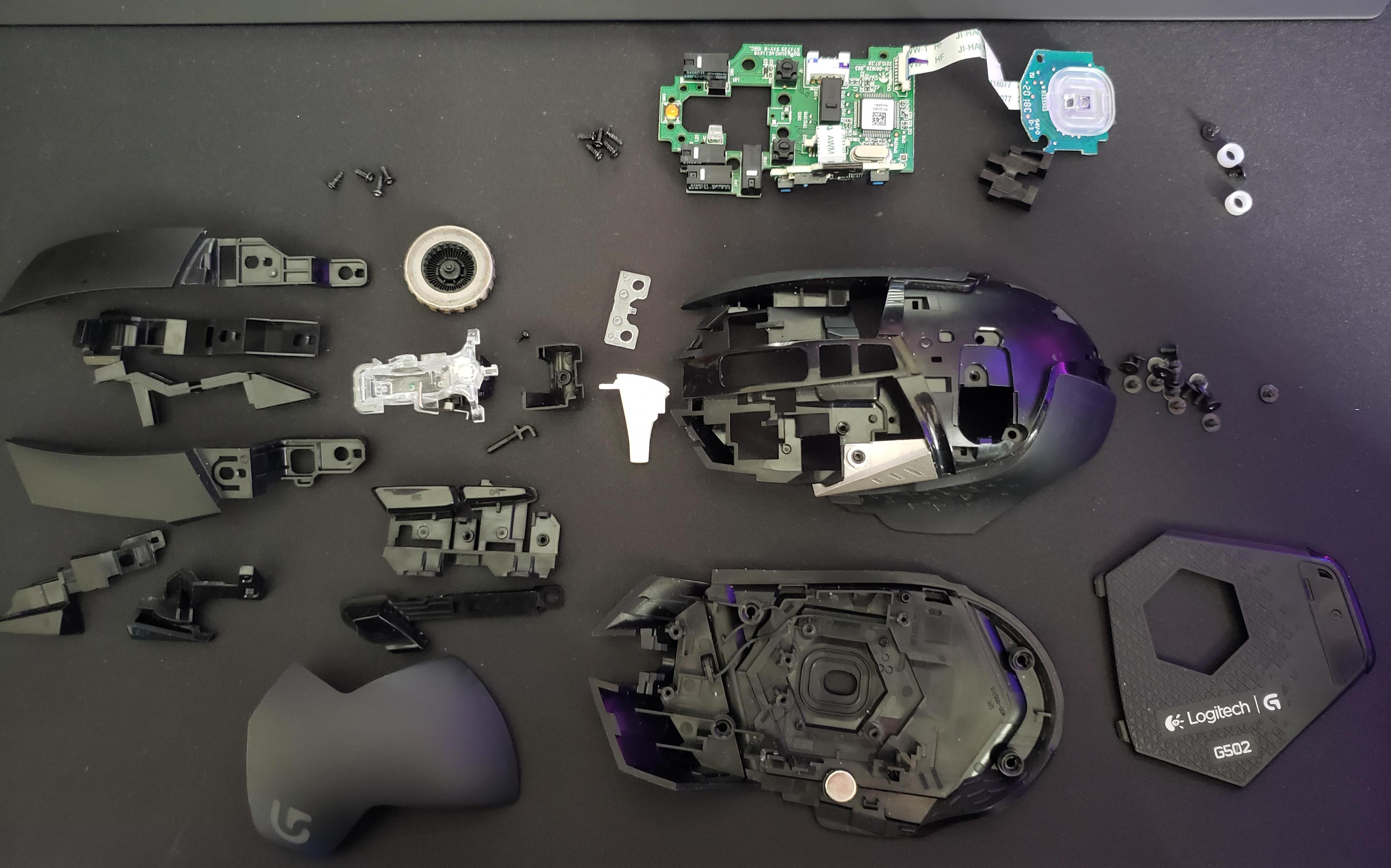
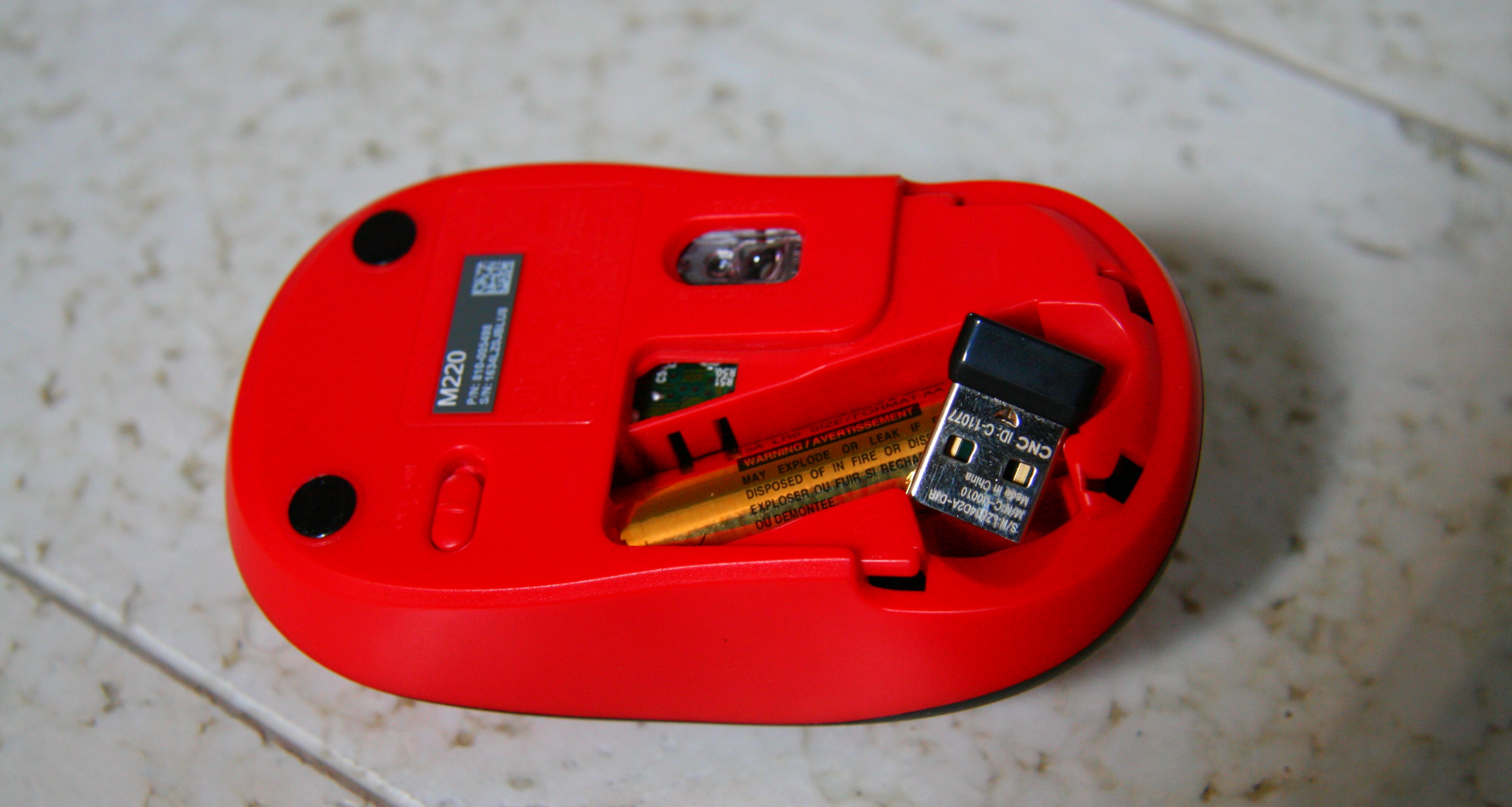
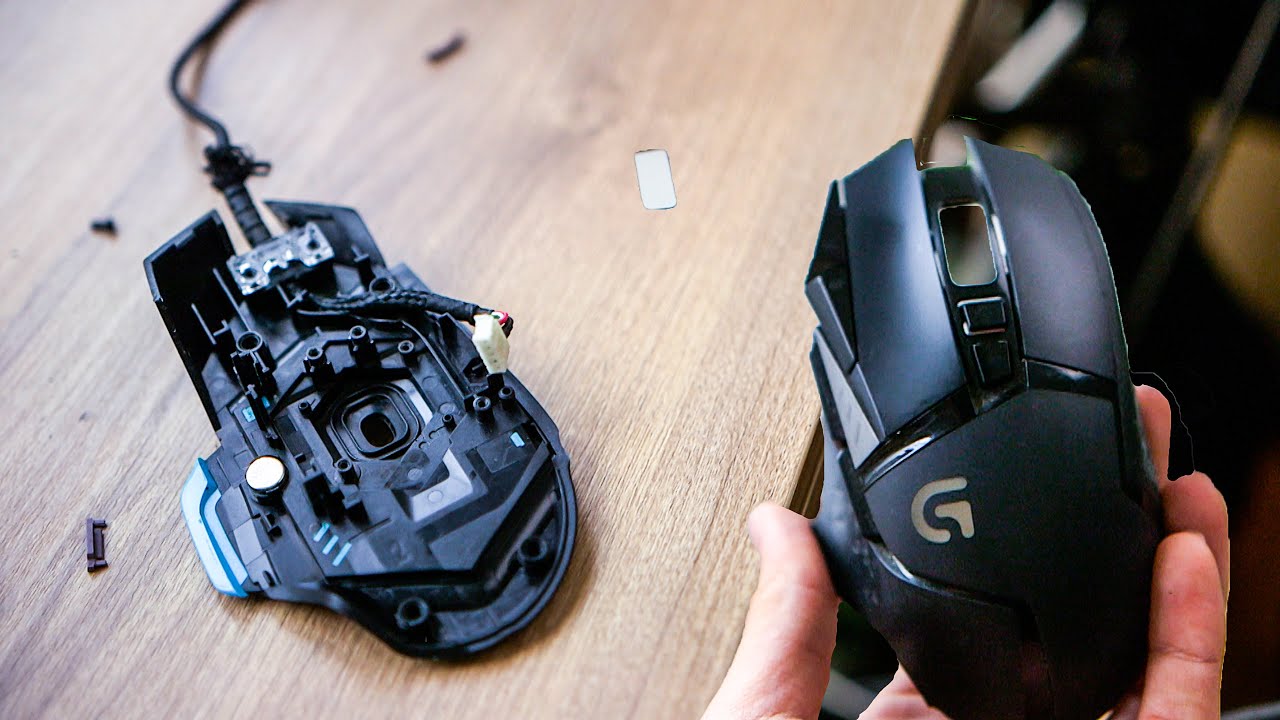
The guides tackle two main kinds of tasks. First, there are disassembly and access procedures: for example, “How To Disassemble Logitech Mouse” and “How To Open A Logitech Mouse” walk you through the clips, screws, and plastic snaps that hold a mouse together, while “How To Take Apart A Logitech G502” focuses on that specific model’s quirks. Similarly, “How To Remove The Back Of An HP All-In-One PC” addresses the careful prying and panel removal needed to reach internal components on a desktop that was never meant to be user-serviced. Second, there is maintenance and thermal management: “How To Take Apart PlayStation 4” and “How To Replace PS4 Thermal Paste And What Kind To Use” together show how to open a console and then apply fresh thermal compound, a task that directly addresses overheating and fan noise, and one that is often the first step in a safe, legitimate repair rather than any kind of modification.
These articles are practical, not adventurous. They help you diagnose a sticky button, clean dust out of a fan, or replace dried-out paste, all without voiding your warranty more than necessary or risking injury from sharp edges or hidden cables. The emphasis is on methodical steps, proper tools, and knowing when to stop. None of this is about bypassing locks, pirating software, or hacking hardware; it is simply the honest, boring work of keeping your devices running well.