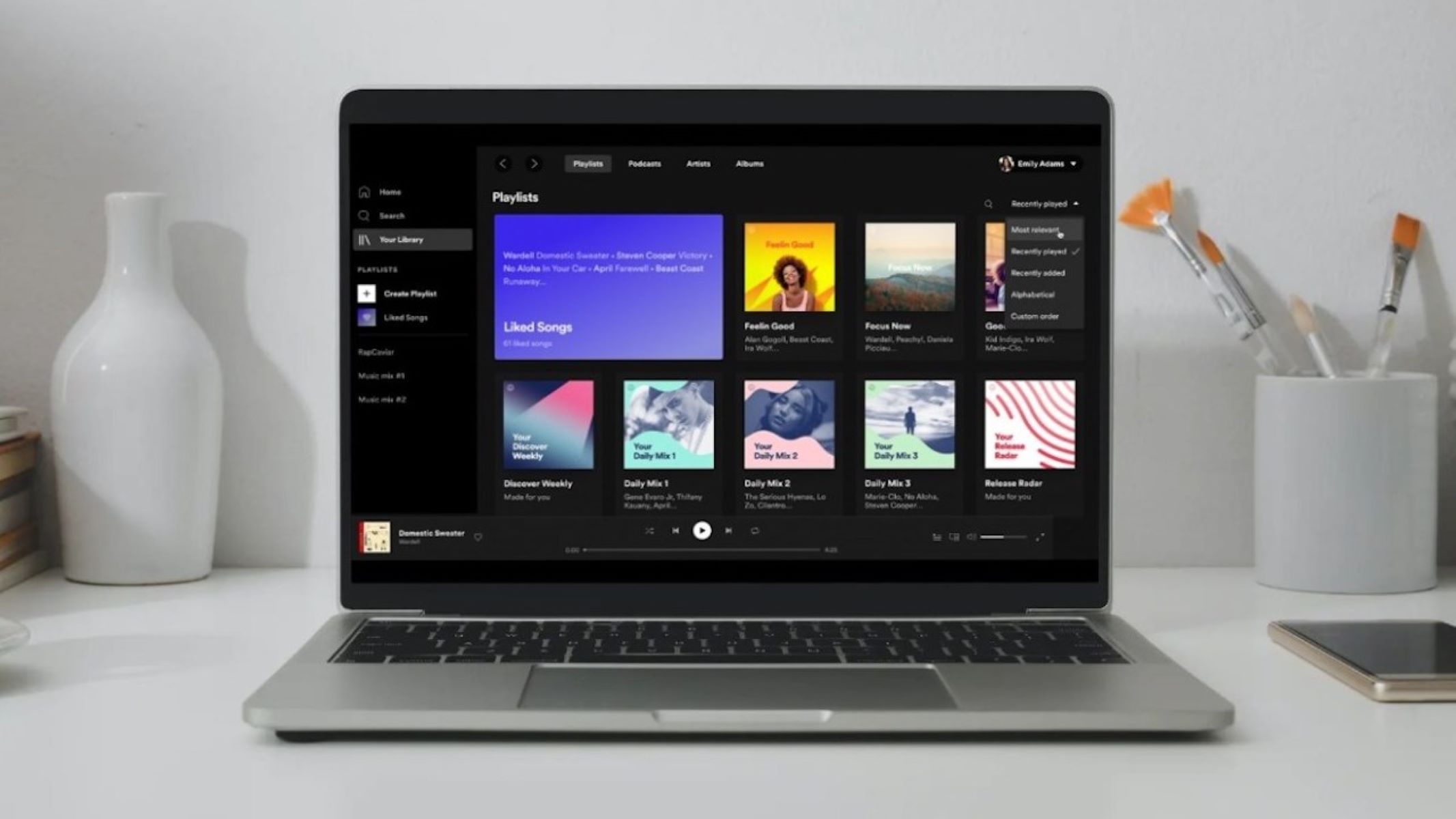
To turn off Spotify offline mode, open the Spotify app and uncheck the Offline Mode setting. On Windows, click the "More" button (three horizontal dots) in the upper-left corner, select "File," then uncheck "Offline Mode." On Mac, click "Spotify" in the Apple menu at the top of the screen, then uncheck "Offline Mode." On mobile (iOS/Android), tap your profile picture, go to "Settings and privacy," then "Data-saving and offline" (Android) or "Playback" (iOS), and switch "Offline mode" off. If you need to reconnect your account on a streaming device, you can log in to Hulu with Spotify to restore your bundled subscription access.
How to turn off Spotify offline mode
- Windows desktop: Open Spotify, click the three horizontal dots in the upper-left corner, select "File," then uncheck "Offline Mode."
- Mac desktop: Open Spotify, click "Spotify" in the Apple menu at the top of the screen, then uncheck "Offline Mode."
- Mobile (iOS/Android): Tap your profile picture, go to "Settings and privacy," then "Data-saving and offline" (Android) or "Playback" (iOS), and switch "Offline mode" off.
Why is Spotify still offline? Quick troubleshooting
If Spotify still appears offline after disabling Offline Mode, common causes include an unstable internet connection, an outdated app, cache issues, or firewall blocks. Try these verified fixes:
- Restart the Spotify app.
- Update the Spotify app to the latest version.
- Restart your device.
- Check your Wi-Fi connection and restart your Wi-Fi router.
- Ensure your firewall allows Spotify connections.
- Clear the app's cache.
- Log out of your Spotify account, then log back in.
- If you are on a shared or public network (e.g., schools, offices), the network may restrict access to Spotify. Contact the network administrator if this is the case.
What a private session is (and why it's not offline mode)
A Private Session is a separate privacy feature that temporarily hides your listening activity from followers. It is not related to internet connectivity or Offline Mode. To start a Private Session on desktop, click your profile picture in the upper-right corner and select "Private Session." On mobile, tap your profile picture, go to "Settings and privacy," then "Privacy and social," and toggle "Private Session" on. A Private Session automatically ends after 6 hours of inactivity or when you completely exit the Spotify application.
If you want to download music as MP3, you need a Spotify Premium subscription to download songs for offline playback. This is how you use Spotify offline: download your playlists, albums, or podcasts while connected to the internet, then listen without a connection. To listen to Spotify offline without premium, you cannot download music for offline use; the free tier only allows streaming with an internet connection and occasional ads.