This tag collects our straightforward guides for getting more out of the desktop applications you use every day. Whether you are a long-time user or just starting out, these articles are written for anyone who wants to adjust settings, fix a frustrating limitation, or simply learn the proper way to perform a common task within a program like Spotify, Discord, Grammarly, or Microsoft 365. The focus is on practical, everyday solutions that help you work and play more smoothly on your computer.
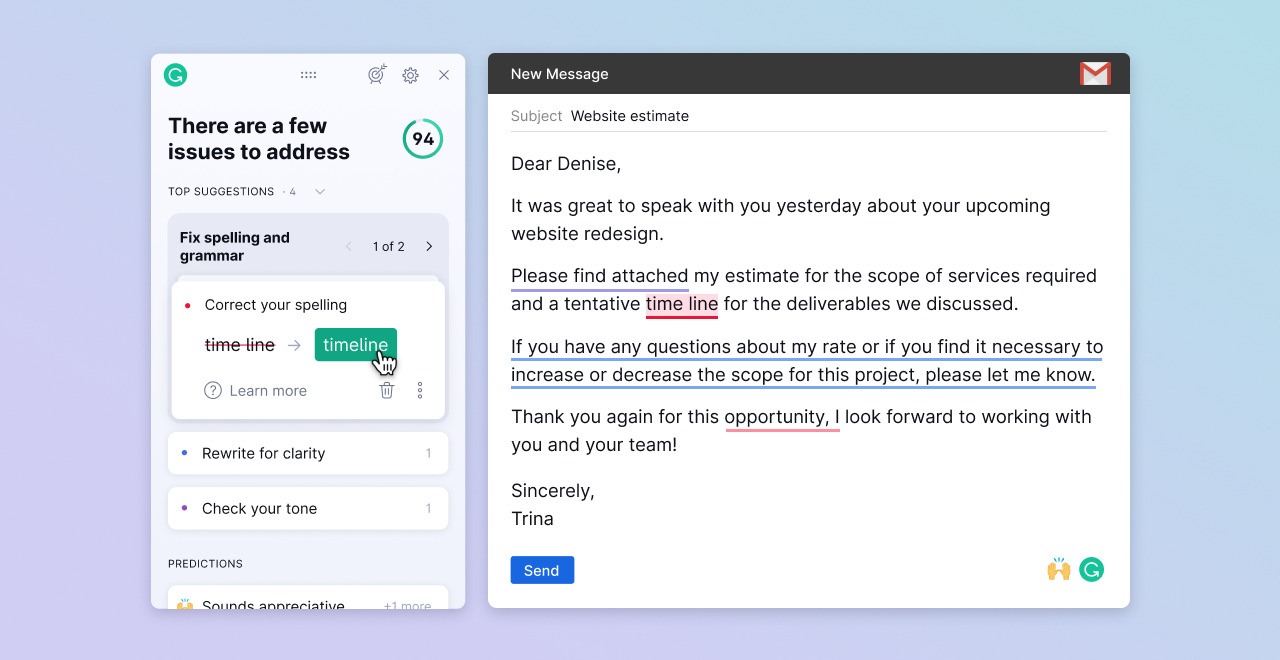
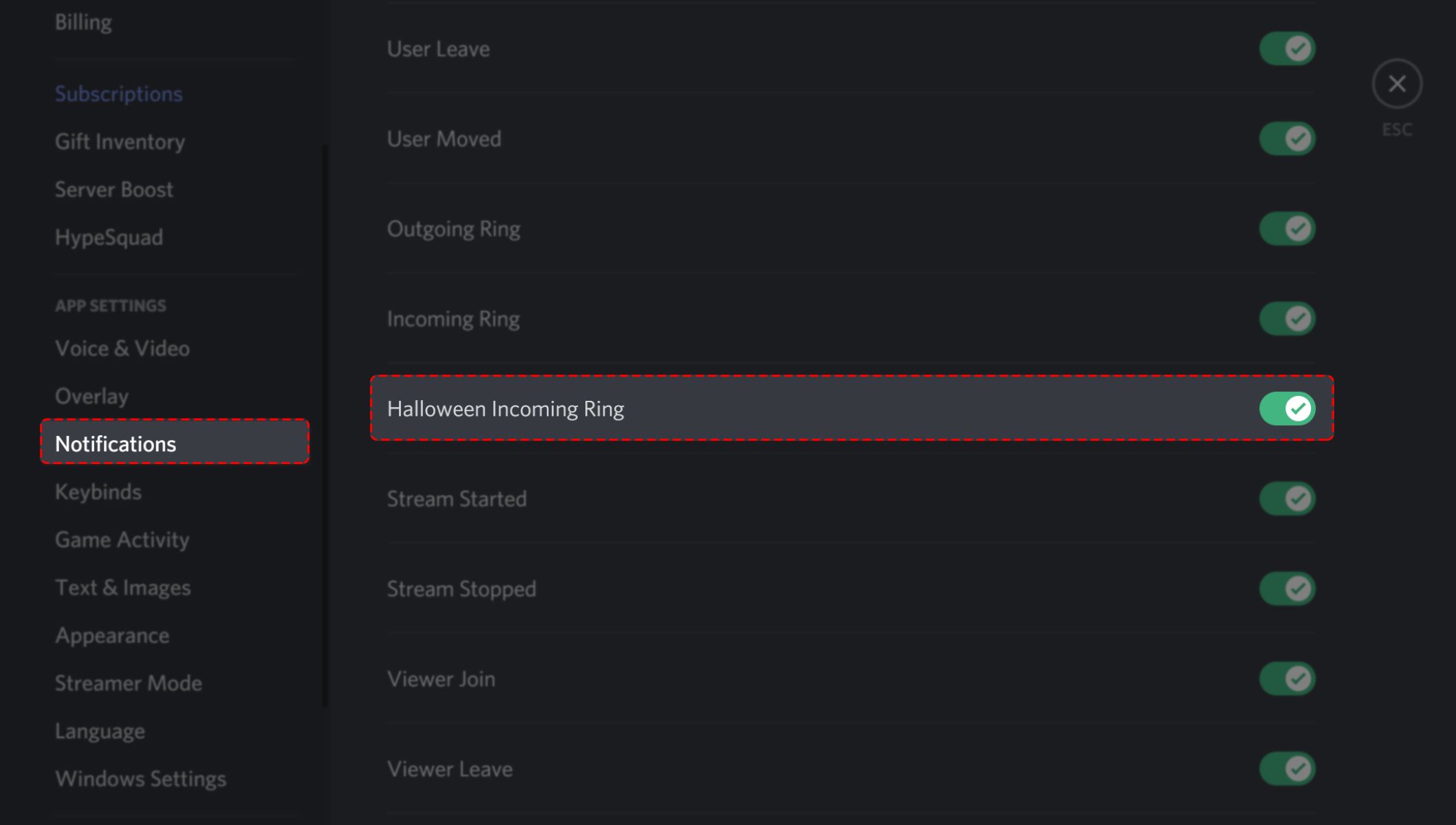
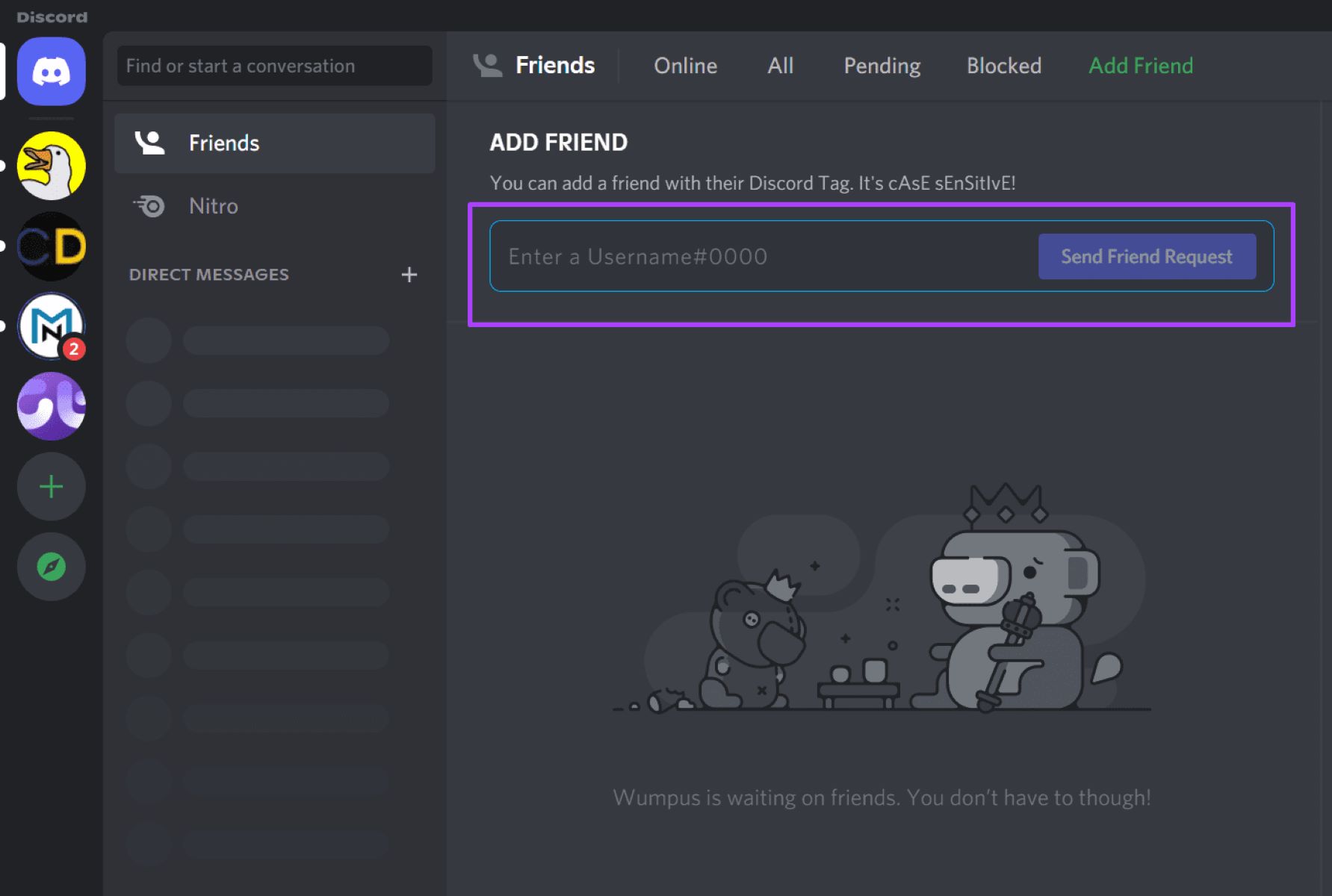
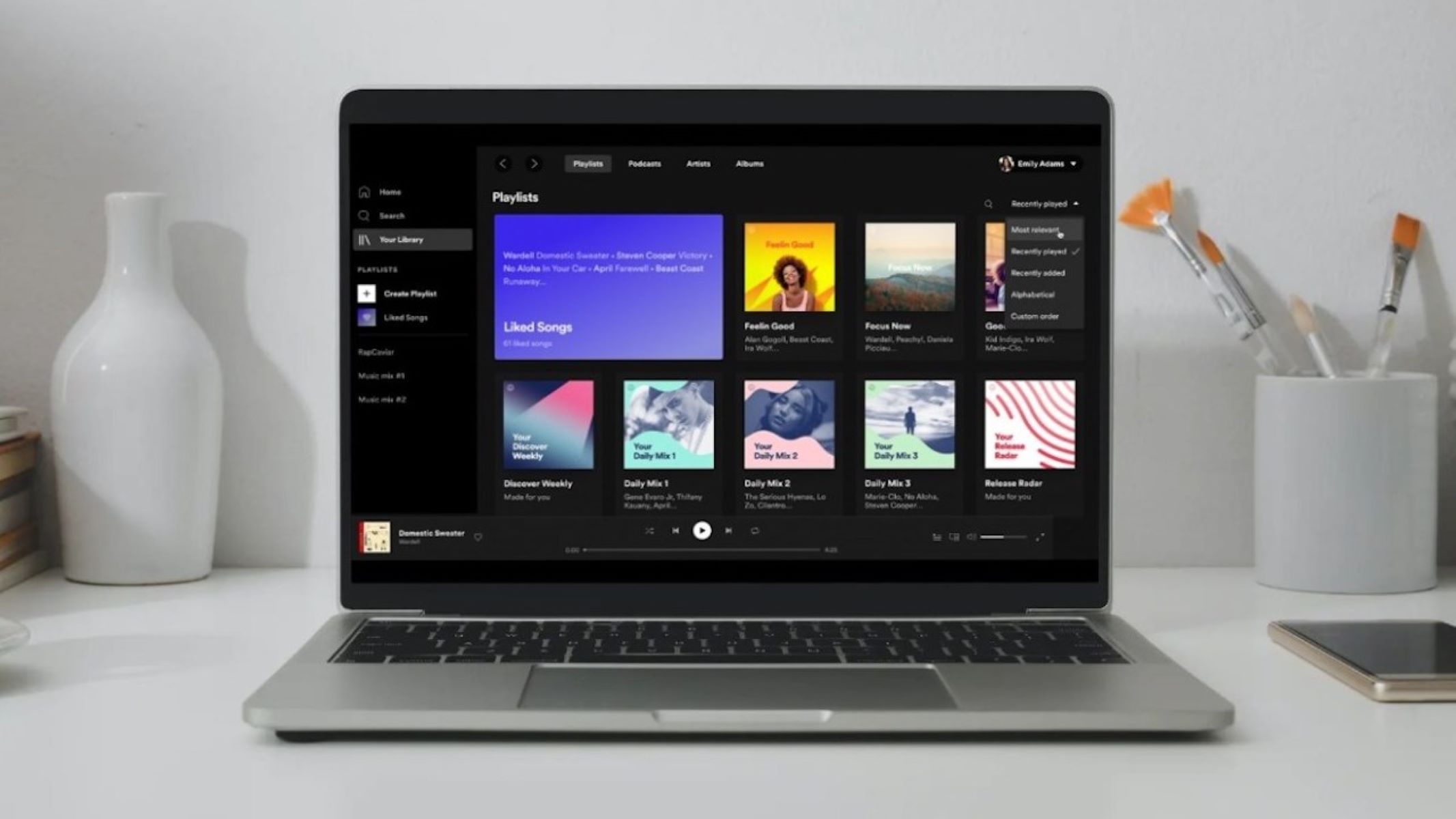
The articles here fall into a few clear themes. One group helps you manage your media experience, covering topics like how to listen to Amazon Music on your PC, how to turn Spotify online when you are stuck in offline mode, and how to download music from Spotify to your computer for times when you have no connection. Another theme centers on communication and notification settings, with guides on how to add a friend on Discord and how to change the Discord ringtone to something less jarring. A third theme is about cleaning up your documents and writing tools, such as learning how to turn off video on Spotify (a common request for data-conscious users) and how to accept all changes in Grammarly to finalize a draft quickly.
Importantly, several of these guides are written from a safety and security perspective rather than as a workaround. For example, the articles on downloading music from Spotify and downloading Word from Microsoft 365 focus on the legitimate, supported methods for getting content onto your device, ensuring you stay within the terms of service and avoid pirated software. Similarly, the Discord and Grammarly pieces show you how to use the apps’ own settings to achieve your goal, never encouraging you to bypass restrictions or cheat the system. These are simple, honest how-tos for getting your desktop apps to behave the way you want.