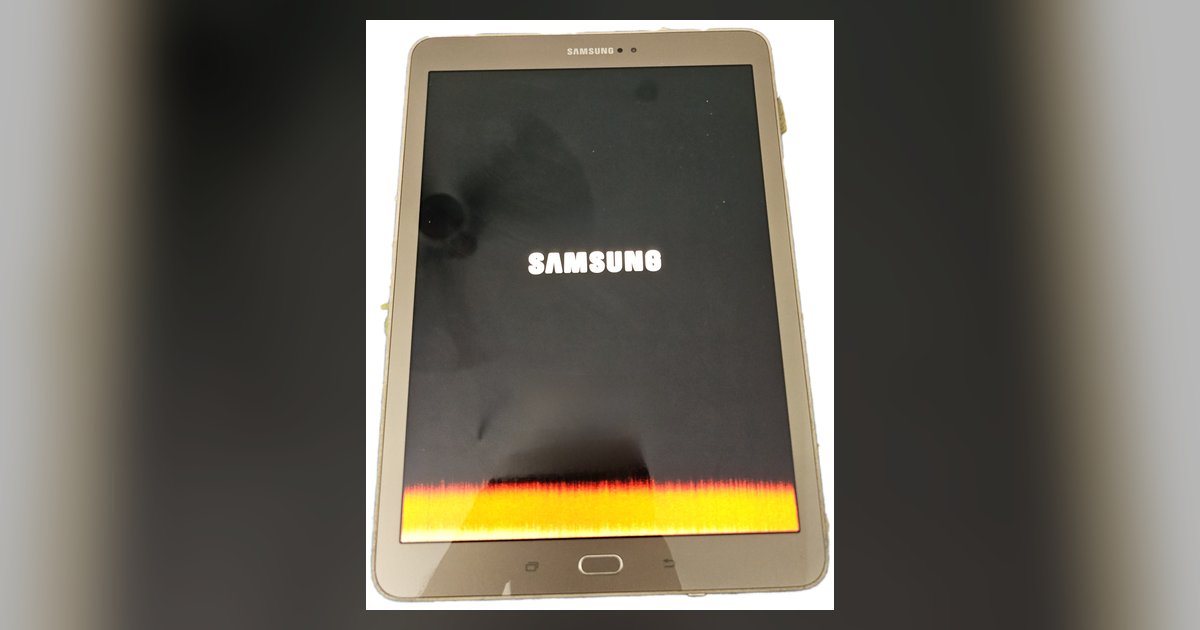
Yes, keeping the screen on permanently will degrade the battery faster and can cause permanent screen burn-in on OLED or AMOLED displays, though LCDs are only affected by battery drain.
Why keeping the screen always on degrades the battery faster
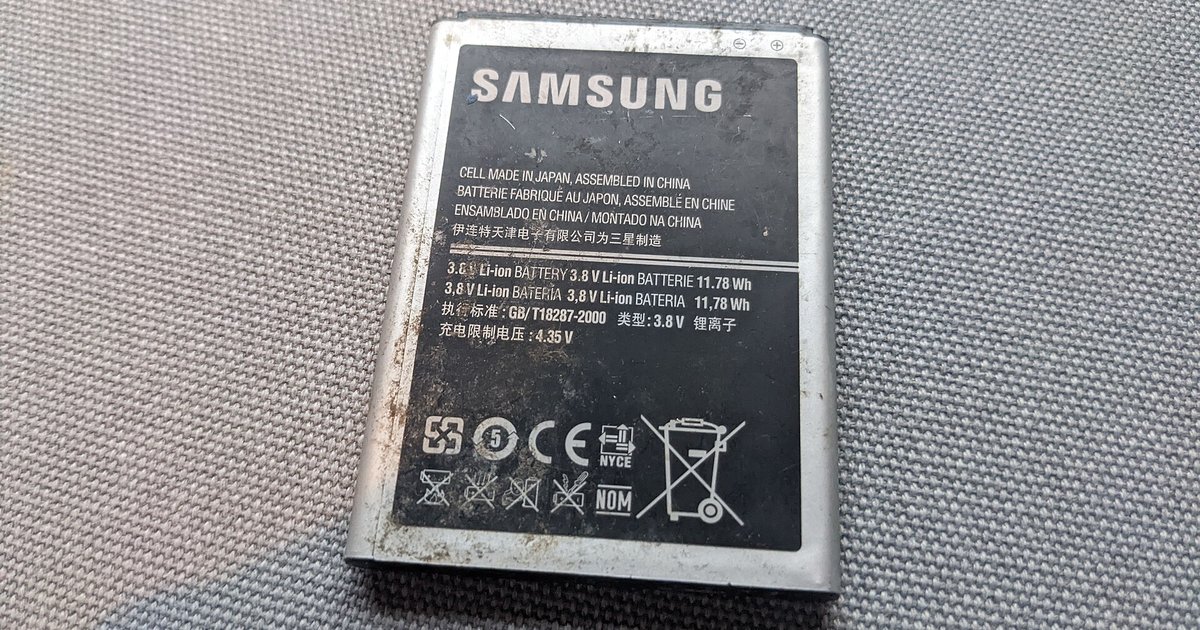
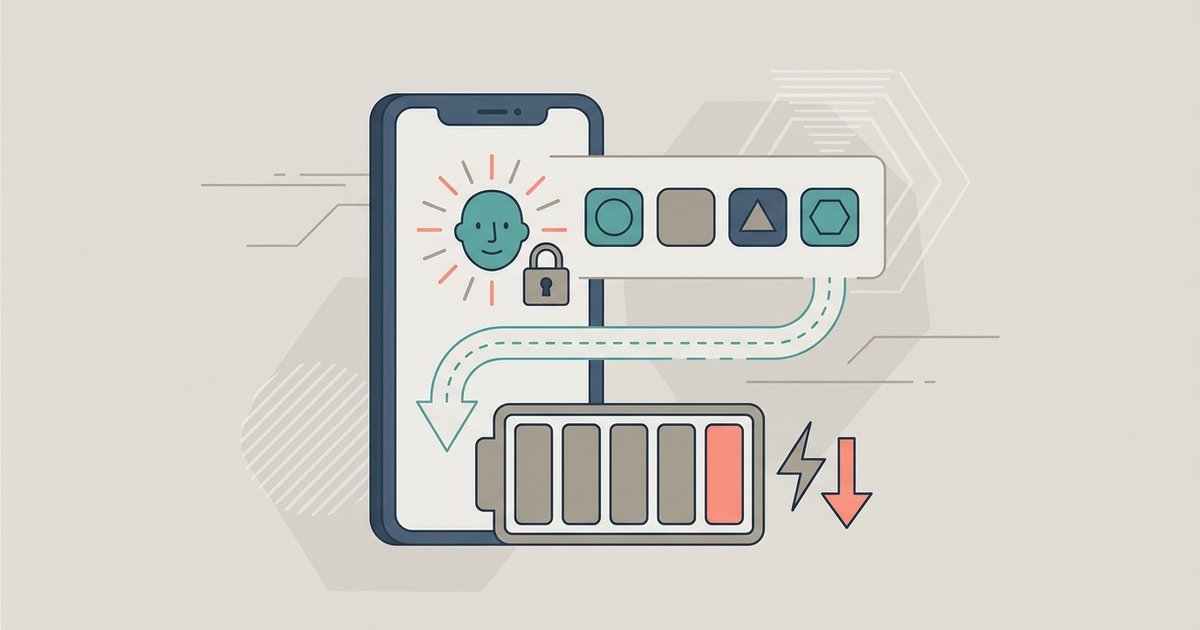
Every minute the screen is on, the battery is discharging or being charged, which directly increases charge cycle consumption. A typical lithium-ion battery is rated for a limited number of full charge cycles before its capacity drops noticeably. Leaving the screen on 24/7 can burn through that limit in under a year if the tablet is unplugged. The constant draw forces the battery to cycle repeatedly. Worse, the screen generates heat, especially at high brightness. Heat accelerates the chemical aging of lithium-ion cells, causing them to lose capacity even when you are not actively using the device. This happens regardless of whether the tablet is plugged in. The battery still experiences temperature stress and internal resistance changes from sustained current draw.
When the screen gets permanent damage
On OLED and AMOLED displays, each pixel is an individual organic light-emitting diode that wears out at a different rate depending on how often it is lit and at what color. If you keep the screen on with static elements, like a clock, a navigation bar, or a menu icon, those pixels will fade faster than surrounding pixels, creating a ghost image known as burn-in. The "Never" timeout guarantees uneven pixel wear on OLED screens because there is no rest period for the diodes to recover. LCD screens, by contrast, use a backlight that illuminates all pixels equally, so they do not suffer burn-in. The only damage from an always-on LCD is the battery drain already described. To check your tablet’s display type, look in the settings under "Display" or search the model number online.
The common mistake with plugged-in tablets
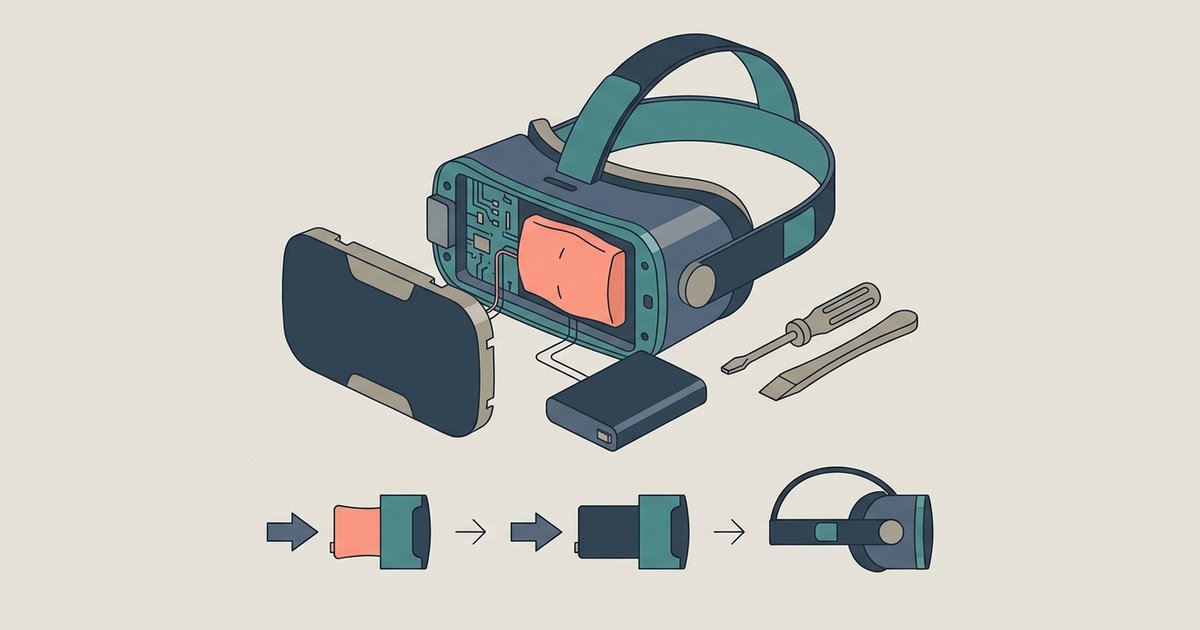
Keeping the screen on while the tablet is plugged into power might seem harmless, but it is actually the worst-case failure scenario. When the battery sits at 100% charge for long periods, especially while also generating heat from the screen, the chemical compounds inside break down faster than during normal charging cycles. This effect is called "trickle stress" and can cut battery lifespan by half within a year. The combination of constant 100% charge stress with screen heat maximizes battery degradation. The heat accelerates the electrolyte decomposition that already occurs at high voltage. Many tablet owners who set the screen to "Never" while docked for home automation or digital photo frames end up with swollen batteries or drastically reduced runtime after 18-24 months.
If you must keep it on
If your use case genuinely requires the screen to stay on, for example, a live dashboard or a security camera feed, you can still reduce the damage. Lower the brightness to the minimum usable level. Every 10% reduction in brightness cuts heat output and pixel wear significantly. On OLED or AMOLED tablets, enable dark mode so that most pixels remain off, which slows burn-in because black pixels emit no light. Avoid static elements. Use a screensaver that shifts content periodically, or set the app to hide navigation bars. For battery preservation, unplug the tablet when it reaches 80% charge and only plug it back in when it drops to 20%, rather than leaving it at 100% all day. If you must keep the tablet plugged in, use a smart plug to cycle power, or enable any built-in "battery charge limit" feature if your tablet supports it. Finally, if you ever need to stop your tablet from turning off for a temporary task, remember that you can always set timer on Fire tablet to revert to auto-lock later. And when you no longer need the always-on mode, simply turn off an Android tablet or shut down tablet completely to give both the battery and the display a full rest.
Unlike generic advice pages, this guide explains why "trickle stress" from a plugged-in always-on tablet is chemically worse than simple cycling, a failure mechanism most sites overlook. For those ready to act, turning off a tablet points to the broader topic of How to Turn Off a Tablet or Set a Sleep Timer to prevent this gradual damage.