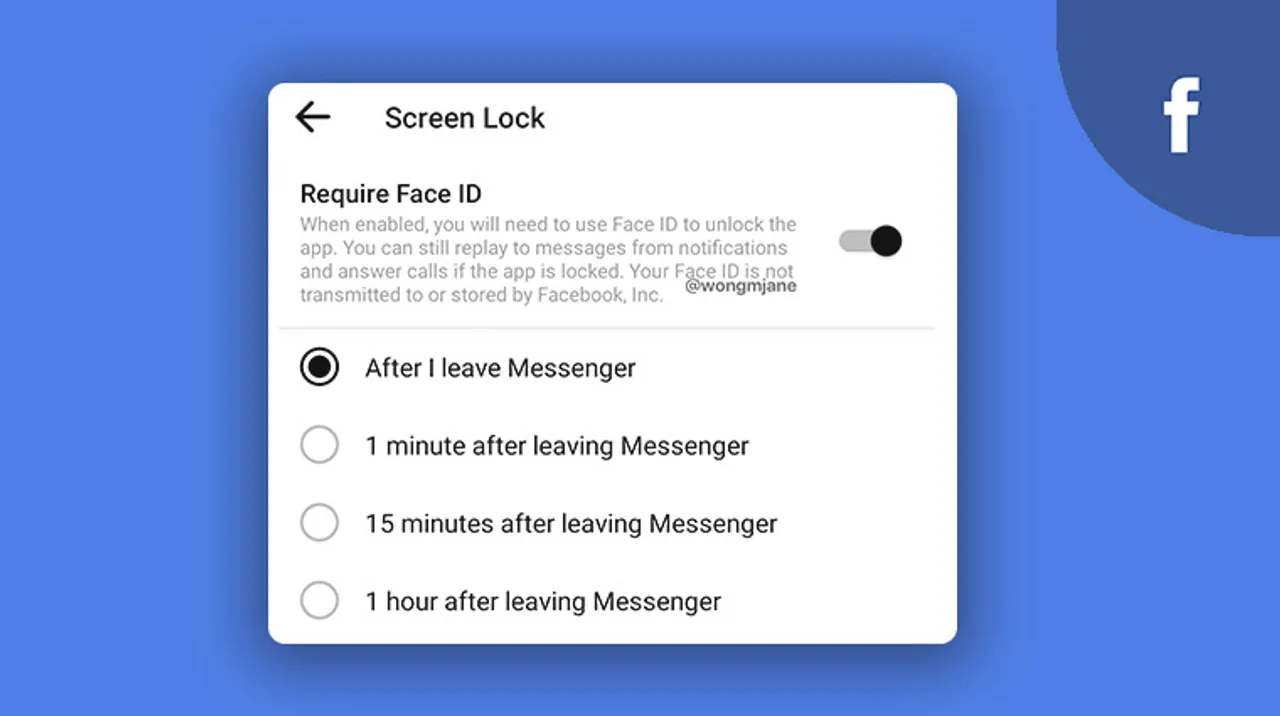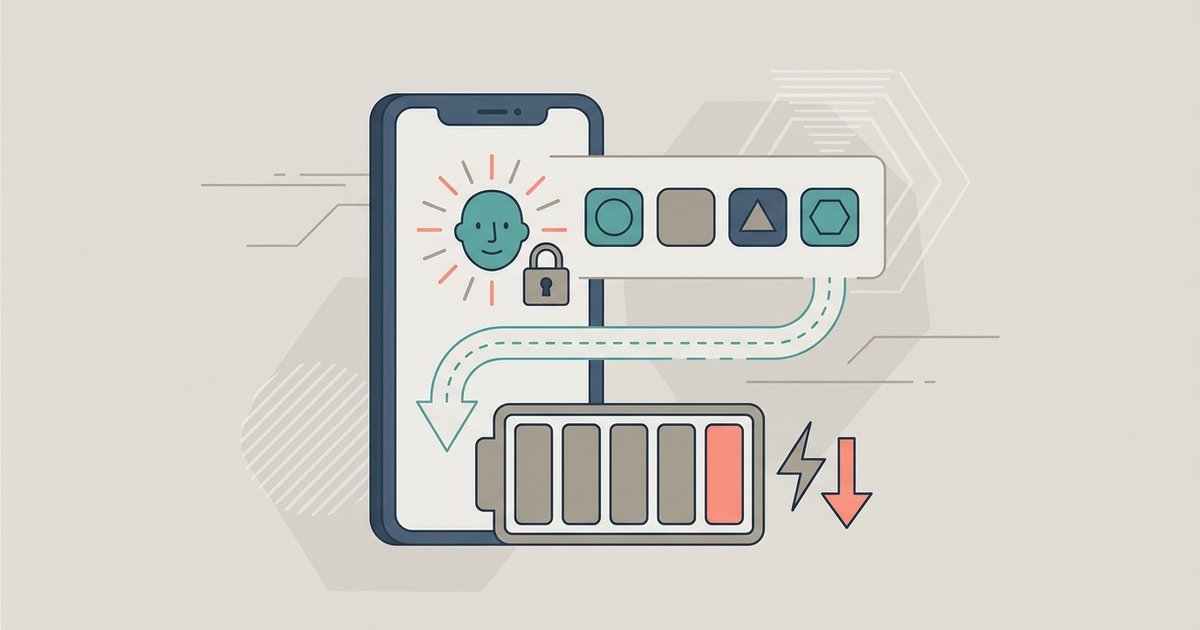
No, locking multiple apps with Face ID does not cause noticeable battery drain because the TrueDepth camera fires for less than a second and the Secure Enclave processing uses a negligible amount of power—identical to unlocking your phone once.
Why face id battery drain from app locks feels expensive but isn’t
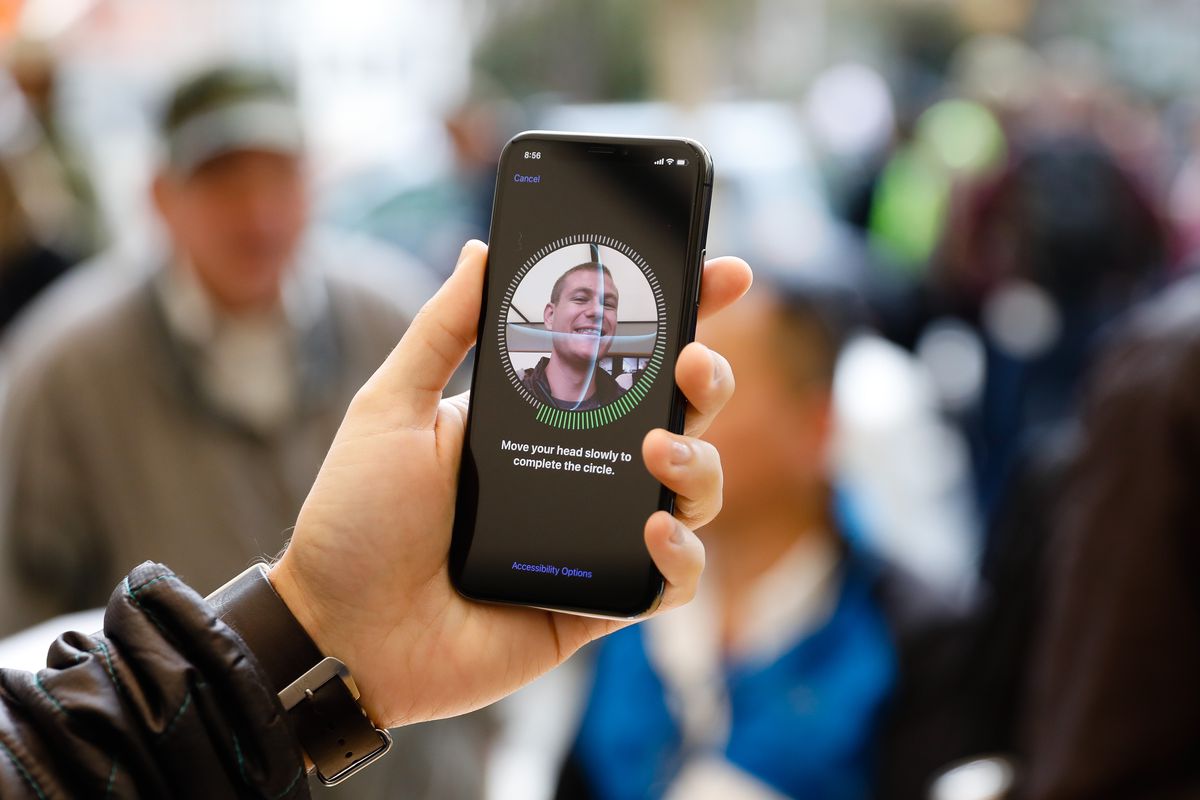
The psychological perception of frequent authentication makes users think their battery is draining faster. When you put a face id on Snapchat and then authenticate a dozen times per hour, you feel the brief pause and assume power is being burned. In reality, the TrueDepth camera fires for roughly 100 milliseconds per scan. It projects over 30,000 infrared dots. The Secure Enclave coprocessor processes that data using a negligible amount of power. A single minute of screen-on time at typical brightness consumes orders of magnitude more power than a Face ID scan. You would need to authenticate over 1,000 times to match the energy cost of one minute of scrolling. The Secure Enclave is a dedicated low-power chip designed specifically to handle biometrics without taxing the main CPU or GPU. Its contribution to battery life is effectively invisible in system-level reports.
The real battery culprit is screen time, not biometrics
Staying inside an app longer to avoid re-authenticating consumes orders of magnitude more power than the Face ID scan itself. Many privacy-conscious users instinctively leave an app like Instagram open in the background or keep the screen on to dodge repeated Face ID prompts. That behavior leaves the display active for an extra five minutes. That behavior leaves the display active for an extra five minutes, consuming far more power than Face ID scans would. If you use face id instead of passcode, you also avoid the screen-on time needed to type a code. Face ID works the instant you raise the phone or tap the app icon. The most battery-efficient workflow is to let Face ID fire quickly, then close the app normally. Lingering in the app to skip authentication is the real energy thief.
When face id does drain battery and how to spot it
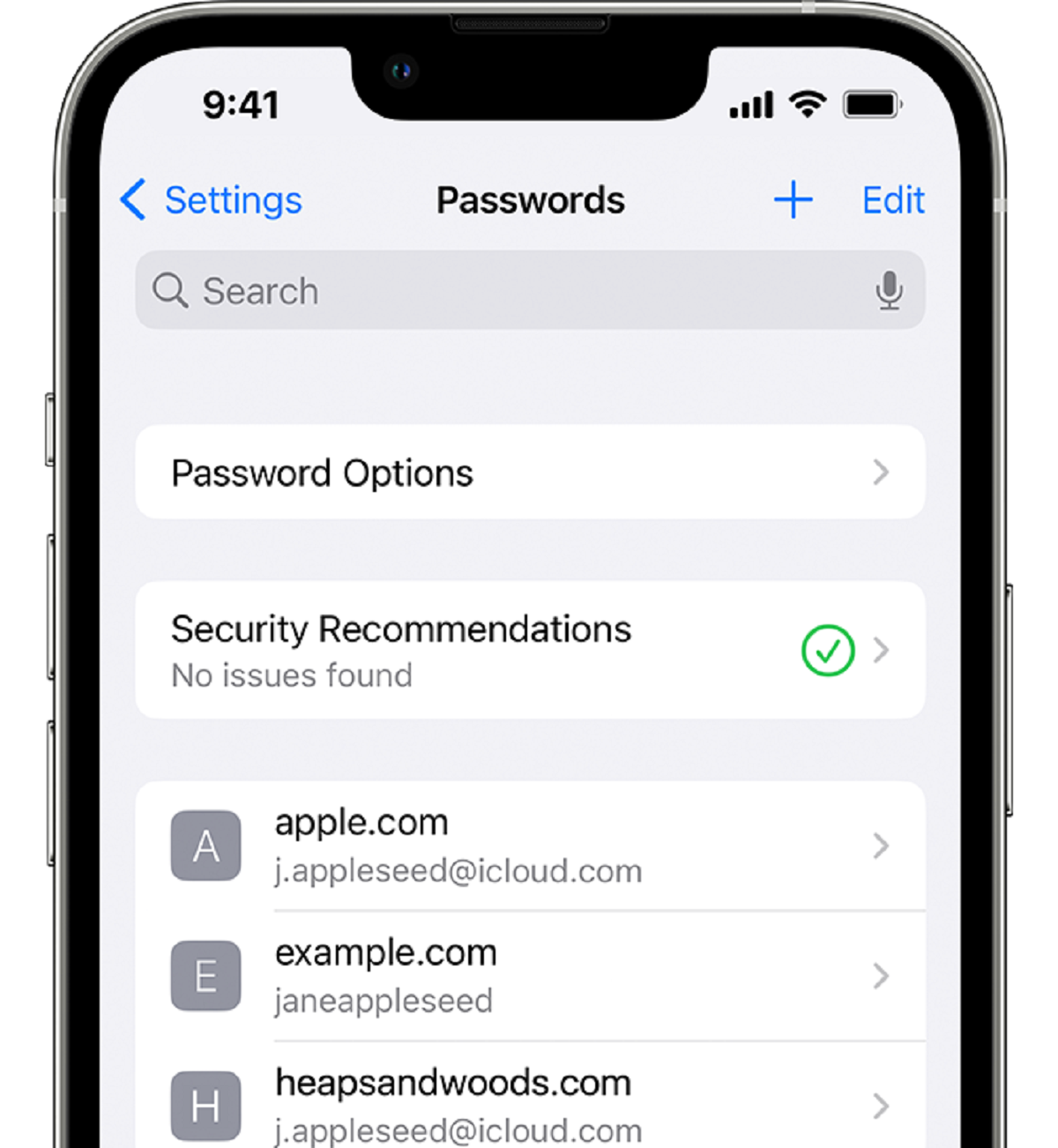
There is one rare failure case where Face ID can drain battery: an app that continuously retries failed scans in a loop. If a misbehaving app keeps calling the TrueDepth camera because of a corrupted face model or a software bug, it can force repeated authentication attempts. This is especially worth checking for any app you installed to add face id on Instagram or another third-party tool. To spot this, go to Settings > Battery and look at the battery usage graph for the past 24 hours. If you see an app listed with significant background activity but very little screen-on time, and its usage spikes around the same time you attempted to open it, that is the red flag. The fix is simple: force-close the app, delete and reinstall it, then re-register your face in Settings > Face ID & Passcode. You can also check the keychain by going to Settings > Passwords and selecting find Face ID passwords to see if any stored credentials are causing the app to retry authentication. In normal operation, Face ID app locks use so little power that you will never see them in your battery breakdown.
Lingering in the app to skip authentication is the real energy thief, and for a deeper understanding of using and managing Face ID, explore the broader topic of How to Use and Manage Face ID to optimize both security and battery life.