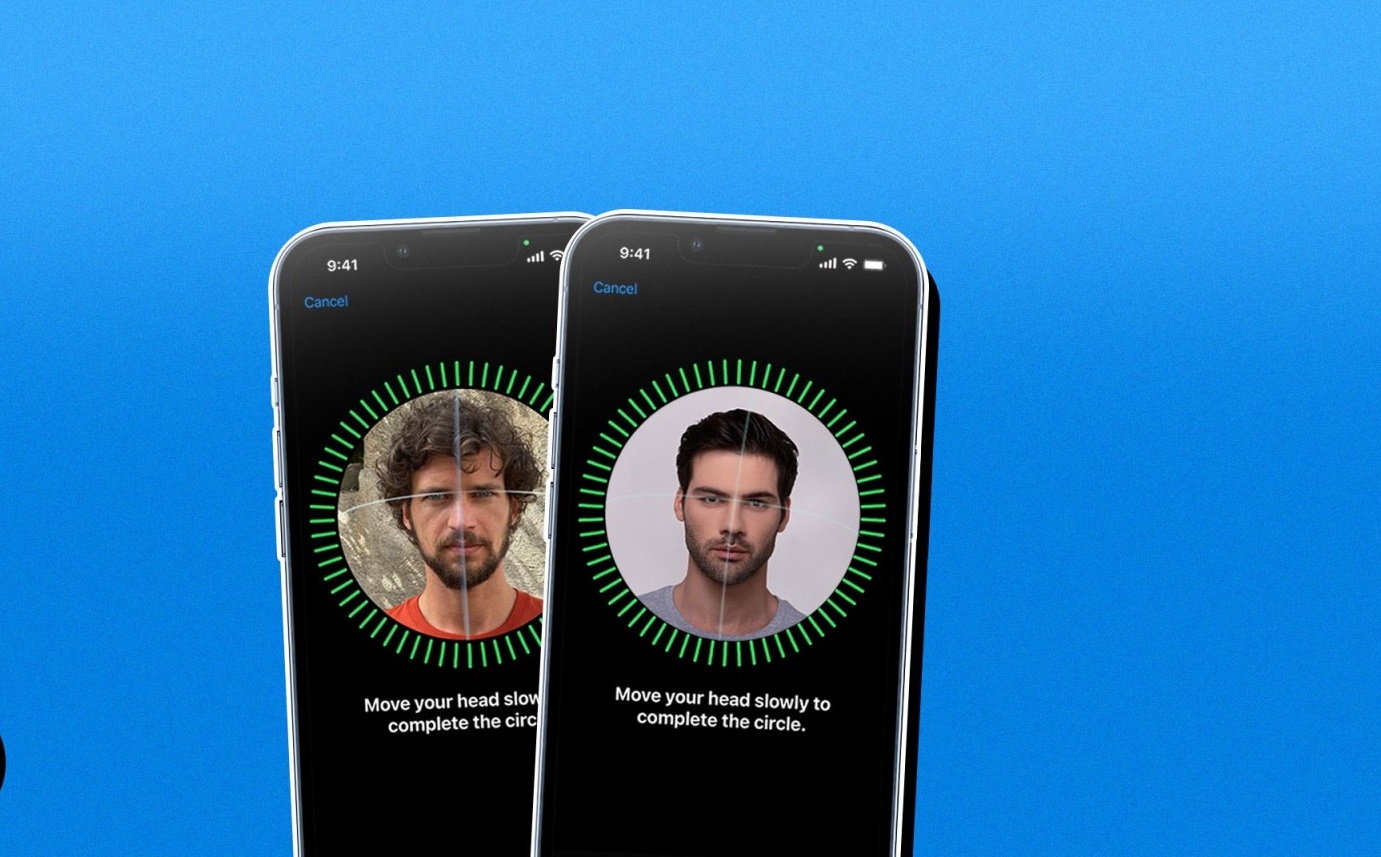
This tag collects articles about Apple’s Face ID, aimed at everyday iPhone and iPad users who want to control how facial recognition works on their own devices. Whether you are trying to lock down a specific app, recover access to a feature you have accidentally disabled, or simply understand what happens to your Face ID settings after a phone transfer, these guides are written for non-technical owners who want clear, step-by-step instructions. The content assumes you have a device that supports Face ID and that you are working with your own accounts and hardware.
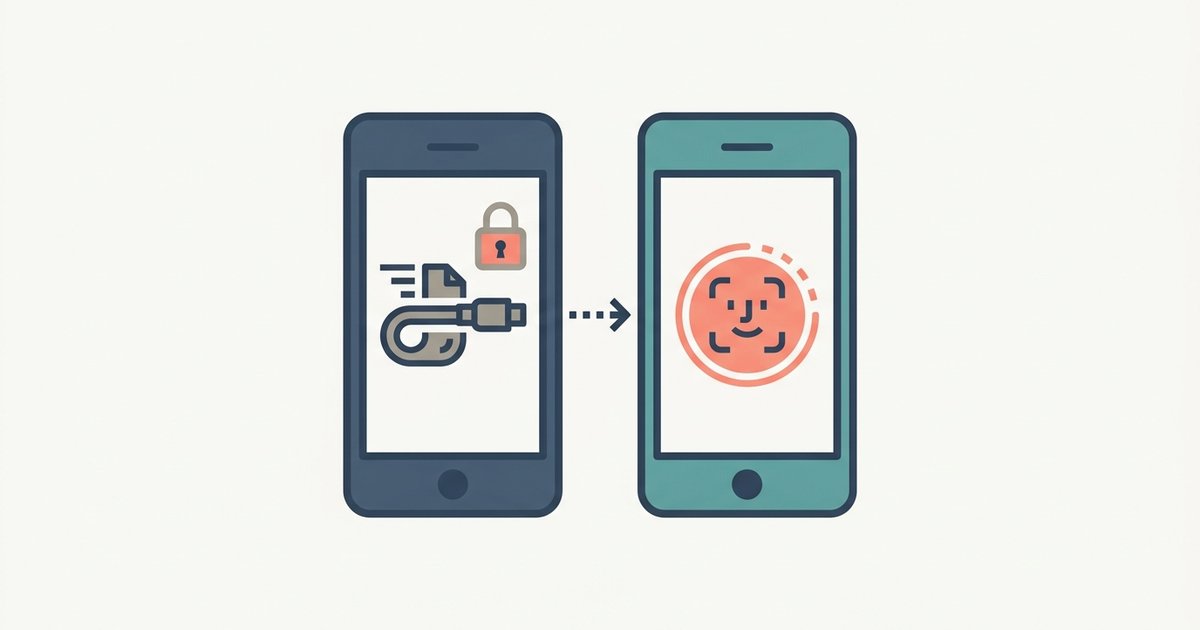
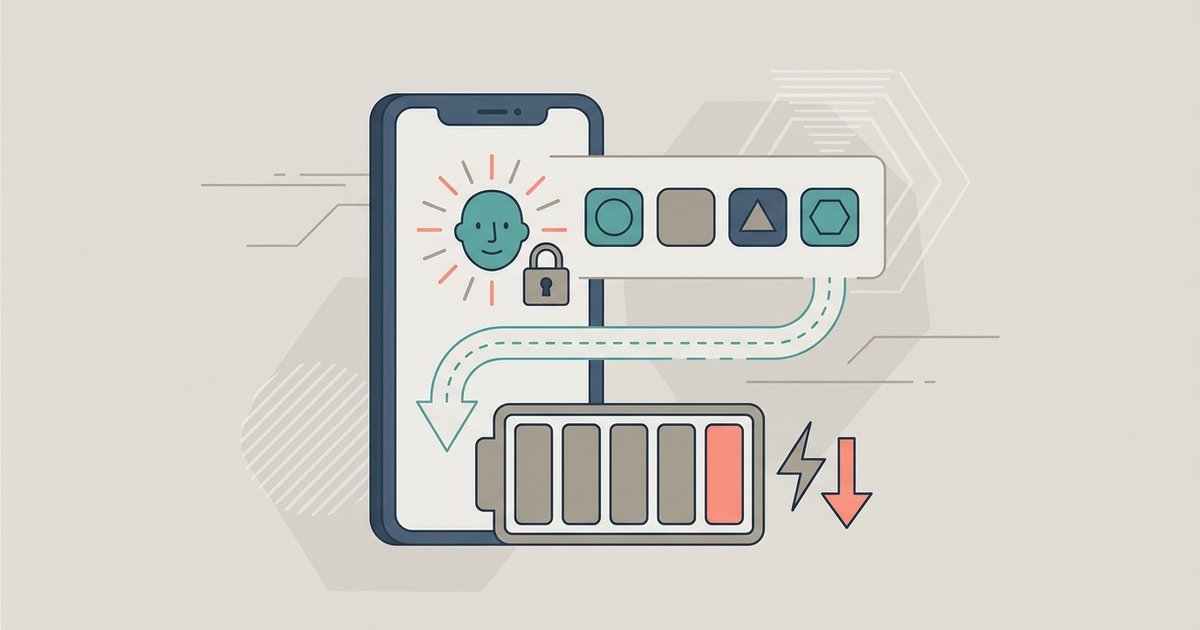
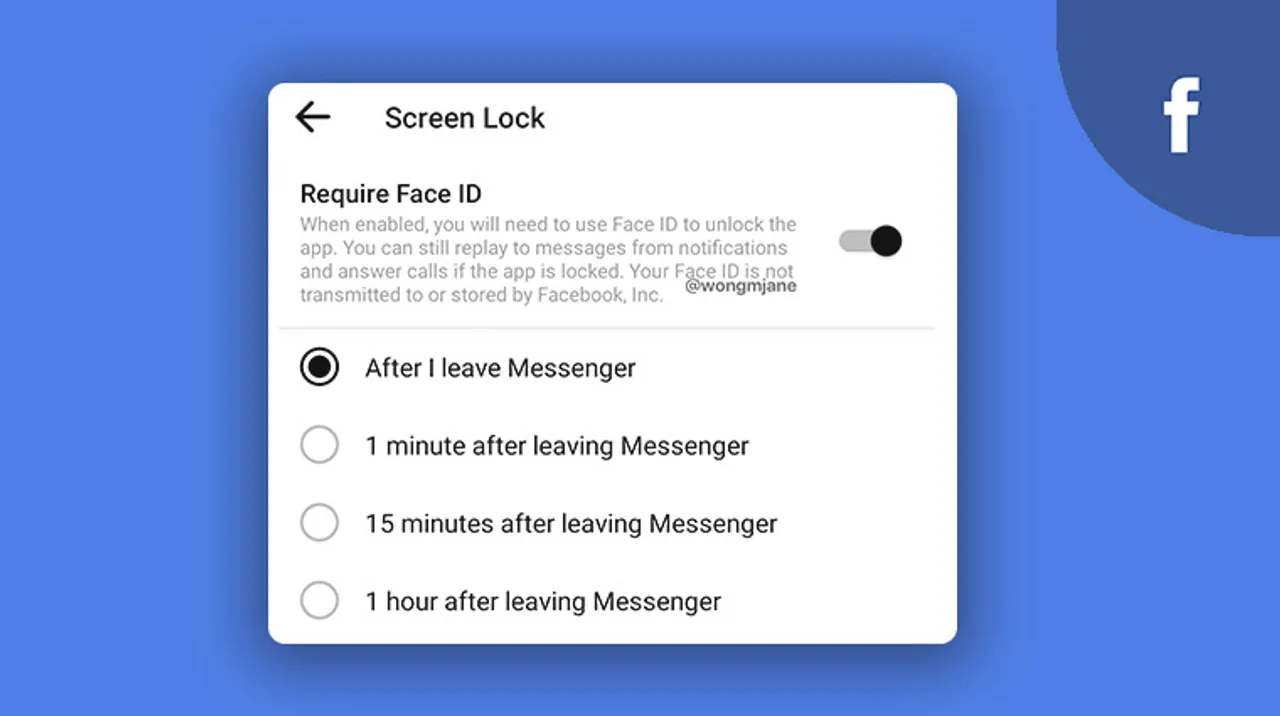
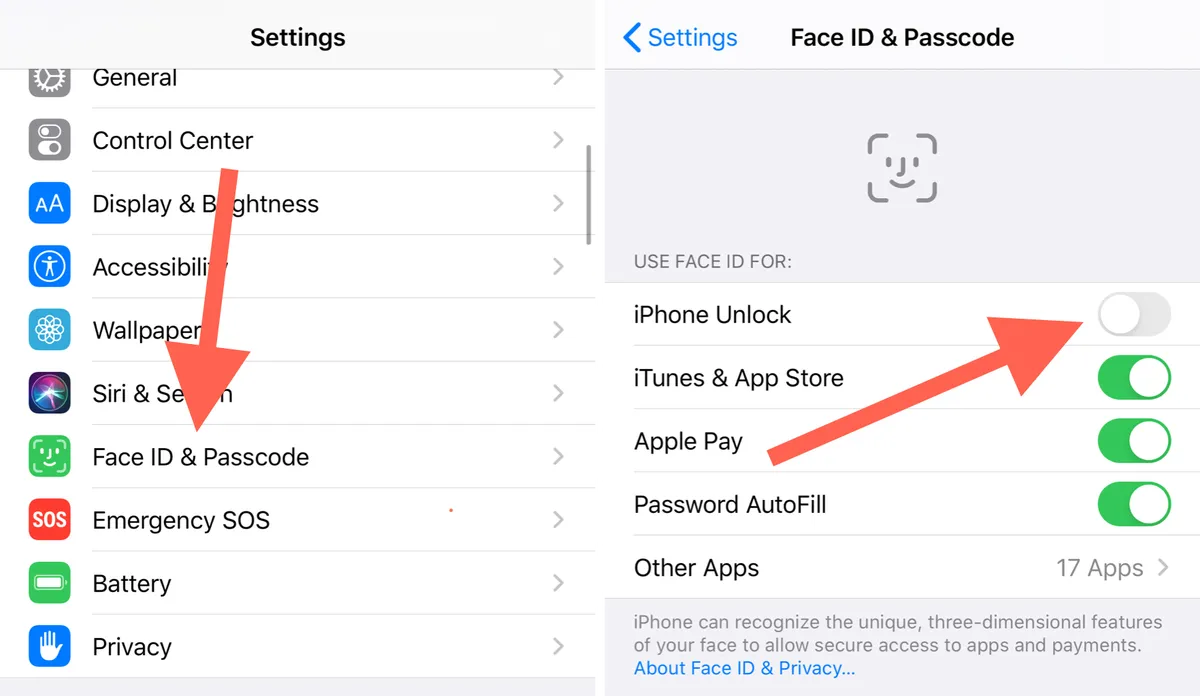
Several articles focus on enabling or disabling Face ID for specific services, such as Instagram, Facebook, Snapchat, and banking apps like Bank of America. Others address practical management tasks, like using Face ID instead of a passcode, opening locked Notes, or temporarily disabling Face ID for all apps without resetting your enrolled face. A second theme is troubleshooting and recovery: how to find Face ID passwords, how to turn off Face ID for recently deleted photos, and how to remove someone else’s Face ID from a phone you own. A third theme covers security and privacy decisions, including what happens to app Face ID locks after transferring to a new iPhone, whether Face ID drains battery faster, and how to use Apple Pay without Face ID.
Across all these articles, the reader is guided to perform legitimate, everyday actions, managing their own security settings, recovering access to their own data, and making informed choices about privacy. The tone is practical and safety-oriented, never encouraging bypassing, hacking, or cheating. Instead, the focus is on helping you take control of your device’s facial recognition features in a way that respects both your convenience and your security.