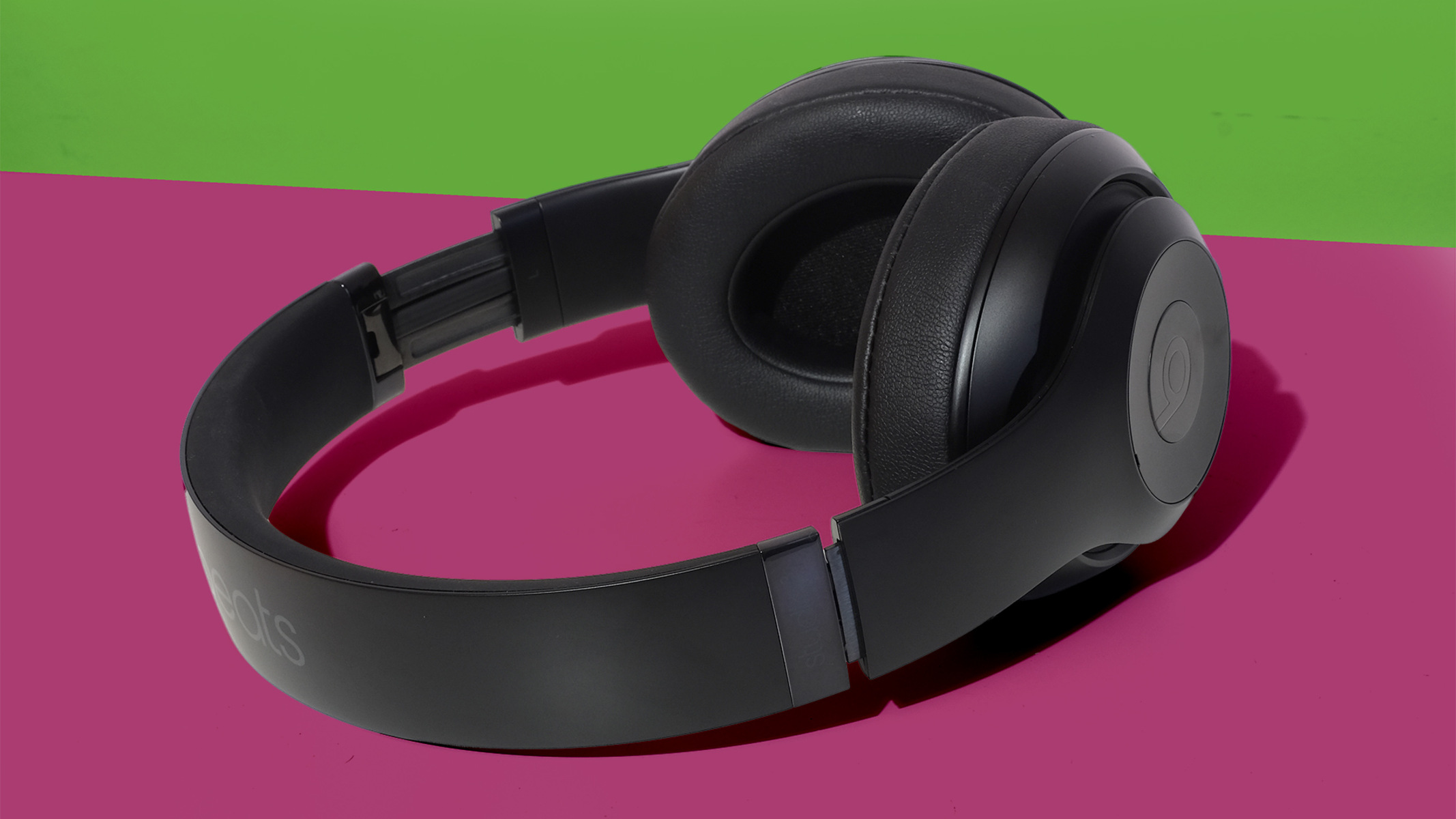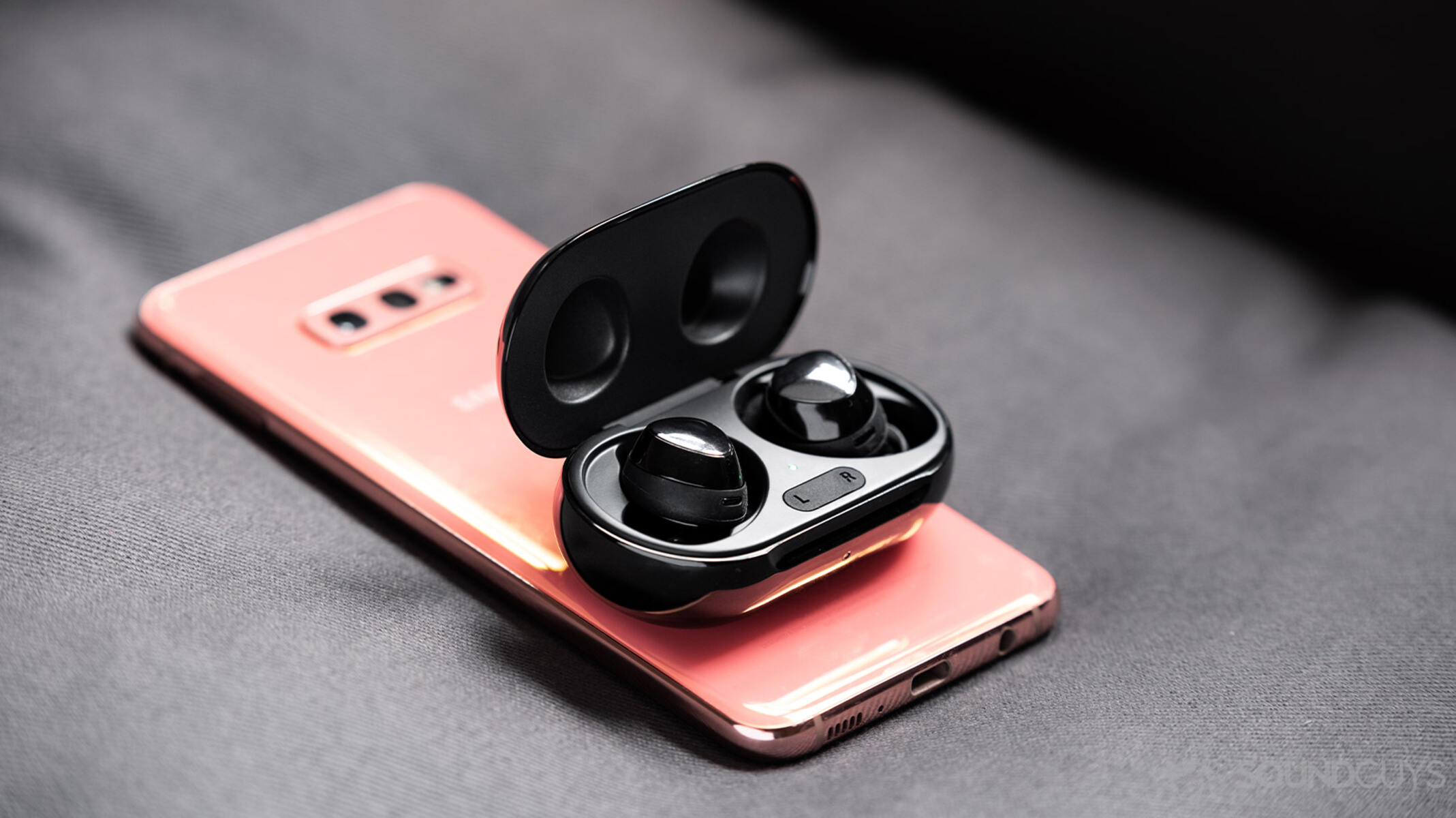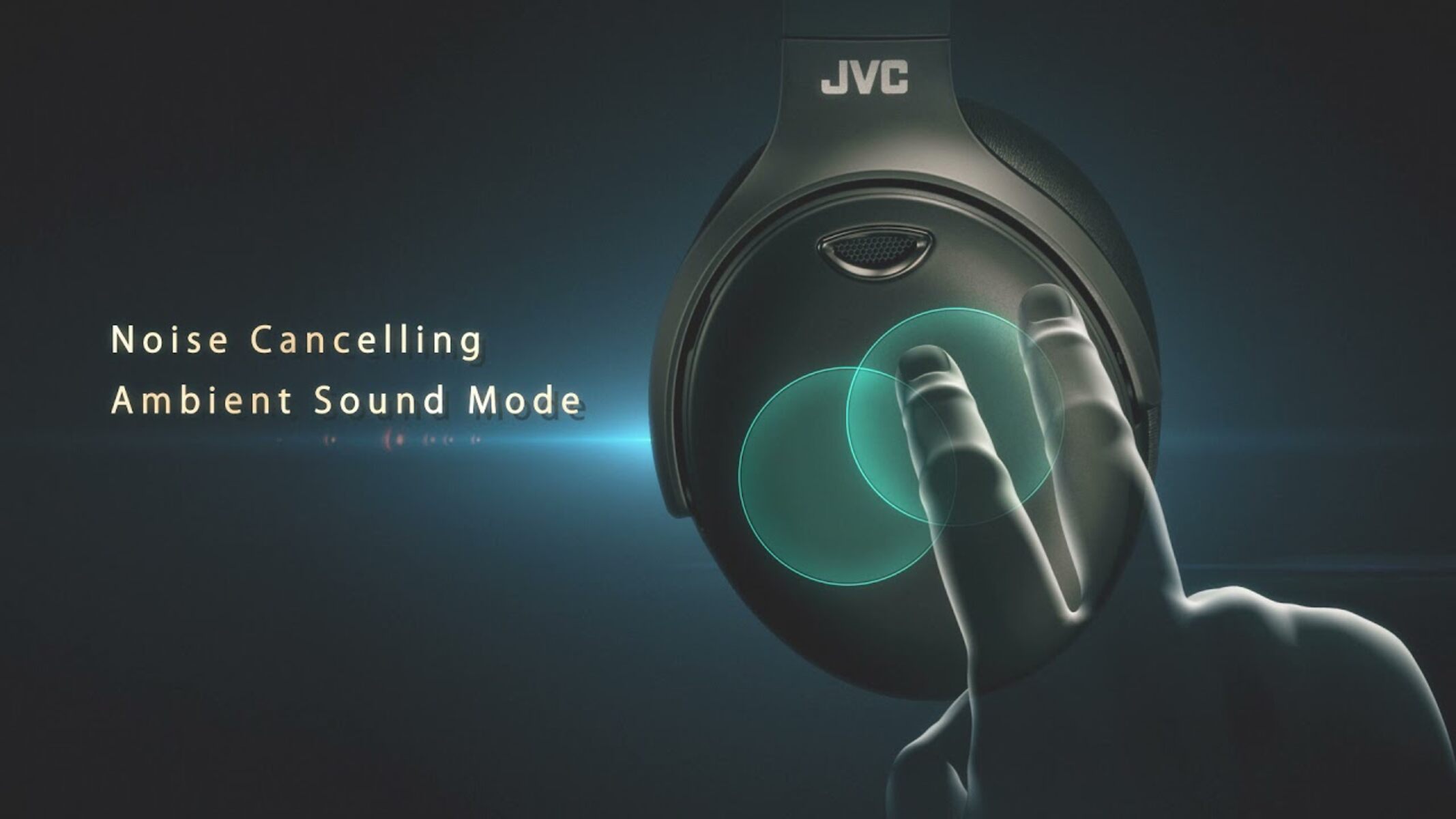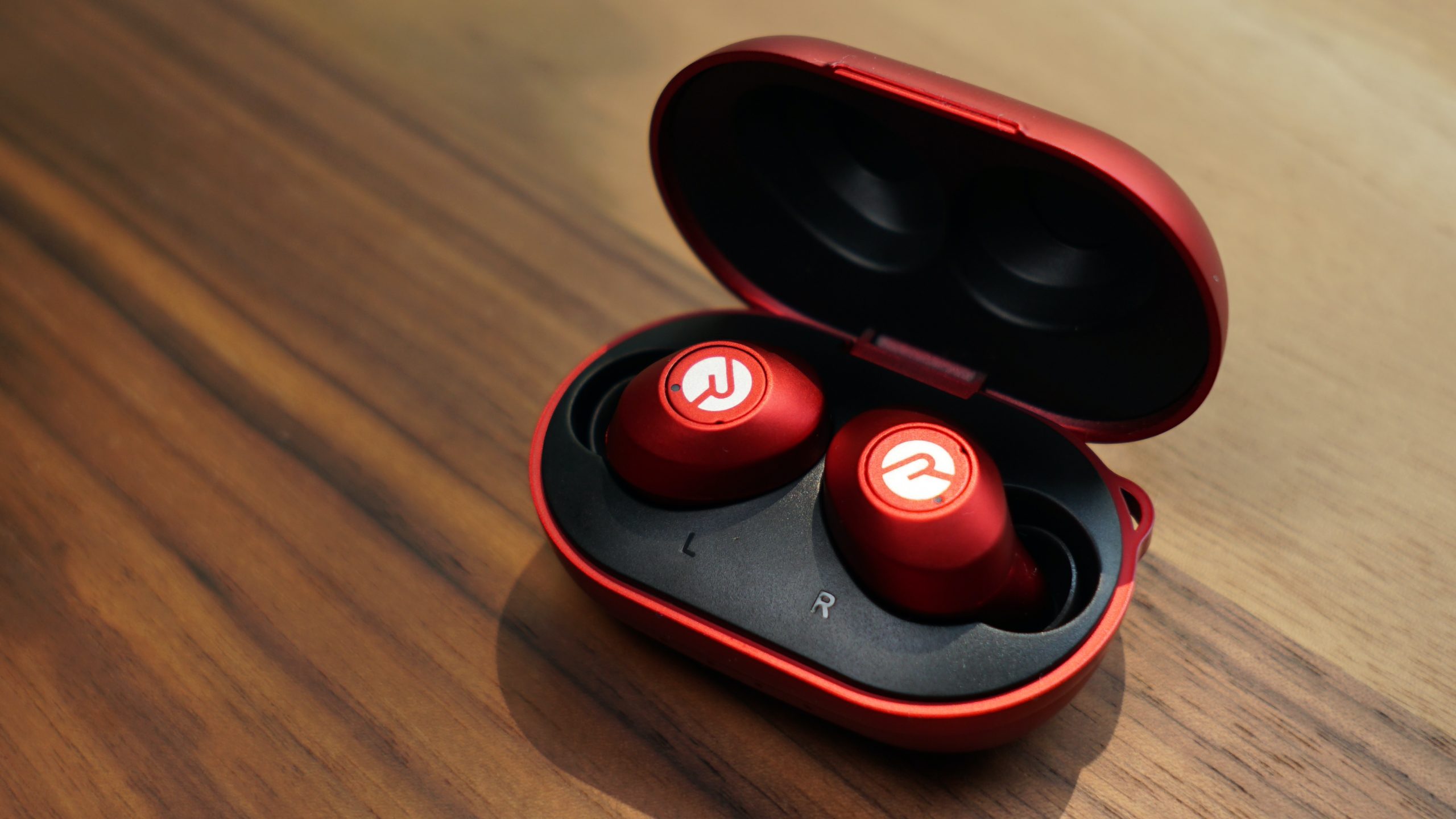
Yes, active noise cancelling always uses extra power because it runs dedicated microphones and a processing chip continuously. Turning ANC off will extend your listening time, often by several hours depending on the model.
Why noise cancelling battery drain happens
Noise cancelling drains battery because it demands constant electrical work beyond playing audio. The microphones on the outside of the earcups or earbuds must stay powered to capture ambient sound. That raw noise is then fed into a dedicated digital signal processor (DSP) that calculates the inverse waveform in real time. Generating that anti-noise wave through the speakers adds another continuous load. Every millisecond of silence you hear requires the battery to supply current to the mics, the DSP, and the speaker driver simultaneously. When you turn noise cancelling on, you are effectively running a small computer inside your headphones that never sleeps. If your earbuds die faster than expected, learning how to turn on noise cancelling on raycon earbuds only when needed can help extend their battery life.
How much battery you actually lose
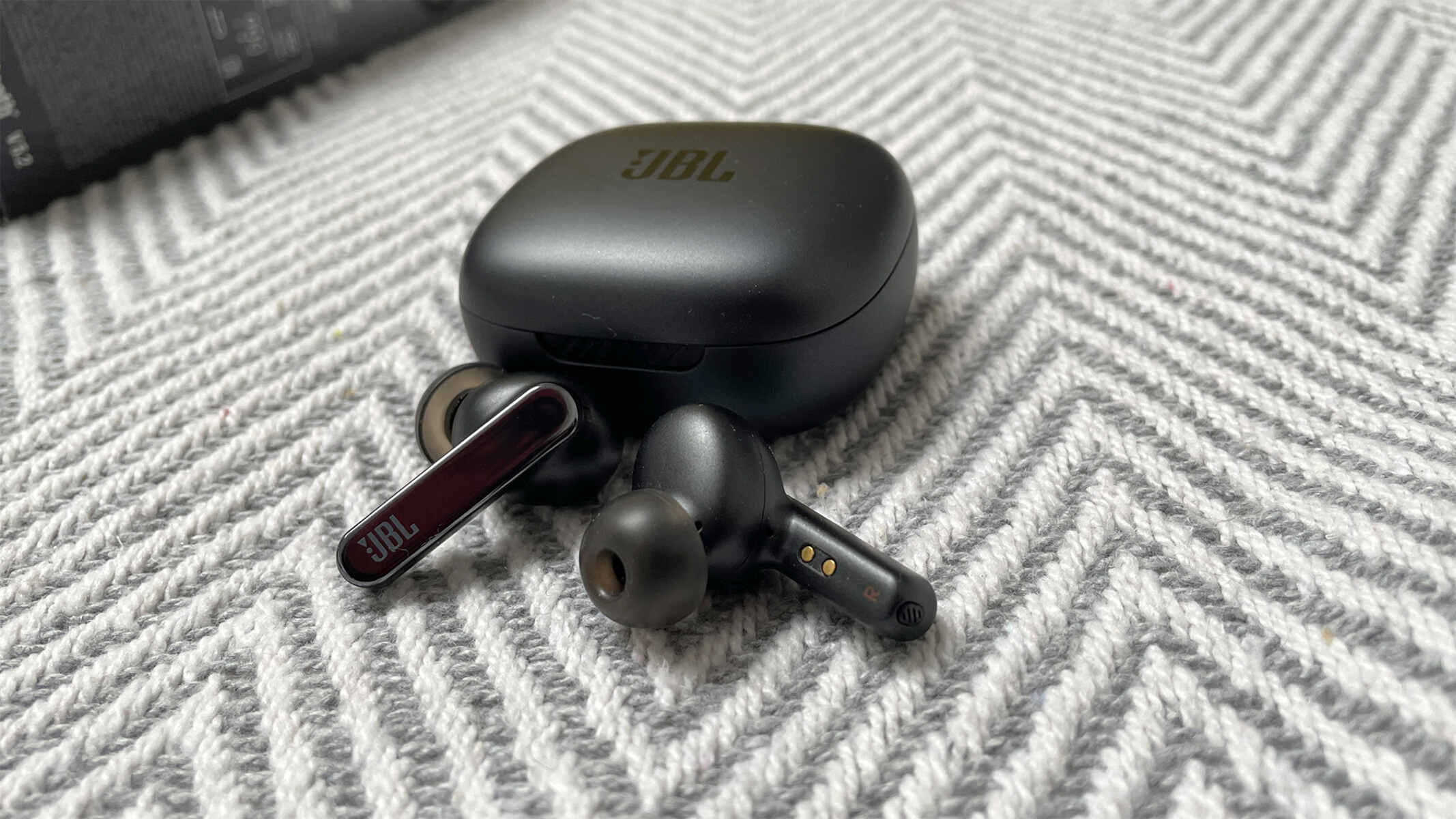
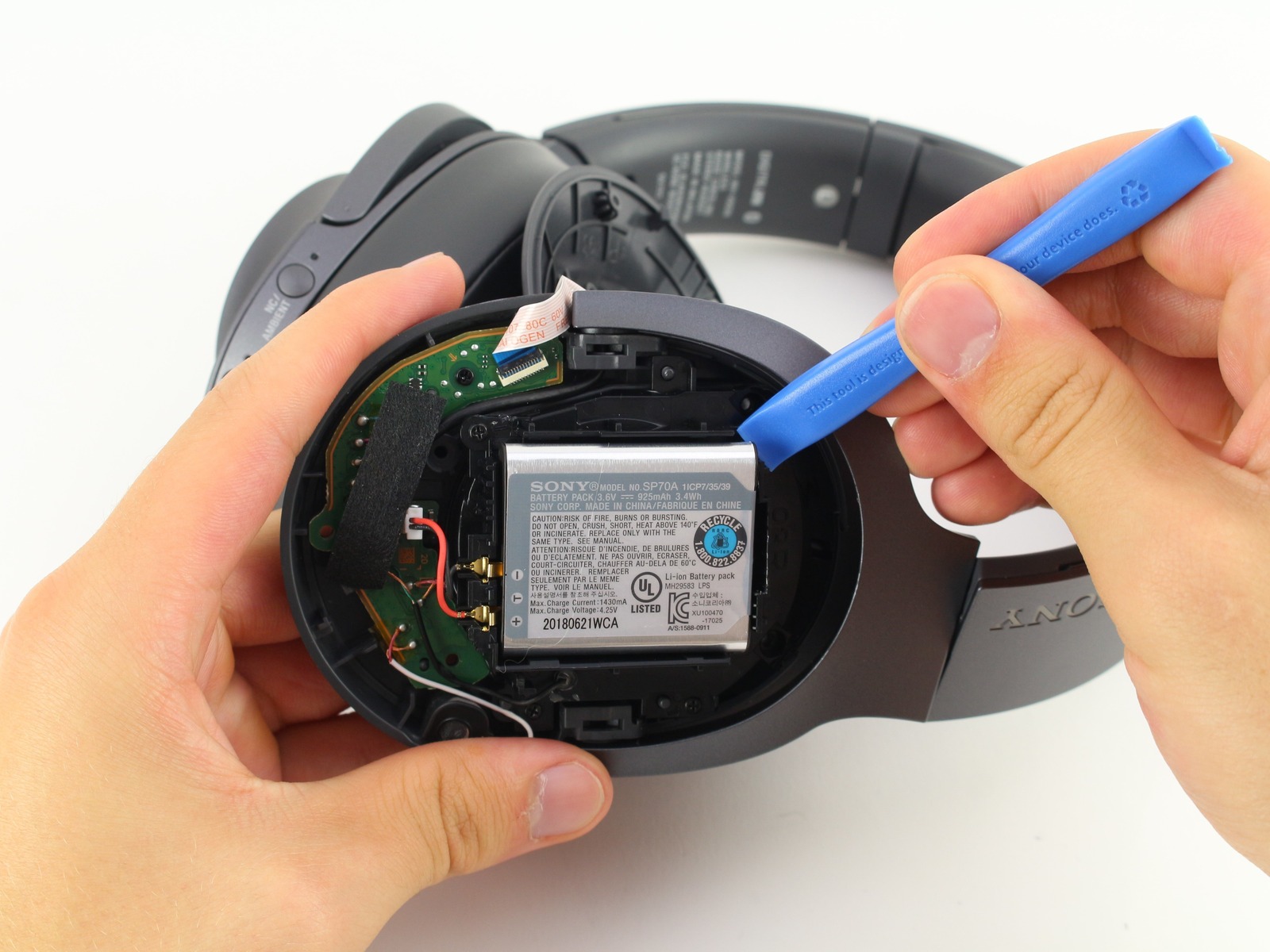
The real-world gap between ANC on and off typically falls between 20 and 25 percent, but the number varies widely by brand and codec. Sony’s WH-1000XM5, for example, advertises a noticeable drop in battery life with ANC on compared to ANC off, often around a 20 to 25 percent penalty depending on usage conditions. Apple’s AirPods Pro (second generation) have a very efficient H2 chip, resulting in only a small battery life difference between having ANC on versus off. If you turn on noise cancelling on JBL earbuds like the JBL Tour One M2, you will experience a noticeable reduction in total battery life, typically around a 10 to 15 percent hit. The variation comes down to how aggressively the manufacturer optimizes the DSP firmware and whether they use a low-power mic array.
When turning ANC off saves nothing
There is a failure case where switching off ANC does not recover battery life: when transparency mode or wind-reduction features are active. Both modes keep the microphones and DSP running at full power because they still need to capture and reprocess sound. On many earbuds, including some from Sony and Samsung, the microphones remain powered regardless of your setting because the device uses them for beamforming during calls or for the adaptive volume feature. On many earbuds, including some budget models, the battery drain can be identical whether you use ANC or ambient mode because the chipset keeps the microphones and processing running at full power for both functions. The only way to save power is to disable all processing entirely, which often requires a dedicated “off” mode in the app rather than just toggling ANC off.
Other features that drain more than ANC
Noise cancelling is rarely the biggest battery hog in modern headphones. Spatial audio with head tracking consumes significantly more power because it must constantly poll the gyroscope and accelerometer while remixing the audio stream in real time. High-bitrate codecs like LDAC and aptX Adaptive also draw extra current from the Bluetooth radio, often adding 10 to 15 percent drain on top of ANC. Always-on voice assistants, Google Assistant, Alexa, or Siri, keep the mic array listening even when you are not speaking, which can significantly cut battery life. If you pair Skullcandy noise cancelling headphones and enable a background Bluetooth scanning feature like a Tile tracker for finding them, that feature can also consume significant power. The lesson is simple: before blaming noise cancelling, check whether spatial audio, LDAC, or a wake-word assistant is the real culprit.
The battery drain from active noise cancelling is never a fixed percentage because every manufacturer implements its own chipset, microphone array, and firmware logic, meaning the only way to know your true runtime is to measure it on your specific pair of headphones with your typical mix of features enabled.