Practical, step-by-step guidance for anyone who owns wireless or noise-cancelling headphones and wants to get the most out of them without frustration. It is written for everyday consumers, people pairing a new set of earbuds with their phone, trying to connect an old pair to a tablet, or troubleshooting audio issues on a home Wi‑Fi call. The articles assume no deep technical knowledge, just a desire to make headphones work reliably in daily life.
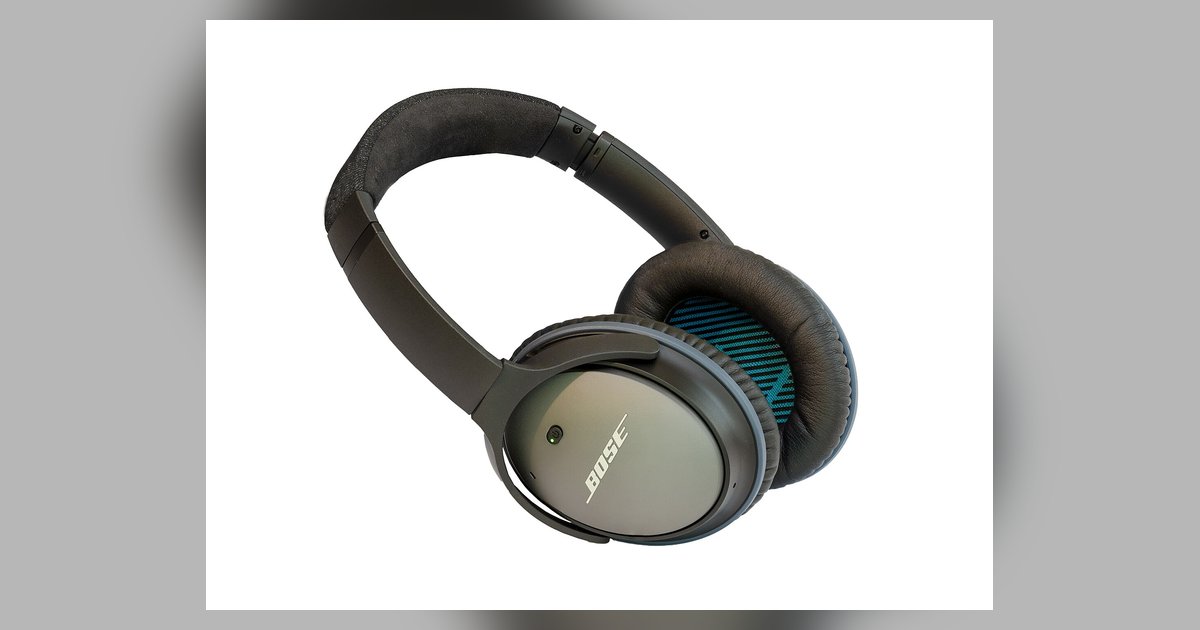
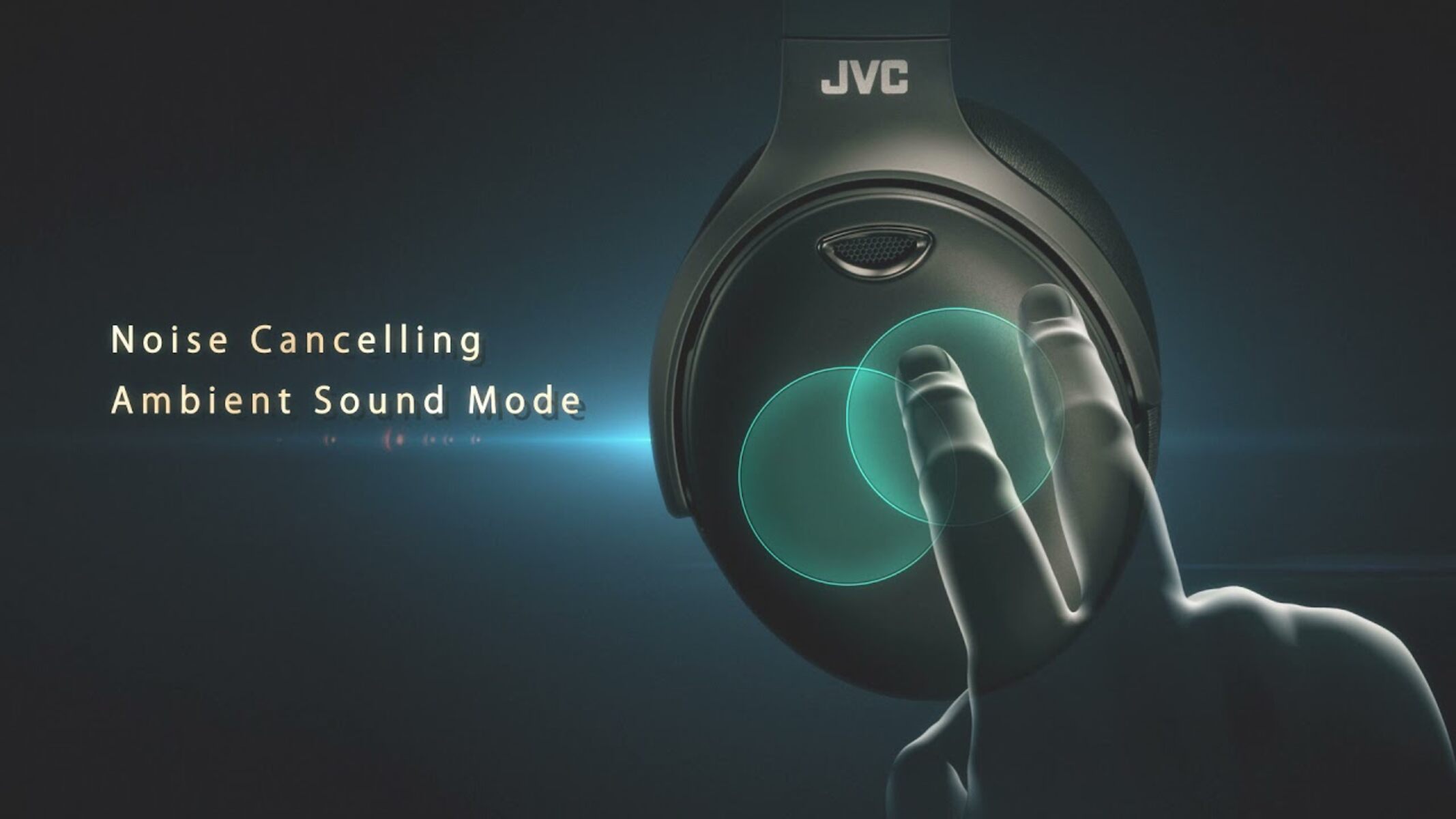
A clear theme across the list is connectivity: how to pair JBL wireless earbuds, how to connect Beats to Bluetooth, and how to link headphones to an Amazon Fire tablet. These pieces walk the reader through the exact steps to establish a stable connection, whether the device is an iPhone, Android phone, or a less common tablet. Another major theme is noise cancellation, not just turning it on for specific models like Bose, Skullcandy, or Beats Studio, but also understanding the underlying concepts. Articles explain the difference between noise cancelling and ambient sound, and between adaptive and active noise cancelling, so readers can choose the right mode for their environment. They also answer practical questions like whether noise cancelling drains battery faster, which helps people plan longer listening sessions.
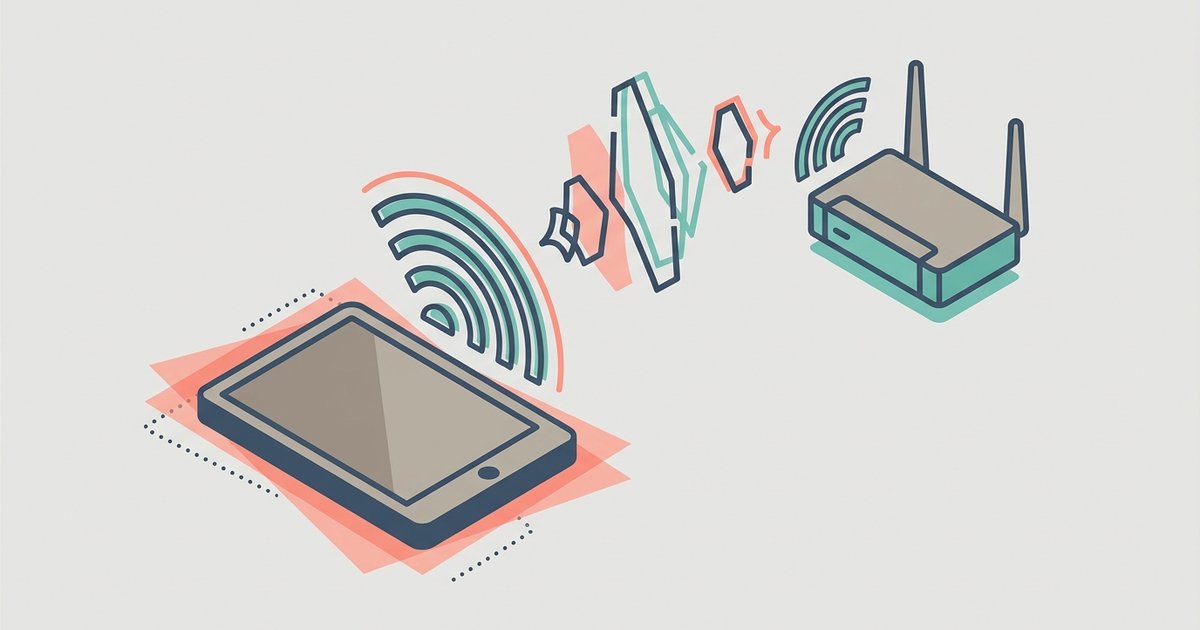
A smaller but important group of articles deals with recovery and call quality. One piece helps readers find lost Bluetooth headphones that are turned off on Android, focusing on safe, legal methods like using tracking apps and last-known-location logs, not any kind of bypass. Another explains why a tablet call might echo or lag over Wi‑Fi, offering troubleshooting steps for a common home-office annoyance. Throughout, the tag aims to help readers pair, configure, recover, and understand their headphones, so they spend less time fiddling and more time listening.