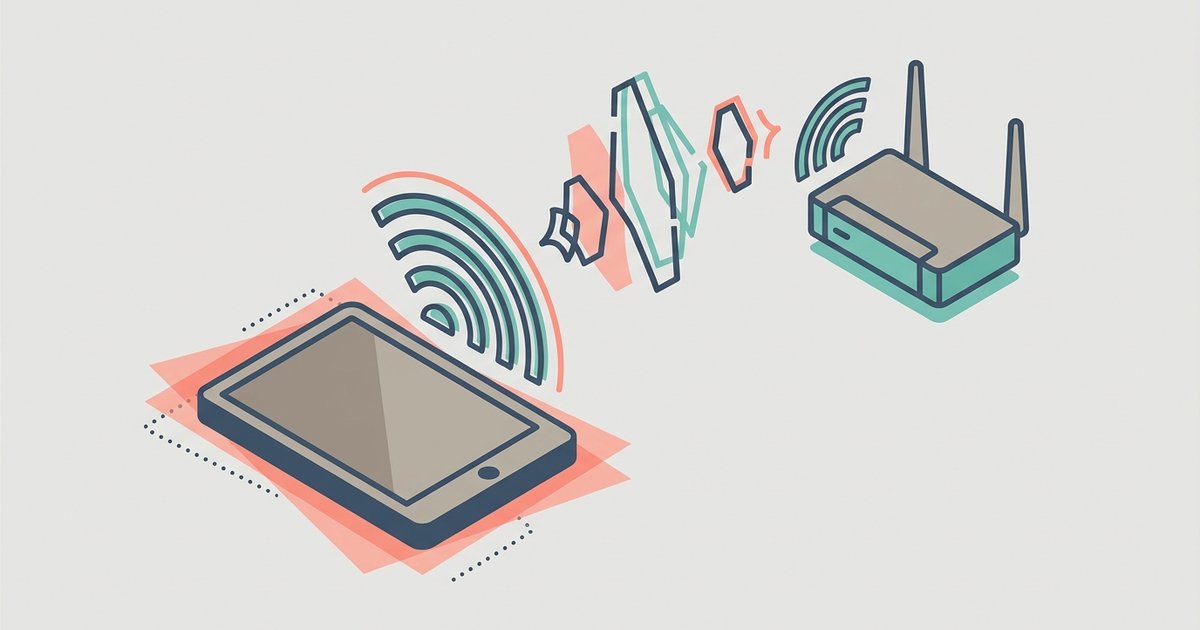
Echo and delay on Wi-Fi calls are almost always caused by network congestion or acoustic feedback, not a faulty tablet. Fix it by switching to a less crowded Wi-Fi band (5 GHz) and using headphones to break the echo loop.
The real reason your tablet call echoes back
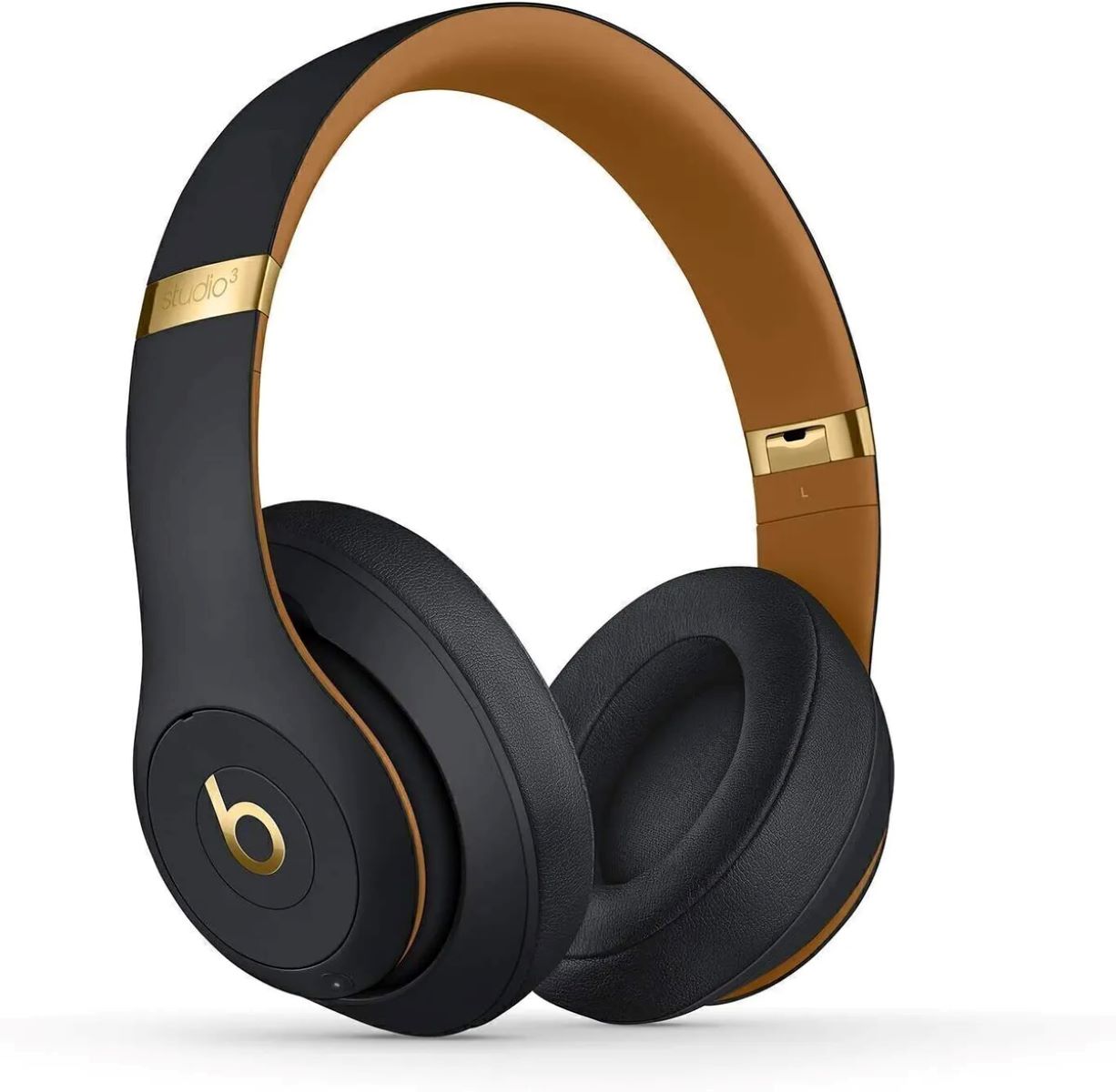
The echo you hear is not your voice bouncing off a server; it is acoustic feedback. Your tablet’s loudspeaker plays the other person’s voice, that sound travels through the air into the tablet’s microphone, and the microphone sends it back to the caller. Tablets are especially prone to this because their speakers and microphones are often on the same flat surface, with no physical barrier between them. The larger the tablet, the worse the problem, a 10-inch screen creates a broad sound path that is hard to cancel. If you want to make a phone call from your tablet without echo, you must either reduce speaker volume below the feedback threshold or use headphones. Headphones physically separate the outgoing and incoming audio, so the microphone never hears the speaker output. Unlike smartphones, tablets ship without a dedicated handset earpiece speaker, so every call defaults to speakerphone behavior that invites acoustic feedback. Many users also forget that the tablet’s built-in echo cancellation works only when the microphone and speaker are far apart; holding the tablet close to your face actually worsens the loop.
Why your call lags even with full Wi-Fi bars
Full Wi-Fi bars only show signal strength, not network quality. A strong signal can still suffer from bufferbloat, a condition where your router holds too many data packets in its queue, delaying time-sensitive voice traffic. When you get a phone number on a tablet and activate Wi-Fi calling, your voice is split into tiny packets that must arrive within 150 milliseconds or the conversation feels robotic. If your router is handling a video stream, a game download, or multiple smart-home devices, those packets get stuck in the buffer. The fix is to force your tablet onto the 5 GHz band instead of 2.4 GHz. 5 GHz offers shorter range but far less interference from neighboring networks and fewer devices competing for airtime. On most tablets, you can set the Wi-Fi band in the advanced Wi-Fi settings menu. If your router supports Quality of Service (QoS), enable it and prioritize voice traffic. Signal strength bars will still show full signal even with bufferbloat, they are a misleading indicator for real-time calls.
When the fix isn't on your end
If you have switched to 5 GHz, used headphones, and still hear echo or delay, the problem may be on the other person’s side. To confirm, find your tablet’s phone number in its settings, then call a different device, preferably a landline or a phone on a different network. If the echo disappears, the original caller’s device or network is causing the feedback. For example, they might be using speakerphone on a phone with poor echo cancellation, or their router is congested. You can also ask them to switch to a wired headset or move to a different room. Another clue: if the echo is one-way (only you hear it, or only they hear it), the problem is almost certainly on the side that hears the echo. You cannot fix their hardware, but you can ask them to check their own Wi-Fi calling settings. If you need to verify your own device’s identity, you can always check your phone number on this tablet in the SIM card or eSIM settings, but that number is irrelevant if the issue is network lag on the far end. In rare cases, a carrier’s Wi-Fi calling server introduces delay; try toggling Wi-Fi calling off and on again in the “Cellular” settings menu (or “Phone” settings on some devices) to force a fresh connection to the server. For a deeper understanding of how to make a phone call from my tablet, consider exploring the broader topic of tablet-based calling beyond just troubleshooting echo issues. Remember that not all calling apps support emergency services, so confirm your setup before relying on it for calling 911 from a VoIP app on a tablet.