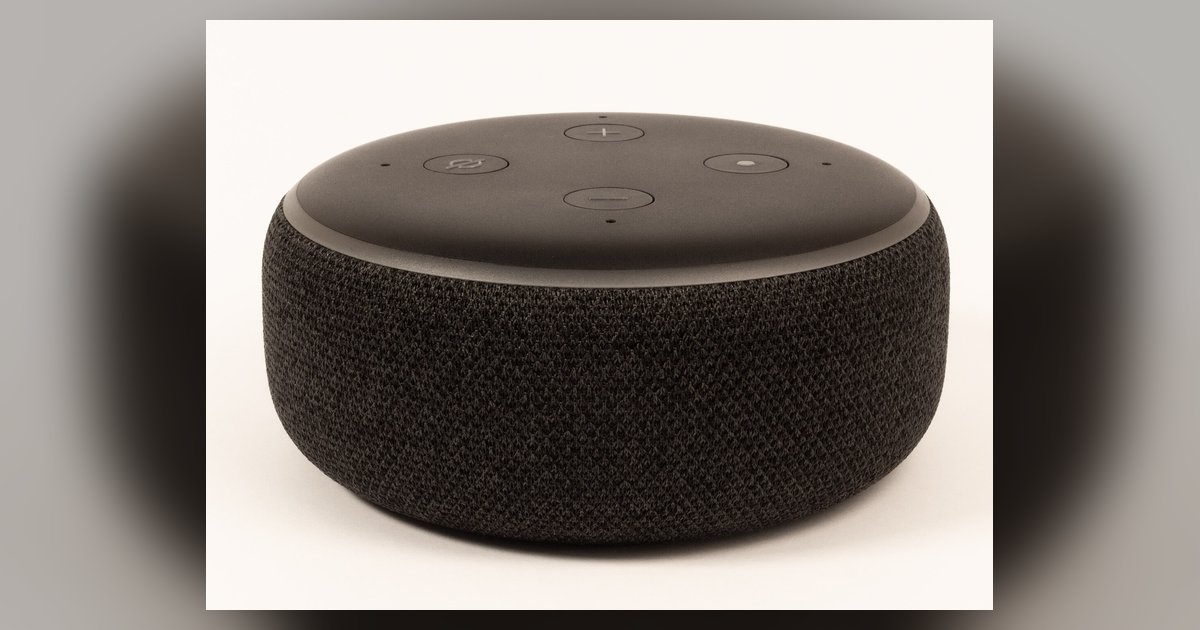
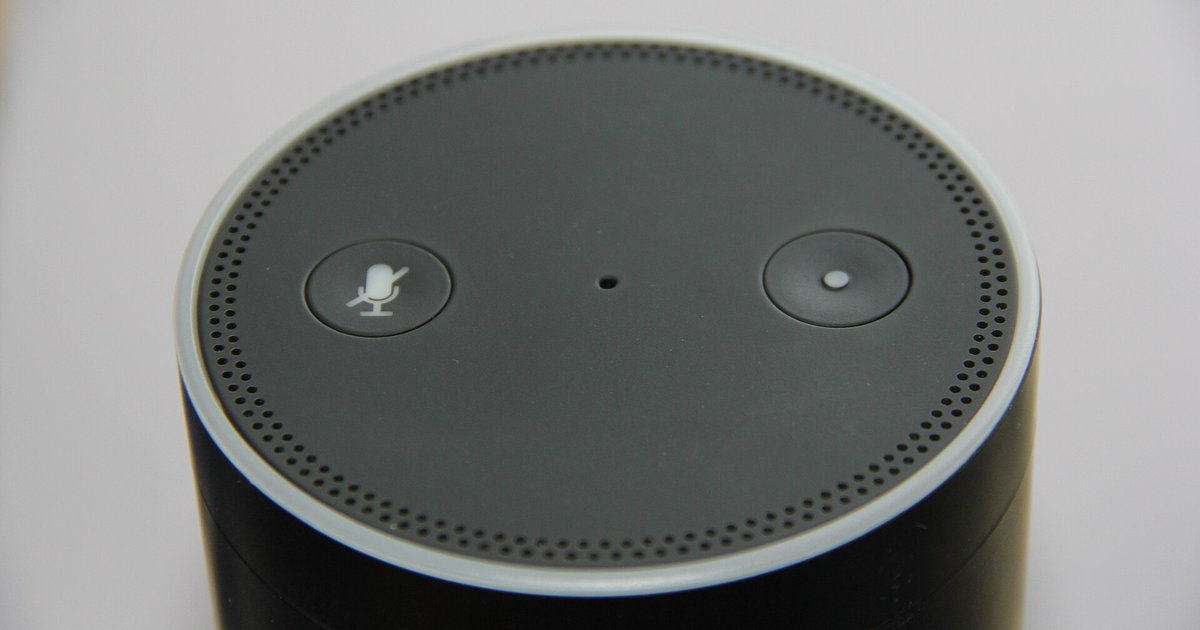
Before you start: connect Alexa to wifi setup methods and requirements To connect Alexa to WiFi, you need to know which echo models support browser-based wifi setup and which require...
Most Echo models, including screenless ones, support browser-based Wi-Fi setup via `Alexa.amazon.com`; the Echo Show and Echo Input also offer a captive portal method. Echo wifi setup via browser: supported...
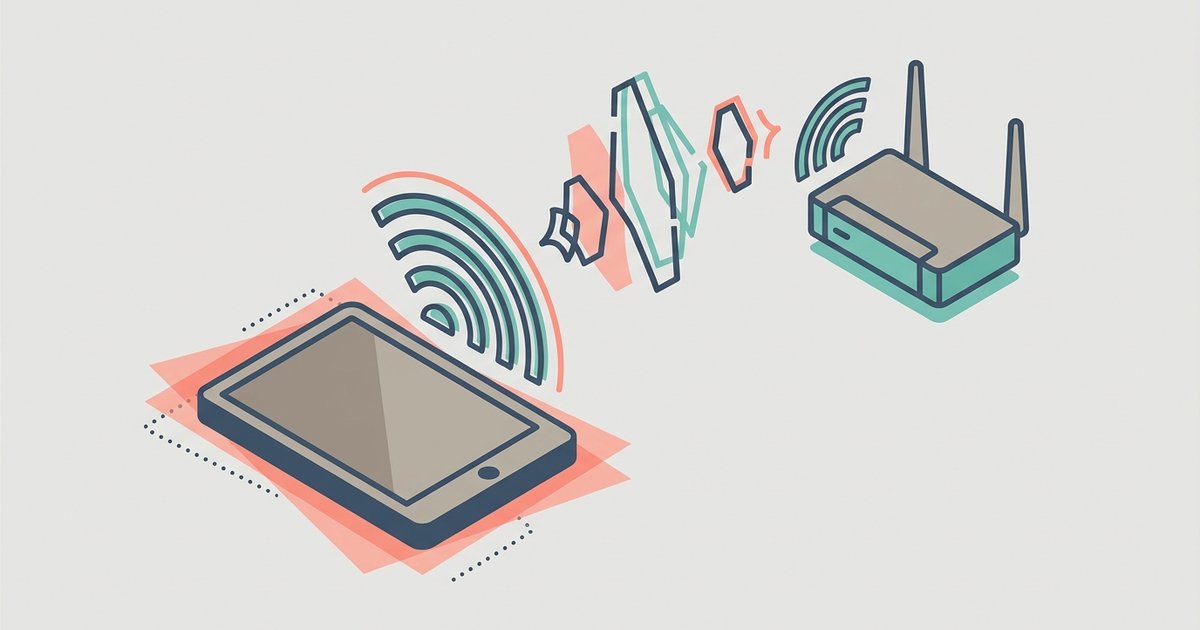
Echo and delay on Wi-Fi calls are almost always caused by network congestion or acoustic feedback, not a faulty tablet. Fix it by switching to a less crowded Wi-Fi band...
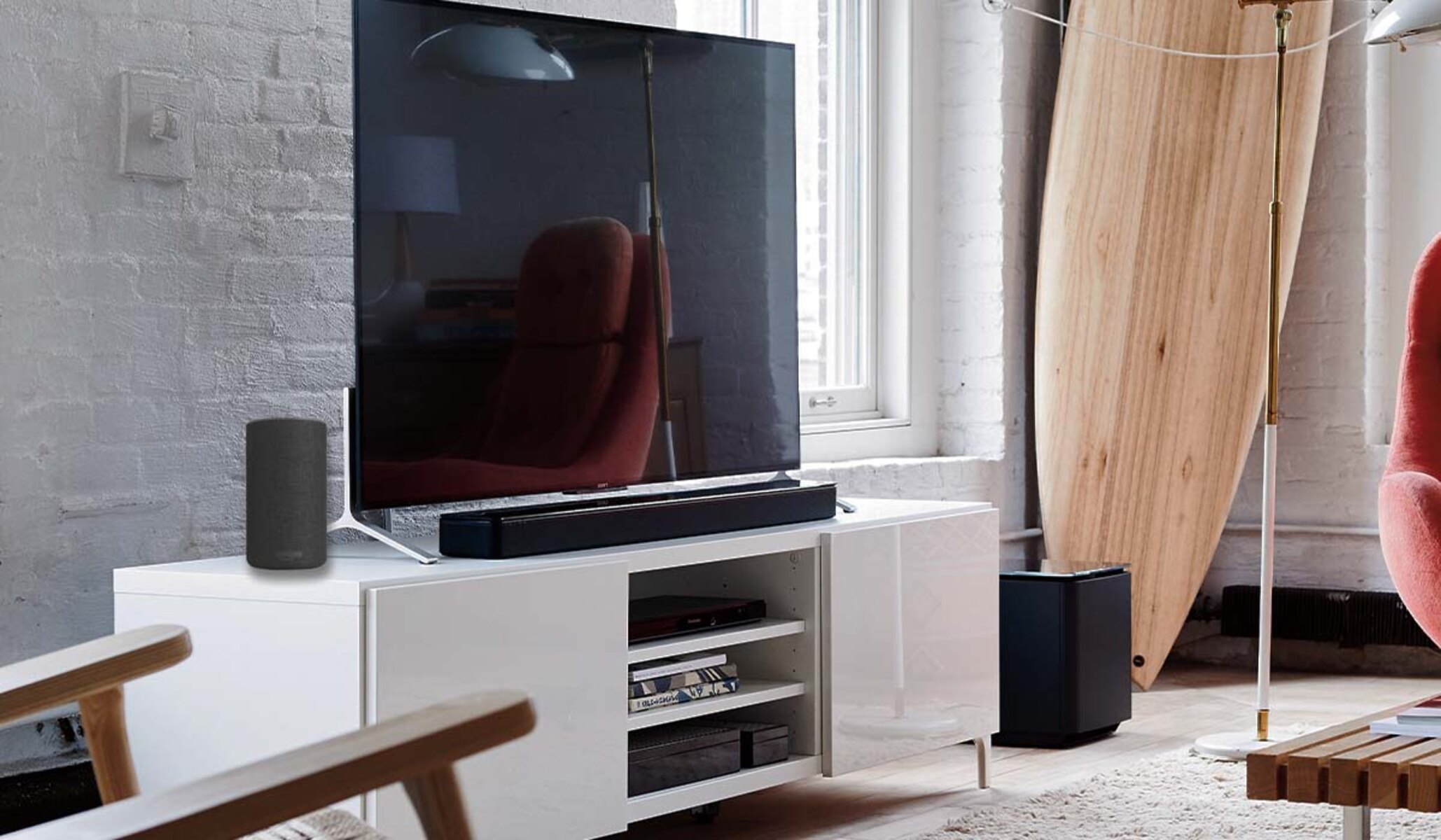
To connect Alexa to a soundbar, you have two main paths: pair your Echo device to a Bluetooth or AUX soundbar for louder audio, or activate the Alexa features already...
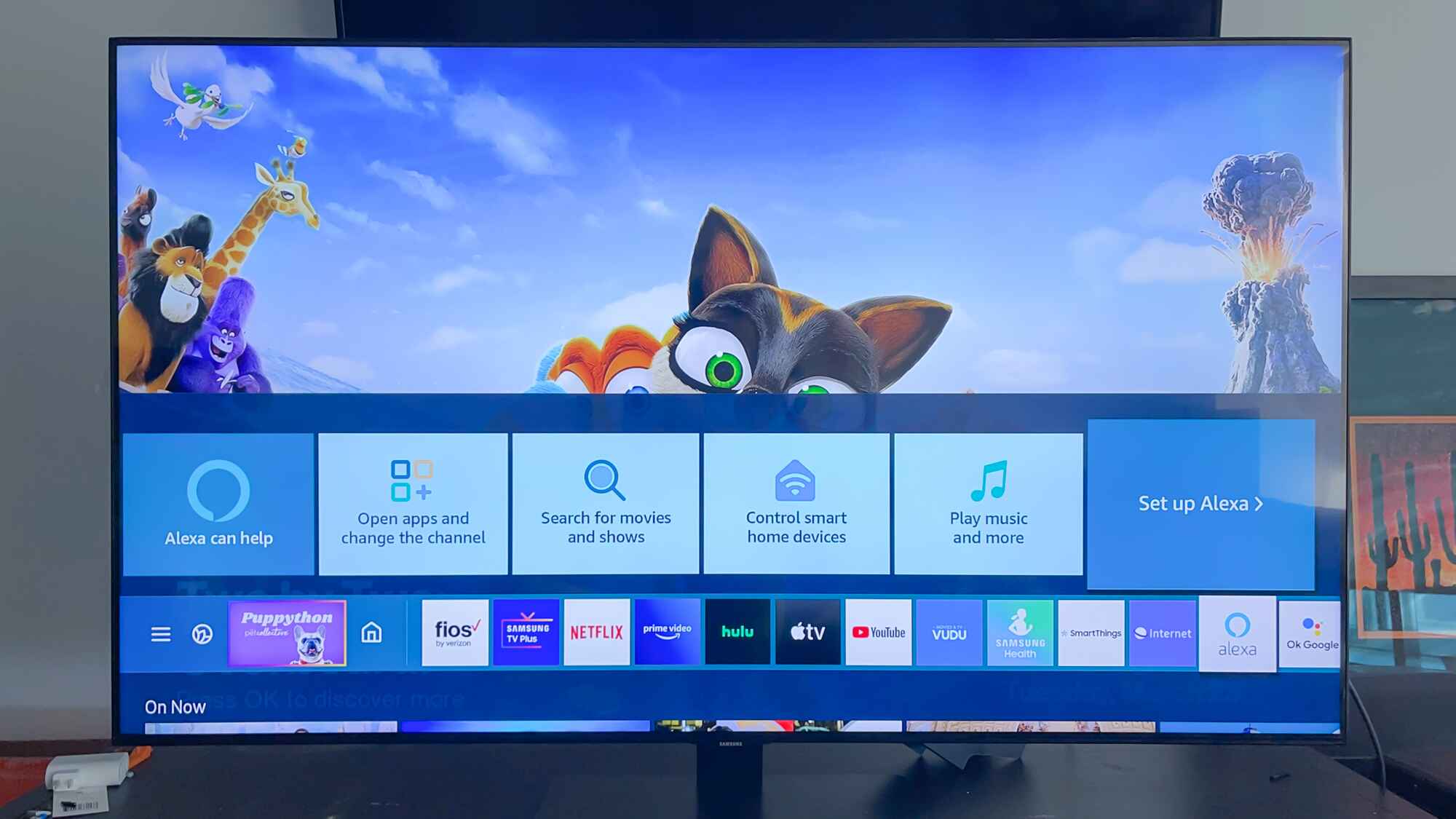
You can connect your Samsung Smart TV to Alexa in one of two ways: use the Alexa built directly into newer Samsung TVs, or link an external Echo speaker to...
To view Blink camera on Samsung Smart TV, you need to use an Alexa voice command through a connected Fire TV, Echo device, or the TV's built-in Alexa, not a...
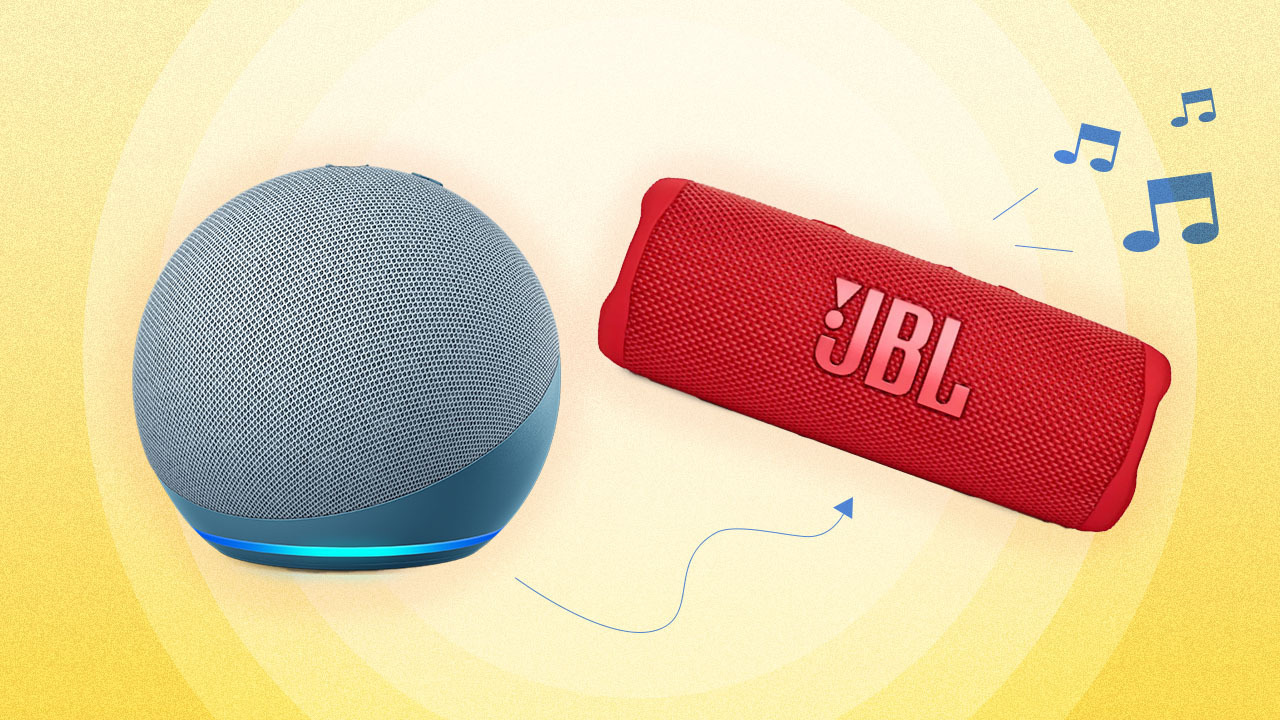
To connect Alexa to Bluetooth, open the Alexa app on your phone or tablet and pair your Echo device with a Bluetooth speaker, headphones, or your phone for wireless audio....
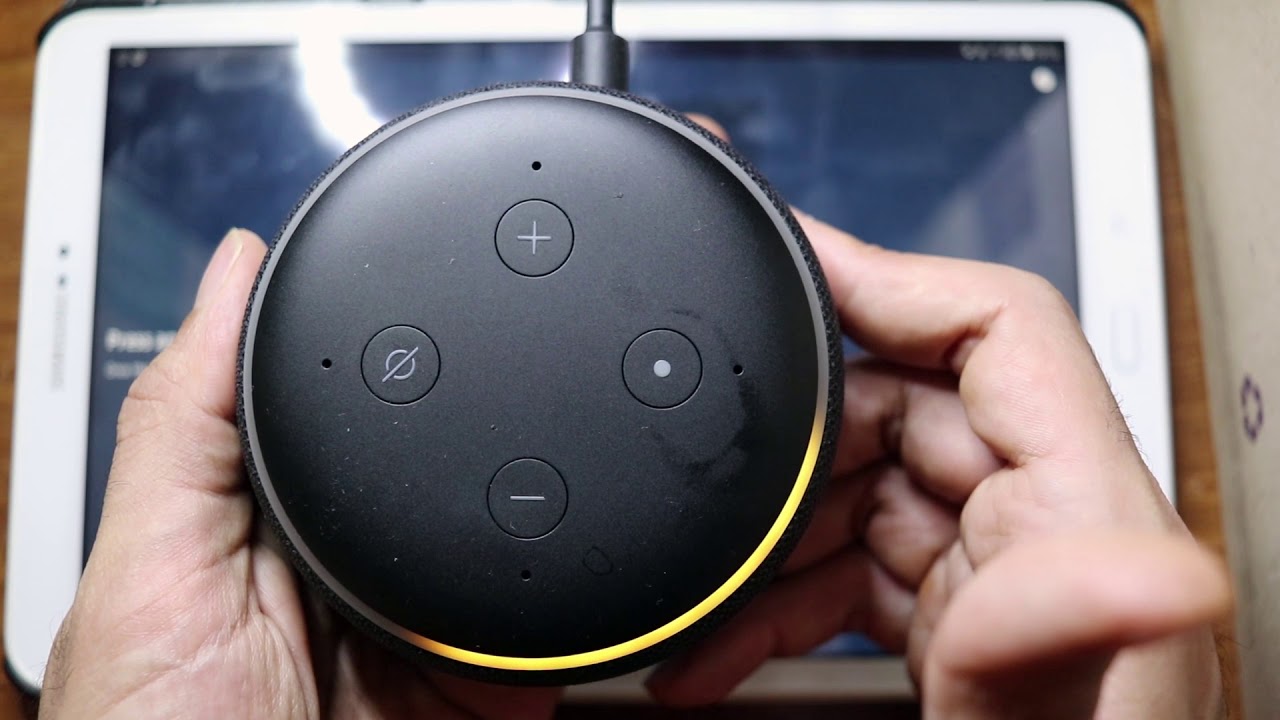
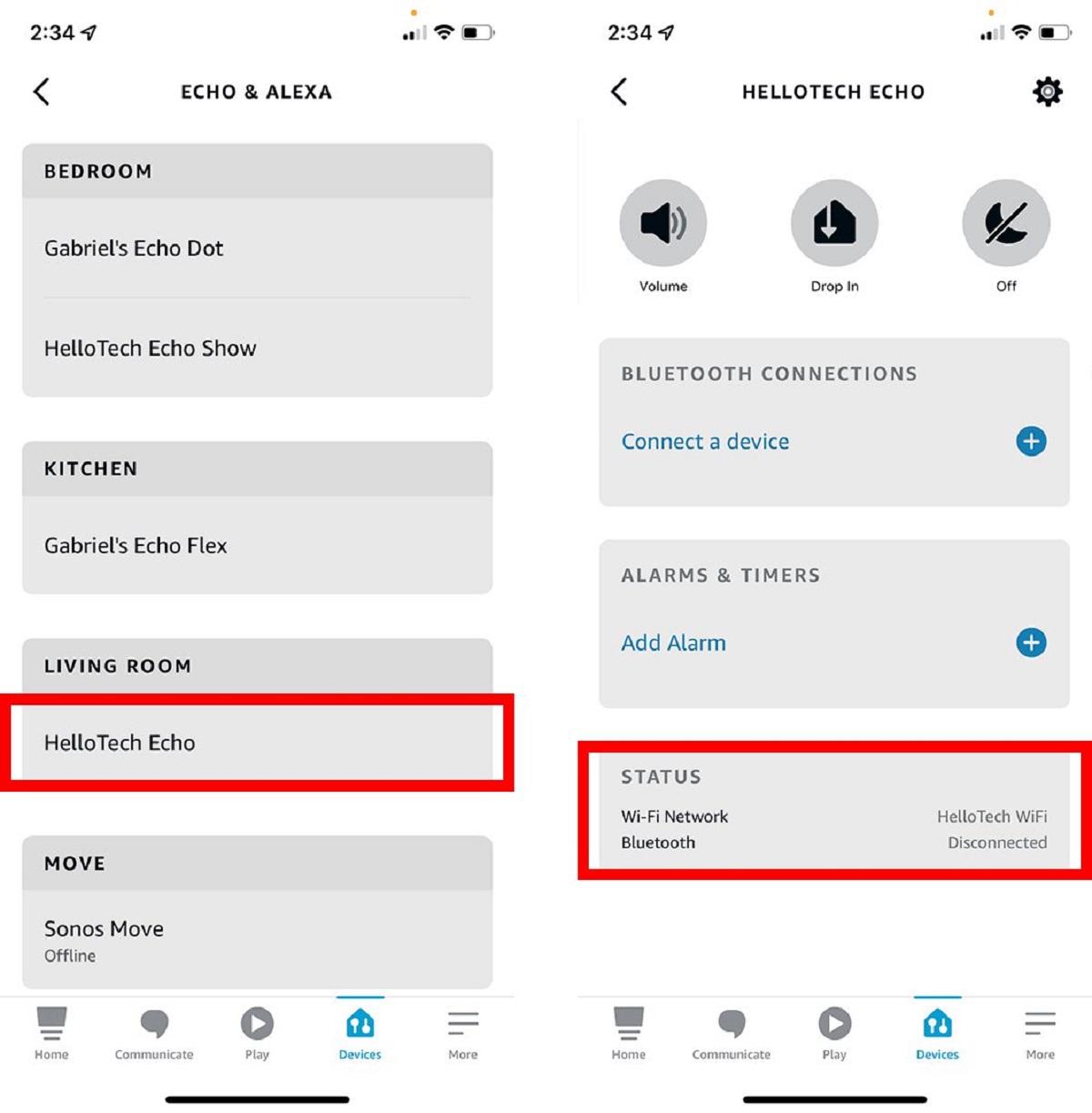
To connect Alexa to wifi, you'll use the Alexa app on your phone to guide your Echo device through your home network's login. The entire process, from plugging in your...
You can connect Alexa to Bluetooth without wifi by using voice commands after the first-time setup. You can connect Alexa to Bluetooth without Wi-Fi after the initial setup is complete,...
You can connect Alexa to new wifi without app only if the device was previously connected to a network and you use a voice command. The old method of using...
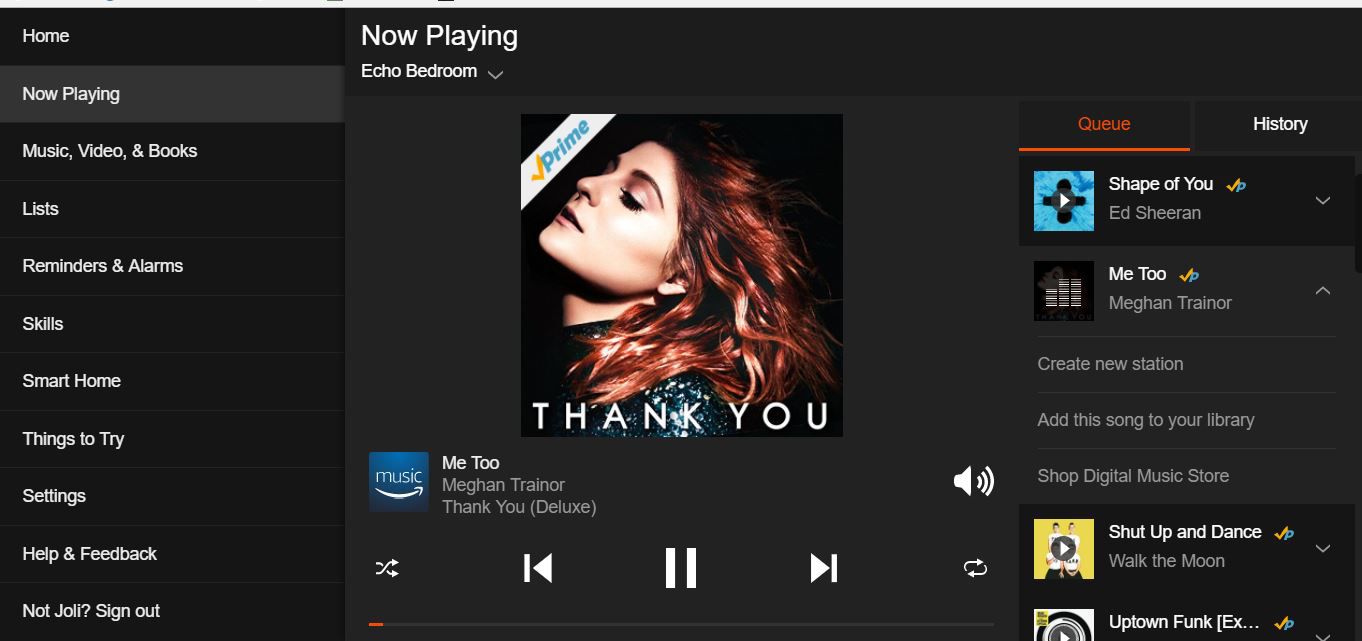
To play an Amazon Music playlist on Alexa, simply say "Alexa, play [playlist name]." How to play Amazon music playlist on Alexa with voice commands The most direct way to...
To play Amazon Music on Alexa, you first need to link your Amazon Music account to your Alexa device and set it as your default music service. Once linked, you...
This website uses cookies so that we can provide you with the best user experience possible. Cookie information is stored in your browser and performs functions such as recognising you when you return to our website and helping our team to understand which sections of the website you find most interesting and useful.
Strictly Necessary Cookies
Strictly Necessary Cookie should be enabled at all times so that we can save your preferences for cookie settings.
If you disable this cookie, we will not be able to save your preferences. This means that every time you visit this website you will need to enable or disable cookies again.