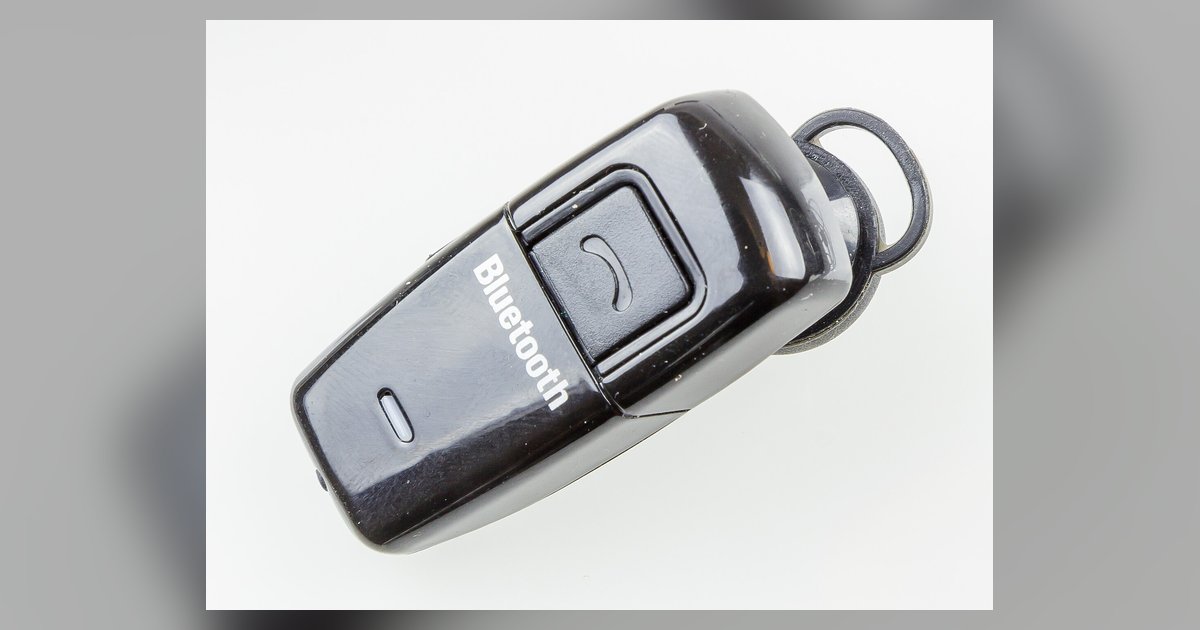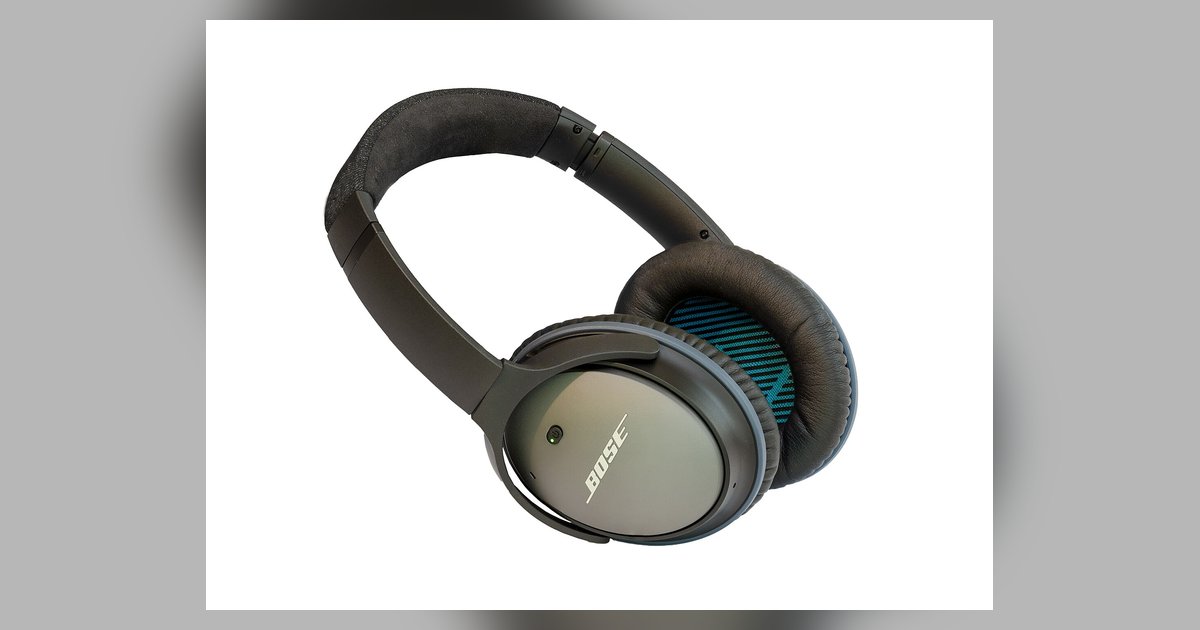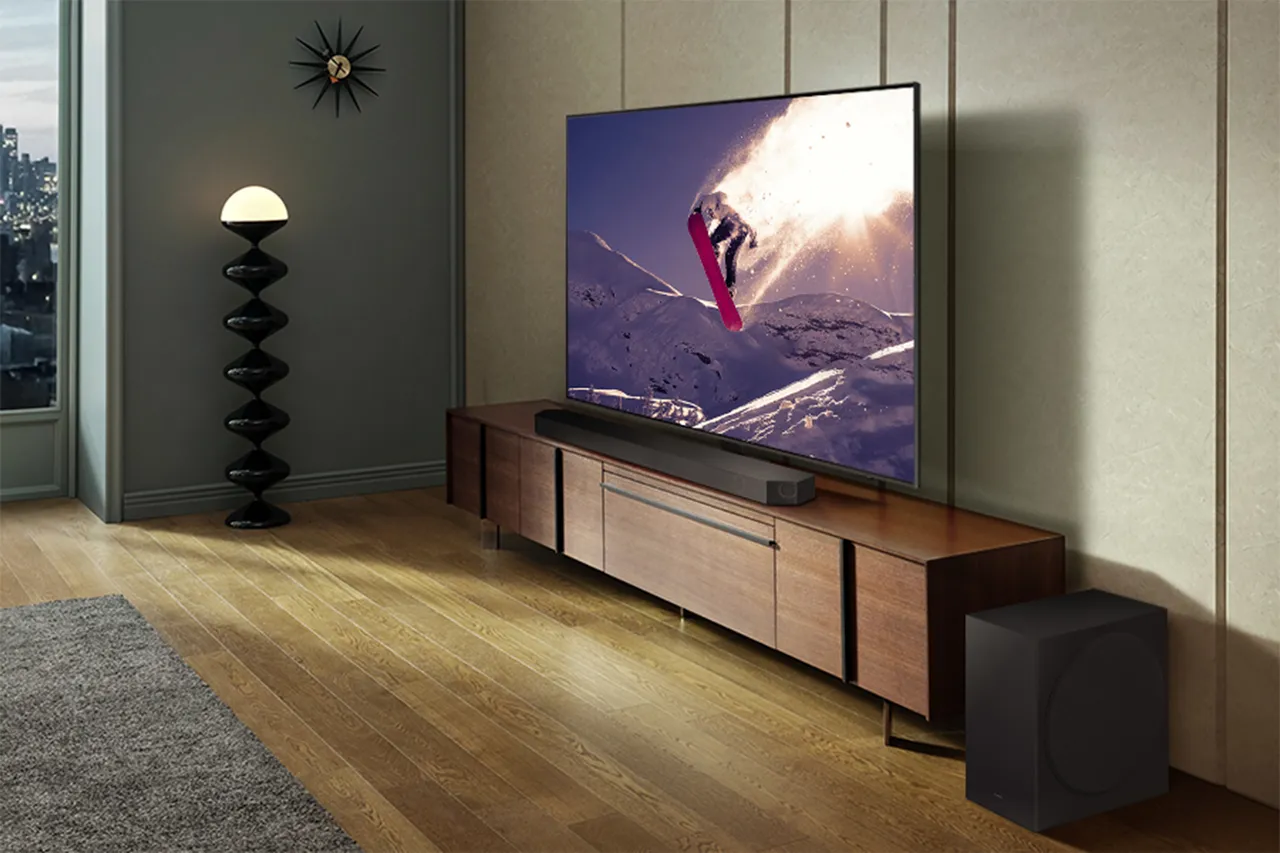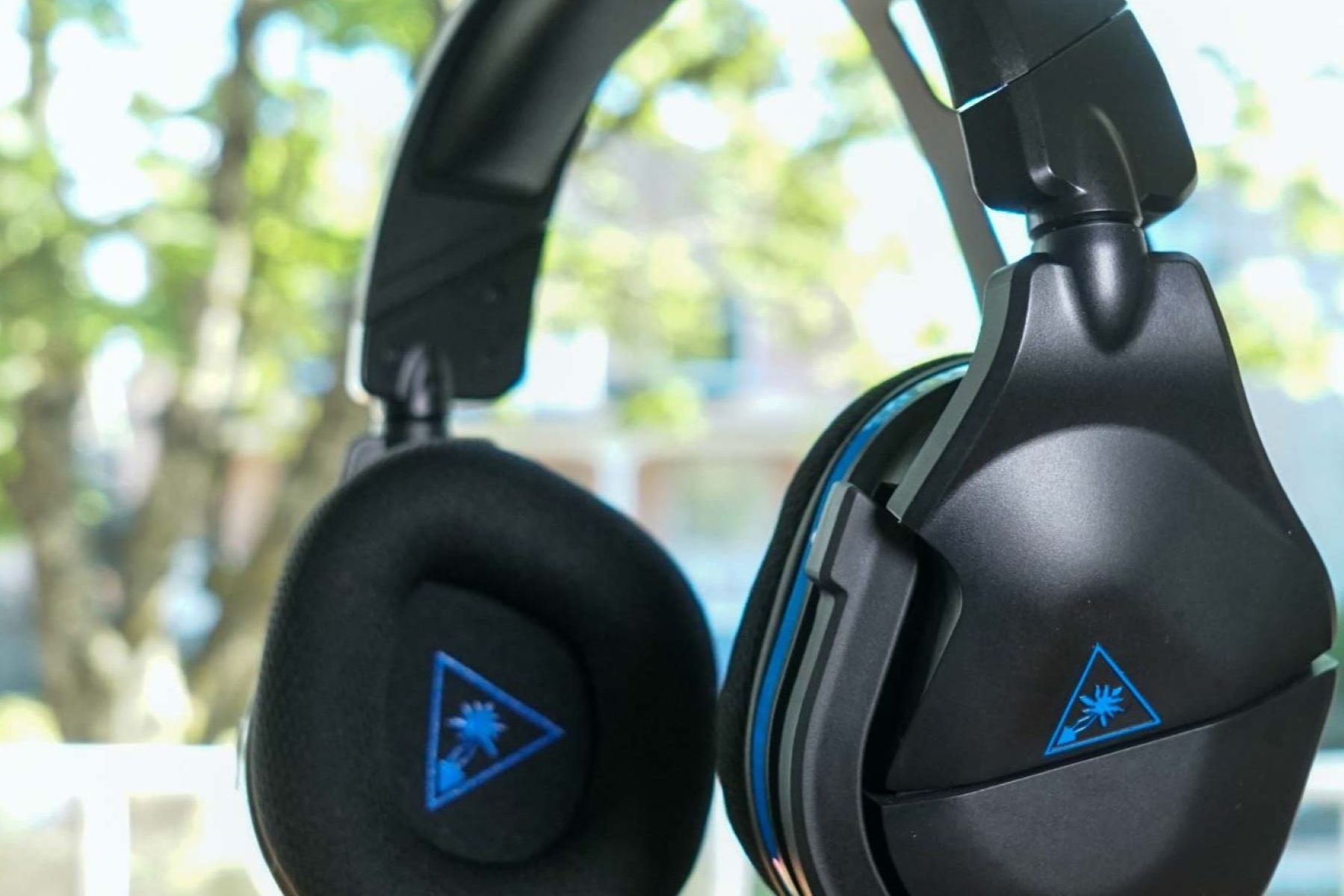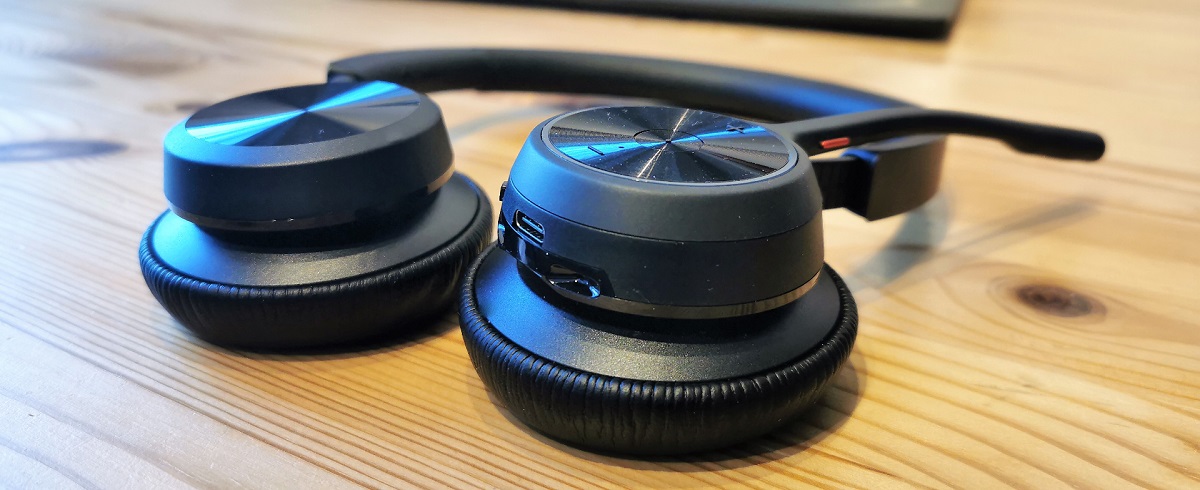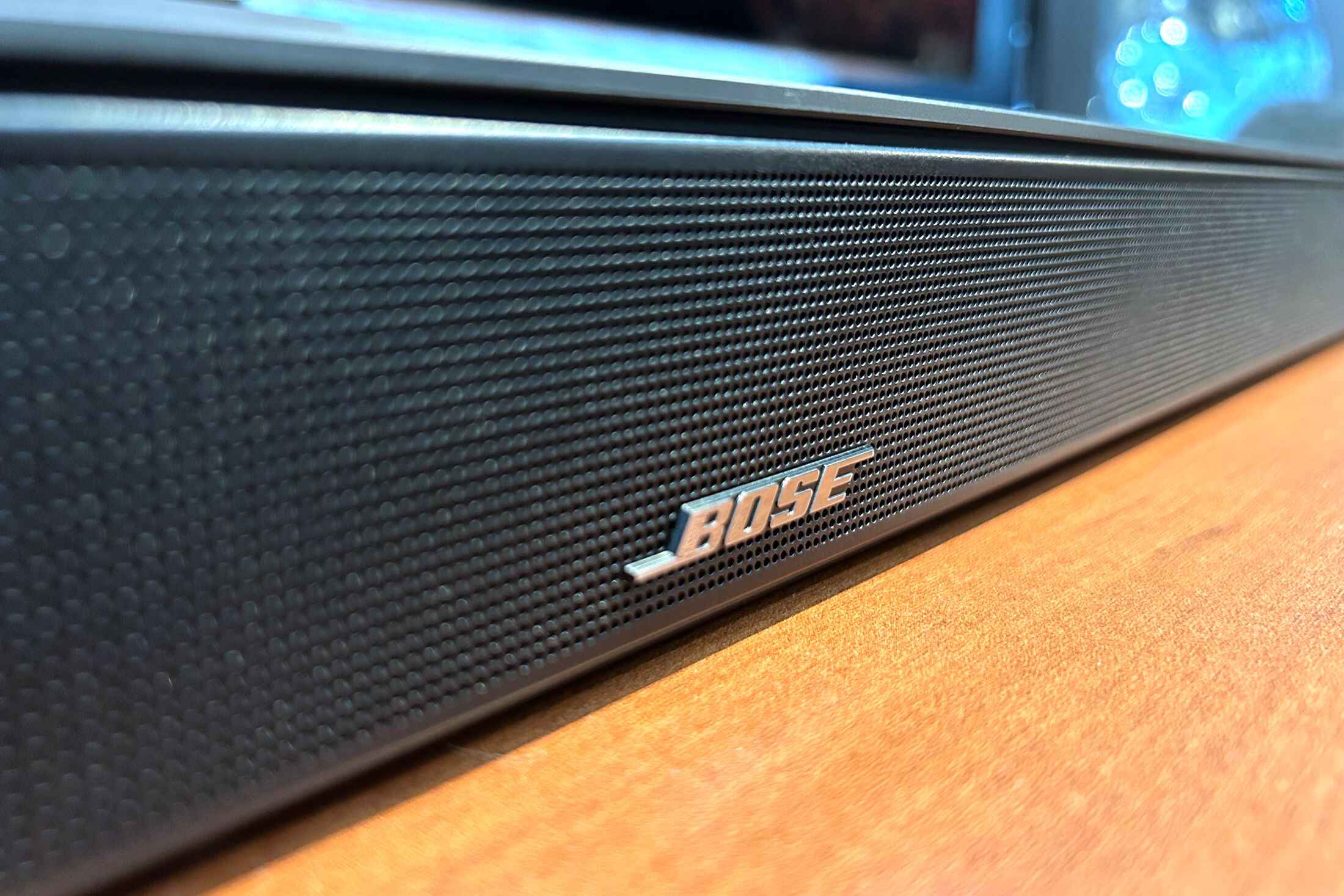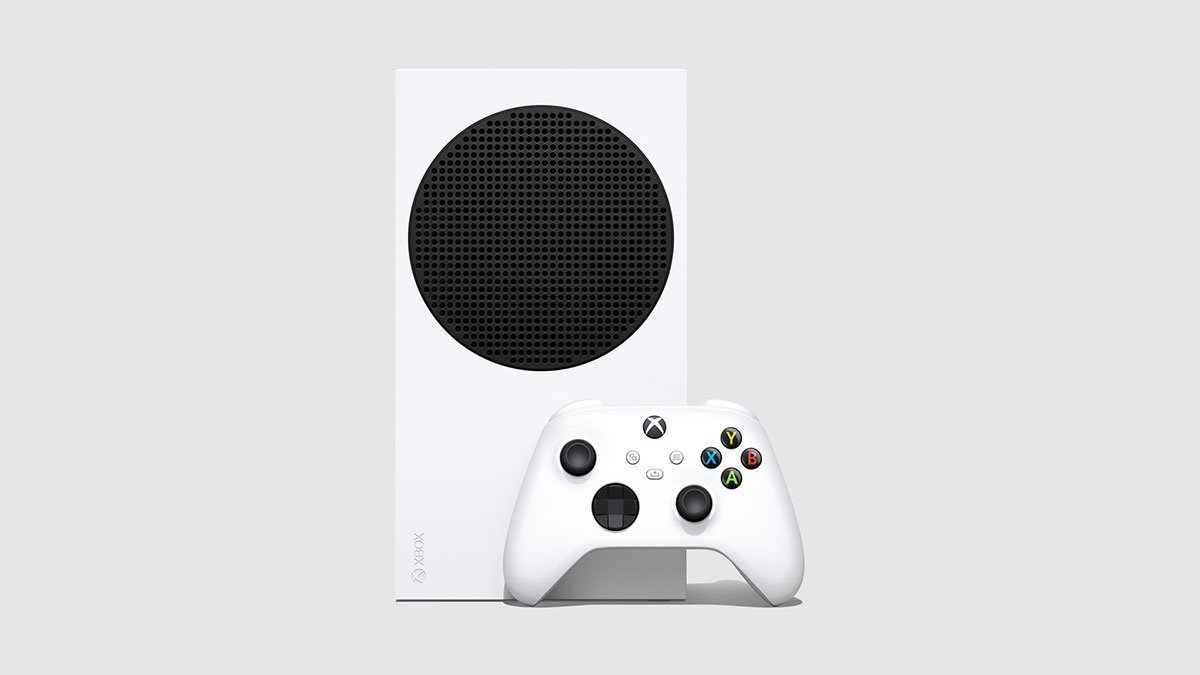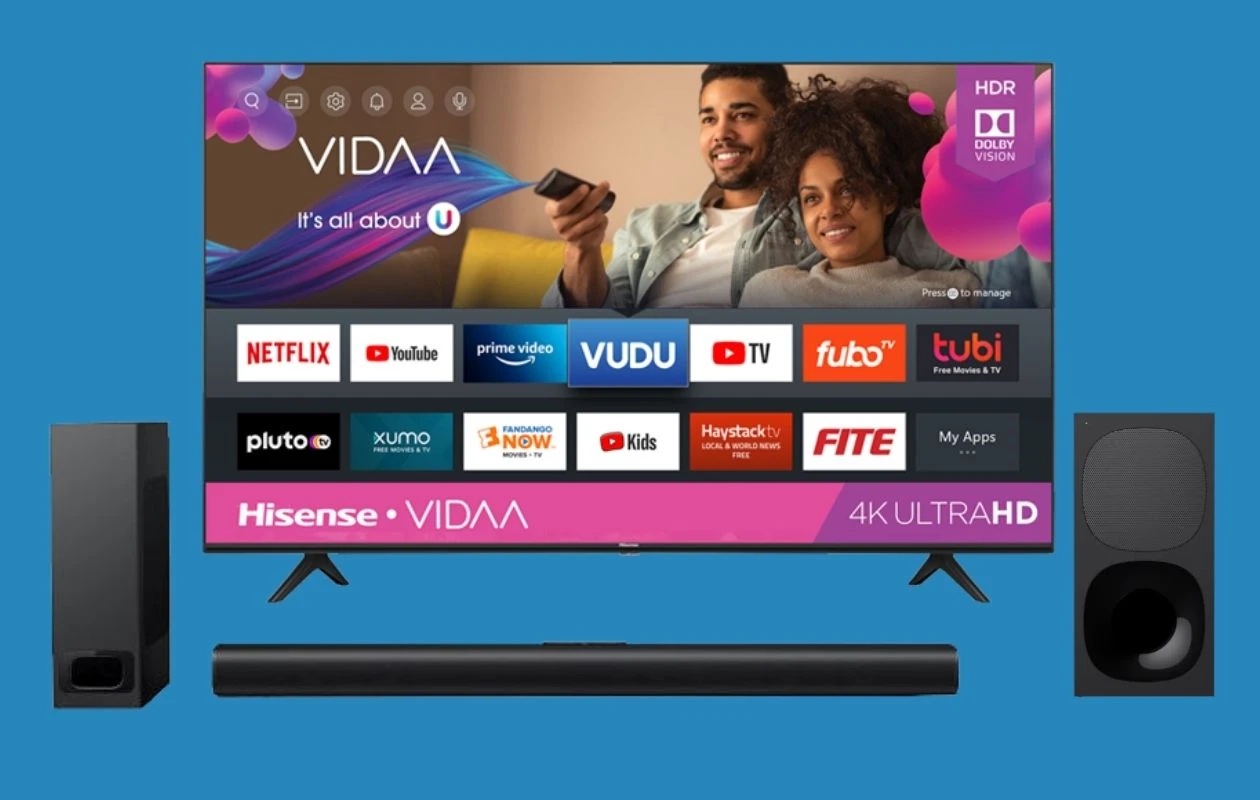
This tag collects articles about pairing, connecting, and troubleshooting wireless audio gear, from Bluetooth speakers and soundbars to gaming headsets and noise-cancelling headphones. It’s written for everyday users who want to get their devices talking to each other without digging through dense manuals, as well as for shoppers weighing practical trade-offs before buying. If you’ve ever stared at a blinking pairing light or wondered why your TV won’t show up on your speaker’s list, these guides are meant for you.
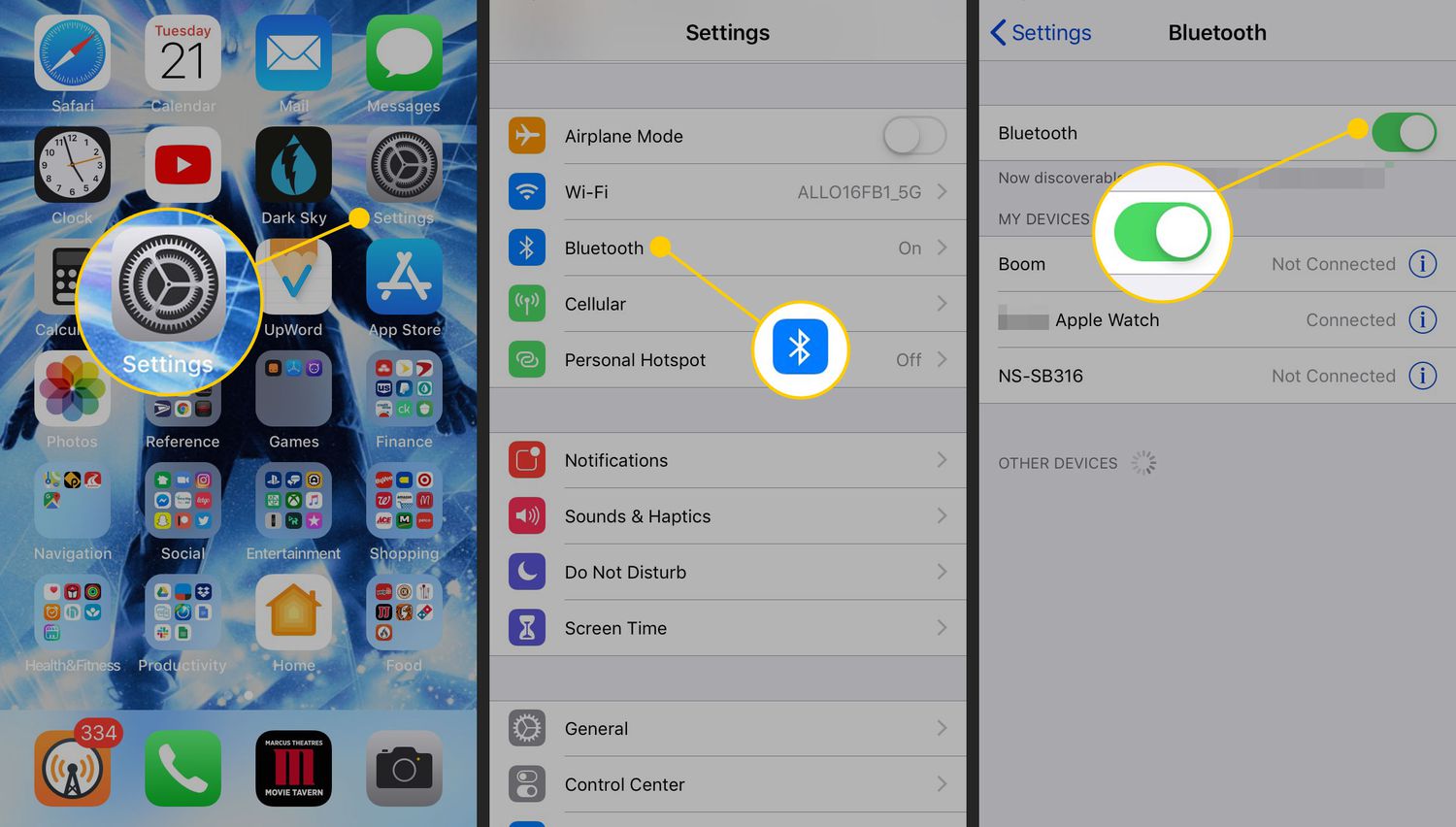
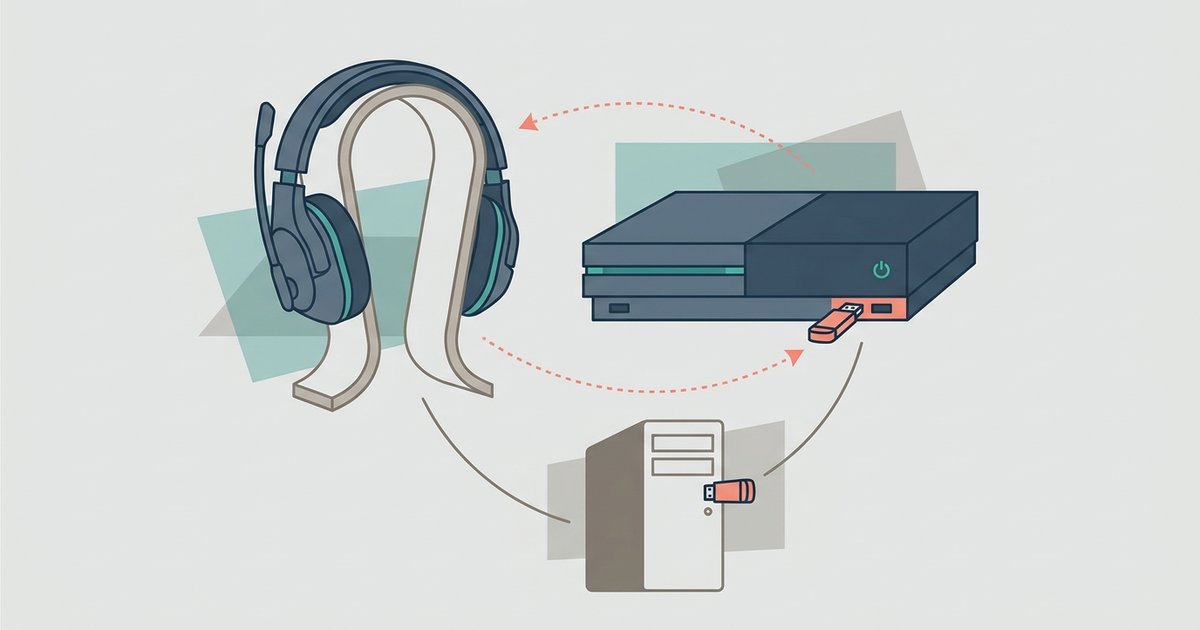
The articles fall into two broad themes. The first is straightforward connection setup: how to link a phone, TV, or console to a specific brand of speaker or headset, such as connecting a JBL speaker to a Samsung TV, pairing a Bose soundbar via Bluetooth, or setting up a Turtle Beach headset on a console or PC. The second theme is more about understanding the limits and side effects of wireless audio, for example, how much latency a Poly USB adapter adds compared to built-in Bluetooth, or whether noise cancelling drains your battery faster. These pieces help you make informed decisions rather than just follow steps.
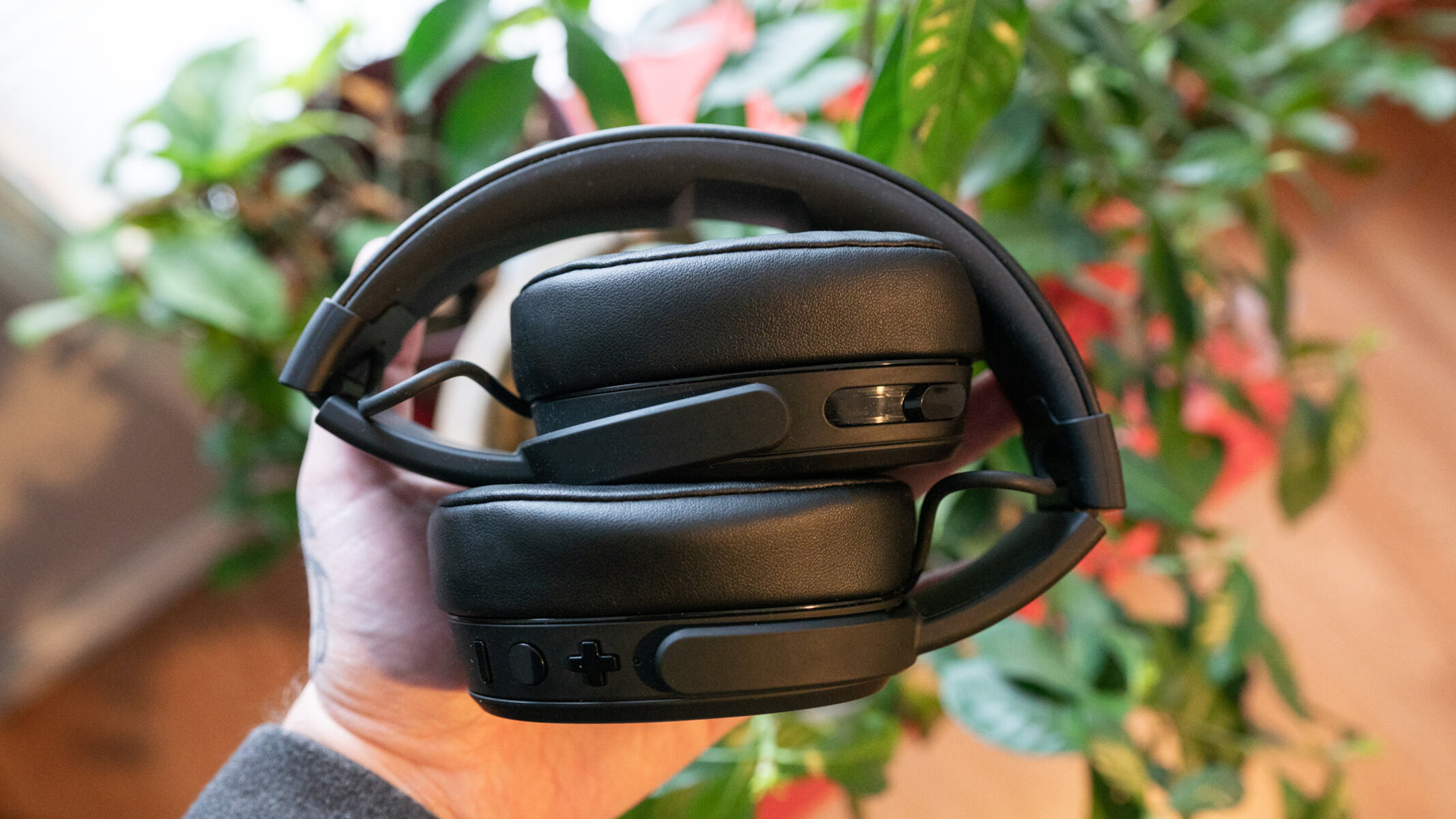
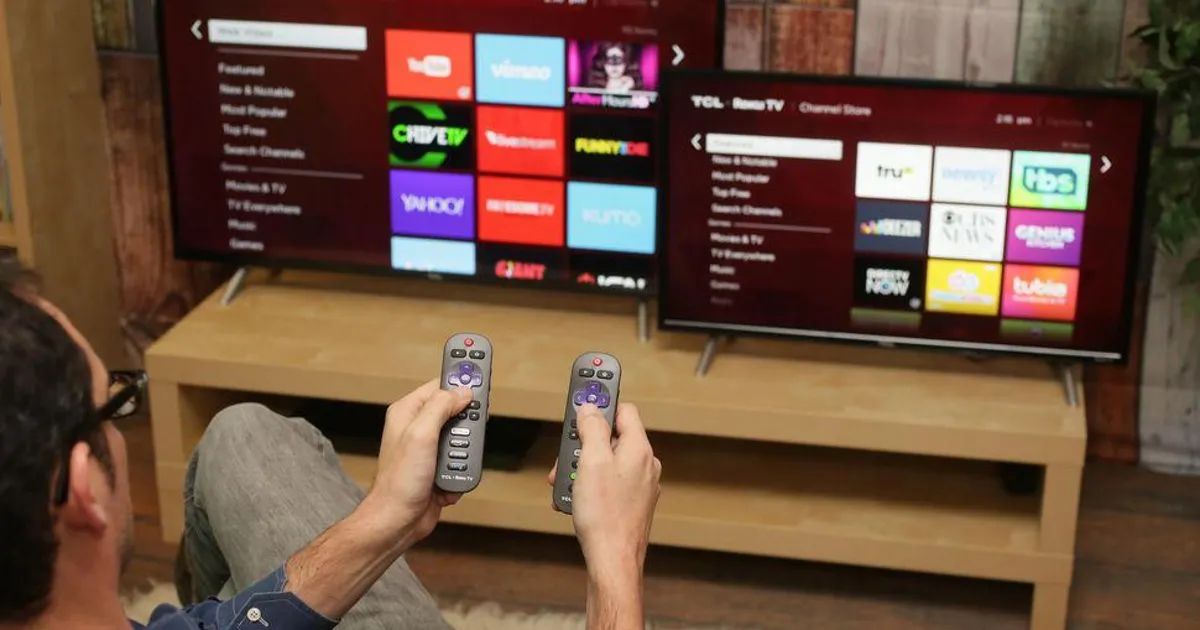
Several articles also address the legal and safe way to extend audio across devices you own, such as installing Bluetooth in a smart TV or connecting a Roku TV to a Bluetooth speaker, always framed as legitimate feature use, not as a workaround for restricted content. Whether you’re pairing Skullcandy headphones, connecting Beats to a phone, or setting up an Xbox to a soundbar, the goal is the same: get your gear working reliably, and know what to expect once it does.