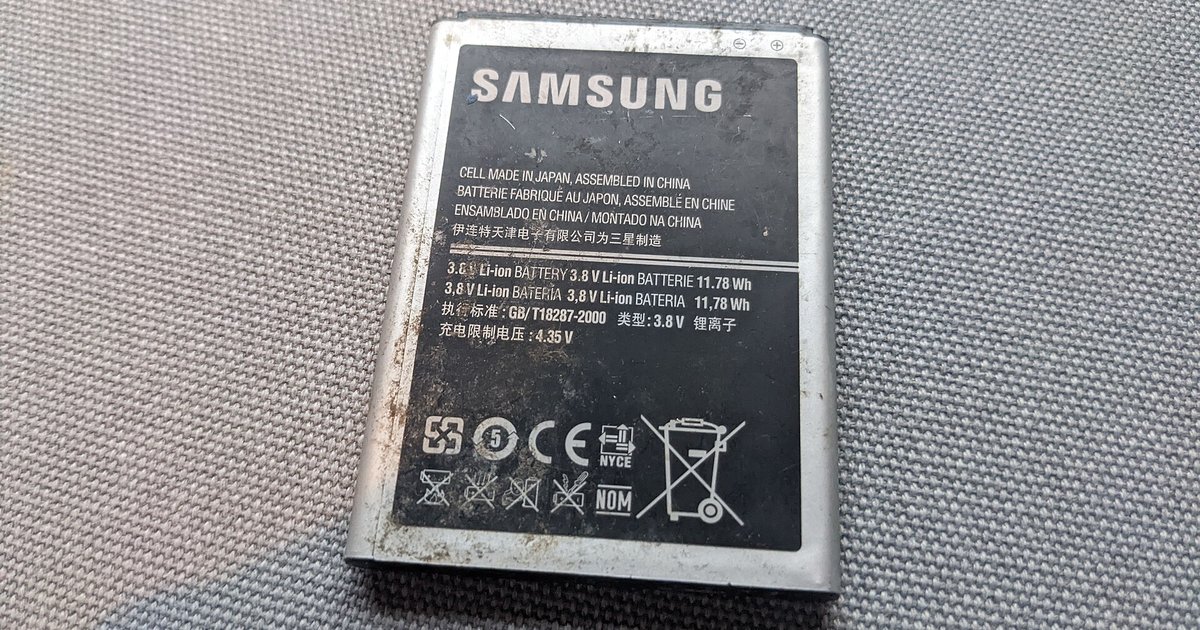
Yes, switching from 5G to 4G can save significant battery life, typically reducing power draw by 10–30% during data use, though the exact savings depend on your phone model, signal strength, and whether you are actively downloading or just idle.
How much 4g battery life you actually gain over 5g
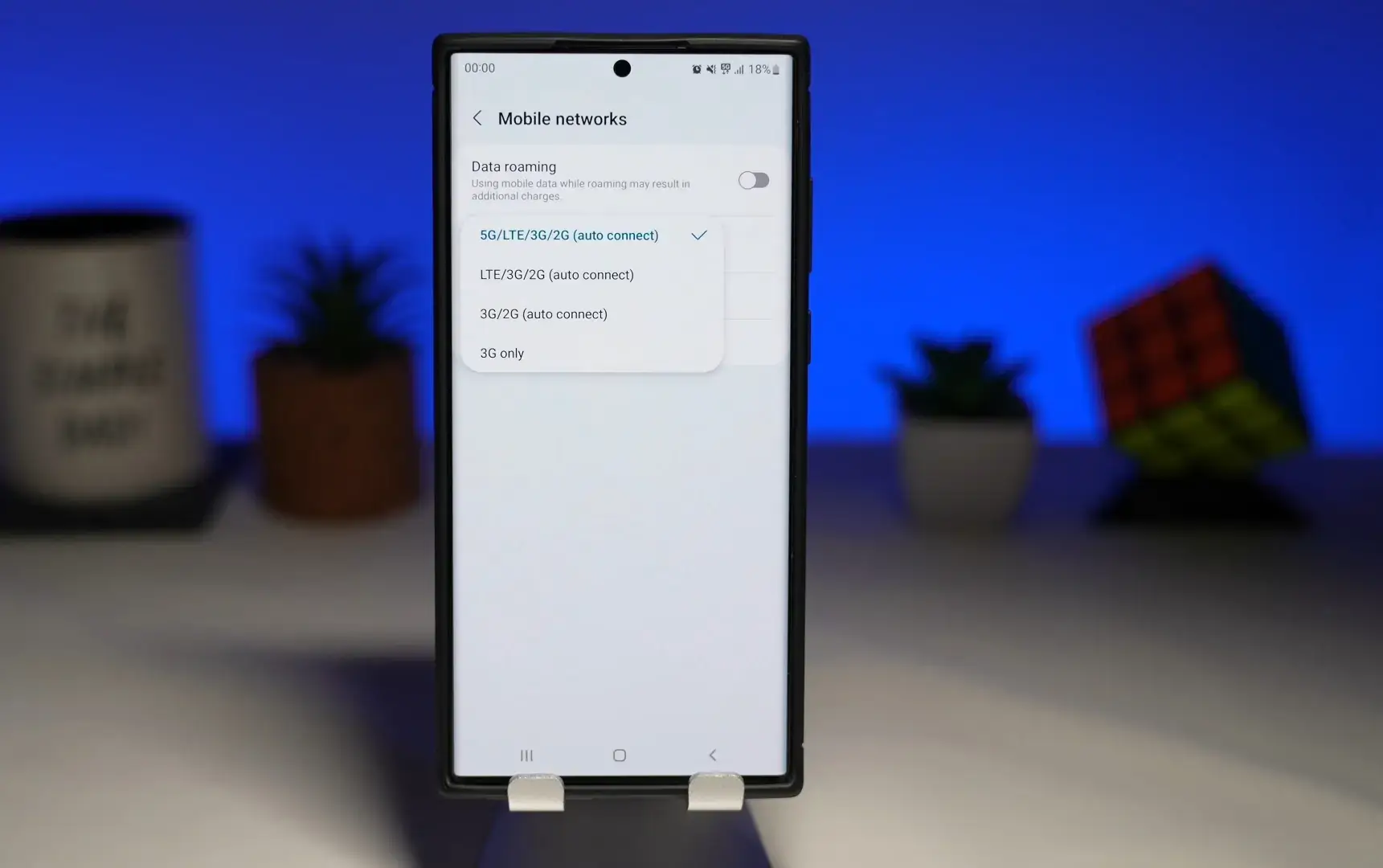
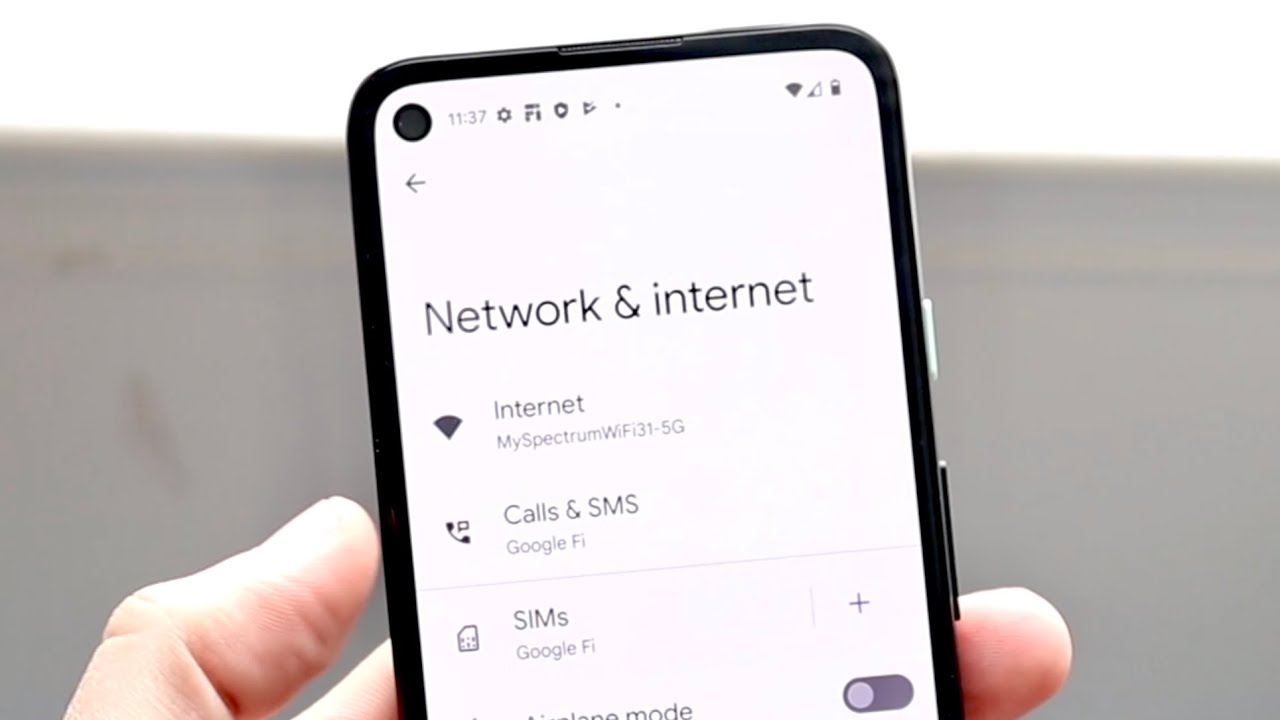
In controlled tests, a 5G modem draws between 0.5 and 1.2 watts during active data use. A 4G modem typically uses 0.3 to 0.6 watts. On a phone with a 4,000 mAh battery, this translates to roughly 10-20% faster battery drain per hour of streaming or downloading. During idle states, 5G still consumes about 20-40% more power than 4G. It maintains a connection to multiple network layers. Over a full day, users often report losing 30-60 minutes of screen-on time on 5G versus 4G. To verify this yourself, change from 5G to 4G in your phone’s mobile network settings. Look under “Preferred network type” and select LTE/4G. Then compare battery percentages after an hour of similar usage.
When switching to 4g makes no real difference
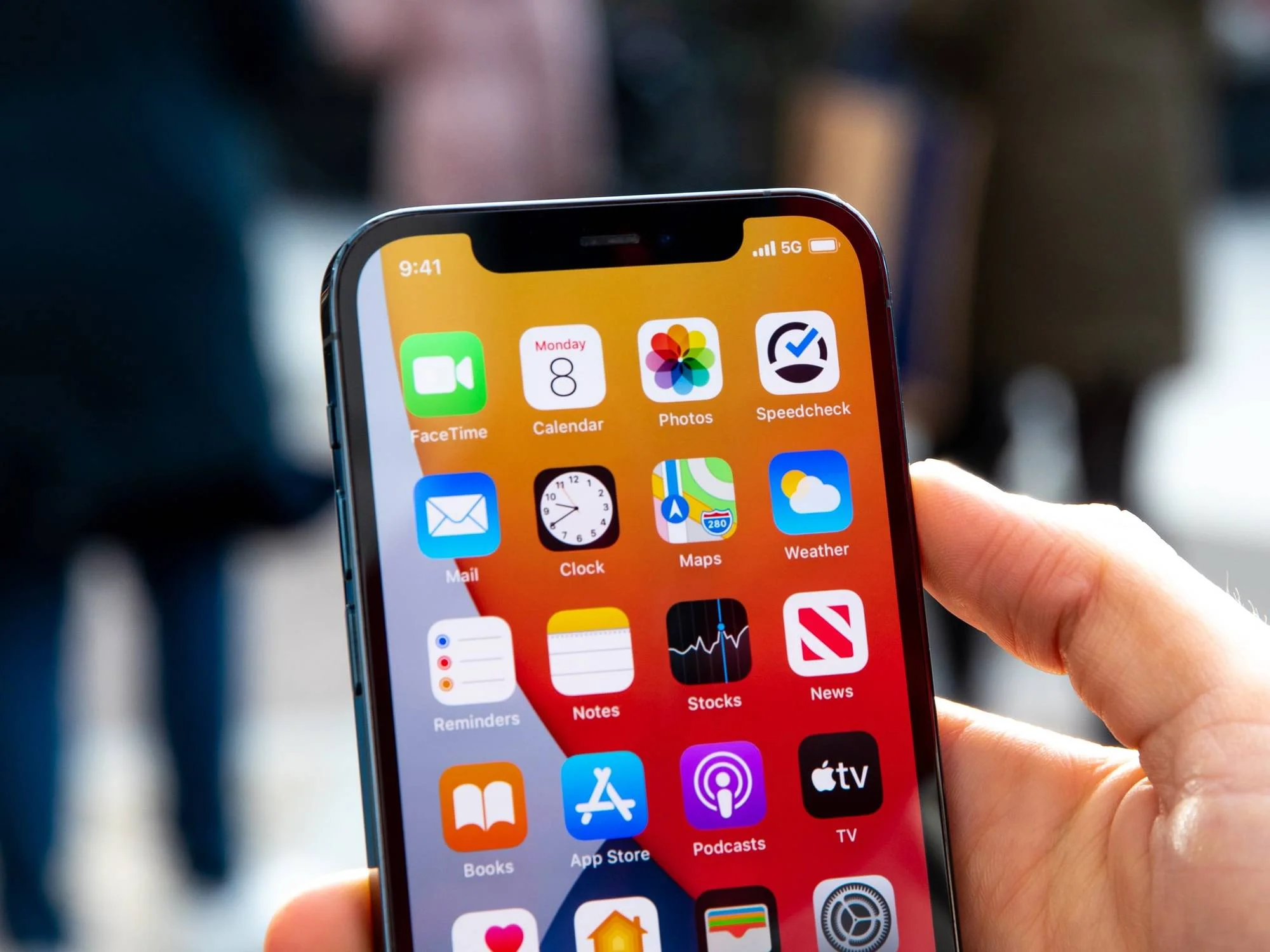
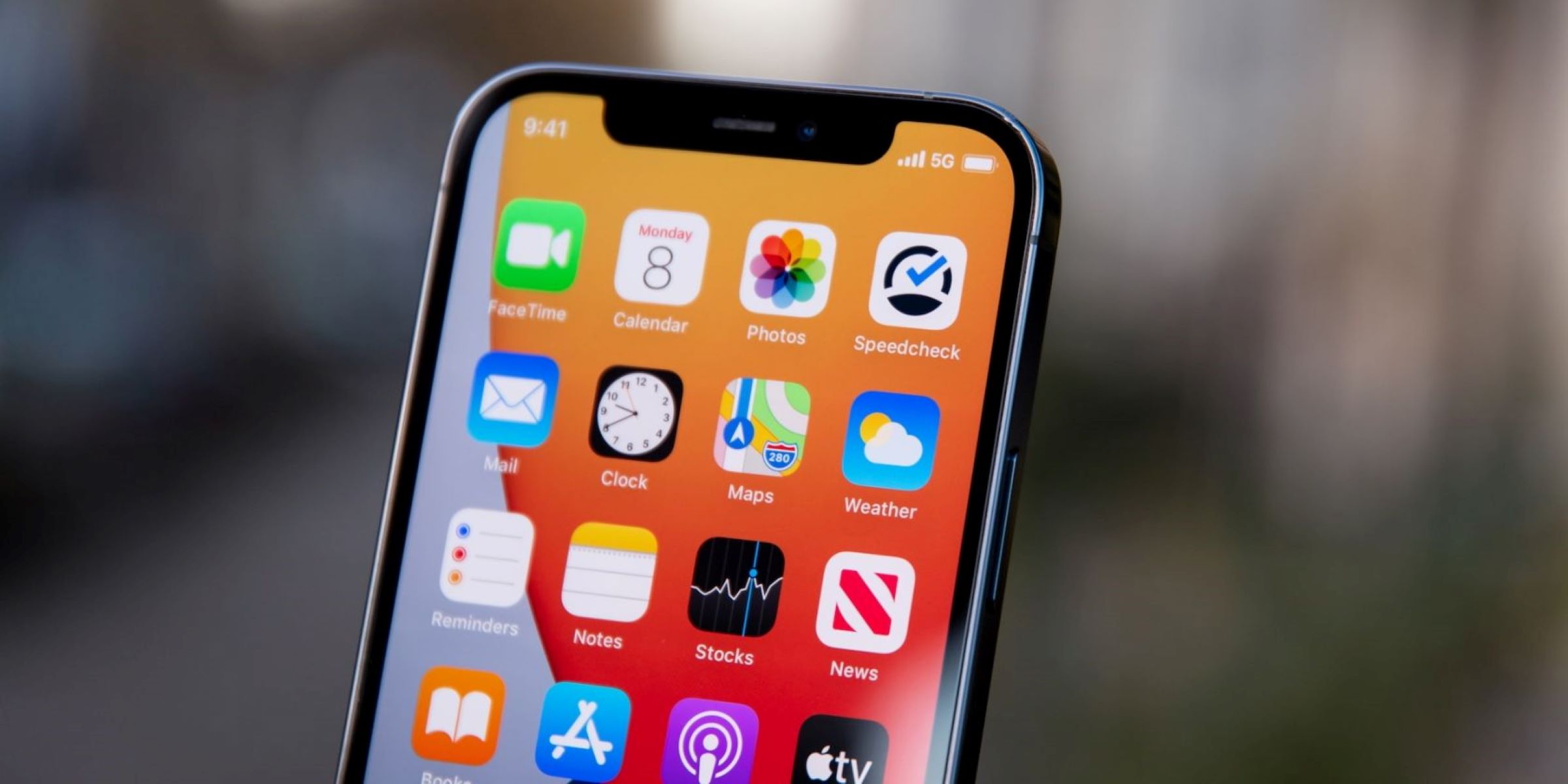
The battery savings from dropping to 4G become negligible in three specific scenarios. First, if you are in an area with a strong, consistent 5G signal, the power difference shrinks to under 5%. The modem does not need to boost its transmit power. Second, phones with modern 5G modems have efficiency improvements that cut the idle drain gap to nearly zero. Third, if your battery drain is caused by background apps, switching networks will not fix the problem. To rule out these factors, tell if your phone is 4G or 5G by checking the status bar icon. If the icon stays solid and the signal bars are full, the battery impact of 5G is minimal. Skip the network switch and instead close background apps to save power.
The hidden battery cost of weak 5g signals
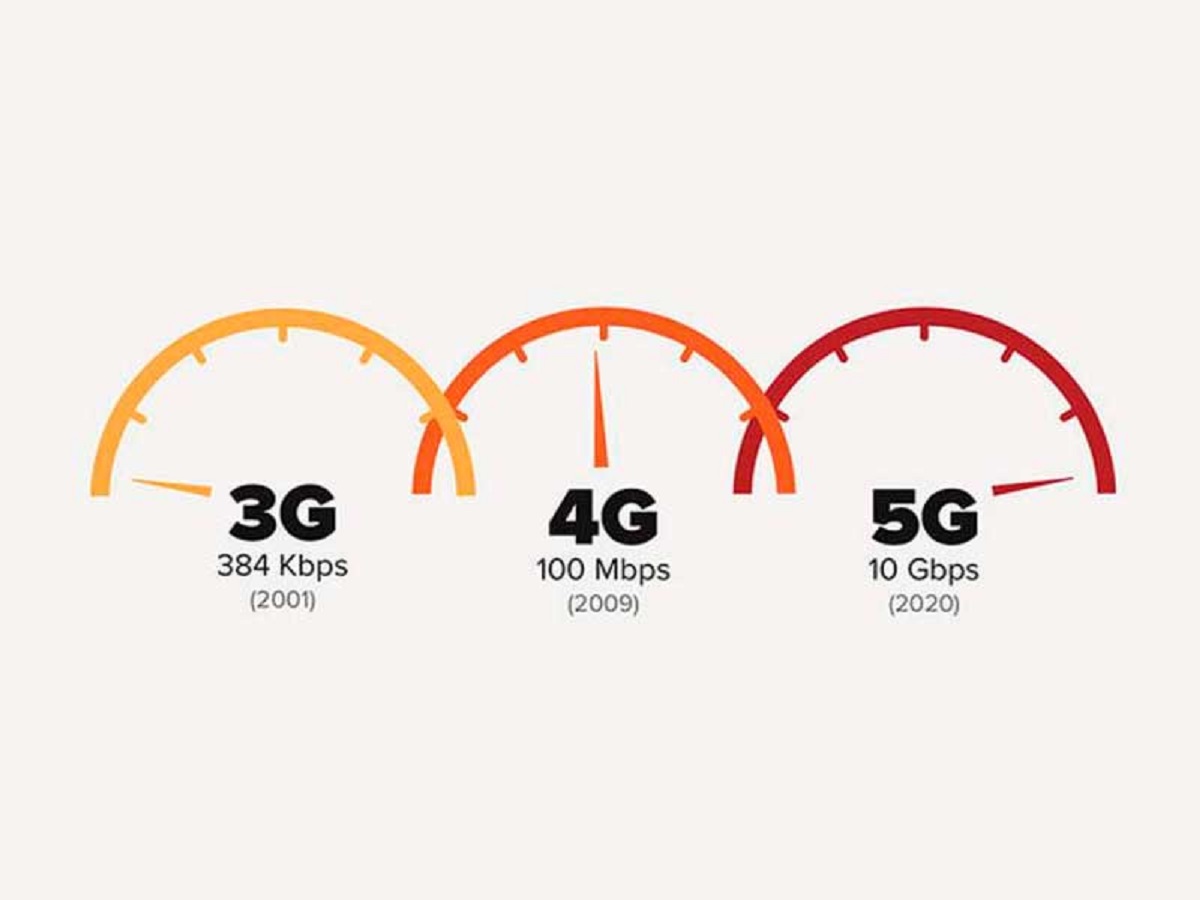
The worst-case scenario for battery life is not 5G itself, but a weak 5G signal. When your phone struggles to maintain a 5G connection, it can increase power draw by 200-300% compared to a stable 4G connection. The modem repeatedly scans for better frequencies, ramps up transmit power, and switches between 5G and 4G bands. In such conditions, you might see your battery drop 5-10% in just 15 minutes of browsing. This is why your phone sometimes switches automatically. If you notice your phone says 4G instead of 5G in a low-signal area, it is likely the modem’s power-saving mechanism kicking in. Understanding these dynamics helps clarify the difference between 3G, 4G, and 5G: 3G is the most power-hungry per bit of data due to older technology, 4G balances speed and efficiency, and 5G offers the highest speed but at a steep power cost when the signal is weak. For most users, manually switching to 4G in weak-signal areas yields the biggest battery savings, often 15-25% longer runtime per charge.
Open your settings right now and lock your phone to 4G before you enter any basement, subway station, or rural area. This single action prevents the modem from hunting for a 5G signal that barely exists and delivers the largest battery gain you can get without buying a new phone. For a step-by-step guide on how to make this change from 5G to 4G on your specific device, open your settings and switch your preferred network type.