Practical, straightforward guides for anyone who wants to understand and manage the cellular connection on their phone. It is written for everyday consumers, people troubleshooting a stubborn signal, checking whether their device is ready for a newer network, or simply trying to make sense of the small print on their SIM card. The articles assume no technical background and focus on clear, actionable steps.
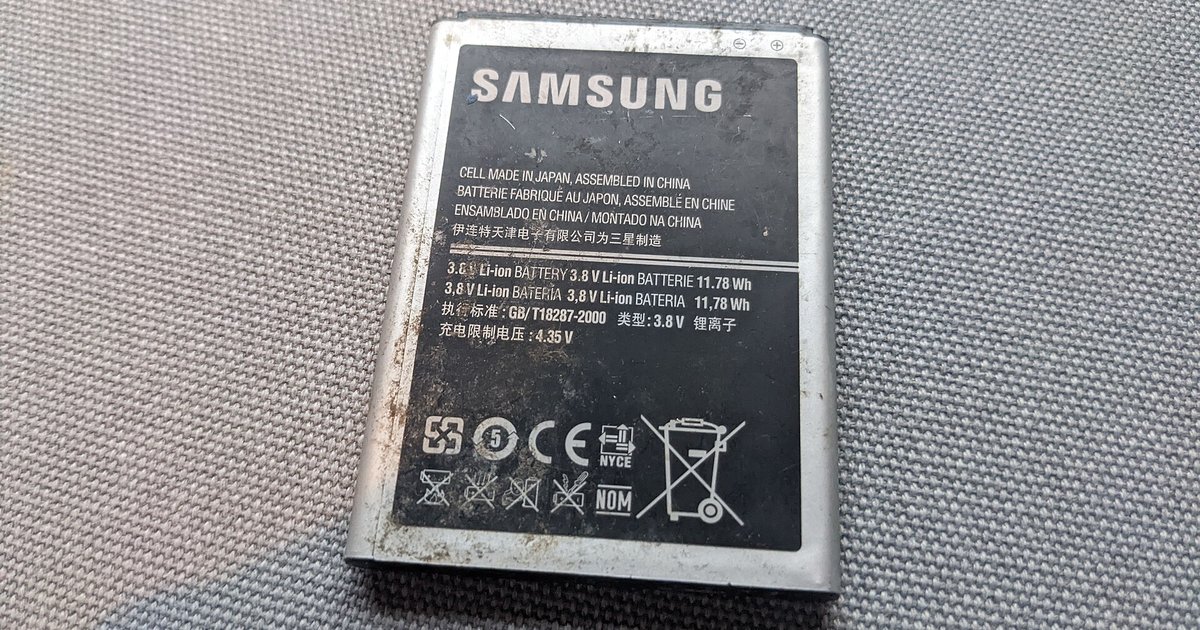
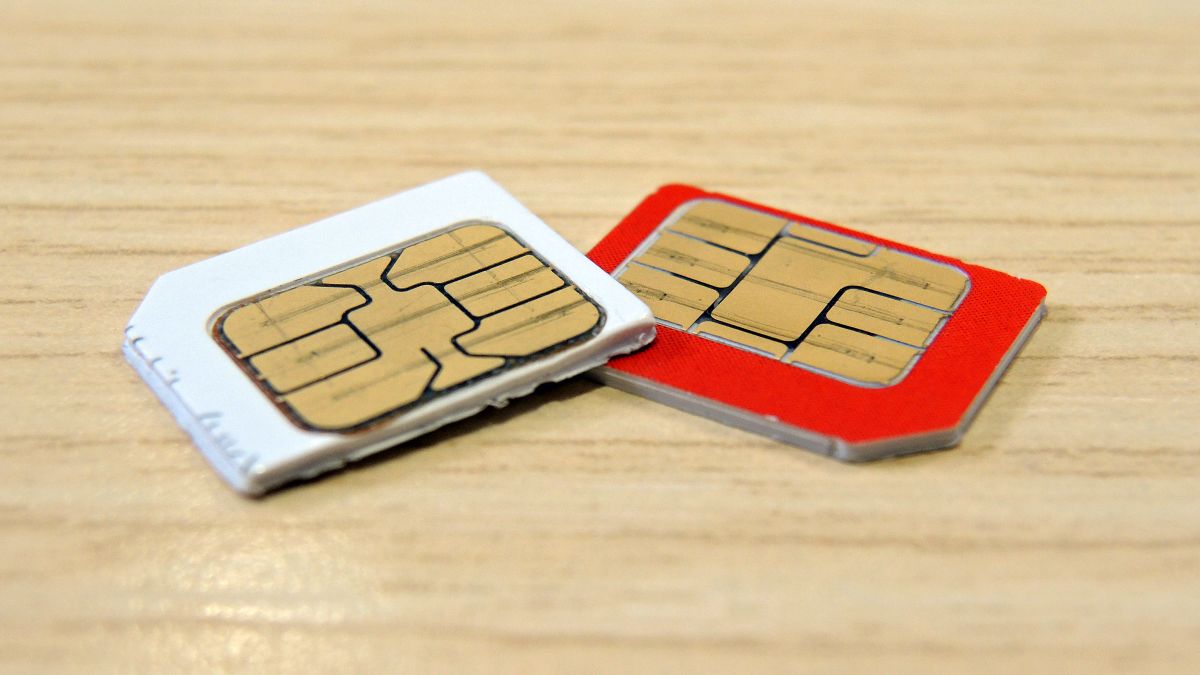
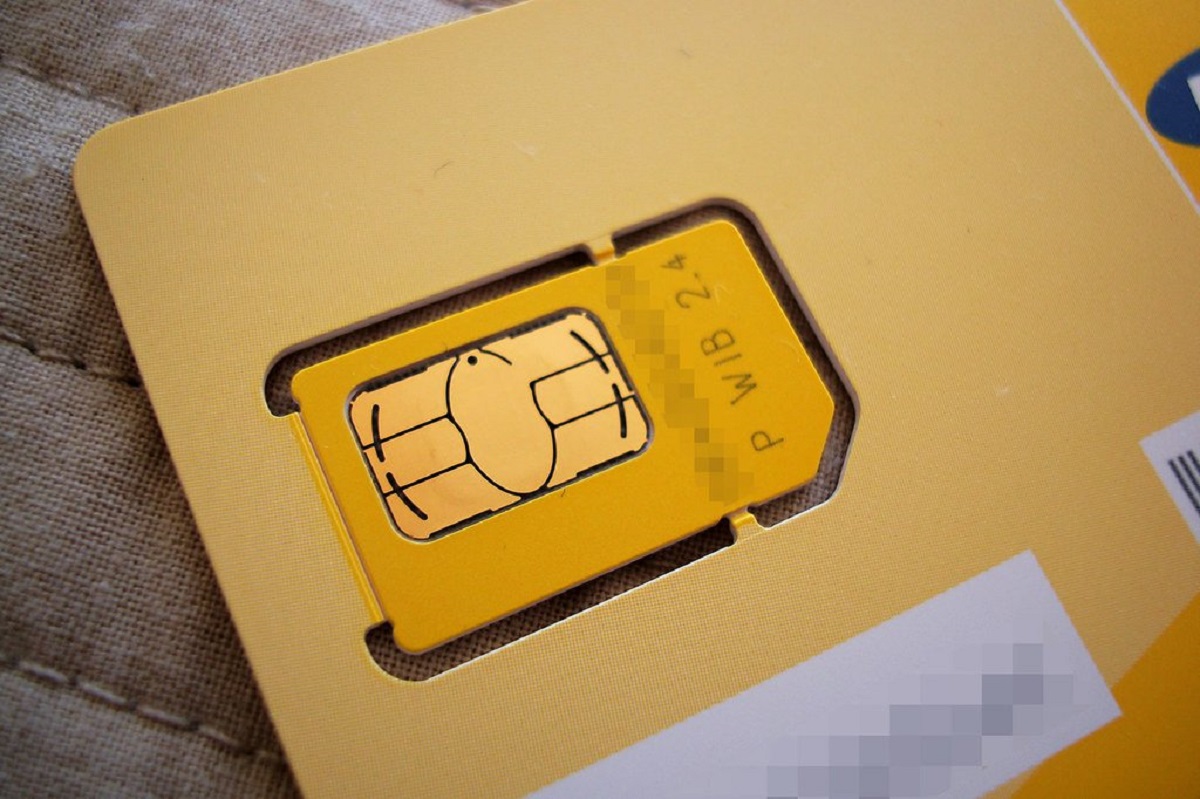
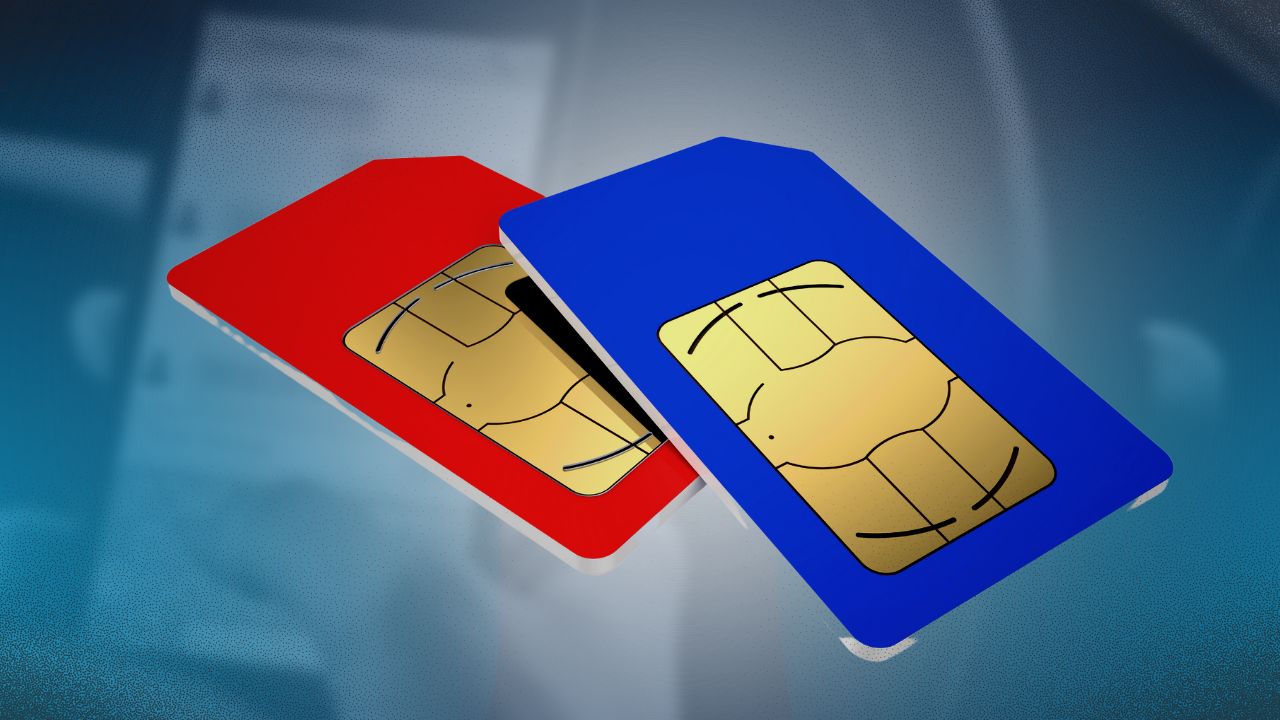
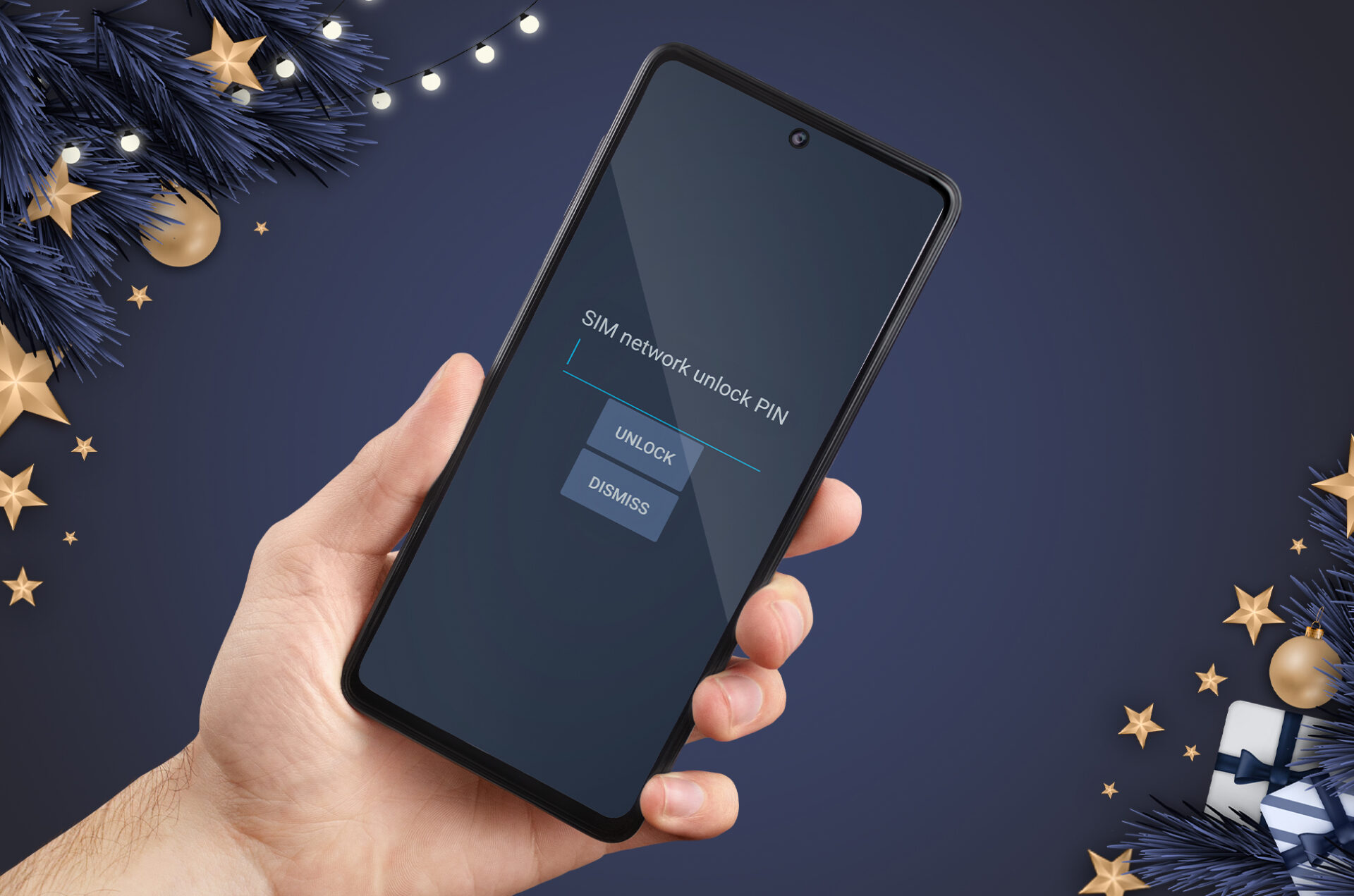
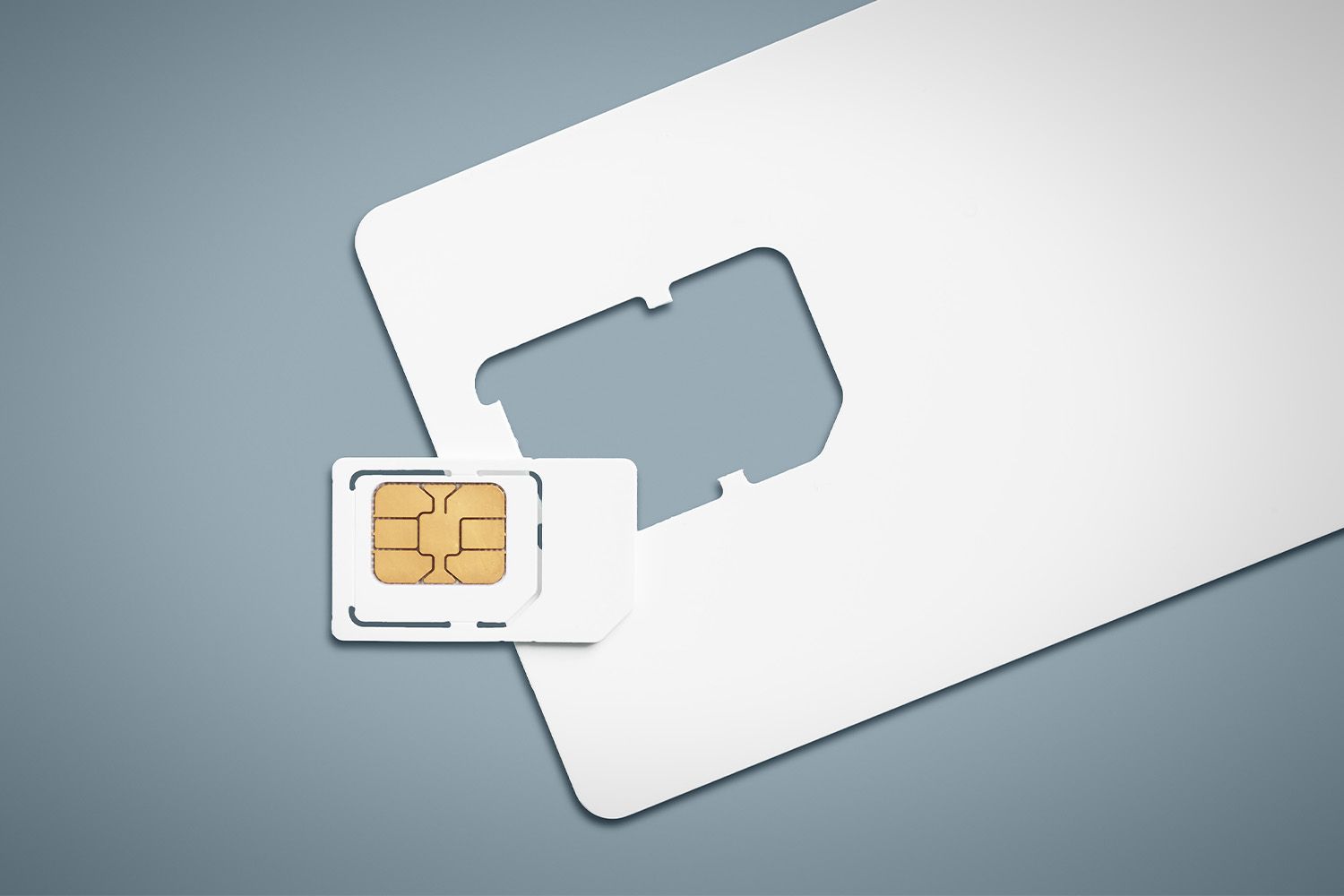
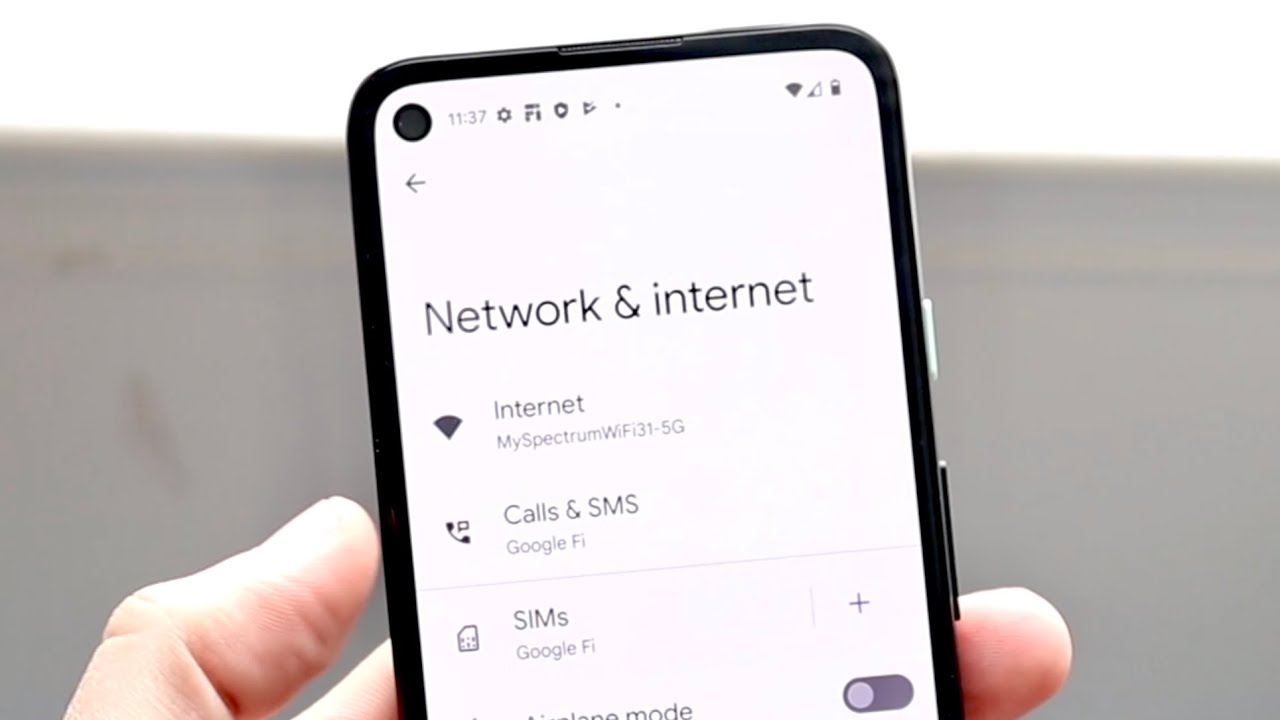
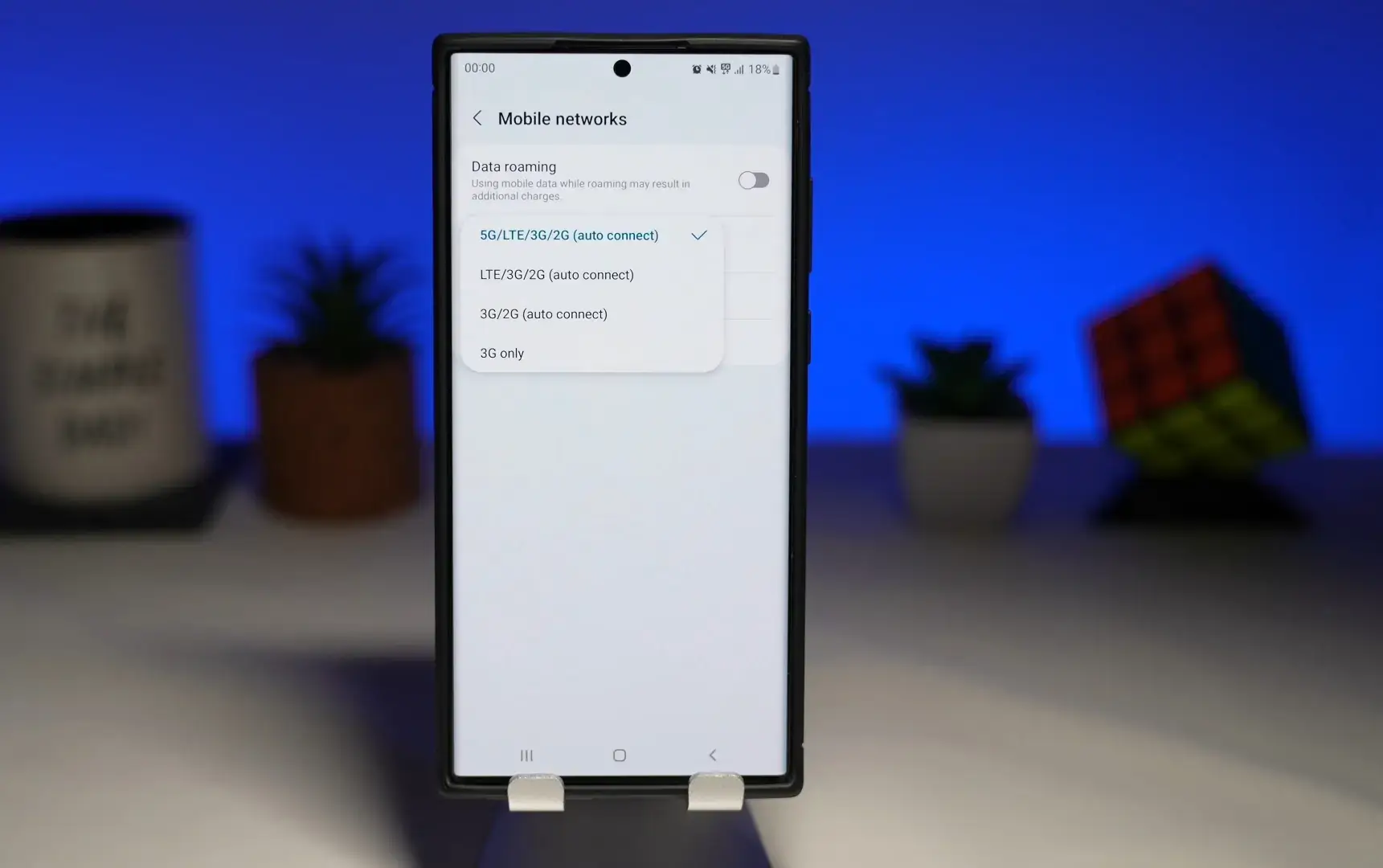
The topics fall into two broad themes. The first is network switching and battery life: several articles walk you through changing between 4G and 5G on an Android phone, and one examines whether dropping to 4G actually saves battery power. The second theme is SIM card health and identity. Here you will find guides on checking whether your SIM card is 5G-compatible, verifying that it is working at all, and understanding the numbers printed on the card. A separate group covers unlocking and security, but always from a legitimate angle: one article explains what a “network locked” error means and how to resolve it through proper channels, while another offers free, lawful methods to unlock your SIM. There is also an overview of burner SIM cards, which frames the topic around privacy and responsible use rather than circumvention.
Across these pieces, the reader learns to diagnose common connection problems, confirm their hardware’s capabilities, and make informed choices about carrier settings, all without resorting to risky or unauthorized workarounds.