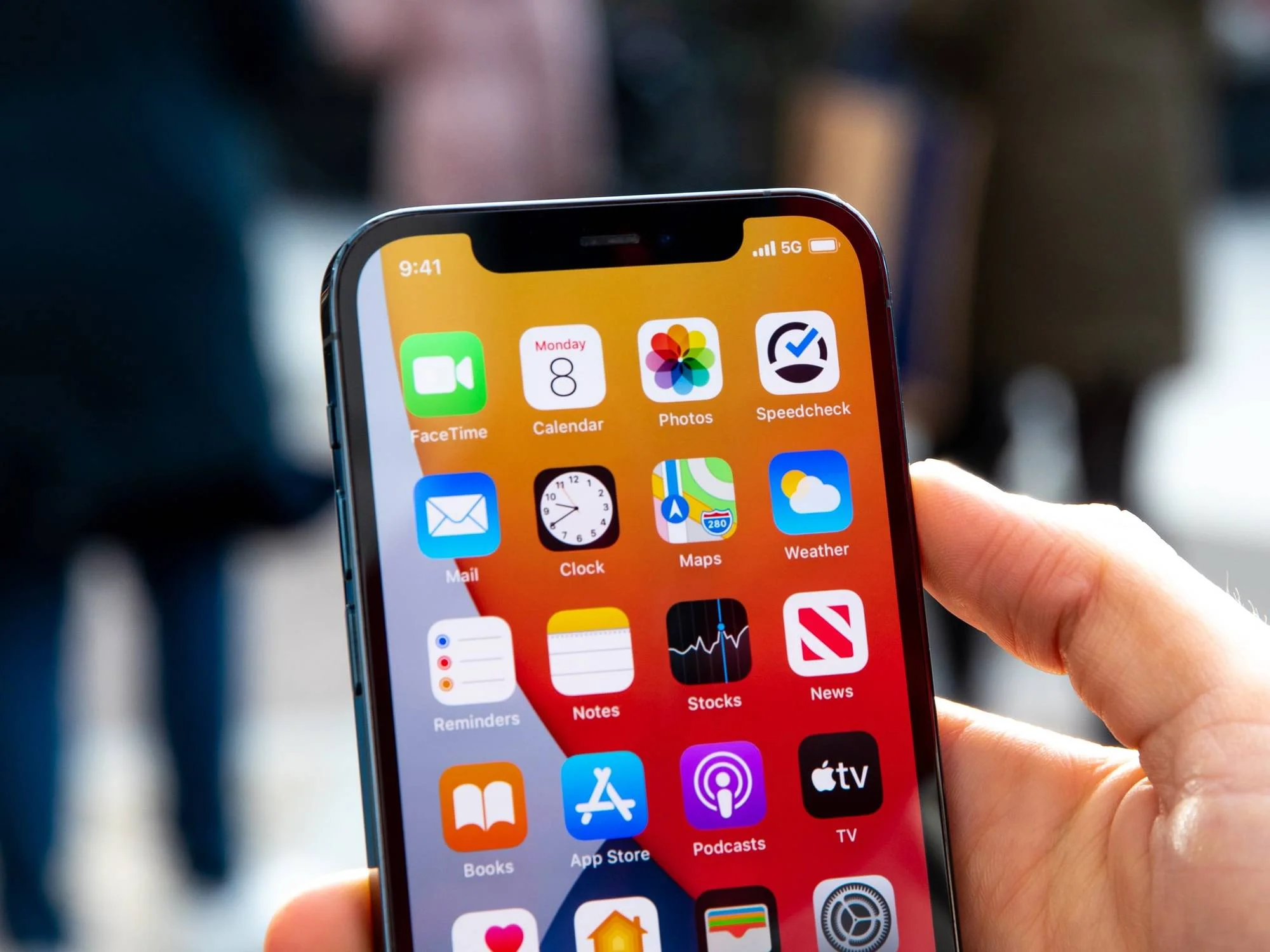
To change 4G to 5G on your Android phone, open Settings, go to Network & internet or Connections, tap Mobile network or SIMs, select Preferred network type or Network mode, and choose the option that includes 5G. This will switch your device to use the 5G network when it is available, provided your phone, plan, and location support it.
What you need to change 4G to 5G on Android
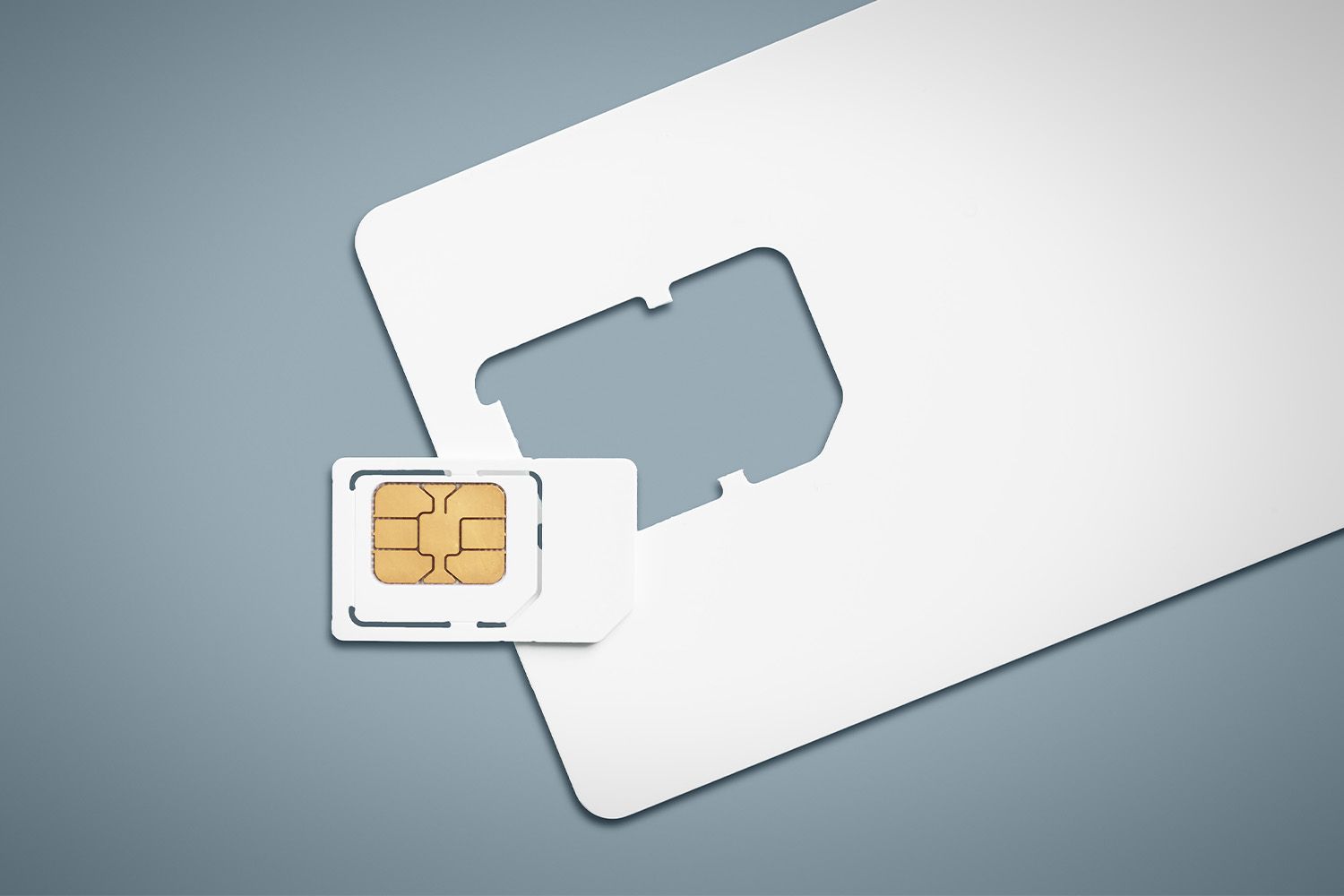
Three essential prerequisites must be met before you can successfully change 4G to 5G on Android. First, your Android phone must be a 5G-compatible device, possessing the necessary hardware like a 5G modem and antenna, if you're unsure, you can quickly tell if my phone is 4g or 5g by checking its network settings. Second, you need an active mobile carrier plan that supports 5G services, and your SIM card must be 5G compatible; older SIM cards may require replacement from your carrier. Third, 5G network coverage must be available in your current location for your phone to connect to it. Even when all prerequisites are met, a software setting or coverage gap might still cause my phone say 4g instead of 5g.
Check for software updates first
Before changing any settings, ensure your phone's software is updated to the latest version, as updates can enable or improve 5G functionality. This step can solve the problem without needing to adjust network settings, and it helps guarantee that your device is ready to connect to 5G networks.
How to switch your network mode to 5G
Follow these steps to change your network mode to 5G:
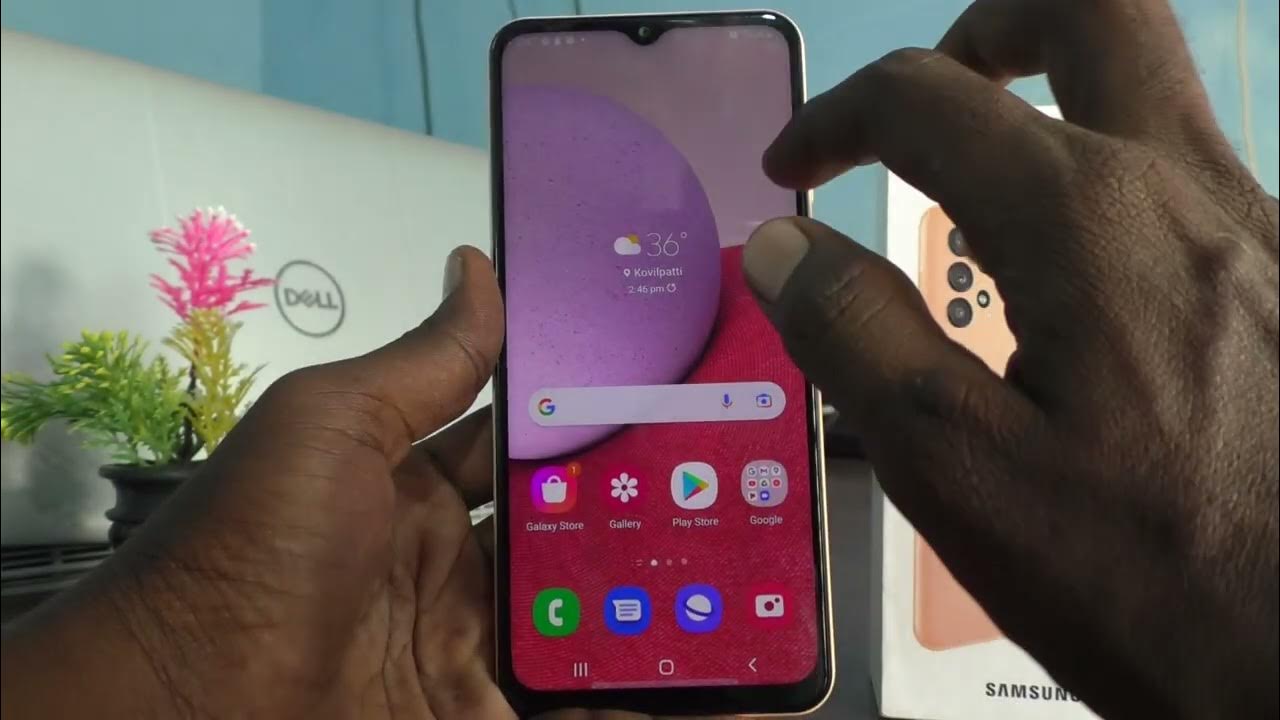
- Open the Settings app on your Android phone.
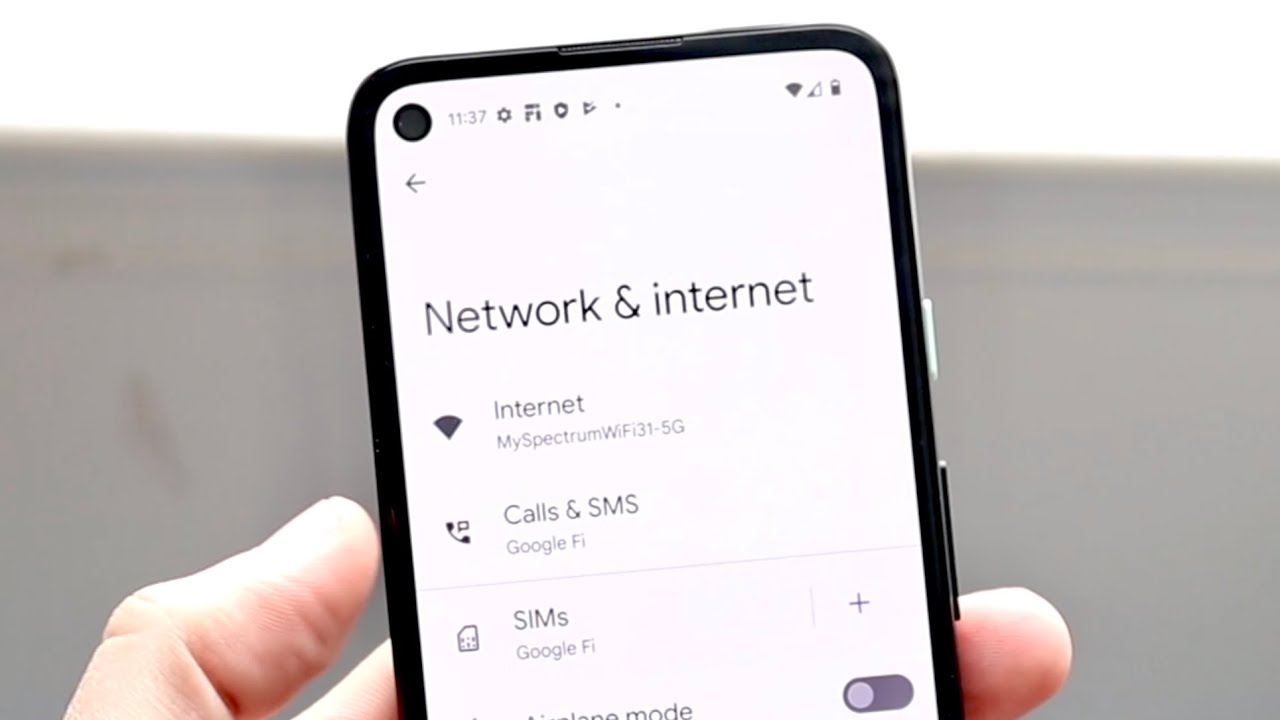
- Navigate to Network & internet or Connections.
- Tap Mobile network or SIMs.
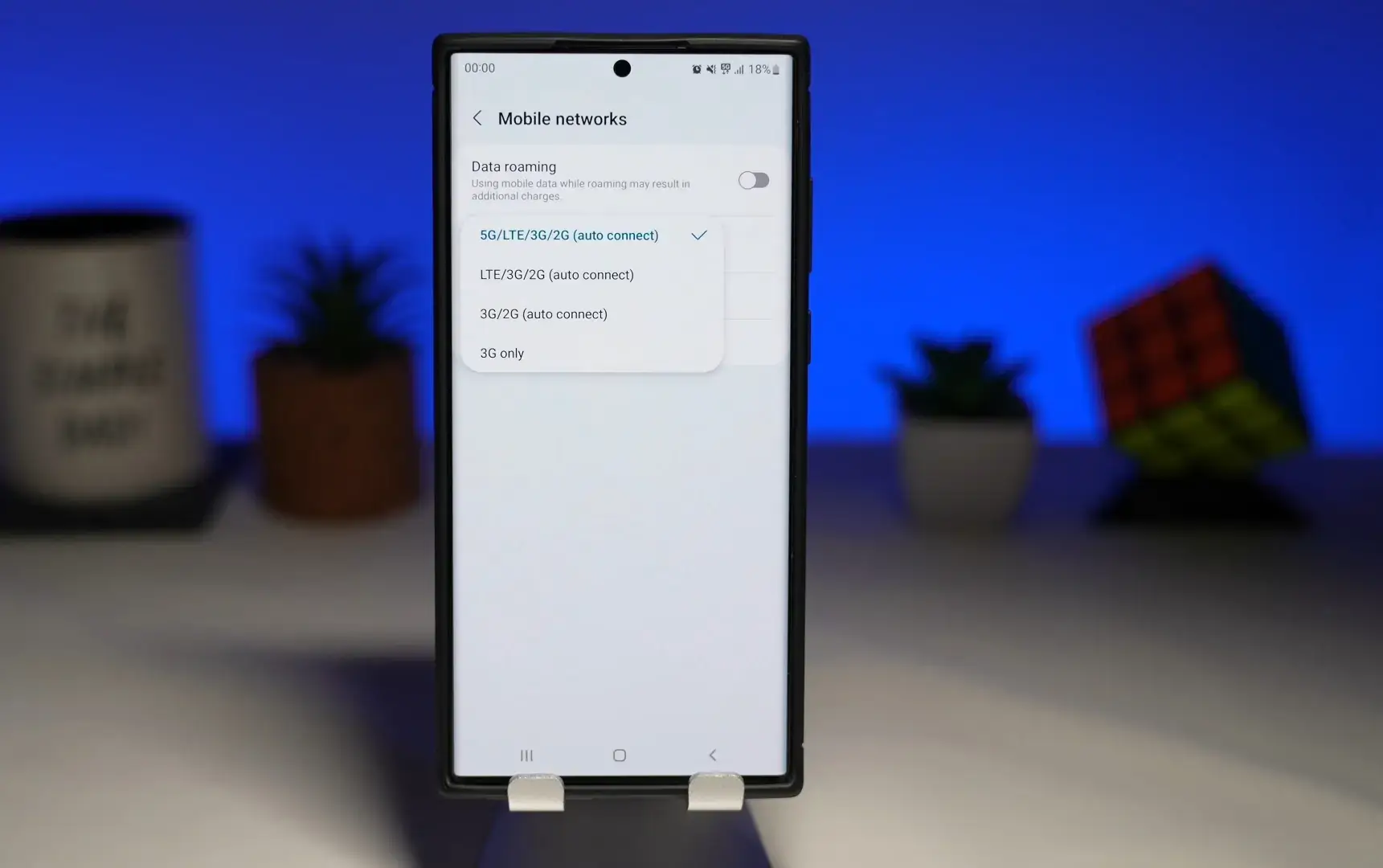
- Look for an option named Preferred network type or Network mode.
- Select the option that includes 5G, such as "5G (recommended)", "5G/LTE/3G/2G (auto connect)", or "5G/LTE/WCDMA/GSM Auto".
If you later need to change from 5G to 4G, you can return to the same menu and select a mode that includes 4G or LTE instead.
What to expect after enabling 5G
If all requirements are met, your phone should automatically connect to the 5G network when available. Your phone will automatically switch back to 4G or 3G if the 5G signal is weak or unavailable to maintain a stable connection. Using 5G can sometimes lead to faster battery drain compared to 4G, especially in areas with inconsistent 5G coverage.
Why your phone might still show 4G
If your phone still shows 4G after enabling 5G, there are a few common reasons. You may not have 5G coverage at your location, your SIM card might be incompatible, or your carrier plan may not include 5G access. Double-check each prerequisite to identify the issue and contact your carrier if needed.