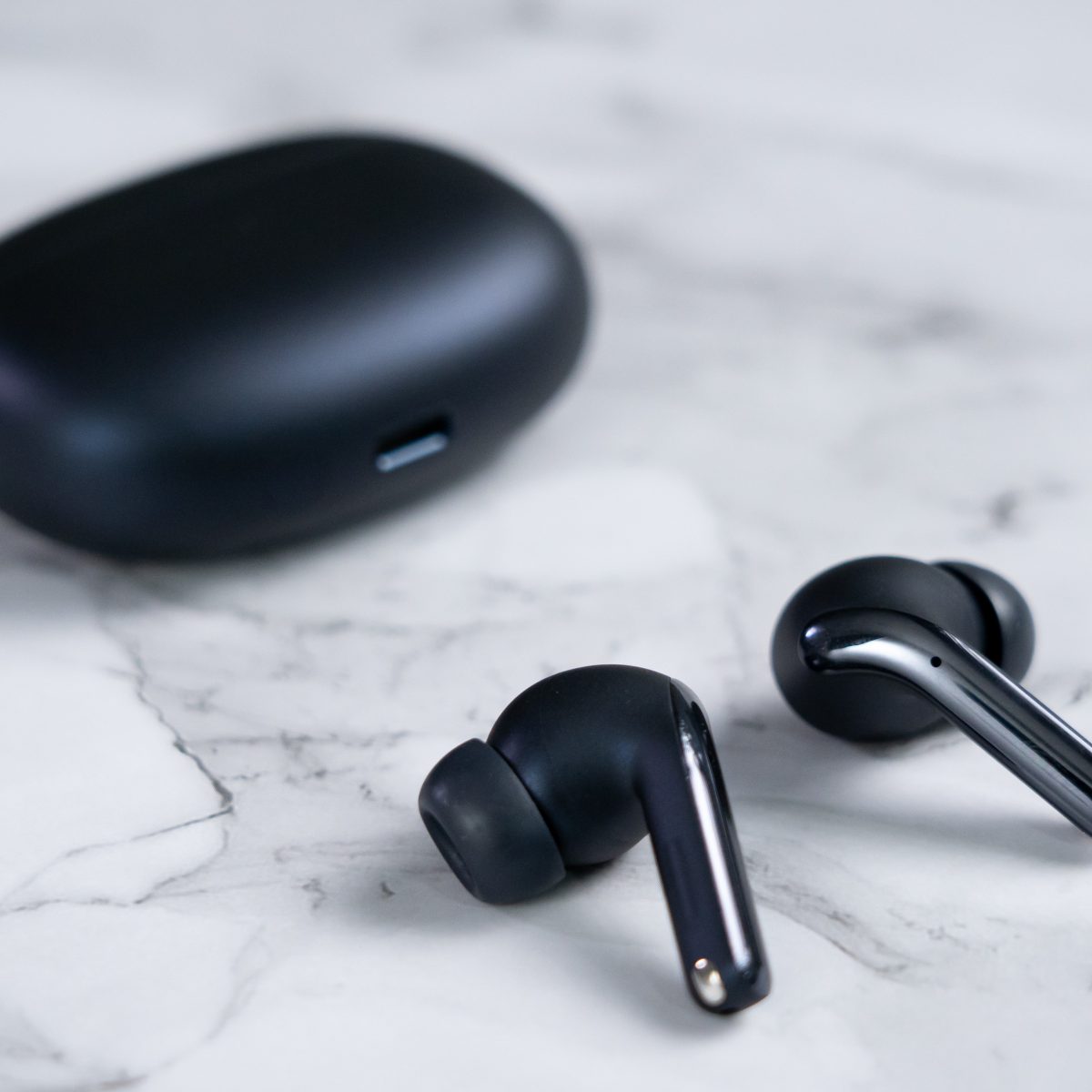
Most wireless earbuds have a standard wireless earbuds range of about 10 meters (33 feet) from your smartphone. This is the typical limit for Bluetooth Class 2 devices, which is what nearly all phones and earbuds use today.
Why Your Earbuds and Phone Share the Same Range Limit
Bluetooth devices are categorized by power classes that define their maximum theoretical range. Class 2 devices, which include the vast majority of smartphones and wireless earbuds, are designed to work up to 10 meters (33 feet) in ideal, unobstructed conditions, but you’ll need to pair jlab wireless earbuds correctly before testing that limit. Class 1 devices can reach up to 100 meters (300 feet), but these are rare in consumer audio gear.
When you pair two Bluetooth devices, the effective range is always limited by the least powerful device. Since almost all smartphones use Class 2 Bluetooth, your earbuds, even if they support Class 1, will never exceed the phone's Class 2 limit. This means the 10-meter/33-foot figure is the practical ceiling for most users, regardless of what the earbud manufacturer advertises.
Earbud-to-Earbud Range: A Separate Distance
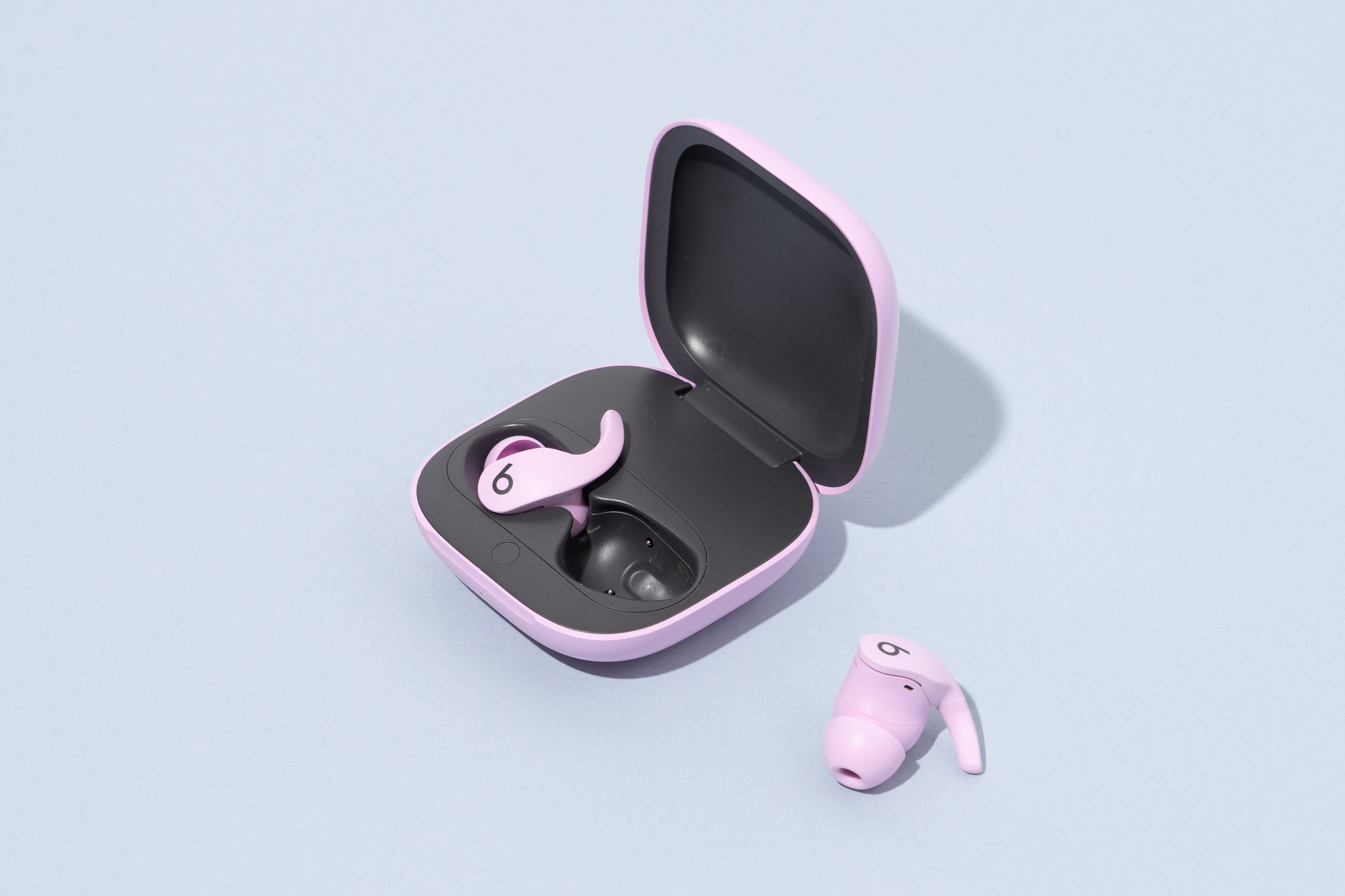
The distance between your left and right earbuds is a completely different metric from the phone-to-earbud range. This inter-earbud connection is often much shorter because it uses a lower-power signal to preserve battery life. For example, Jabra's verified specifications show that the maximum range between the left and right Jabra Elite 10 earbuds is just 1 meter (3 feet). The Jabra Elite 75t and Elite 85t have an even shorter inter-earbud range of only 20 centimeters (8 inches).
If you exceed this short distance, the earbuds may lose connection with each other, causing audio to drop from one side. This is not a defect, it's a deliberate design choice to maximize battery efficiency. Always keep both earbuds in your ears or within a few inches of each other when not in use.
Real-World Ranges from Popular Brands
While the Class 2 standard suggests 10 meters, real-world specifications from major brands confirm this figure under typical conditions. Bose states that the QuietComfort Ultra Earbuds have a Bluetooth range of up to 30 feet (9 meters), while the newer Bose QuietComfort Earbuds are rated at up to 33 feet (10 meters). Sony's WF-1000XM4 earbuds have a listed range of approximately 30 feet (10 meters). Jabra's official documentation also cites the Class 2 limit of 10 meters (30 feet) for phone connectivity.
These numbers are consistent across premium brands, showing that you should not expect significantly more than 10 meters from any standard wireless earbud when connected to a phone. If you see claims of longer range, they likely refer to Class 1 devices or unrealistic open-field testing.
Environmental Factors That Reduce Your Range
Even the 10-meter/33-foot figure is only achievable in perfect conditions. Several common environmental factors will shorten your wireless earbuds range:
- Walls and ceilings: Concrete, brick, and drywall absorb or reflect Bluetooth signals, often cutting range to 5-7 meters indoors.
- Furniture and large objects: Metal objects, filing cabinets, and even large appliances can block the signal path.
- Human body: Your body is mostly water, which attenuates Bluetooth signals. Keeping your phone in a pocket or bag reduces range by 1-2 meters.
- Wi-Fi routers and microwaves: These devices operate on the same 2.4 GHz frequency band as Bluetooth. Interference from them can cause dropouts and reduce effective range, especially in dense living spaces.
- Electromagnetic interference (EMI): Other electronics, power lines, and even certain lighting can disrupt the signal.
Outdoor use, with no obstacles and minimal EMI, will always give you the best range. Indoors, you should expect the range to shrink by 30-50% in most homes.
How to Maximize Your Wireless Earbuds Range
You can take several practical steps to get the most out of your earbuds' range, even in less-than-ideal environments. These tips apply equally to all brands, whether you use JBL wireless earbuds or another model.
Keep a Clear Line of Sight
Place your smartphone on a desk or table rather than in your pocket or bag. A direct, unobstructed path between the phone and your earbuds can add several meters of effective range. Avoid standing behind large furniture or walls.
Go Outdoors When Possible
If you need maximum range, step outside. Open air with no walls, metal objects, or competing Wi-Fi signals will give you the full 10 meters. This is ideal for yard work or outdoor exercise.
Minimize Interference
Move away from Wi-Fi routers, microwaves, and other Bluetooth devices. If you're working at a desk, position yourself away from the router. Turning off unused Bluetooth devices can also reduce signal congestion.
Keep Devices Charged
Low battery levels in either your earbuds or your phone can reduce transmission power, shortening the range. Charge both devices fully before expecting maximum performance.
Update Firmware
Manufacturers often release firmware updates that improve Bluetooth stability and range. Check your earbuds' companion app regularly and install updates when available. This can sometimes fix range issues caused by software bugs.
By following these steps, you can maintain a stable connection at the maximum distance your hardware supports. Remember that the 10-meter/33-foot figure is a best-case scenario, not a guarantee. If you need to move farther away, you'll need to accept that audio quality will degrade or drop entirely.