To find missing wireless earbuds fast, start by retracing your steps and checking the pockets, bags, and surfaces where you last used them. If your earbuds have a tracking app, skip the manual search and open the app to make them ring or see their last known location on a map.
Find Missing Wireless Earbuds: What to Do First
When you realize your earbuds are gone, pause and take a breath. Panic makes it harder to think clearly. Quickly retrace your movements from the last time you remember having them. Check the obvious spots first: your pockets, jacket lining, bag compartments, desk, couch cushions, and nightstand. If you have a model-specific tracking app (Apple, Samsung, Google), open it now and use the ring or map feature, this is your fastest path if the buds are within range.
Use the Find My App for Missing AirPods
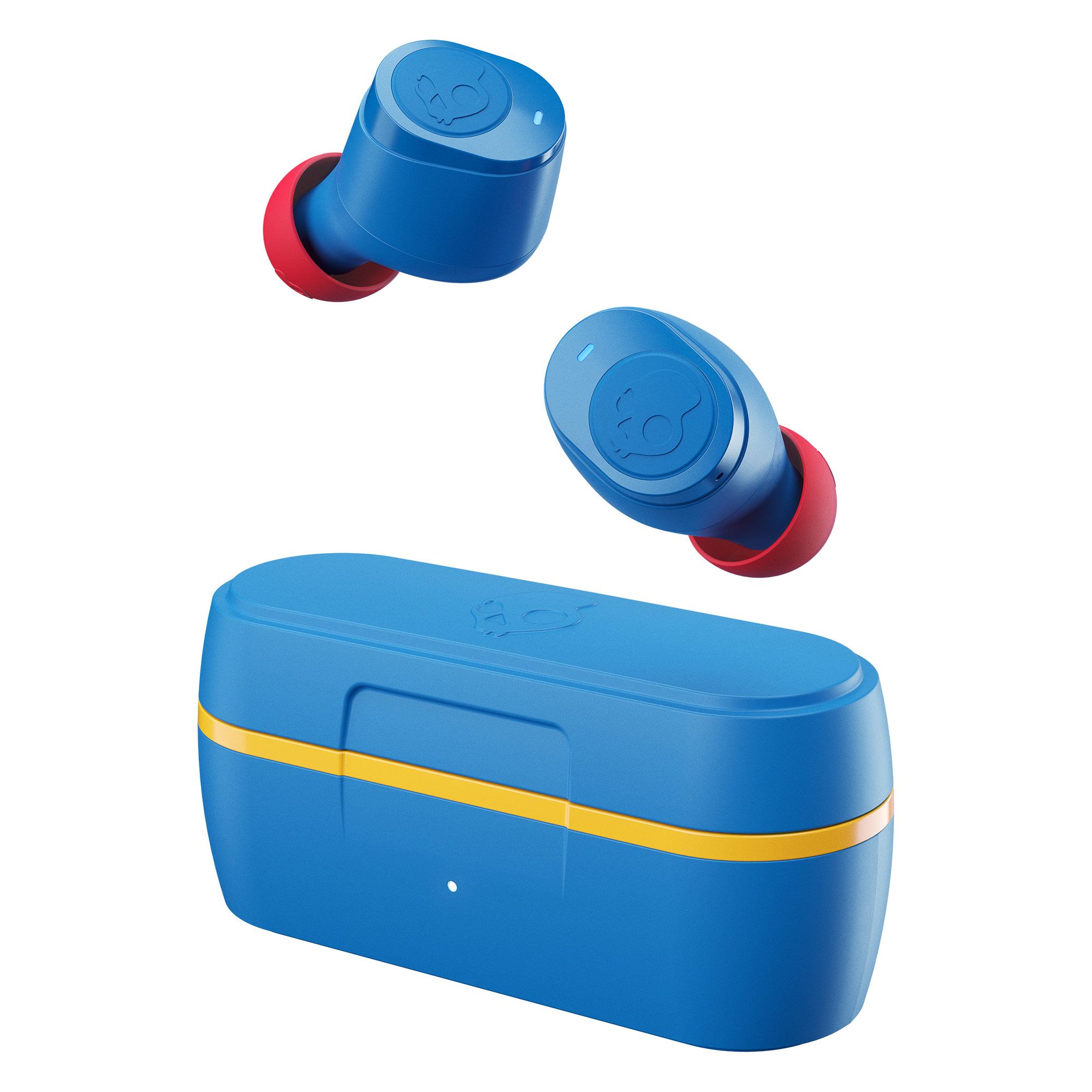
For Apple AirPods, the Find My app on your iPhone, iPad, Mac, Apple Watch, or iCloud.com/find is the primary tool. Open the app, select your AirPods, and choose Play Sound if they are out of the case and within Bluetooth range, this makes them emit a loud chirp to help you locate them. For AirPods Pro 2 and 3, and AirPods 4 (ANC), you can use Precision Finding with an iPhone 11 or later; this uses Ultra Wideband technology to show directional arrows and haptic feedback, guiding you directly to the earbuds. Newer models (AirPods 3, 4 ANC, Pro, Max) also tap into the Find My network, which can display their location for up to 24 hours after the last connection, even if they are out of Bluetooth range. If your AirPods Pro 2 or 3, or AirPods 4 (ANC), are in their charging case, you can play a sound from the case itself. When the buds are offline, out of battery, or inside the case (for most models), Find My will show the last known location rather than a live one. If you are searching for a different brand like Realme, the approach changes significantly, lost Realme earbuds? here's how to track and find them using their dedicated wireless earphone locator feature, and for Skullcandy users, the steps to find lost jib true wireless earbuds rely on a different manual reconnection trick.
Use SmartThings Find for Missing Galaxy Buds
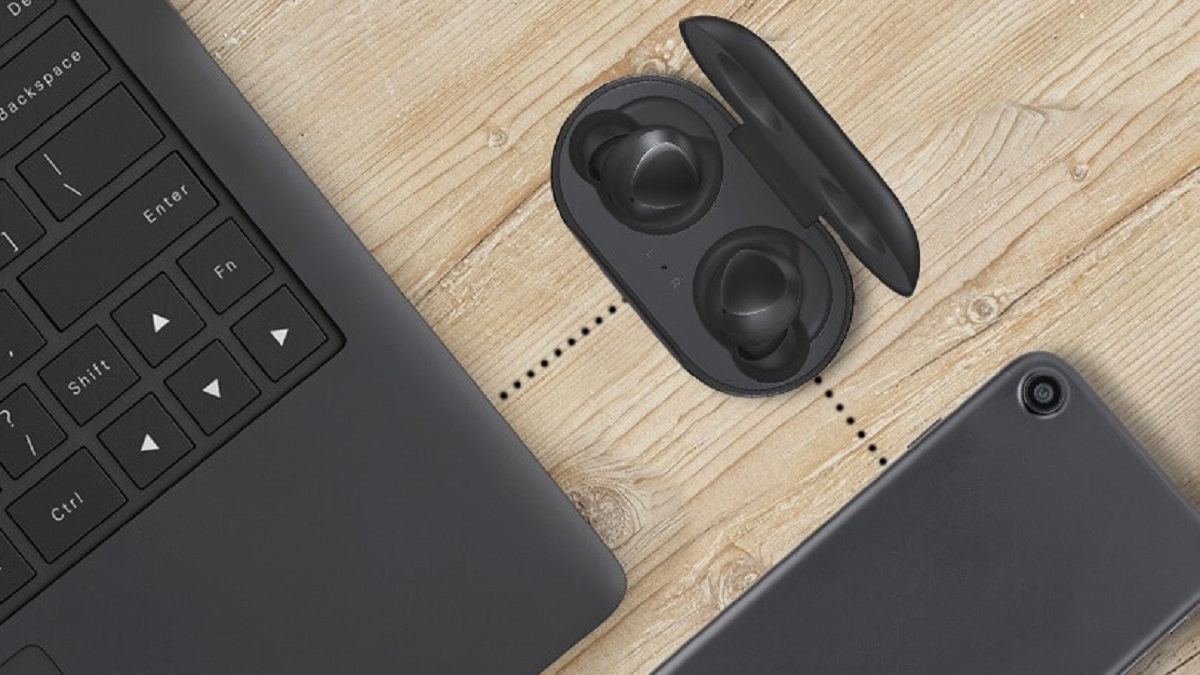
Samsung Galaxy Buds users should open the Samsung Find app, SmartThings Find app, or Galaxy Wearable app to see their earbuds on a map. If the buds are connected and within Bluetooth range (typically about 32 feet), tap Ring or Play Sound to make them emit a distinct tone. For disconnected or out-of-range buds, these apps will show the last known location. Note that older Galaxy Buds charging cases generally cannot be tracked or rung, only the earbuds themselves can. If your buds are offline, the map will show where they were last seen, which gives you a starting point for your search.
Use Find My Device for Missing Pixel Buds
For Google Pixel Buds, open the Find My Device app (or the Pixel Buds app for older models). With Pixel Buds Pro 2 and 2a, you can ring both the individual earbuds and the charging case; for other Pixel Buds models, only the earbuds can be rung. These location features require your buds to be paired with a compatible Android device (Android 6.0+ or Android 9+ for some features) and have location services enabled on your phone. If your buds are out of range or powered off, the app will show the last known location instead of a live one. If you need to find lost Bluetooth headphones that are turned off Android, the last known location can still narrow your search to a specific room or route.
Why Your Earbuds Show “No Location Found”
The “No Location Found” or “Offline” message in your tracking app almost always means one of three things: the earbuds are out of battery, out of Bluetooth range, or they have been reset and re-paired to a different device. When any of these happen, the app cannot update the location, so it shows the last known spot or nothing at all. To prevent this in the future, always put your earbuds back in their case when not in use, this keeps them charged and connected to your phone. If you do see “No Location Found,” don’t assume they are gone forever; use the last known location as a clue and move on to a manual search of that area.
Search Your Home When There’s No App Signal
When the app can’t help, a systematic manual search is your best bet. Start by checking all your pockets, pants, jacket, coat, and the corners of any bags you carry. Then move to the car: check between the seats, under the seats, and in the door pockets. If you work out with them, look inside your gym bag and its smaller compartments. Use a flashlight to illuminate dark areas, under furniture, and behind cushions. Check at eye level and on lower surfaces, earbuds often fall onto shelves or get kicked under tables. If you have a partner or roommate, ask them to help; assign each person a specific room or section so you don’t double up. Keep a positive mindset and don’t give up after one pass, sometimes a short break helps you spot something you missed. For a thorough search, create a checklist of every room and mark off areas as you go.
Next Options
If you’ve exhausted every manual search and the app still shows nothing, consider professional search services that specialize in finding lost items, they may use advanced equipment like snake cameras to reach places you can’t. If your earbuds are expensive or covered by insurance, contact your provider about a claim; they may require documentation of your search efforts. Finally, reach out to the manufacturer’s support, they might have specific recommendations for your model or offer repair/replacement options. These steps are worth trying before you give up, but remember that the most effective strategy is always a calm, systematic search combined with the tracking tools your earbuds already have.