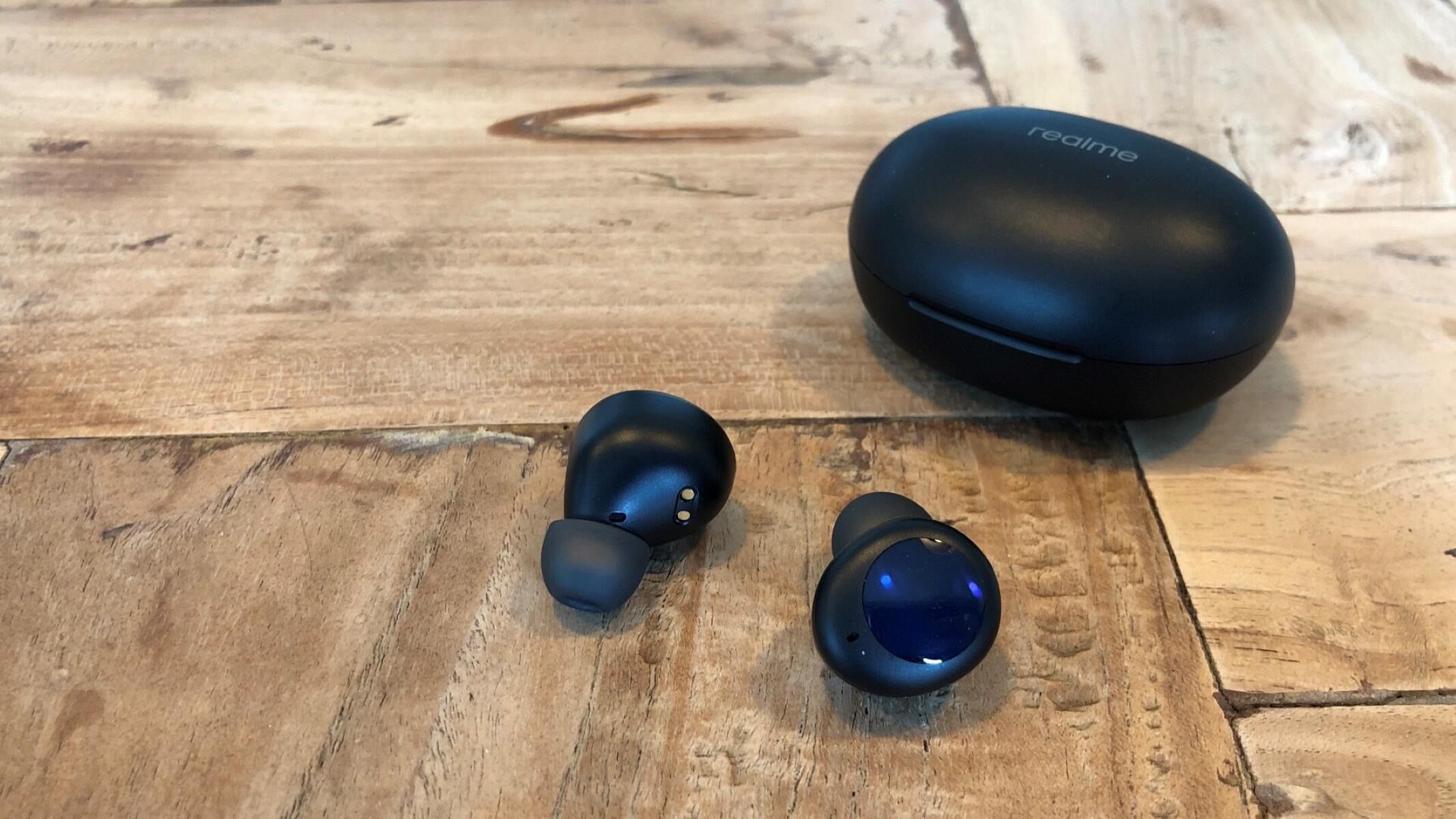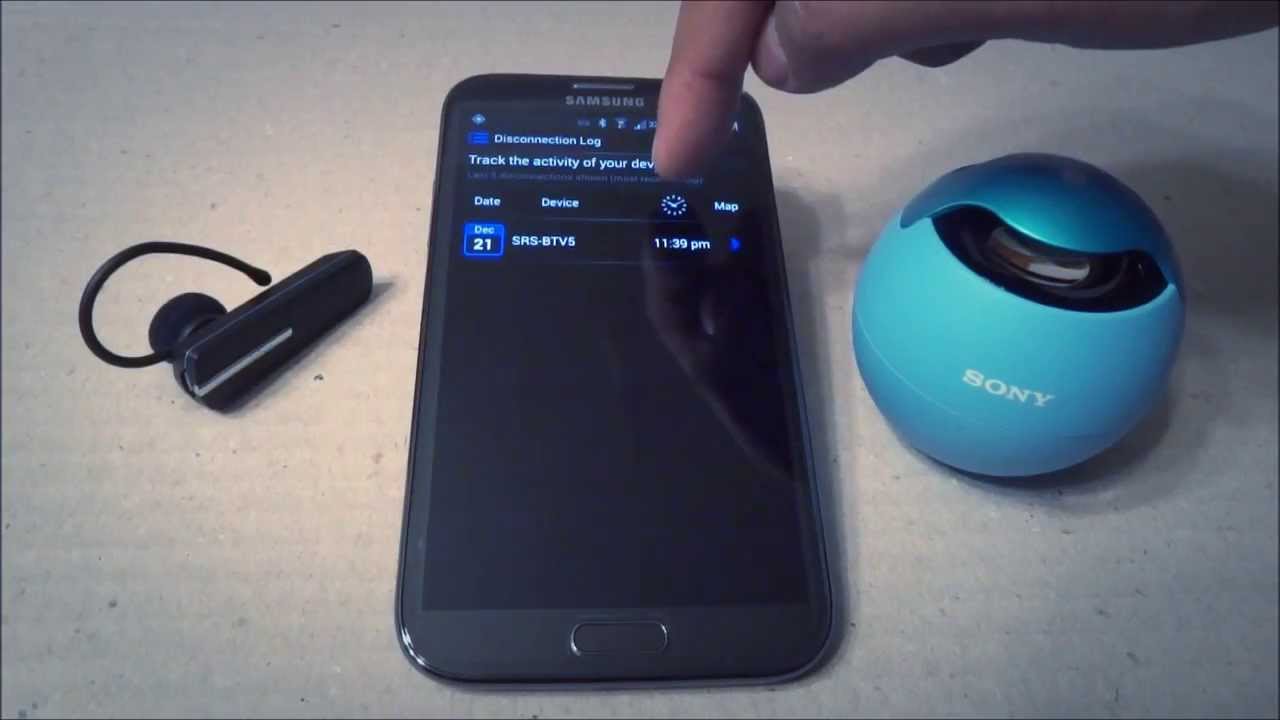
The quickest way to find lost Jib True Wireless Earbuds depends entirely on which model you own: the original Jib True has no built-in tracking, while the Jib True 2 can be located using the Tile app. If you have the newer model, you can make them ring or see their last known location; if you have the original, you’ll need to rely on a manual search. Before anything else, check the model name printed on the charging case or the original box, this one detail determines which of the two methods below will actually work for you. If you misplaced a different brand entirely, you can use a similar approach to lost Realme earbuds? here's how to track and find them. If you are unsure which model you misplaced, the broader approach to find missing wireless earbuds works across any brand.
Identify your model of Jib True Wireless Earbuds
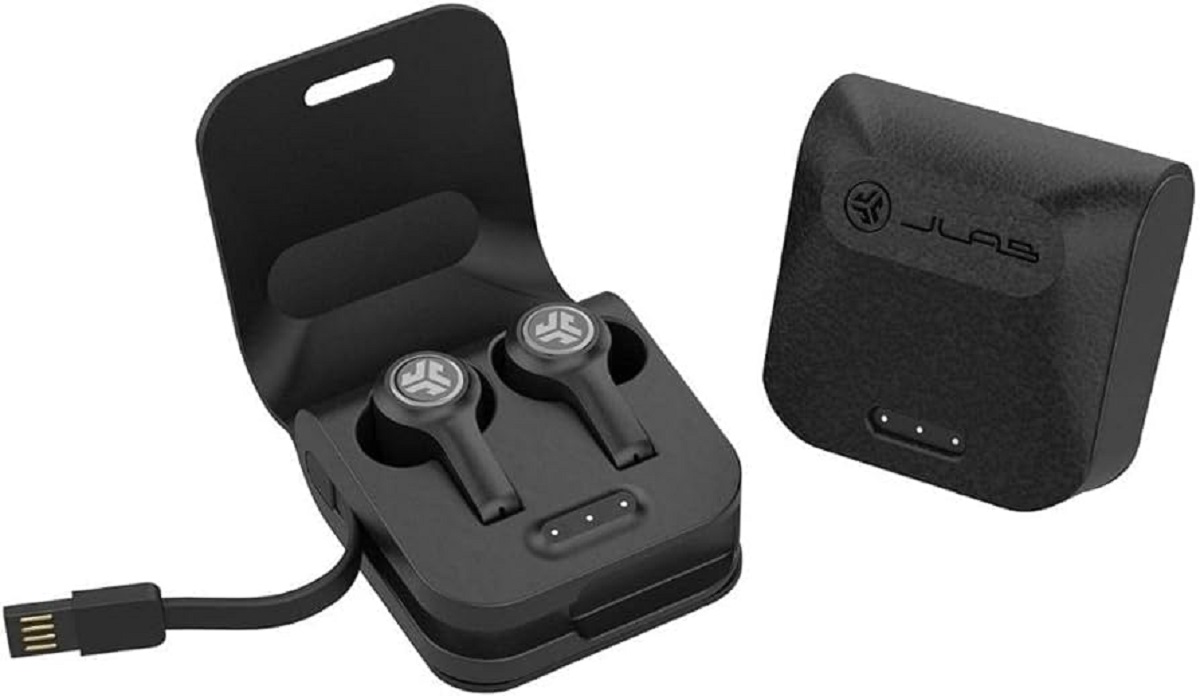
Look for the word “Jib True 2” on the charging case lid, the underside of the case, or the product packaging. The Jib True 2 is the only version with Tile finding technology built in, it pairs with the Tile app and can be tracked even when powered off. The original Jib True (often just labeled “Jib True” or “Jib True Wireless”) has no tracking chip, no companion app, and no way to make it ring remotely. If you see no “2” anywhere, you have the original model and should skip straight to the manual search section. If you do see “2,” proceed with the Tile app method.
How to find your lost Jib True 2 earbuds with the Tile app
Download the Tile app from the App Store or Google Play and create a free account if you don’t already have one. Open the app, enable Bluetooth on your phone, and follow the on-screen instructions to connect each earbud individually, this ensures both buds are trackable, not just one. Once paired, the app gives you two main tools to find your lost Jib True 2 earbuds.
Use the Ring feature to sound a tone
If you think the earbuds are somewhere nearby, under a pillow, in a jacket pocket, or between car seats, open the Tile app and tap the “Ring” button next to your Jib True 2. The earbuds will emit a loud, high-pitched tone that gets progressively louder, making it easy to pinpoint them even in cluttered spaces. This works whether the earbuds are powered on, powered off, or sitting inside the closed charging case.
View the last known location on a map
If the Ring feature doesn’t help because the earbuds are out of Bluetooth range, tap the “Location” tab in the Tile app. You’ll see the last known position where your earbuds synced with your phone, shown as a map pin with a timestamp. This tells you where they were when you last had them nearby, which narrows your search area significantly. For example, if the last location shows your office, you can focus your physical search there rather than tearing apart your whole house.
Use the Tile Network for out-of-range earbuds
When your Jib True 2 earbuds are outside your phone’s Bluetooth range, the Tile Network can still help. Every other Tile user’s phone acts as a beacon: if your earbuds come within Bluetooth range of any Tile app user, that phone anonymously updates your earbuds’ location in your app. So if you lost them at a park, a store, or a friend’s house, the Tile Network may show you a fresh location pin even if you’re miles away. This is a passive system, you don’t need to do anything except check the app periodically for updated location data.
How to find your lost original Jib True earbuds manually
The original Jib True earbuds have no tracking technology, no app, and no way to make them ring. That means your search is entirely manual, but a systematic approach beats frantic rummaging. Start with these three steps in order, and you’ll cover the most likely hiding spots quickly.
Retrace your steps
Think back to the last five places you used or handled the earbuds. Go to each location and physically search the immediate area, desks, counters, nightstands, and car cup holders. Pay special attention to spots where you typically remove earbuds: the couch armrest, the bathroom sink, or the gym bench. If you were wearing them while doing a task, revisit that task’s area. Earbuds often fall out of ears during quick movements, so check the floor near where you were standing or walking.
Check between cushions and furniture
Earbuds are small and slippery, so they easily slide into the gaps between couch cushions, under chair seats, or between the seat and armrest of a car. Run your hand along every seam, lift each cushion fully, and check the crevice where the backrest meets the seat. Also look under furniture, earbuds can bounce and roll under a sofa, bed, or bookshelf. Use a flashlight to scan dark corners and under low furniture, since the dark color of most earbuds makes them nearly invisible in shadow.
Look in bags and pockets
Empty every bag, backpack, purse, and jacket pocket you’ve used in the last 48 hours. Check the small inner pockets, zippered compartments, and any side pouches, earbuds often slip into these without you noticing. Turn each pocket inside out and shake it over a bright surface. Also check the charging case itself: the original Jib True case has a small indentation where each bud sits, and it’s easy to think you lost them when they’re actually still inside, just wedged at an angle. If you find the case but not the buds, look inside the case with a flashlight, sometimes a bud gets stuck under the lid hinge.
If you’ve exhausted these spots and still haven’t found them, ask anyone you live with or work alongside if they’ve seen them, and check lost-and-found bins at places you visited. For future losses, consider attaching a small Bluetooth tracker like a Tile Sticker to the charging case, this gives you the same “ring” and last-location features as the Jib True 2, and it’s the only way to find lost Bluetooth headphones that are turned off on Android or iPhone when you own the original model. Remember that the “Find My Device” feature on your phone does not work with Skullcandy earbuds, it only tracks phones and tablets, not Bluetooth audio accessories. Your best bet for the original Jib True is a thorough manual search, and for the Jib True 2, the Tile app is your fastest path to reunion.